• $73.99
  • Free 30-day Returns
  • Shipped by LionTech Direct

    Price alert
    Shop it at NeweggBusiness.

    Meet Your Seller

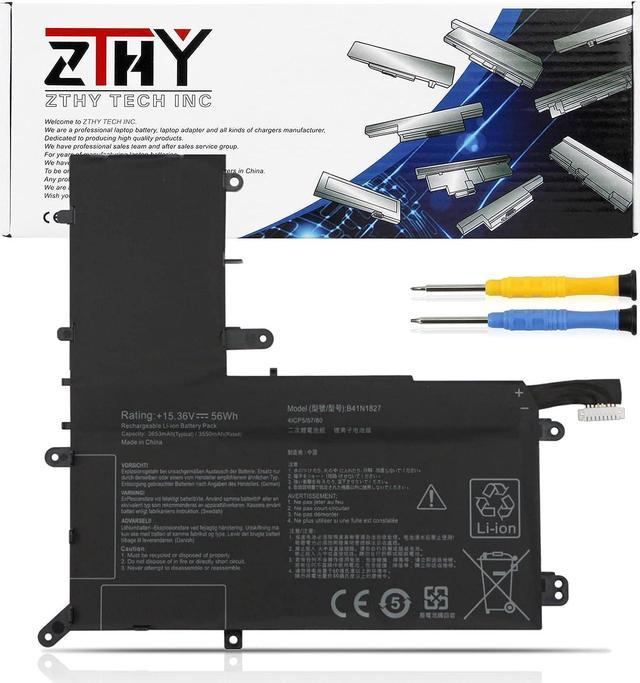
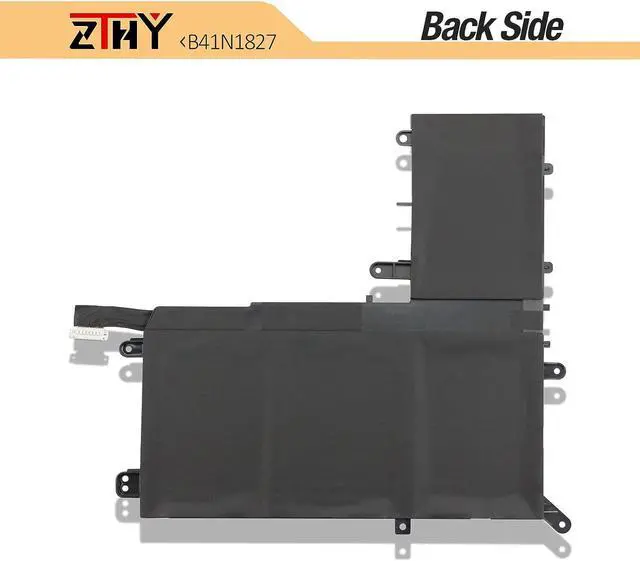
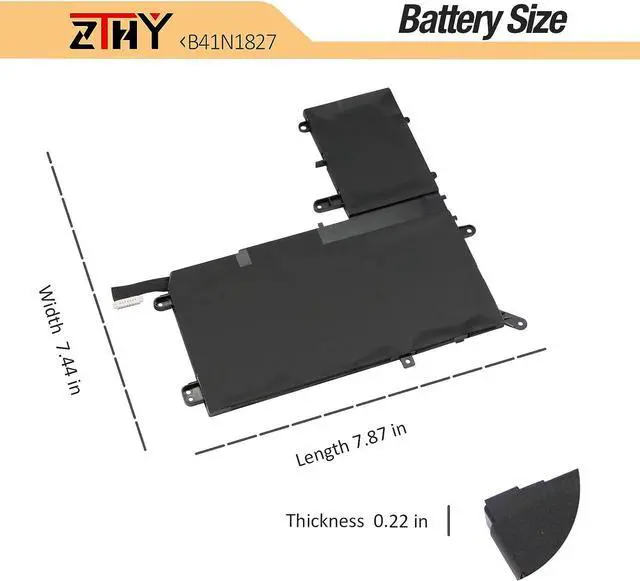
    ZTHY B41N1827 Battery Replacement for Asus ZenBook Q526 Q526F Q526FA Q507

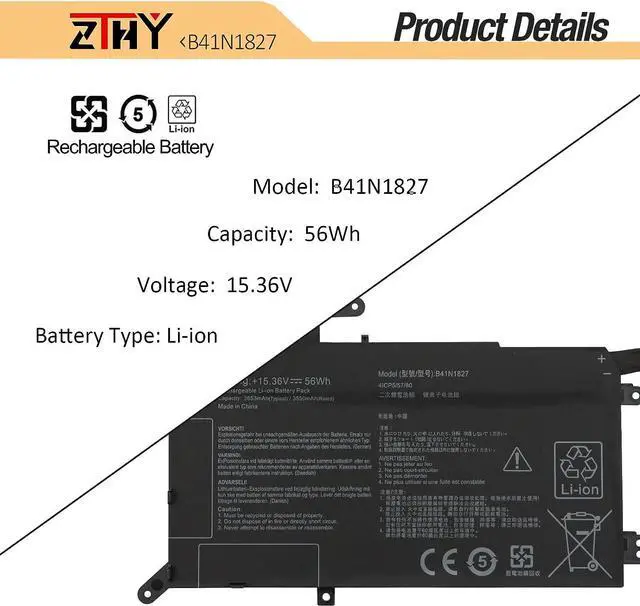
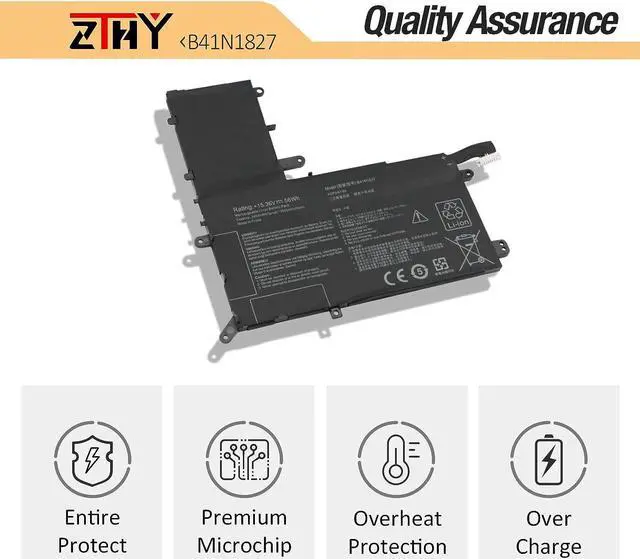
    • Specification: Battery Type: Li-ion; Voltage: 15.36V; Capacity: 56Wh.Replace Part Number: B41N1827 B41BmE1 0B200-03070200 4ICP5/57/80
    • Compatible Models: Replacement for Asus ZenBook Flip 15 UX562FA UX562FAC UX562IA UX562UG 526FA Q526FAC Q507IQ UM562IA UX562FA-2G UX562FA-2S UX562FA-AC022T,UX562FA-AC033T,UX562FA-AC048T,UX562FA-AC050T,UX562FA-AC051T,UX562FA-AC072T,UX562FA-AC079T,UX562FA-AC096T,UX562FA-AC065T,UX562FA-AC091T,UX562FA-AC112T,UX562FA-AC094T,Q526FA-BI7T13,Q526FA-BI7T10,UM562IA-EZ021T,UM562IA-EZ022T,UX562IQ,UM562IA-WB501T
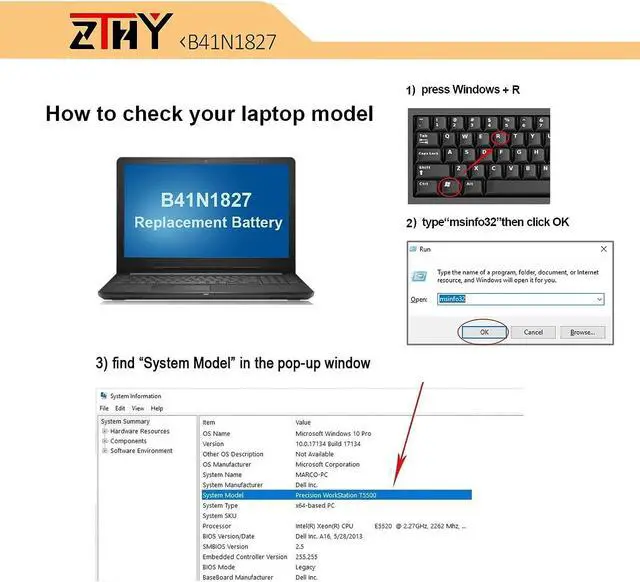
    • Critical Compatibility Check Required: For seamless device performance, verify your original batterys exact model number before ordering. Similar laptop models may look compatible, but a mismatched battery can physically fit yet cause compatibility glitches and charging failures.
    • Note: If you install the battery, you find that the laptop cannot detect the battery or the battery level cannot be displayed normally. Please check whether the battery cable is i
    +
    +
    Overview
    Specs
    Reviews
    avatar

    Any questions? Our AI mode will help you find out quickly.

    Specification: Battery Type: Li-ion; Voltage: 15.36V; Capacity: 56Wh.Replace Part Number: B41N1827 B41BmE1 0B200-03070200 4ICP5/57/80
    Compatible Models: Replacement for Asus ZenBook Flip 15 UX562FA UX562FAC UX562IA UX562UG 526FA Q526FAC Q507IQ UM562IA UX562FA-2G UX562FA-2S UX562FA-AC022T,UX562FA-AC033T,UX562FA-AC048T,UX562FA-AC050T,UX562FA-AC051T,UX562FA-AC072T,UX562FA-AC079T,UX562FA-AC096T,UX562FA-AC065T,UX562FA-AC091T,UX562FA-AC112T,UX562FA-AC094T,Q526FA-BI7T13,Q526FA-BI7T10,UM562IA-EZ021T,UM562IA-EZ022T,UX562IQ,UM562IA-WB501T
    Critical Compatibility Check Required: For seamless device performance, verify your original batterys exact model number before ordering. Similar laptop models may look compatible, but a mismatched battery can physically fit yet cause compatibility glitches and charging failures.
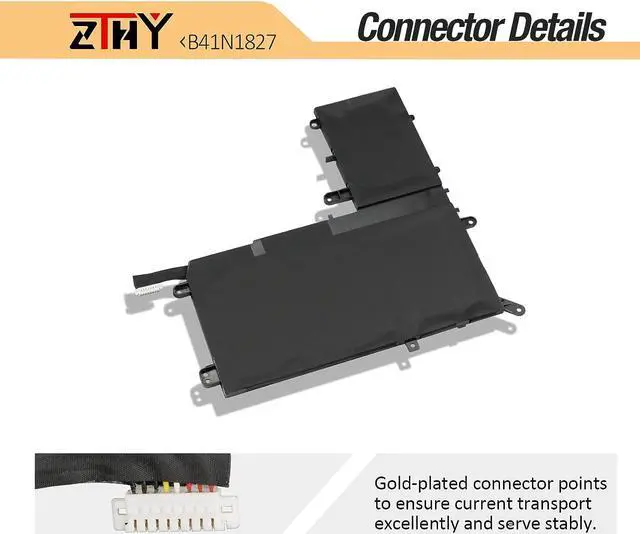
    Note: If you install the battery, you find that the laptop cannot detect the battery or the battery level cannot be displayed normally. Please check whether the battery cable is installed properly. Sometimes the battery cannot be charged because the cable is not fixed properly
    Note: If the new battery is not recognized during the initial installation, please reinstall and check if the interface is fully connected. Discharge the new battery to 10-20% (not 0%), then charge and cycle 3-4 times to wake up the new battery

    Warranty & Returns

    Warranty, Returns, And Additional Information

    Warranty

    • Please contact the Seller directly for warranty information. Warranty information may also be found on the Manufacturer's website.
    • CONTACT

    Return Policies

    Manufacturer Contact Info

    LOADING...