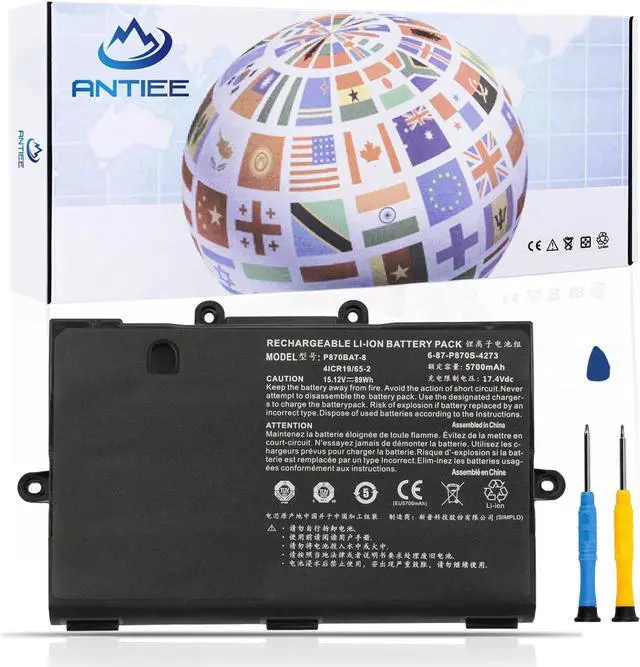
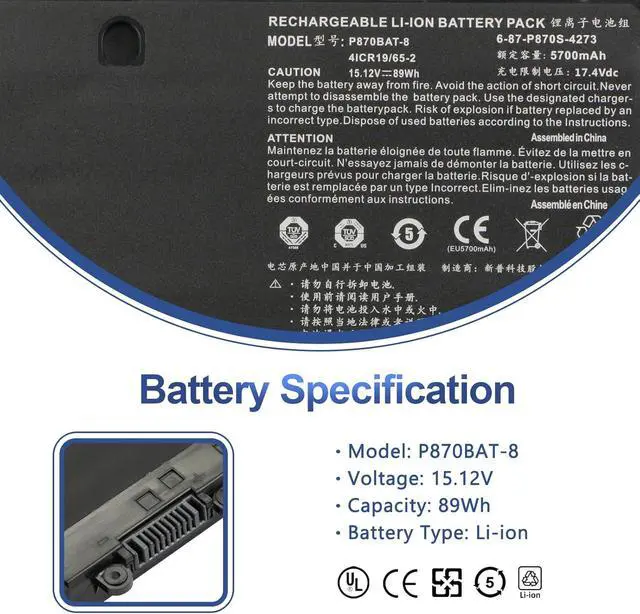
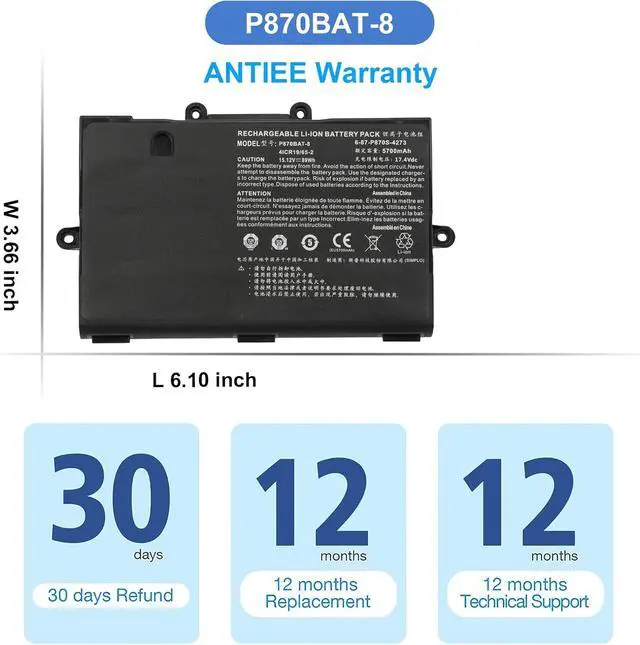
Clevo P870BAT-8 Battery
Professional Manufacturer - Specializing in various laptop batteries and all kinds of chargers.
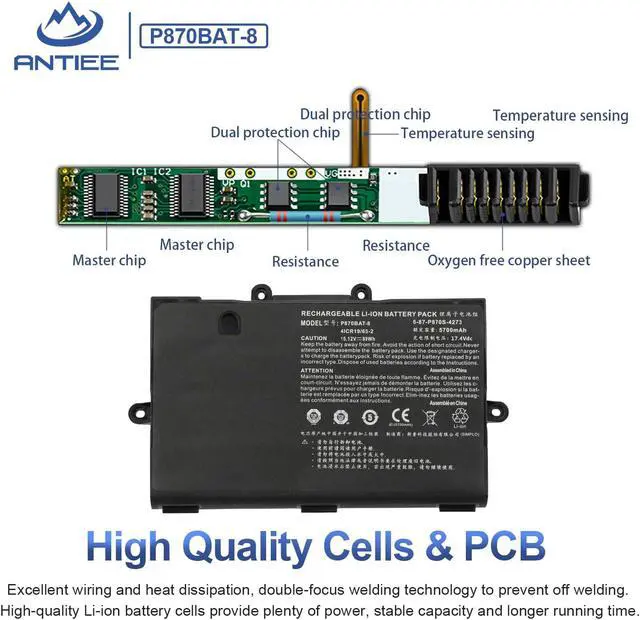
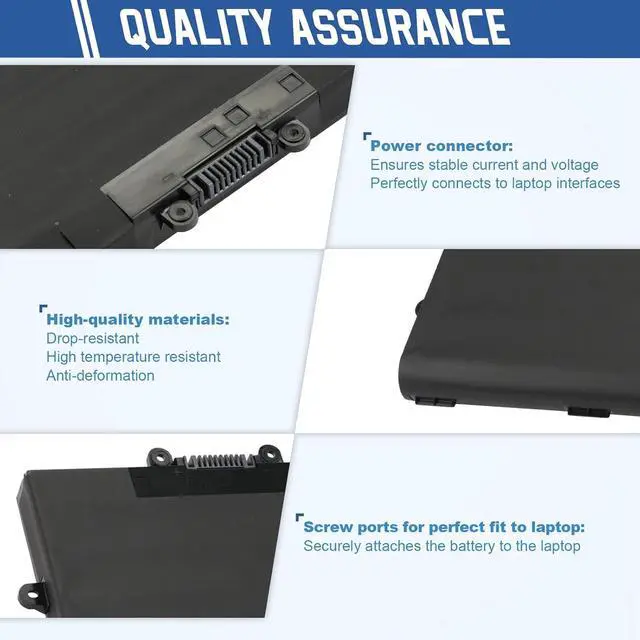
Reliable for users - Our products undergo strict quality control inspections before being sold.
Reliable for Users - If battery is defective within 1 year, we offer a free replacement.
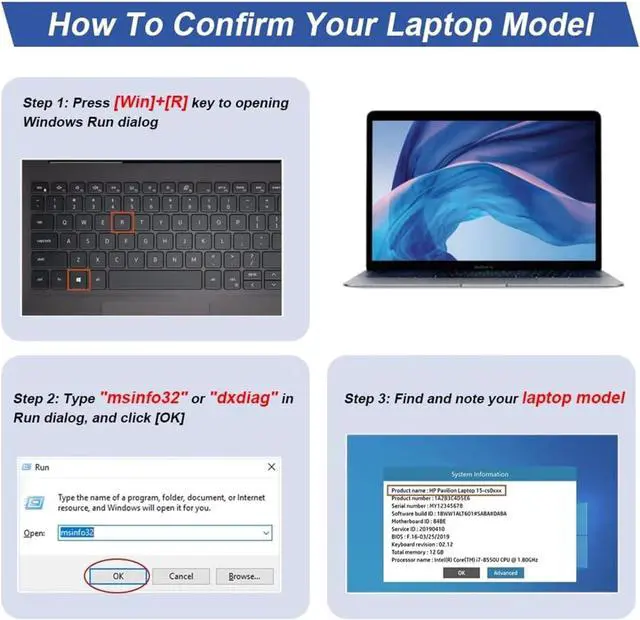
Find the Battery Model
Find the Laptop Model,press "Windows+R"
Type "msinfo32" then click "Ok"
Find "System Model" in the pop-up window
Compatible Part Number P870BAT-8 6-87-P870S-4271 6-87-P870S-4272 6-87-P870S-4273 6-87-P870S-4273A Compatible Model Clevo P870TM-G P870DM3-G P775DM3 P870DM2 P870TM1-G P870KM P870KM1-G P870DM2-G P870KM-GS P870DM3 P870DM-G P870DM P8700S Series Compatible Model Technologies XMG U726 U727 Series Compatible Model Sager NP9870 NP9870-S Series Compatible Model Hasee GX9-SP7S1 GX9 Plus GX9-SP7 PLUS GX9 CP77S02 GX9 Pro Series Compatible Model Eurocom XMG U727 2017 Sky X7E2 X9E3 X9C Series What do I need to be aware of when I receive a battery?
1.Check Model Numbers:Ensure the batterys model number (e.g. part number, serial number) matches your laptops specifications.2. Read Instructions:Follow the manufacturers guidelines for installing the battery.
How should I do if the battery is not recognised?
If it is not recognised, it is recommended to update the BIOS settings or please disconnecting the old battery, and holding down the power button for 20 seconds, then connect the new battery.
Battery Dies Suddenly at About 20%,How to Fix it?
1.Disconnect the power cord
2.Remove the battery
3.Hold down the power button for 30 seconds, then release for 30 sec and then hold down for another 30 sec
4.Plug in power, replace battery and power on laptop.
How to maintain my laptop battery if i dont use it for weeks or months?
1.Store at 4060% Charge.
2.Keep it in a cool, dry, dark place, away from moisture and metal objects.
3.If storing for over 3 months, charge the battery back to 4060% every 3 months to prevent deep discharge.
ANTIEE is your best choice! Compatible Models (use "Ctrl+F" to find your model quickly): What do I need to be aware of when I receive a battery?
How should I do if the battery is not recognised?
Battery Dies Suddenly at About 20%,How to Fix it?
How to maintain my laptop battery if i dont use it for weeks or months?





 here!
here!