Your Browsing History
Meet Your Seller
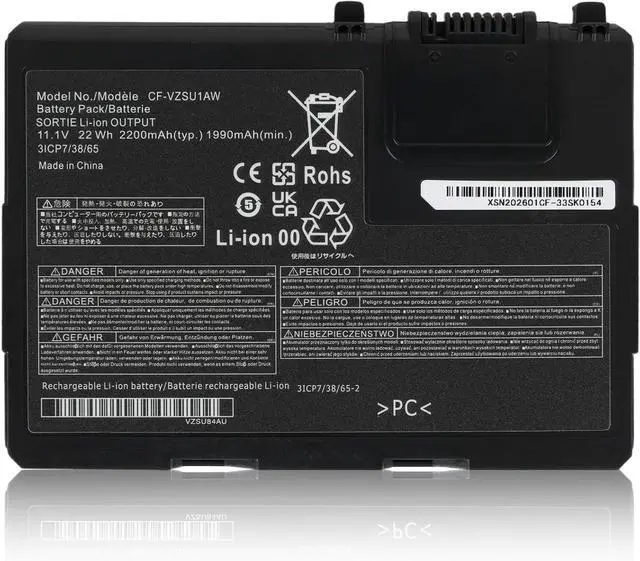
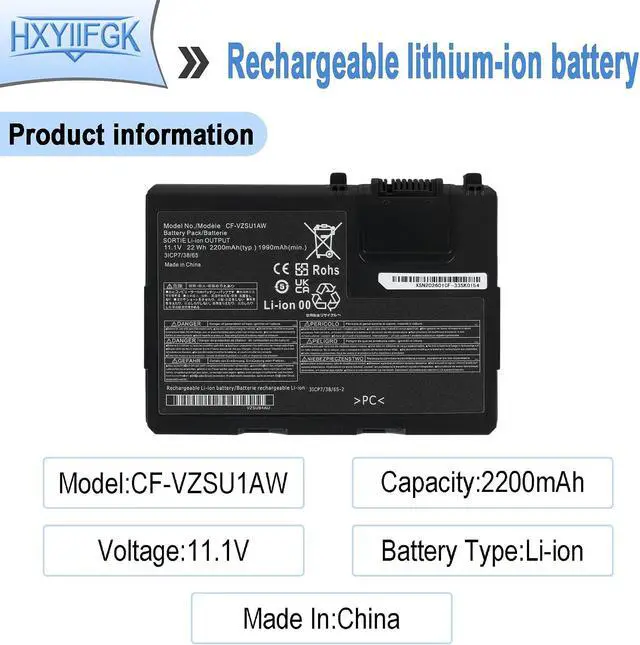
CF-VZSU1AW Laptop Battery Replacement for Panasonic Toughbook CF-33 12 inch CF-33MK1 CF-VZSU1AR CF-VZSU1AJS CF-VZSU1BW CF-33AEHFATG CF-33AEQGATG CF-33AEHFZTG CF-33AEHFZTN
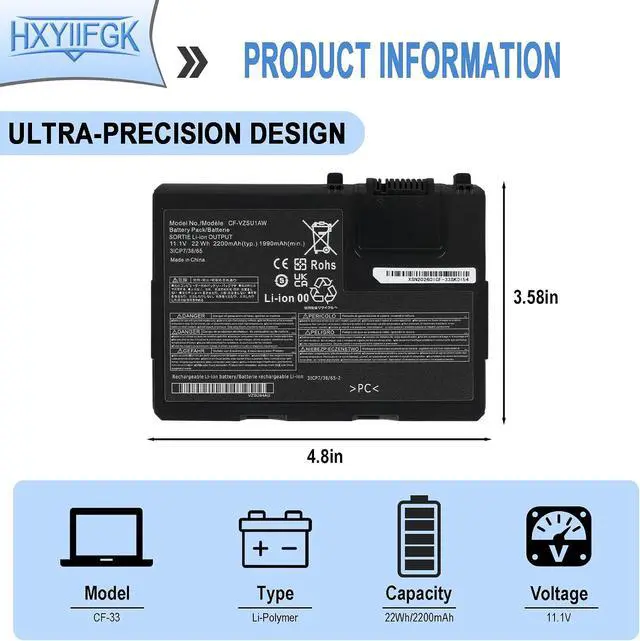
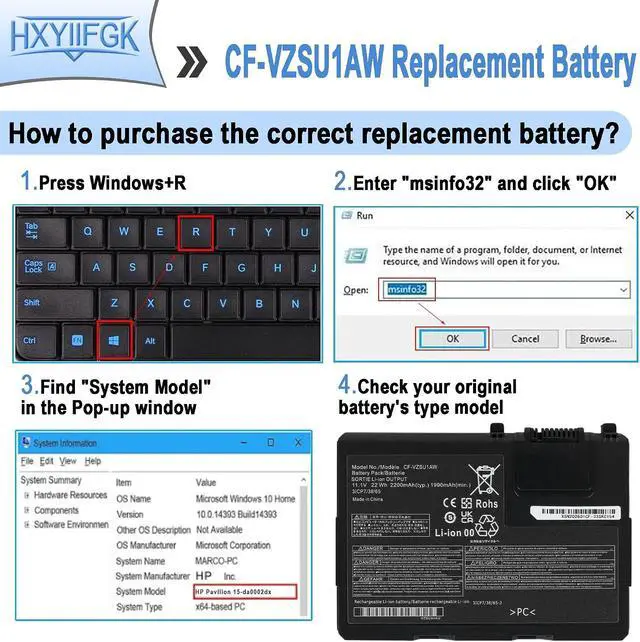
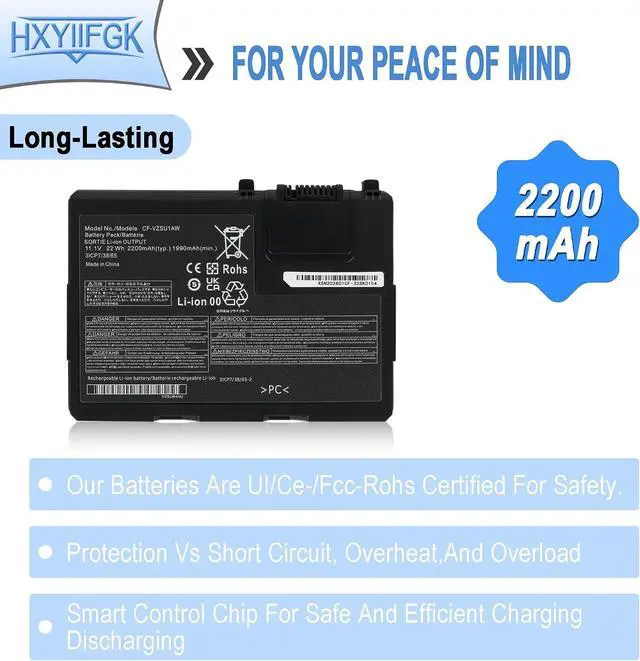
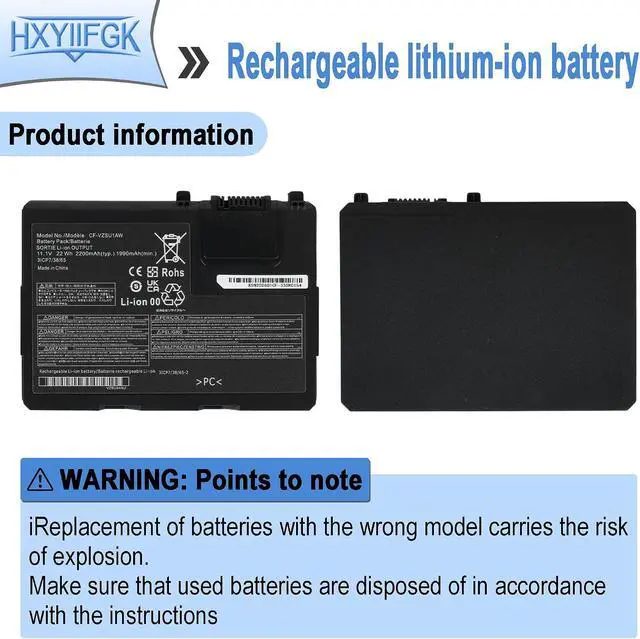
- Specifications: Battery type: Li-ion. Color: Black. Voltage: 11.1V. Capacity: 22Wh/1990mAh. New from Manufacturer
- Compatible Part Number: CF-33 CF-VZSU1AW CF-VZSU1AR CF-VZSU1AJS
- Compatible with Laptop Models: Replacement for Panasonic Toughbook CF-33, Toughbook CF-33AEHFATG, Toughbook CF-33AEHFZTG, Toughbook CF-33AEHFZTN, Toughbook CF-33AEHGATG, Toughbook CF-33AEQGATG, Toughbook CF-33LEHFAT3, Toughbook CF-33LEHGAT3, Toughbook CF-33LEQGAT3, Toughbook CF-33mk1 Series
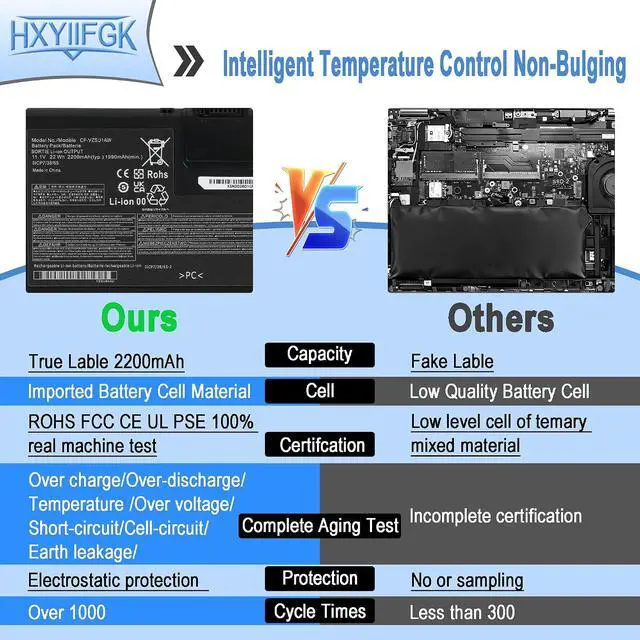
- Note: If the new battery is not recognized during the initial installation, please reinstall and check if the interface is fully connected. Discharge the new battery to 10-20% (not 0%), then charge and cycle 3-4 times to wake up the new battery
- Every customer enjoys 12 Months Replacement Exchange . Please feel free to contact us if you have any problem with this Battery, we are committed to making it right for you. 24 x 7 Email Support.
+
+
Overview
Specs
Reviews
Any questions? Our AI mode will help you find out quickly.
Try me now
Compatible Part Number CF-VZSU1AW CF-VZSU1AR CF-VZSU1AJS
Compatible Model Replacement for Panasonic Toughbook CF-33 Series;
Compatible Model Replacement for Panasonic Toughbook CF-33AEHFATG Series;
Compatible Model Replacement for Panasonic Toughbook CF-33AEHFZTG Series;
Compatible Model Replacement for Panasonic Toughbook CF-33AEHFZTN Series;
Compatible Model Replacement for Panasonic Toughbook CF-33AEHGATG Series;
Compatible Model Replacement for Panasonic Toughbook CF-33AEQGATG Series;
Compatible Model Replacement for Panasonic Toughbook CF-33LEHFAT3 Series;
Compatible Model Replacement for Panasonic Toughbook CF-33LEHGAT3 Series;
Compatible Model Replacement for Panasonic Toughbook CF-33LEQGAT3 Series;
Compatible Model Replacement for Panasonic Toughbook CF-33mk1 Series.
Attention If you install the battery, you find that the laptop cannot detect the battery or the battery level cannot be displayed normally. Please check whether the battery cable is installed properly. Sometimes the battery cannot be charged because the cable is not fixed properly.

Warranty & Returns
Warranty, Returns, And Additional Information
Warranty
- Please contact the Seller directly for warranty information. Warranty information may also be found on the Manufacturer's website.
- CONTACT
Return Policies
- Return for refund within: 30 days
- Return for replacement within: 30 days
- This item is covered by LionTech Direct Return Policy
Manufacturer Contact Info
- For a directory of all our manufacturers, please click below.
- Manufacturers Directory
LOADING...