Your Browsing History
Meet Your Seller
Sponsored Products
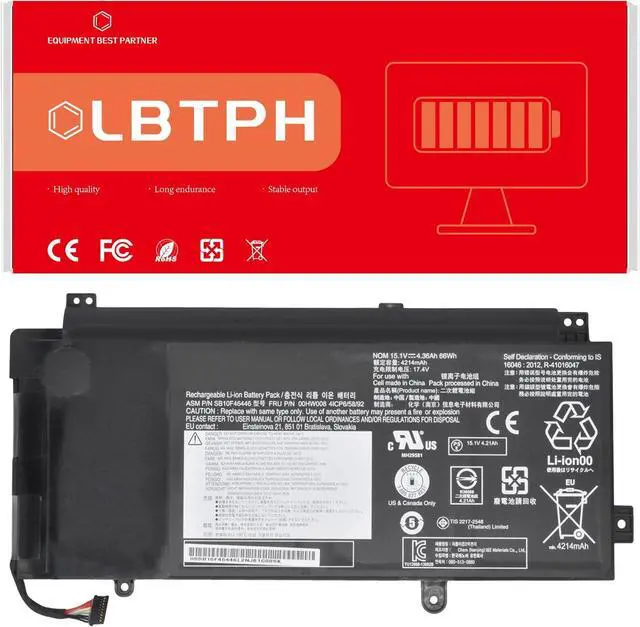
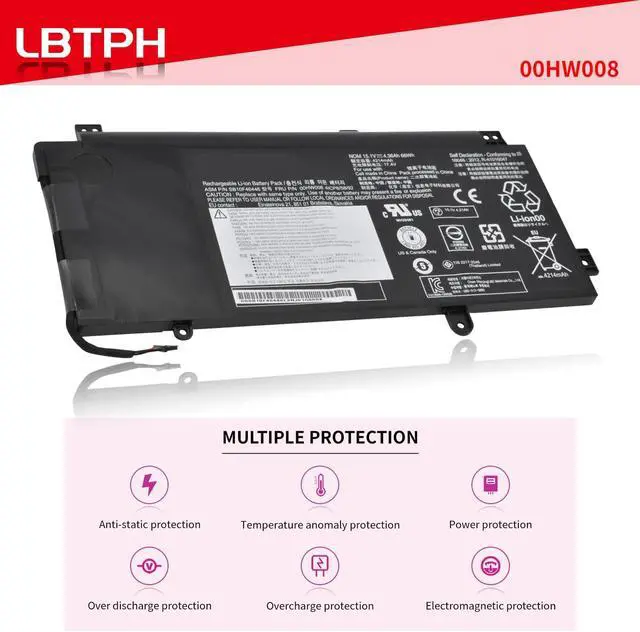
00HW008 00HW009 Battery for Lenovo ThinkPad Yoga 15 Ultrabook Series
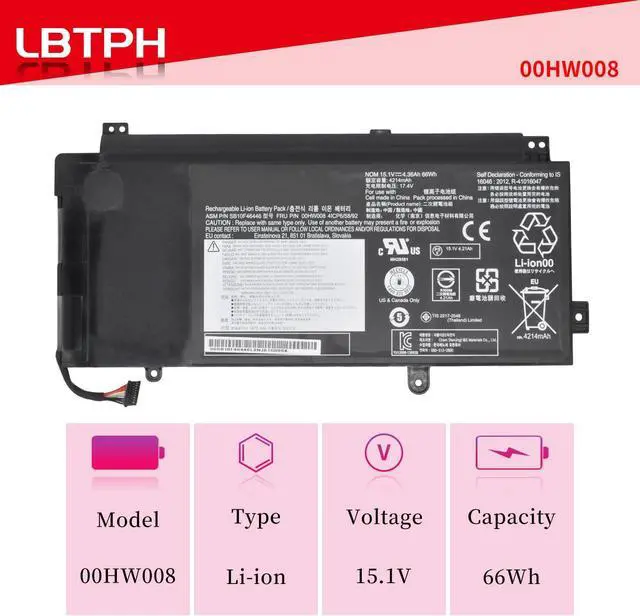
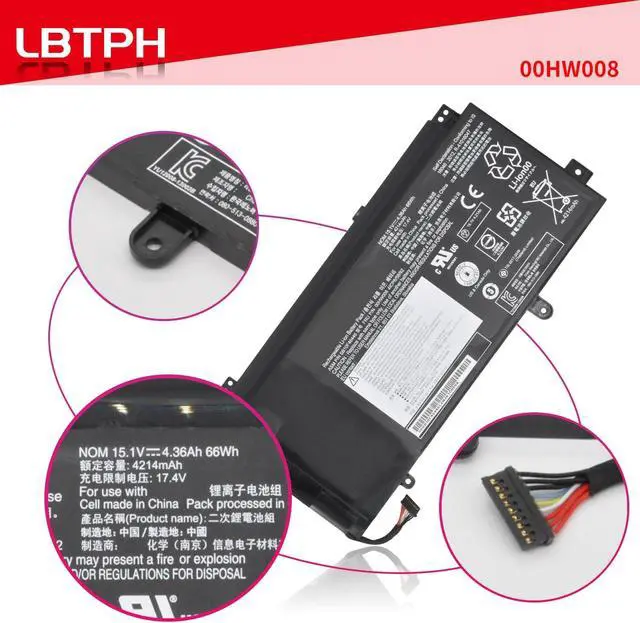
- Battery type: Li-ion. Color: Black. Voltage: 15.1V. Capacity: 66Wh
- Compatible Part Number: 00HW008 SB10F46446 00HW009 SB10F46447 00HW014 SB10F46452 00HW015
- Fit For Lenovo ThinkPad Yoga 15 Ultrabook Series
- Battery life: 100% New from Manufacturer. Up to 500 recharge cycles over the life of the battery.
- Use attention : The new battery need to charge and discharge 3-4 cycles before, takes about 7-8 hours in order to activate lithium ion fully to maximun space.
+
+
Overview
Specs
Reviews
Any questions? Our AI mode will help you find out quickly.
Try me now
Specifications:
Battery Type: Li-ion
Voltage: 15.1V
Capacity: 66Wh
Color: Black
Certificate: CE,RoHS,FCC
Condition: 100% New from Manufacturer, Grade A Cell, 12 Months Warranty
Replace Part Number:
00HW008 SB10F46446 00HW009 SB10F46447 00HW014 SB10F46452 00HW015
Compatible Laptop/Notebook Models:
For Lenovo ThinkPad Yoga 15 Ultrabook Series
Laptop battery instruction manual:
1. The new battery need to charge and discharge 3-4 cycles before, takes about 7-8 hours in order to activate lithium ion fully to maximun space.
2. Please dont discharge to the computer power off, otherwise it may be damaged easily and may not be charged fully.
3. If you connect external power to use for a long time, please remove the battery.
4. If you do not use battery for a long time, make sure to charge more than 80% electricity every month.

Battery Type: Li-ion
Voltage: 15.1V
Capacity: 66Wh
Color: Black
Certificate: CE,RoHS,FCC
Condition: 100% New from Manufacturer, Grade A Cell, 12 Months Warranty
Replace Part Number:
00HW008 SB10F46446 00HW009 SB10F46447 00HW014 SB10F46452 00HW015
Compatible Laptop/Notebook Models:
For Lenovo ThinkPad Yoga 15 Ultrabook Series
Laptop battery instruction manual:
1. The new battery need to charge and discharge 3-4 cycles before, takes about 7-8 hours in order to activate lithium ion fully to maximun space.
2. Please dont discharge to the computer power off, otherwise it may be damaged easily and may not be charged fully.
3. If you connect external power to use for a long time, please remove the battery.
4. If you do not use battery for a long time, make sure to charge more than 80% electricity every month.
Warranty & Returns
Warranty, Returns, And Additional Information
Warranty
- Please contact the Seller directly for warranty information. Warranty information may also be found on the Manufacturer's website.
- CONTACT
Return Policies
- Return for refund within: 30 days
- Return for replacement within: 30 days
- This item is covered by LionTech Direct Return Policy
Manufacturer Contact Info
- For a directory of all our manufacturers, please click below.
- Manufacturers Directory
LOADING...