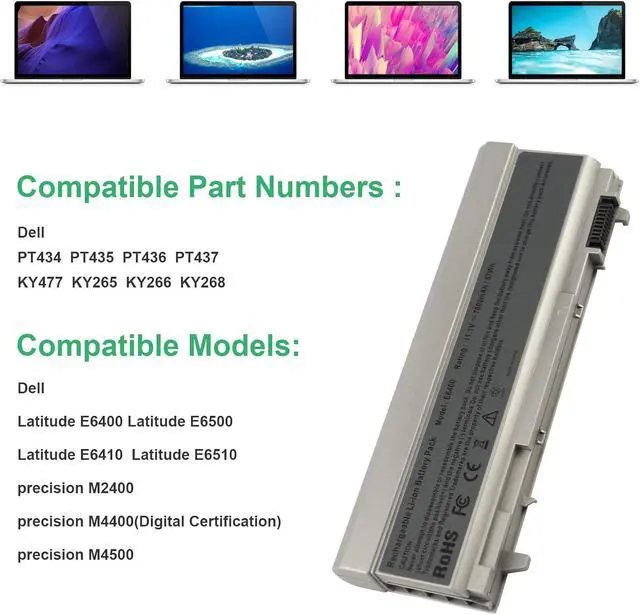
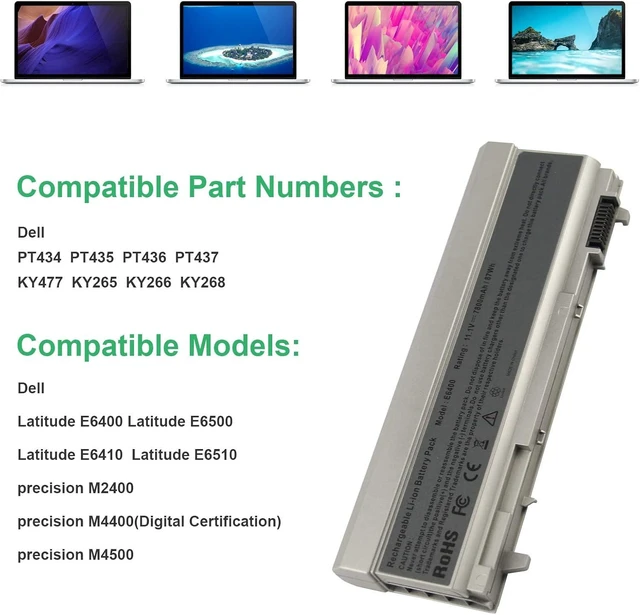
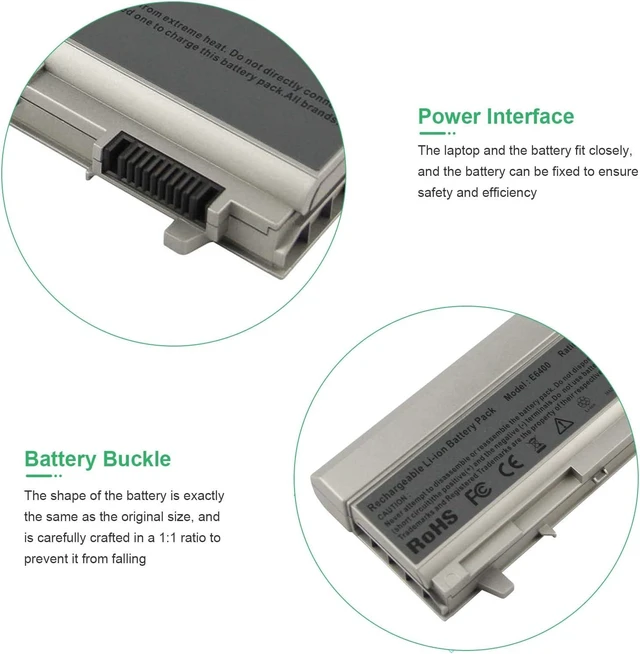
Compatible Models:
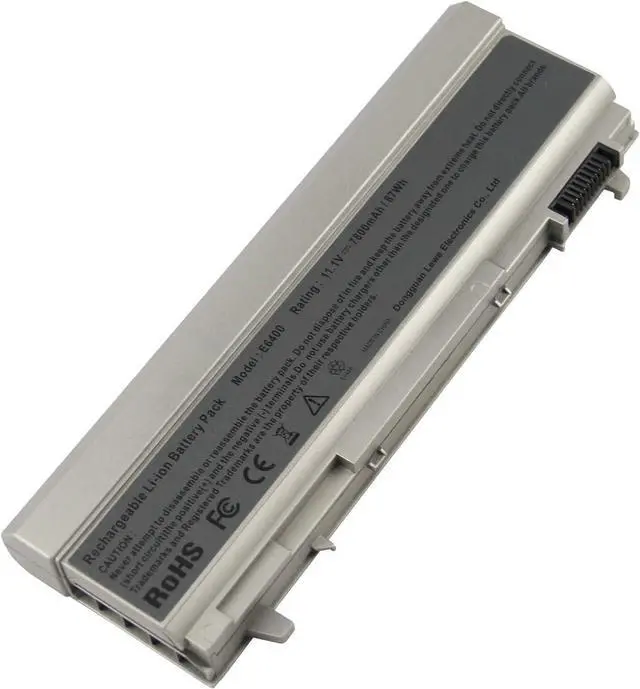
Dell Latitude E6400, Latitude E6500, Latitude E6510, Latitude E6410, Latitude E6400 ATG, Latitude E6400 XFR, Latitude E6410 ATG
Dell Precision M2400, Precision M4400, Precision M4500
Compatible Part Numbers:
312-0748 312-0749 312-0753
FU441 FU444 FU571 HJ590 KY265 KY266 KY470 KY471 KY477 NM631 MP492 MP494 PT43 PT434 PT436 PT650 PT653 R822G WG351 XP394
Taking good care of your battery
Having a battery fully charged and the laptop plugged in is not harmful. We suggest that you remove the battery when the hardware gets too hot.
Partial discharges to capacity levels of 20~30% and frequent charges are recommended while a full discharge followed by a full charge is not.
To store a battery for long periods of time, its charge capacity should be around 40% and it should be stored in a place as fresh and dry as possible.
Install A New Battery:
1. You need to turn off your laptop and disconnect the power.
2. Remove the old battery, carefully install the new battery on the battery case, and connect the wiring of the new battery.
3. If you don't understand the above steps, you can search for the video about laptop battery installation on YouTube. Maybe it will help you.
Laptop Maintenance Tips:
1. New battery: For use a new battery, youd better try a few cycles of discharging to 5%. then charging up to 95%. So that it can be activated completely
2. Overuse: Do not always run out of a battery to 0%, this would make it damaged or usage life shortened
3. Charging sequence: when charging, first install the battery, then turn on the power, when fully charged, first cut off the power, then pull the power plug.
4. Long-term storage:Please store the unused battery fully charged.(Charge it once a month) Do not store at low power to prevent reduce the lifespan of a battery
5. Charger: Do not replace the laptop adapter casually. If the original adapter cannot be applied due to malfunction or damage, please replace the models, so as not to reduce the service life of the battery due to incompatibility.
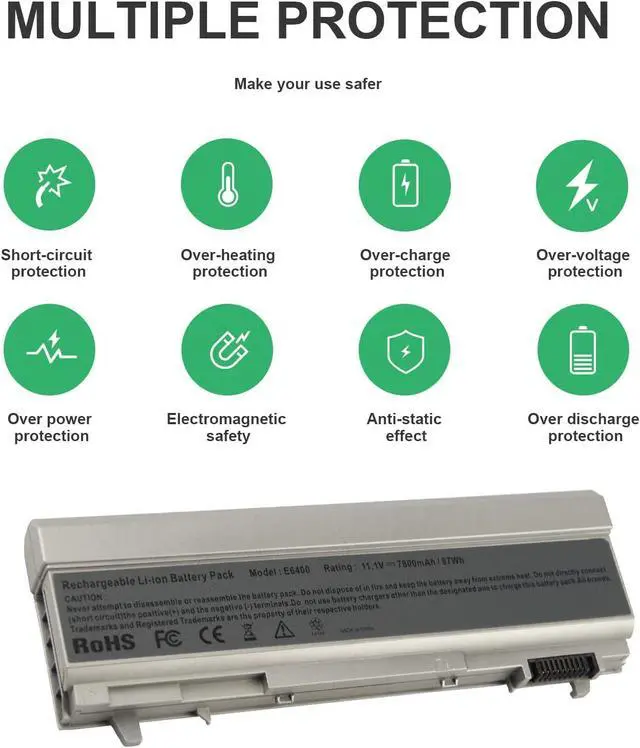
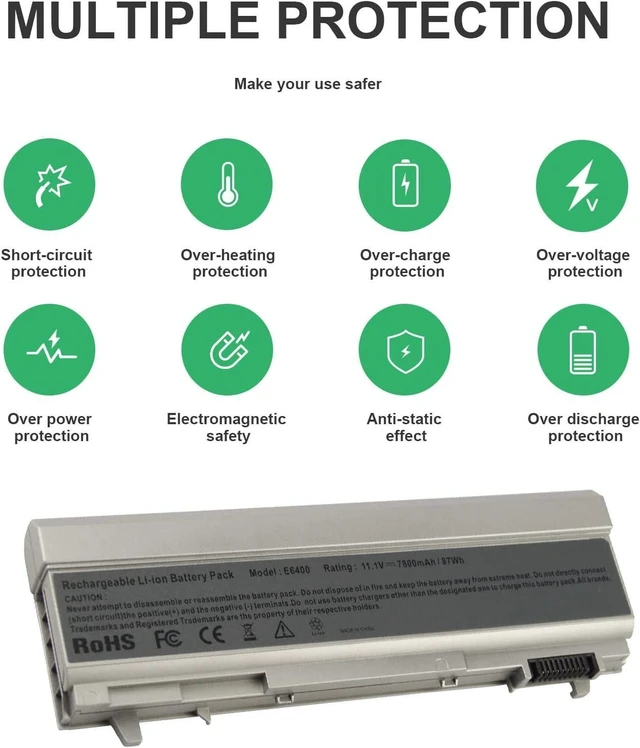
Overload protection
Over-current protection
Over-voltage protection
High voltage protection
Short circuit protection
Over-temperature protection
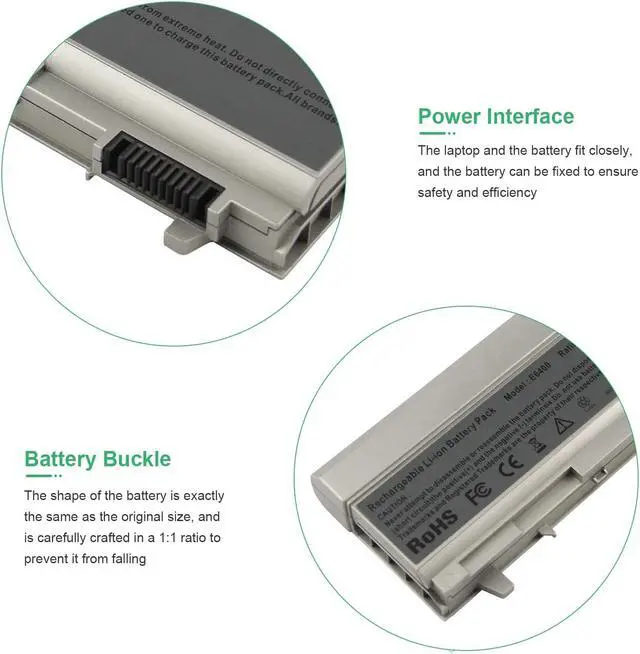
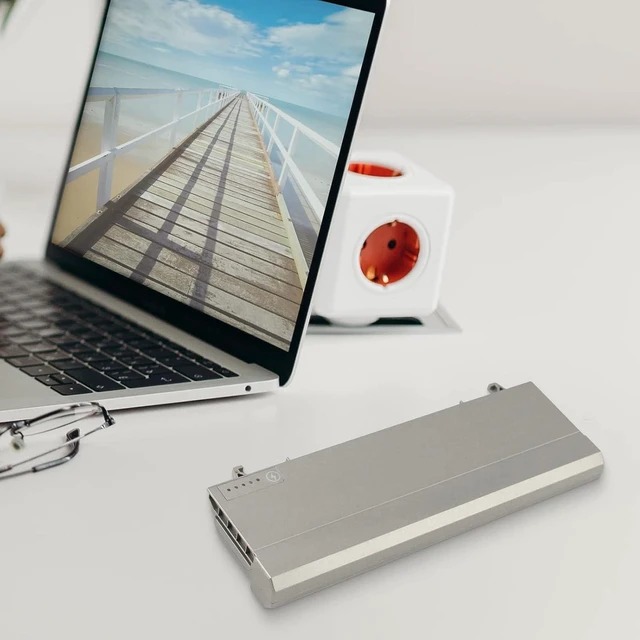
Easy & Quick Installation
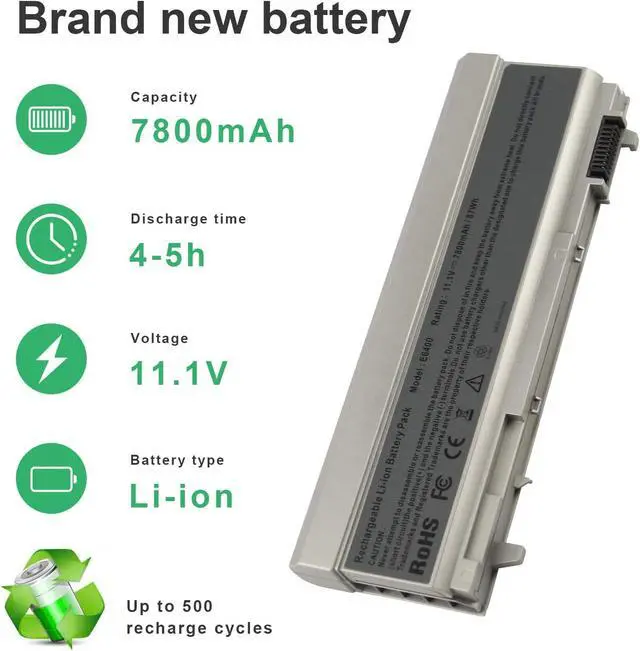
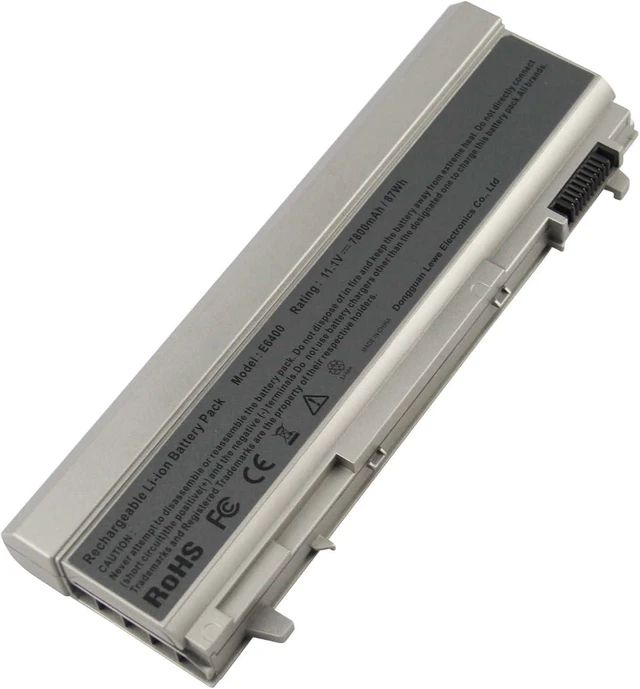
All of our batteries are brand new and are 100% compatible to meet OEM specifications for safety and efficiency. Same size as original battery, Don't worry about assembly and adaptation issues
Grade "A" cells Top Quality Battery
Reliable performance
Extended battery life
Each battery contains built in multi-protection functions such as short circuit, overheat & overload for maximum safety.





 here!
here!