Your Browsing History
Meet Your Seller
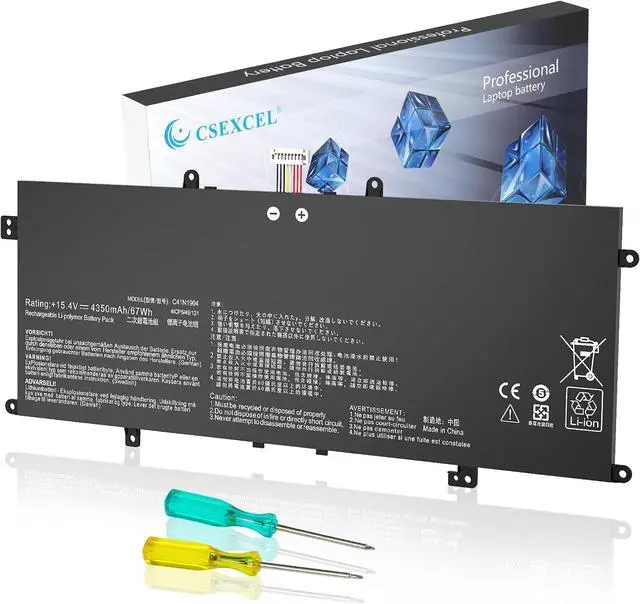
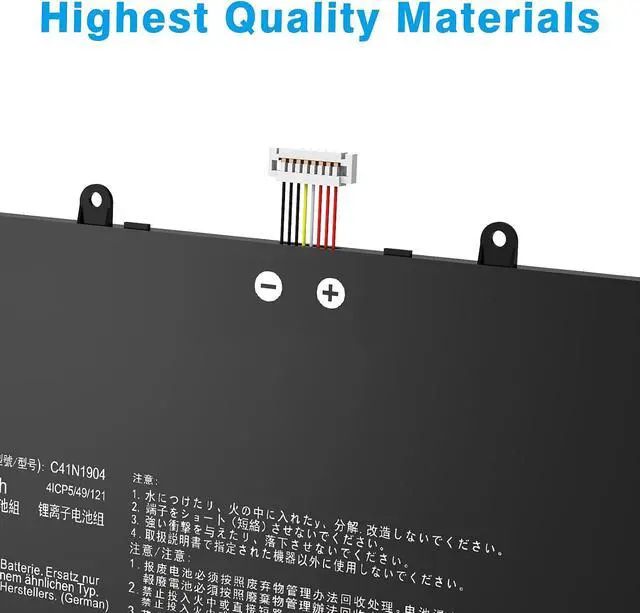
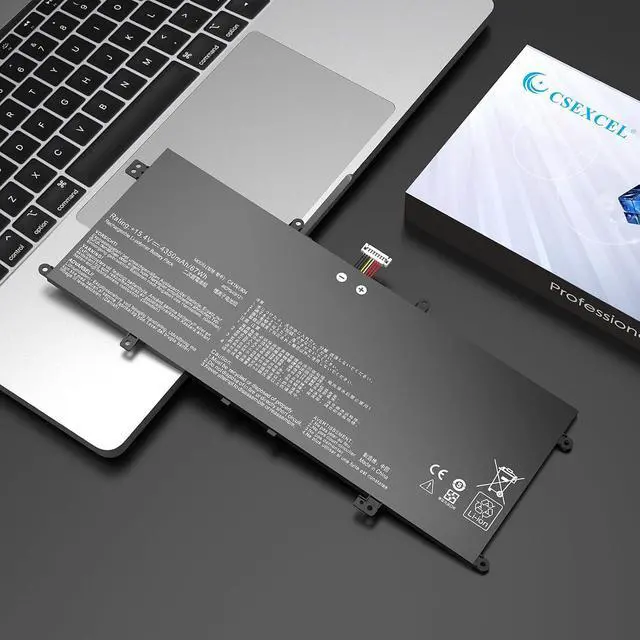
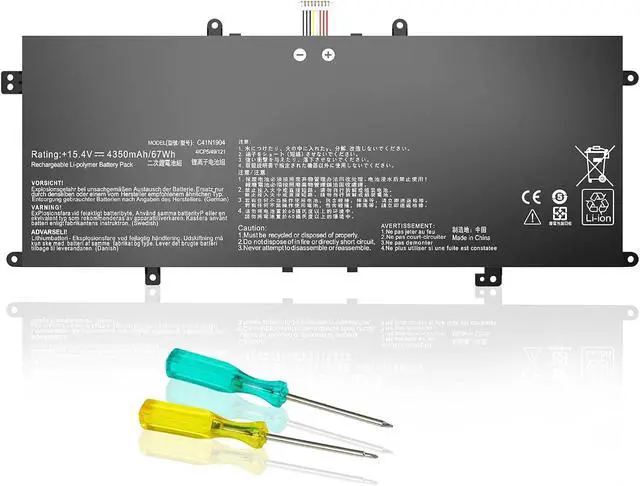
C41N1904 C41N1904-1 Battery Compatible with ASUS ZenBook 14 UX425JA UX425UA UX425EA UX425IA UM425IA 13 BX325JA UM325UA UM325SA UX325UA UX325SA UX325EA UX325JA UX371EA UX362FA UX363JA UX363EA
- 1.Battery type: Li-ion Voltage: 15.48V Capacity: 76Wh 4940mAh
- 2.Compatible Part Number:C41N1904 C41N1904-1 4ICP5/49/121 0B200-03660000 0B200-03660200 0B200-03660300 0B200-03660400 0B200-03660500
- 3.Compatible the Modelsfor ASUS ZenBook 13 UX325 UX325EA UX325JA UM325SA UM325UA BX325JA Series, Asus ZenBook 14 UX425 UM425IA UX425EA UX425JA Series, Asus ZenBook Flip 13 UX363EA Series, Asus ZenBook Flip S UX371 UX371EA UX363JA Series, Asus ZenBook S UX393 UX391UA UX393EA UX393JA Series, Asus VivoBook S14 S435EA Series.
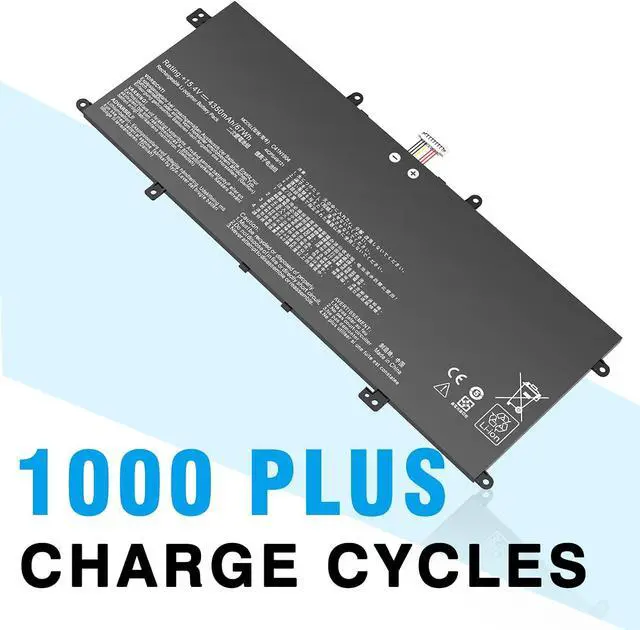
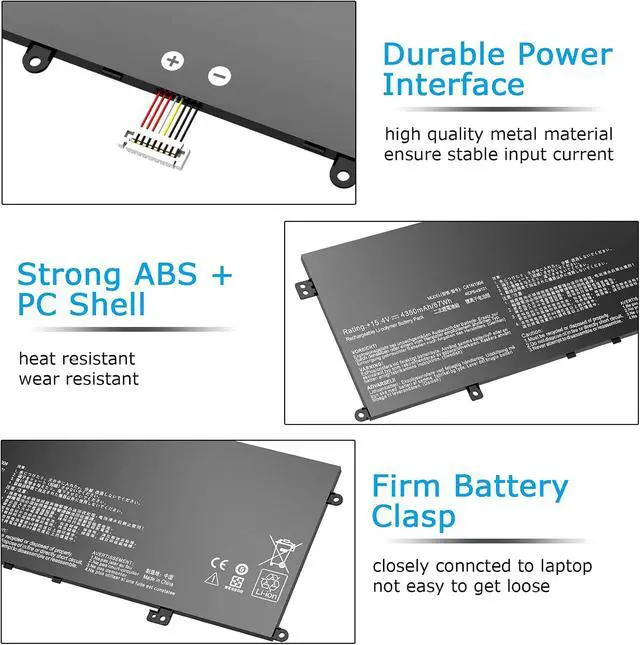
- 4.Quality Assurance100% new from manufacturer, every battery has passed factory testing, grade A cells ensure fast charges and low power consumption, built-in circuit protection ensures both safety and stability, guarantee your piece of mind while using the battery or storing it.
- 5.Support:Supported with 30 days Refund and 12 months Replacement.24h Email support.The CSEXCEL brand provides friendly customer service.We are committed to providing our customers with the bes
+
+
Overview
Reviews
Any questions? Our AI mode will help you find out quickly.
Try me now
Specification:
Battery type: Li-ion
Voltage: 15.48 V
Battery capacity: 67 Wh
Replace Battery model:
C41N1904 C41N1904-1 C41N19041 4ICP5/49/121 02B200-03660500
0B200-03660400 0B200-03660200 0B200-03660000
Compatible Laptop Models: For Asus ZenBook 13 UX325EA Series: UX325EA-EG124TS,UX325EA-EG751TS,UX325EA-KG327T,UX325EA-DH71,UX325EA-EG084R,UX325EA-AH012T, UX325EA-EG076T,UX325EA-EG041T, UX325EA-AH037T,UX325EA-EG010T,UX325EA-EG027T, UX325EA-AH049T, UX325EA-EG117TA,UX325EA-EG065T,UX325EA-EG117T Compatible Laptop Models: For Asus ZenBook 13 UM325UA Series: UM325UA-KG021TS, UM325UA-KG029TS, UM325UA-KG096TS, UM325UA-KG084, UM325UA-KG022T, UM325UA-DS51 Compatible Laptop Models: For Asus ZenBook 13 UM325SA Series: UM325SA-KG018T, UM325SA-KG017R, UM325SA-WB713T Compatible Laptop Models: For Asus ZenBook 13 BX325JA-EG081R Series: BX325JA-EG081R BX325JA-EG276R UX325JA-EG007T BX325JA-AH189R Compatible Laptop Models: For Asus ZenBook 14 UM425IA Series: UM425IA-AM501S, UM425IA-AM003T, UM425IA-AM023T, UM425IA-AM027T, UM425IA-AM088TS, UM425IA-AM080R, UM425IA-AM021T, UM425IA-HM062T, UM425IA-AM036R, UM425IA-AM046T, UM425IA-AM010T, UM425IA-AM107TS, UM425IA-PURE12, UM425IA-AP4511T, UM425IA-HM040T, UM425IA-AM036, UM425IA-HM032, UM425IA-AM005T, 90NB0RT1-M01460, UM425IA-AM058TS, UM425IA-R5DRDSB1 Compatible Laptop Models: For Asus ZenBook 14 UX425EA Series: UX425EA-BM009T, UX425EA-BM287R, UX425EA-KI358T, UX425EA-BM069T, UX425EA-0252G1135G7, UX425EA-WB503R, UX425EA-BM114T, UX425EA-KI501TS, UX425EA-KI391T, UX425EA-EH71, UX425EA-HM165T, UX425EA-APC1613T, Method 2: Open the back cover of the laptop and confirm the battery type and capacity, as well as the model of the laptop.
Step 1: Turn off the laptop and unplug the power cord (to prevent electric shock)
Step 2: Remove the back panel with a screwdriver. (Please proceed with care to avoid damage to the laptop's components.)
Step 3: Disconnect the cable connected to the battery and remove it. After that, you can check the specifications of your battery.
When you get the new battery, discharge the battery to 5% (not 0%), then charge it to 95%, and cycle 3-4 times to wake up the new battery.
The important point is to perform a full discharge and charge every other month to extend the battery life.
Do not connect the adapter for a long time while using the battery. It may damage the battery.
Avoid artificial shocks, disassembly, crush or puncture. Do not dispose of it in fire or water.
you to work efficiently
give you fun entertainment!
you to study efficiently
Compatible Laptop Models: Step 1: Press "Windows + R" to open the Run window. Step 2: Type "msinfo32" in the empty box and click OK to open System Information. Step 3: Keep in the "System Summary" section and you will find the "System Model " item in the right pane. Battery Maintenance Methods for Optimal Use Restore the laptop battery life for

Battery type: Li-ion
Voltage: 15.48 V
Battery capacity: 67 Wh
Replace Battery model:
C41N1904 C41N1904-1 C41N19041 4ICP5/49/121 02B200-03660500
0B200-03660400 0B200-03660200 0B200-03660000
Compatible Laptop Models: For Asus ZenBook 13 UX325EA Series: UX325EA-EG124TS,UX325EA-EG751TS,UX325EA-KG327T,UX325EA-DH71,UX325EA-EG084R,UX325EA-AH012T, UX325EA-EG076T,UX325EA-EG041T, UX325EA-AH037T,UX325EA-EG010T,UX325EA-EG027T, UX325EA-AH049T, UX325EA-EG117TA,UX325EA-EG065T,UX325EA-EG117T Compatible Laptop Models: For Asus ZenBook 13 UM325UA Series: UM325UA-KG021TS, UM325UA-KG029TS, UM325UA-KG096TS, UM325UA-KG084, UM325UA-KG022T, UM325UA-DS51 Compatible Laptop Models: For Asus ZenBook 13 UM325SA Series: UM325SA-KG018T, UM325SA-KG017R, UM325SA-WB713T Compatible Laptop Models: For Asus ZenBook 13 BX325JA-EG081R Series: BX325JA-EG081R BX325JA-EG276R UX325JA-EG007T BX325JA-AH189R Compatible Laptop Models: For Asus ZenBook 14 UM425IA Series: UM425IA-AM501S, UM425IA-AM003T, UM425IA-AM023T, UM425IA-AM027T, UM425IA-AM088TS, UM425IA-AM080R, UM425IA-AM021T, UM425IA-HM062T, UM425IA-AM036R, UM425IA-AM046T, UM425IA-AM010T, UM425IA-AM107TS, UM425IA-PURE12, UM425IA-AP4511T, UM425IA-HM040T, UM425IA-AM036, UM425IA-HM032, UM425IA-AM005T, 90NB0RT1-M01460, UM425IA-AM058TS, UM425IA-R5DRDSB1 Compatible Laptop Models: For Asus ZenBook 14 UX425EA Series: UX425EA-BM009T, UX425EA-BM287R, UX425EA-KI358T, UX425EA-BM069T, UX425EA-0252G1135G7, UX425EA-WB503R, UX425EA-BM114T, UX425EA-KI501TS, UX425EA-KI391T, UX425EA-EH71, UX425EA-HM165T, UX425EA-APC1613T, Method 2: Open the back cover of the laptop and confirm the battery type and capacity, as well as the model of the laptop.
Step 1: Turn off the laptop and unplug the power cord (to prevent electric shock)
Step 2: Remove the back panel with a screwdriver. (Please proceed with care to avoid damage to the laptop's components.)
Step 3: Disconnect the cable connected to the battery and remove it. After that, you can check the specifications of your battery.
When you get the new battery, discharge the battery to 5% (not 0%), then charge it to 95%, and cycle 3-4 times to wake up the new battery.
The important point is to perform a full discharge and charge every other month to extend the battery life.
Do not connect the adapter for a long time while using the battery. It may damage the battery.
Avoid artificial shocks, disassembly, crush or puncture. Do not dispose of it in fire or water.
you to work efficiently
give you fun entertainment!
you to study efficiently
Compatible Laptop Models: Step 1: Press "Windows + R" to open the Run window. Step 2: Type "msinfo32" in the empty box and click OK to open System Information. Step 3: Keep in the "System Summary" section and you will find the "System Model " item in the right pane. Battery Maintenance Methods for Optimal Use Restore the laptop battery life for
Warranty & Returns
Warranty, Returns, And Additional Information
Warranty
- Please contact the Seller directly for warranty information. Warranty information may also be found on the Manufacturer's website.
- CONTACT
Return Policies
- Return for refund within: 30 days
- Return for replacement within: 30 days
- This item is covered by LionTech Direct Return Policy
Manufacturer Contact Info
- For a directory of all our manufacturers, please click below.
- Manufacturers Directory
LOADING...