Your Browsing History
Meet Your Seller
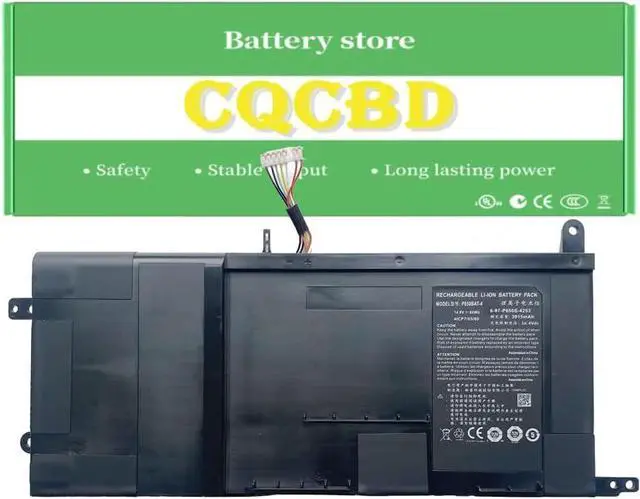
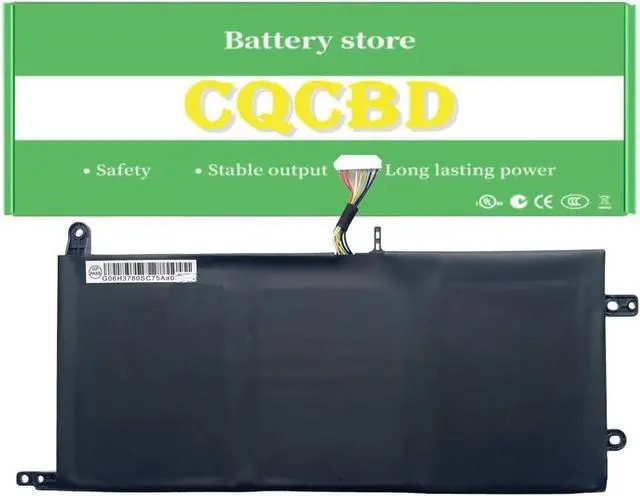
P650BAT-4 6-87-P650S-4U31 Battery for Clevo P650SA P650SE P650RG P650SG P651SA P651SG P655SE P670RA P670SE P670SG P671RA P671RG Sager NP8650 NP8651 NP8652 Hasee Z7 Z7M Z8 P6MBAT-4 (14.8V 60Wh)
- #74,019 in Computers & Accessories (See Top 100 in Computers & Accessories)
- #5,096 in Laptop Batteries
- 5 star4 star3 star2 star1 star5 star100%0%0%0%0%100%
- 5 star4 star3 star2 star1 star4 star100%0%0%0%0%0%
- 5 star4 star3 star2 star1 star3 star100%0%0%0%0%0%
- 5 star4 star3 star2 star1 star2 star100%0%0%0%0%0%
- 5 star4 star3 star2 star1 star1 star100%0%0%0%0%0%
+
+
Overview
Specs
Reviews
Any questions? Our AI mode will help you find out quickly.
Try me now
Efficient and Reliable
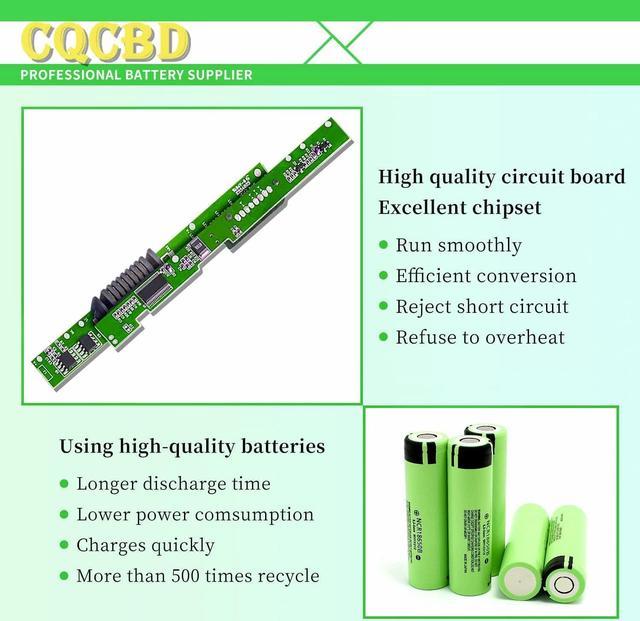
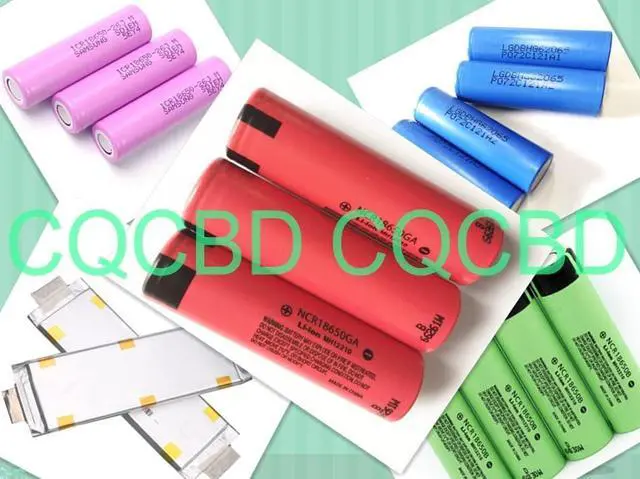
Grade A Cells
FCC / CE / RoHS Certified
More Charging Cycles
Long Lasting Performance
Battery Type: Li-ion
Voltage:14.8V
Capacity:60Wh
Battery Condition:100% Brand New
6-87-P650S-4253
6-87-P650S-4U31
P650BAT-4
P650BAT-4(SIMPLO)
Compatible Laptop/Notebook Models:
For Clevo
P650SA, P650SE, P650SG, P651SG
For Hasee
Z7, Z7M, Z7M-I7, Z7M-I7 8172 D1, Z7M-I7 D0, Z7M-I7 R0, Z8
For Schenker
XMG P505 PRO
For Sager
NP8650, NP8651, NP8652
Advent T5 Series
Nexoc G734 G734II G734III G734IV Series
Clevo T5S Z7S2 Z7M Z8 Series
Eurocom Sky MX5 R3 Series
Thunderobot ST Pro ST-R3 Series
Terrans force T5/T5 SKYLAKE 970M/T7/T7 SKYLAKE Series
Medion Erazer X7841 X7843 X7847 X7849 X7851 X7853 Series
Schenker XMG P505/P505 Pro, P506/P506 Pro, P507, P705/P705 Pro, P706 P707 Series
Clevo P650RA P650RE P650RE3 P650RE3-G P650RE6 P650RE6-G P650RG P650RS-G P650SA P650SE P650SG P650HP3 P650GP6-G P650HS-G Series
Clevo P651HP6-G P651HS-G P651RA P651RE P651RE3-G P651RE6 P651RE6-G P651RG P651RG-G P651RS-G P651RP6-G P651SA Series
Clevo P655HP6-G P655RA P655RE3-G P655RE6-G P655RP6-G P655RE3 P651SE P655SA P651SG P655SE P655RE P655RE6 Series
Clevo P670RE P670HS-G P670RA P670RG P670RG-G P670RE3 P670RE3-G P670RE6 P670RE6-G P670RS P670RS-G P670SE P670SG Series
Clevo P671HP6-G P671HS-G P671RA P671RG P671RG-G P671RE P671RE3 P671RE3-G P671RE6 P671RE6-G P671RP6-G P671SE Series
Hasee Z7, Z7-I7, Z7-D3, Z7-I7R0, Z7-KP5D1, Z7-KP5S1,Z7-KP7 Pro, Z7-KP7D1,Z7-KP7D2,Z7-KP7DC, Z7-KP7EC,Z7-KP7G1,Z7-KP7G2, Z7-KP7GA, Z7-
KP7GC,Z7-KP7GH,Z7-KP7GT,Z7-KP7Pro Z7-KP7S1 Series
Hasee Z7M, Z7M-I7, Z7M-I7D0, Z7M-I7R0, Z7M-KP5DC,Z7M-KP5GC,Z7M-KP5GH,Z7M-KP7GC Z7M-KP7GH Series
Hasee Z8,Z8-I7 D0,Z8-I78172D1,Z8-I78172S1,Z8-KL7S2,Z8-SL7S2,Z8-SL7S3,Z8-SP7S1 Series
Sager NP8153 NP8155 NP8156 NP8157 NP8173 NP8173-S NP8174 NP8176 NP8177 Series
Sager NP8650 NP8651 NP8652 NP8657 NP8658 NP8670 NP8671 NP8677 NP8678 Series
For Optimal Use battery:
New battery received, discharge the battery to 5% (not 0%) for the fist use, then charge and cycle 3-4 times to wake up the new battery.
The important point is to perform a full discharge and charge every other month to extend the battery life.
Do not connect adapter for a long time while using the battery. It may damage the battery.
Avoid artificial shocks, disassembly, crush or puncture. Do not dispose of it in fire or water.
How to install a new battery:
1.emove the old battery, carefully install the new battery on the battery box, tighten the screws, and then connect the wires of the new battery.
2. If you have questions about installing a new battery, you can search for the installation of laptop/tablet models on YouTube.
This method may help you.
For Optimal Use battery:
Battery Installation is easy, but we also recommend you to learn related installation video on the web in advance, or just find a repair technician for help.
Please be careful when install battery.Any damage caused by improper operation will be your own responsibility, hope understand.
If the new battery is not recognized during the initial installation
1. please reinstall and check if the interface is fully connected.
Please disconnect the old battery, and hold down the power button for 20 seconds, then connect the new battery. This drains the residual or flea power and once the laptop is reassembled the battery will function properly.
2. Battery cannot be identified by your laptop or it doesn't seem to work. That may be caused by different situations. Please check by yourself first as below steps.
Could be caused by battery loose. Remove the battery and try to reinstall more than once.
May be due to conductive material damaged which the laptop motherboard and battery anode and cath

Grade A Cells
FCC / CE / RoHS Certified
More Charging Cycles
Long Lasting Performance
Battery Type: Li-ion
Voltage:14.8V
Capacity:60Wh
Battery Condition:100% Brand New
6-87-P650S-4253
6-87-P650S-4U31
P650BAT-4
P650BAT-4(SIMPLO)
Compatible Laptop/Notebook Models:
For Clevo
P650SA, P650SE, P650SG, P651SG
For Hasee
Z7, Z7M, Z7M-I7, Z7M-I7 8172 D1, Z7M-I7 D0, Z7M-I7 R0, Z8
For Schenker
XMG P505 PRO
For Sager
NP8650, NP8651, NP8652
Advent T5 Series
Nexoc G734 G734II G734III G734IV Series
Clevo T5S Z7S2 Z7M Z8 Series
Eurocom Sky MX5 R3 Series
Thunderobot ST Pro ST-R3 Series
Terrans force T5/T5 SKYLAKE 970M/T7/T7 SKYLAKE Series
Medion Erazer X7841 X7843 X7847 X7849 X7851 X7853 Series
Schenker XMG P505/P505 Pro, P506/P506 Pro, P507, P705/P705 Pro, P706 P707 Series
Clevo P650RA P650RE P650RE3 P650RE3-G P650RE6 P650RE6-G P650RG P650RS-G P650SA P650SE P650SG P650HP3 P650GP6-G P650HS-G Series
Clevo P651HP6-G P651HS-G P651RA P651RE P651RE3-G P651RE6 P651RE6-G P651RG P651RG-G P651RS-G P651RP6-G P651SA Series
Clevo P655HP6-G P655RA P655RE3-G P655RE6-G P655RP6-G P655RE3 P651SE P655SA P651SG P655SE P655RE P655RE6 Series
Clevo P670RE P670HS-G P670RA P670RG P670RG-G P670RE3 P670RE3-G P670RE6 P670RE6-G P670RS P670RS-G P670SE P670SG Series
Clevo P671HP6-G P671HS-G P671RA P671RG P671RG-G P671RE P671RE3 P671RE3-G P671RE6 P671RE6-G P671RP6-G P671SE Series
Hasee Z7, Z7-I7, Z7-D3, Z7-I7R0, Z7-KP5D1, Z7-KP5S1,Z7-KP7 Pro, Z7-KP7D1,Z7-KP7D2,Z7-KP7DC, Z7-KP7EC,Z7-KP7G1,Z7-KP7G2, Z7-KP7GA, Z7-
KP7GC,Z7-KP7GH,Z7-KP7GT,Z7-KP7Pro Z7-KP7S1 Series
Hasee Z7M, Z7M-I7, Z7M-I7D0, Z7M-I7R0, Z7M-KP5DC,Z7M-KP5GC,Z7M-KP5GH,Z7M-KP7GC Z7M-KP7GH Series
Hasee Z8,Z8-I7 D0,Z8-I78172D1,Z8-I78172S1,Z8-KL7S2,Z8-SL7S2,Z8-SL7S3,Z8-SP7S1 Series
Sager NP8153 NP8155 NP8156 NP8157 NP8173 NP8173-S NP8174 NP8176 NP8177 Series
Sager NP8650 NP8651 NP8652 NP8657 NP8658 NP8670 NP8671 NP8677 NP8678 Series
For Optimal Use battery:
New battery received, discharge the battery to 5% (not 0%) for the fist use, then charge and cycle 3-4 times to wake up the new battery.
The important point is to perform a full discharge and charge every other month to extend the battery life.
Do not connect adapter for a long time while using the battery. It may damage the battery.
Avoid artificial shocks, disassembly, crush or puncture. Do not dispose of it in fire or water.
How to install a new battery:
1.emove the old battery, carefully install the new battery on the battery box, tighten the screws, and then connect the wires of the new battery.
2. If you have questions about installing a new battery, you can search for the installation of laptop/tablet models on YouTube.
This method may help you.
For Optimal Use battery:
Battery Installation is easy, but we also recommend you to learn related installation video on the web in advance, or just find a repair technician for help.
Please be careful when install battery.Any damage caused by improper operation will be your own responsibility, hope understand.
If the new battery is not recognized during the initial installation
1. please reinstall and check if the interface is fully connected.
Please disconnect the old battery, and hold down the power button for 20 seconds, then connect the new battery. This drains the residual or flea power and once the laptop is reassembled the battery will function properly.
2. Battery cannot be identified by your laptop or it doesn't seem to work. That may be caused by different situations. Please check by yourself first as below steps.
Could be caused by battery loose. Remove the battery and try to reinstall more than once.
May be due to conductive material damaged which the laptop motherboard and battery anode and cath
Warranty & Returns
Warranty, Returns, And Additional Information
Warranty
- Please contact the Seller directly for warranty information. Warranty information may also be found on the Manufacturer's website.
- CONTACT
Return Policies
- Return for refund within: 30 days
- Return for replacement within: 30 days
- This item is covered by LionTech Direct Return Policy
Manufacturer Contact Info
- For a directory of all our manufacturers, please click below.
- Manufacturers Directory
LOADING...