Bestoss 2.5" 1TB SSD SATA III 6Gb/s 3D NAND Internal Solid State Hard Drive SSDs for Laptop and Computer, Up to 550MB/s, laptop PC Desktop compatible
  •  
  • $121.99 
  • $72.99
  • Free 30-day Returns
  • Shipped by LionTech Direct

    Price alert
    Shop it at NeweggBusiness.

    Meet Your Seller

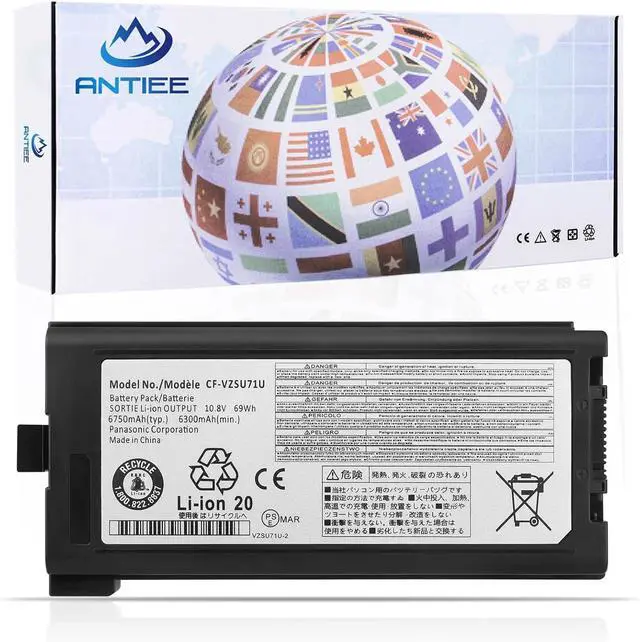
    ANTIEE CF-VZSU71U Laptop Battery Replacement for Panasonic Toughbook CF-30 CF-31 CF-53 CF30 CF31 CF53 CF-VZSU1430U CF-VZSU72UCF-VZSU46 CF-VZSU46S CF-VZSU46R CF-VZSU46U 69WH

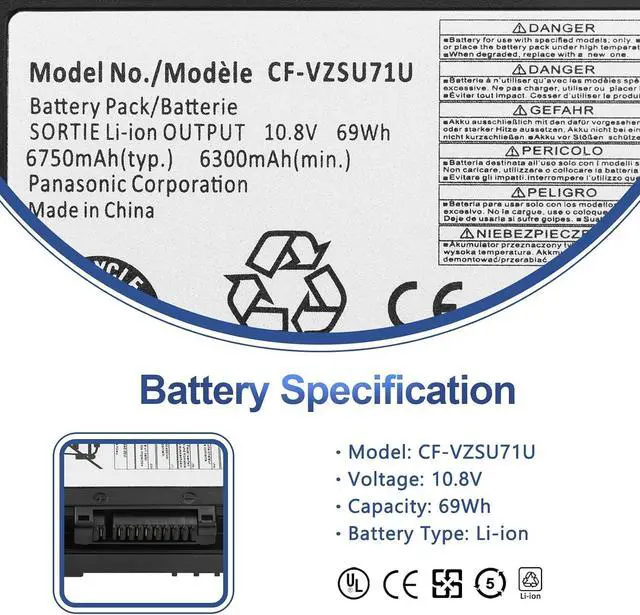
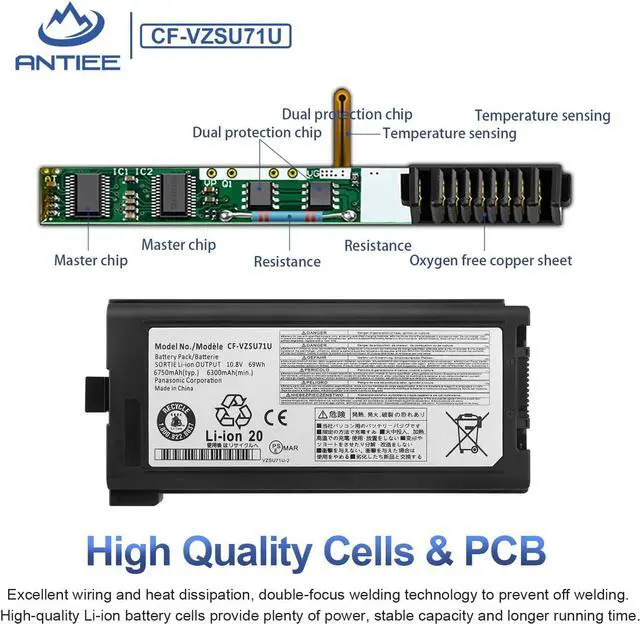
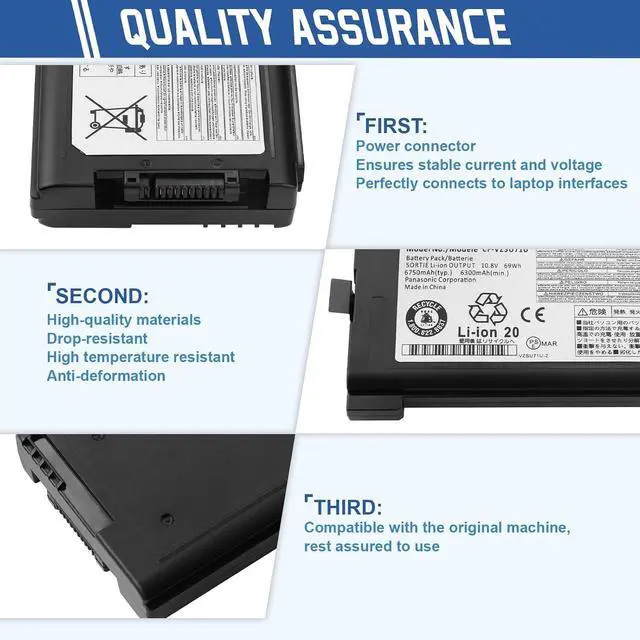
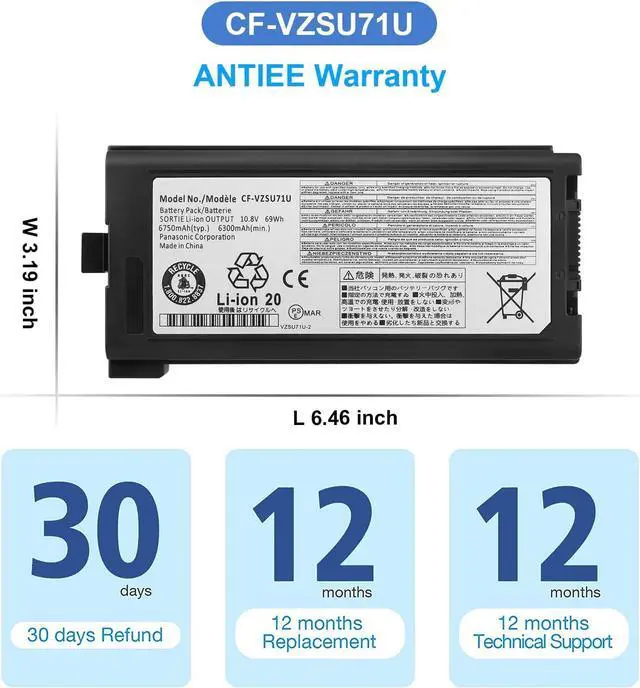
    • SpecificationVoltage: 10.8. Capacity: 69Wh/6750mAh. Battery Type: Li-Polymer. Condition: Brand new, from durable materials, top circuit boards and smart chip
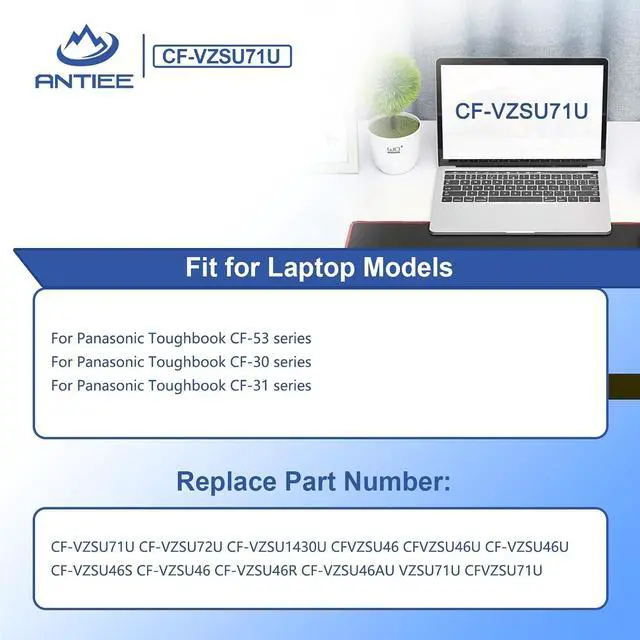
    • Replace Part NumberFit for CF-VZSU71U,CF-VZSU72U,CF-VZSU1430UCF-VZSU46,CF-VZSU46S,CF-VZSU46U,CF-VZSU46R,CF-VZSU46AU.
    • Compatible Laptop ModelsFit for Panasonic Toughbook CF-53 series, fit for Panasonic Toughbook CF-31 series; fit for Panasonic Toughbook CF-30 series.
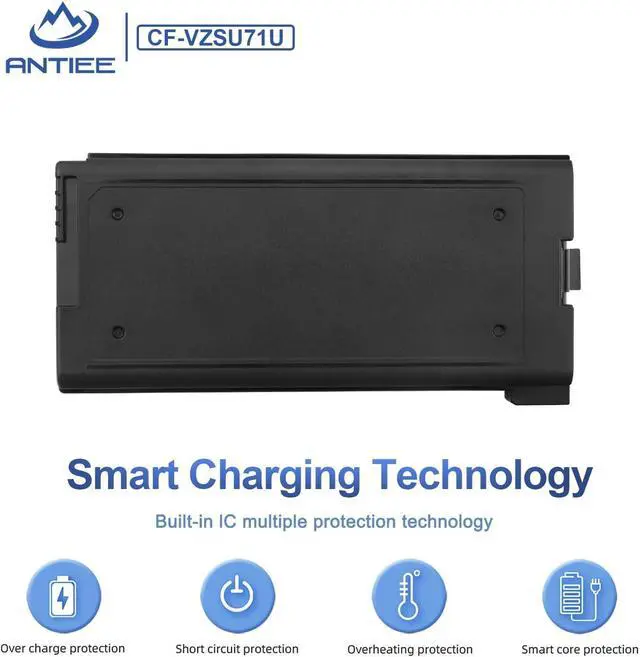
    • SafetyEach products has undergone rigorous testing to ensure the correct voltage, circuit protection, stable current, low self-discharge and CE / FCC / RoHS Certified for safety. About 500 recharge cycles over the life
    • ANTIEE After-sales12 months of warranty! Support: The return window will be closed a month after you received the the product. Contact us by email at any time, we will be more than glad to offer a perfect solution
    +
    +
    Overview
    Specs
    Reviews
    avatar

    Any questions? Our AI mode will help you find out quickly.


    Specifications:
    Battery Voltage10.8V
    Battery Capacity: 69Wh/6750mAh
    Condition: 100% New from Manufacturer
    Battery Type:Li-ion
    Cells: 9-cell


    Compatible Part Numbers
    CF-VZSU71U CF-VZSU72U CF-VZSU1430U CFVZSU46 CFVZSU46U CF-VZSU46 CF-VZSU46U CF-VZSU46S CF-VZSU46R CF-VZSU46AU VZSU71U CFVZSU71U


    Compatible With Laptop Models (Use "Ctrl+F to find your model quickly)
    for Panasonic Toughbook CF-53 series.
    for Panasonic Toughbook CF-31 series.
    for Panasonic Toughbook CF-30 series.


    Why the laptop does not recognize the battery
    ·Could be caused by battery loose. Please re-install the battery and make sure that the battery cable and the motherboard interface are tightly inserted.
    ·Maybe due to conductive material damaged which the laptop motherboard and battery anode and cathode contact position, you can try to confirm it with your original battery.
    ·Check whether the battery drive is in normal condition, if not, download the corresponding driver software to update.
    ·There is a problem with the computer detection software, which usually just restart the computer.

    Warranty & Returns

    Warranty, Returns, And Additional Information

    Warranty

    • Please contact the Seller directly for warranty information. Warranty information may also be found on the Manufacturer's website.
    • CONTACT

    Return Policies

    Manufacturer Contact Info

    LOADING...