Your Browsing History
Meet Your Seller
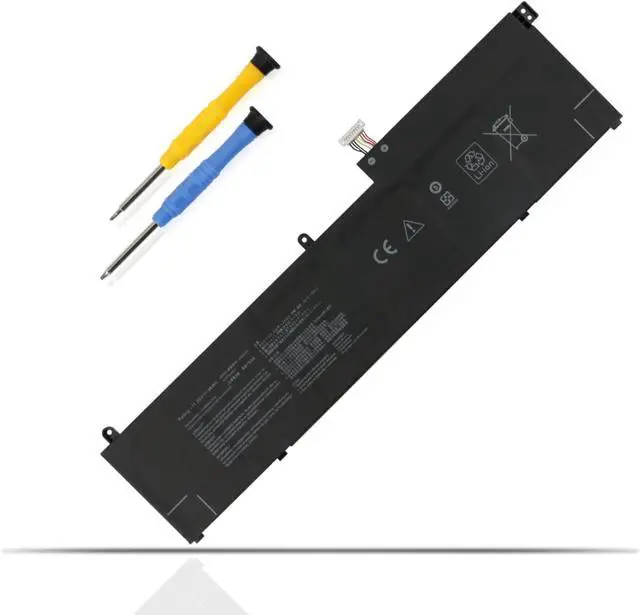
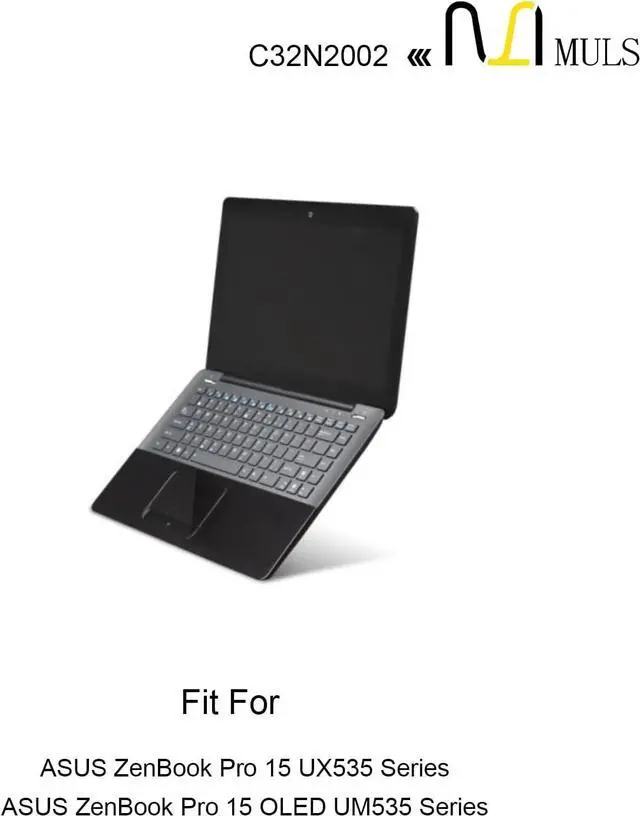
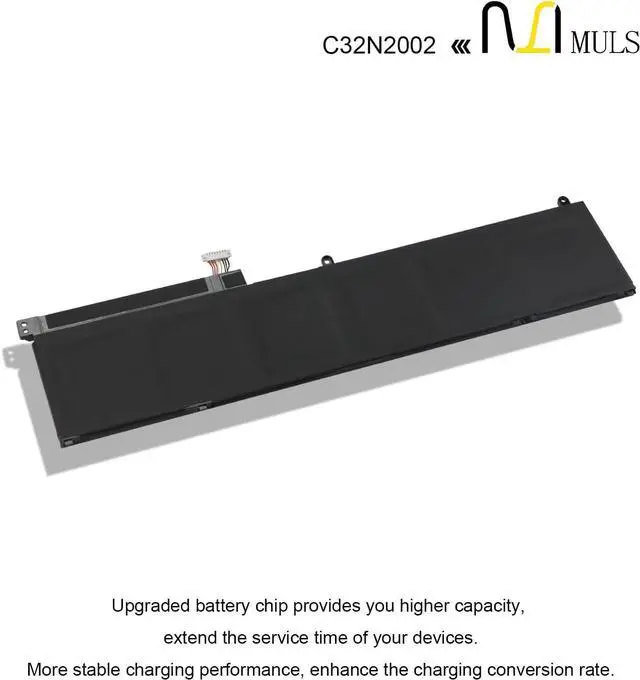
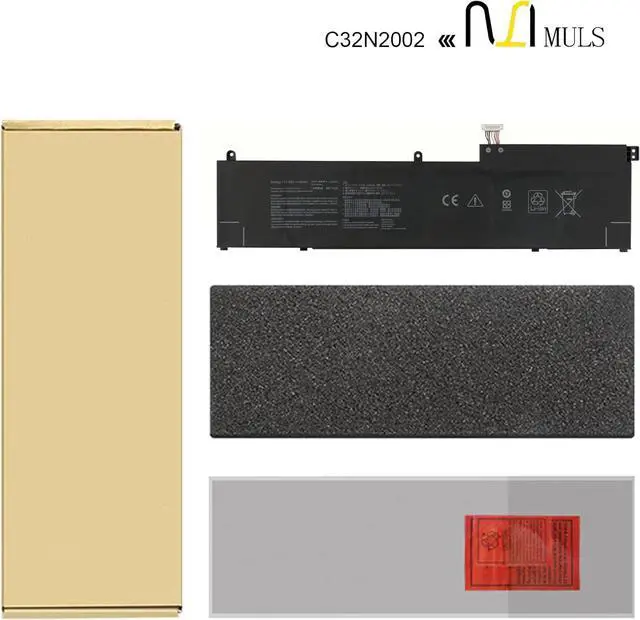
MULS 96Wh C32N2002 Laptop Battery for ZenBook Pro 15 X535 UX535L UX535LI
- Compatible Models: Fit for ASUS ZenBook Pro 15 UX535LI-BO237T UX535LI-BN198T UX535LI-E3090T UX535LI-E3133T UX535LI-XH77T, Fit for ASUS ZenBook Flip 15 UX564PH-EZ002T UX564PH-EZ004T UX564PH-EZ003R UX564PH-EZ007R UX564PH-WB721R UX564PH-71A15CB1 UX564PH-71B15CP1, Fit for ASUS ZenBook Flip 15 UX564EH-EZ035RZ UX564EH-EZ035R UX564EH-EZ006R UX564EH-EZ004T UX564EH-EZ018T, Fit for ASUS ZenBook Flip 15 UX564EI-H2005T UX564EI-H2017T UX564EI-H2030T UX564EI-H2038T UX564EI-EZ006T UX564EI-EZ711R UX564EI-WB711R, Fit for ASUS ZenBook Pro 15 OLED UM535QE Series.
- Compatible Models: Fit for Asus ZenBook Pro 15 UX535 Series, Fit for Asus ZenBook Pro 15 UX535LI Series, Fit for Asus ZenBook Pro 15 UX564PH Series, Fit for Asus ZenBook Flip 15 UX535LI Series, Fit for Asus ZenBook Flip 15 UX564 Series, Fit for Asus ZenBook Flip 15 UX564EH Series, Fit for Asus ZenBook Flip 15 UX564EI Series, Fit for Asus ZenBook Flip 15 UX564PH Series, Fit for Asus ZenBook Pro 15 BX535LH Series, Fit for Asus ZenBook Pro 15 BX5
+
+
Overview
Reviews
Any questions? Our AI mode will help you find out quickly.
Try me now
With the launch of its dedicated laptop battery line, MULS emerged as a professional brand focused on addressing the growing demand for reliable, high-performance replacement laptop batteries worldwide. We have expanded our product range over the years to include premium tool batteries for robotic vacuums while extending our global market reach, all with an unwavering core focus on precision compatibility, strict quality control and long-lasting power performance. The rising global demand for durable replacement batteries that restore device performance has fueled MULSs steady growth and built a trusted reputation among users across key markets worldwide.
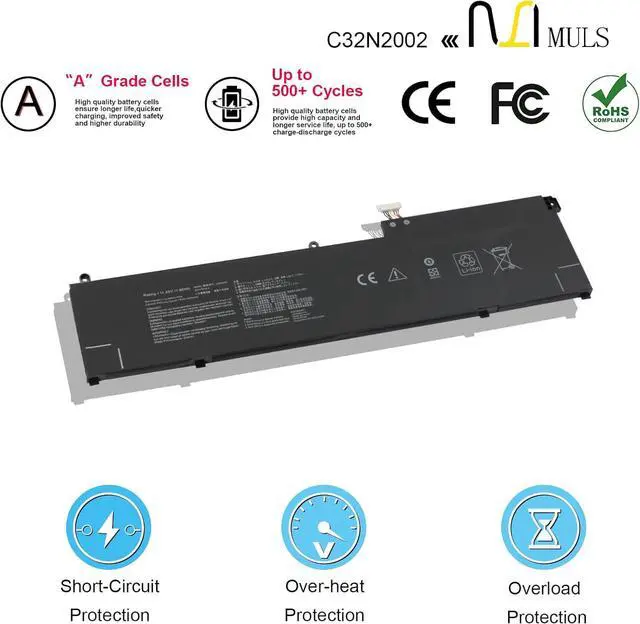
MULS is dedicated to crafting top-tier replacement batteries, covering a wide range of laptop models and robotic vacuum tools alike. Our batteries are all engineered with high-quality materials and integrated multiple safety protections, effectively solving common issues like short battery life, sudden shutdowns and aging power cells for your devices. Every MULS battery is precisely calibrated to match the original devices power needs, delivering a seamless, hassle-free user experience.
Power your laptops lasting performance, and keep your robotic vacuum running strongwith MULS!
Specification:
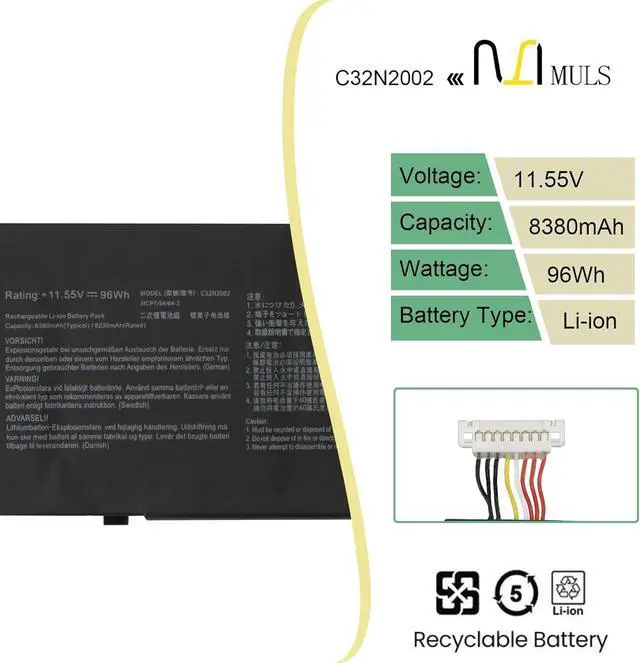
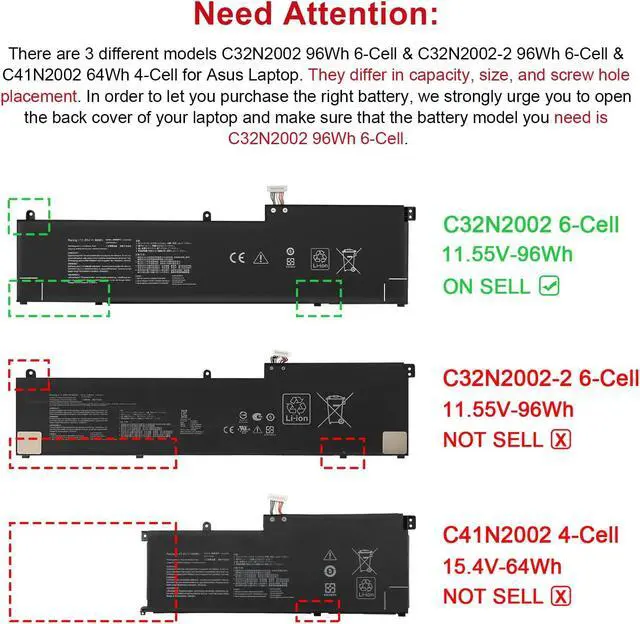
Battery Model: C32N2002
Voltage: 11.55V
Capatity: 96Wh 8380mAh 6-Cell
Compatible Part Number C32N2002 0B200-03770000 0B200-03660200 3ICP7/54/64-2 Compatible Model Replacement for Asus ZenBook Pro 15 UX535 UX535L UX535LI Series Compatible Model Replacement for Asus ZenBook Pro 15 OLED UX535Q UX535QA UX535QE Series Compatible Model Replacement for Asus ZenBook Pro 15 OLED UM535 UM535Q UM535QE UM535QA UM535QH Series Compatible Model Replacement for Asus ZenBook Flip 15 UX564 UX564EH UX564EI UX564P UX564PH Series Compatible Model Replacement for Asus ZenBook Flip 15 Q538 Q538E Q538EI Series Compatible Model Replacement for Asus ZenBook Flip 15 Q528 Q528E Q528EH Series Compatible Model Replacement for Asus ZenBook Pro 15 UX535 UX535L UX535LI UX564 UX564PH Series:ZenBook Pro 15 UX535LI-XH77T,UX535LI-E3090T,UX535LI-E3133T,UX535LI-BN198T,UX535LI,UX535LI-BO237T Compatible Model Replacement for Asus ZenBook Flip 15 UX564 UX564PH UX564PH UX564EI Series:ZenBook Pro 15 UX564EI-H2030T,UX564EI-H2017T,UX564PH-71A15CB1,UX564EH-EZ035R,UX564PH-71B15CP1,UX564EH,UX564PH-EZ004T,UX564PH-EZ007R,UX564EI-H2038T,UX564PH-EZ002T,UX564EI-EZ711R,UX564PH,UX564EI-WB711R,UX564PH-EZ003R,UX564EH-EZ018T,UX564PH-WB721R,UX564EH-EZ006R,UX564EI,UX564EI-H2005T,UX564EI-EZ006T,UX564EH-EZ035RZ,UX564EH-EZ004T 1. Turn off your laptop and disconnect the power.
2. Disconnect the connection between the old battery and the motherboard to avoid unnecessary damage caused by disassembling the battery. Then unscrew the old battery screws one by one and carefully save each screw.
3. Remove the old battery, carefully connect the new battery to the mainboard, reinstall all the parts that have been removed earlier, and connect the wiring of the new battery.
4. If you don't understand the above steps, you can search the relevant installation tutorial video on YouTube for help.
1. New battery: Discharge the new battery to 10% (not 0%), then charging up to 95% and repeat 3-4 times to activate the maximum capacity.
2. Overuse: Do not always run out of a battery to 0%, that would damage the battery or shorten the usage life.
3. Charging sequence: when charging, first install the battery, then turn on the power, when fully charged, first cut off the power, then pull the power plug.
4. Fully charge the battery before long-term storage, and keep charging once a month.
Do not store the battery at low power circumstances.
Could be caused by battery loss. Please re-install the battery and make sure that the battery cable and the motherboard interface are tightly inserted.
Maybe due to conductive material damage which the laptop motherboard and battery anode and c

MULS is dedicated to crafting top-tier replacement batteries, covering a wide range of laptop models and robotic vacuum tools alike. Our batteries are all engineered with high-quality materials and integrated multiple safety protections, effectively solving common issues like short battery life, sudden shutdowns and aging power cells for your devices. Every MULS battery is precisely calibrated to match the original devices power needs, delivering a seamless, hassle-free user experience.
Power your laptops lasting performance, and keep your robotic vacuum running strongwith MULS!
Specification:
Battery Model: C32N2002
Voltage: 11.55V
Capatity: 96Wh 8380mAh 6-Cell
Compatible Part Number C32N2002 0B200-03770000 0B200-03660200 3ICP7/54/64-2 Compatible Model Replacement for Asus ZenBook Pro 15 UX535 UX535L UX535LI Series Compatible Model Replacement for Asus ZenBook Pro 15 OLED UX535Q UX535QA UX535QE Series Compatible Model Replacement for Asus ZenBook Pro 15 OLED UM535 UM535Q UM535QE UM535QA UM535QH Series Compatible Model Replacement for Asus ZenBook Flip 15 UX564 UX564EH UX564EI UX564P UX564PH Series Compatible Model Replacement for Asus ZenBook Flip 15 Q538 Q538E Q538EI Series Compatible Model Replacement for Asus ZenBook Flip 15 Q528 Q528E Q528EH Series Compatible Model Replacement for Asus ZenBook Pro 15 UX535 UX535L UX535LI UX564 UX564PH Series:ZenBook Pro 15 UX535LI-XH77T,UX535LI-E3090T,UX535LI-E3133T,UX535LI-BN198T,UX535LI,UX535LI-BO237T Compatible Model Replacement for Asus ZenBook Flip 15 UX564 UX564PH UX564PH UX564EI Series:ZenBook Pro 15 UX564EI-H2030T,UX564EI-H2017T,UX564PH-71A15CB1,UX564EH-EZ035R,UX564PH-71B15CP1,UX564EH,UX564PH-EZ004T,UX564PH-EZ007R,UX564EI-H2038T,UX564PH-EZ002T,UX564EI-EZ711R,UX564PH,UX564EI-WB711R,UX564PH-EZ003R,UX564EH-EZ018T,UX564PH-WB721R,UX564EH-EZ006R,UX564EI,UX564EI-H2005T,UX564EI-EZ006T,UX564EH-EZ035RZ,UX564EH-EZ004T 1. Turn off your laptop and disconnect the power.
2. Disconnect the connection between the old battery and the motherboard to avoid unnecessary damage caused by disassembling the battery. Then unscrew the old battery screws one by one and carefully save each screw.
3. Remove the old battery, carefully connect the new battery to the mainboard, reinstall all the parts that have been removed earlier, and connect the wiring of the new battery.
4. If you don't understand the above steps, you can search the relevant installation tutorial video on YouTube for help.
1. New battery: Discharge the new battery to 10% (not 0%), then charging up to 95% and repeat 3-4 times to activate the maximum capacity.
2. Overuse: Do not always run out of a battery to 0%, that would damage the battery or shorten the usage life.
3. Charging sequence: when charging, first install the battery, then turn on the power, when fully charged, first cut off the power, then pull the power plug.
4. Fully charge the battery before long-term storage, and keep charging once a month.
Do not store the battery at low power circumstances.
Could be caused by battery loss. Please re-install the battery and make sure that the battery cable and the motherboard interface are tightly inserted.
Maybe due to conductive material damage which the laptop motherboard and battery anode and c
Warranty & Returns
Warranty, Returns, And Additional Information
Warranty
- Please contact the Seller directly for warranty information. Warranty information may also be found on the Manufacturer's website.
- CONTACT
Return Policies
- Return for refund within: 30 days
- Return for replacement within: 30 days
- This item is covered by LionTech Direct Return Policy
Manufacturer Contact Info
- For a directory of all our manufacturers, please click below.
- Manufacturers Directory
LOADING...