Your Browsing History
Meet Your Seller
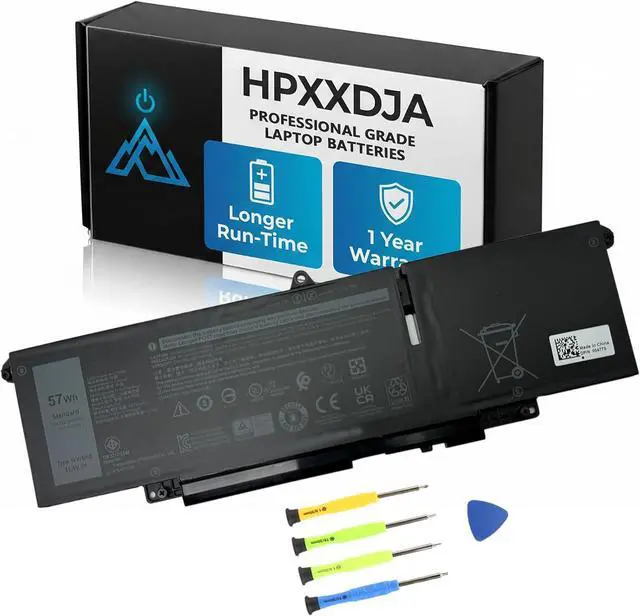
WW8N8 Laptop Battery Replacement for DELL Latitude 7340 7350 for Latitude 7440 7450 7640 7650 Series Notebook 66DWX 0HYH8 FH97R 0CTJJ6 3ICP6/65/78 11.4V 57Wh 4878mAh
- PRO AFTER-SALES: Your satisfaction is my consistent pursuit. If you have any problem or advice with WW8N8 Battery, please contact us directly. 24H promptly and friendly response
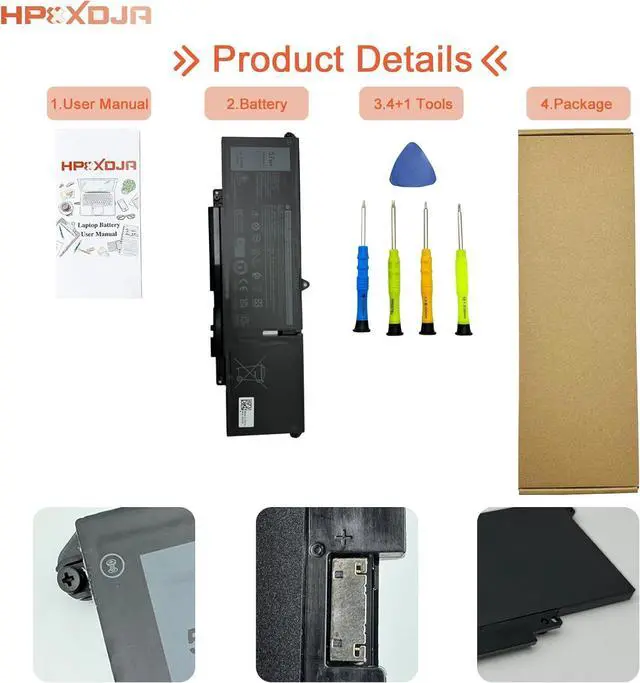
- BATTERY SPECIFICATIONS: WW8N8 battery for Dell. Battery Type: Li-ion. Capacity: 57 Wh 4878 mAh. Voltage: 11.4 V. WHAT YOU GET: 1 * WW8N8 battery. 1 * User Manual. 4 * Screwdrivers
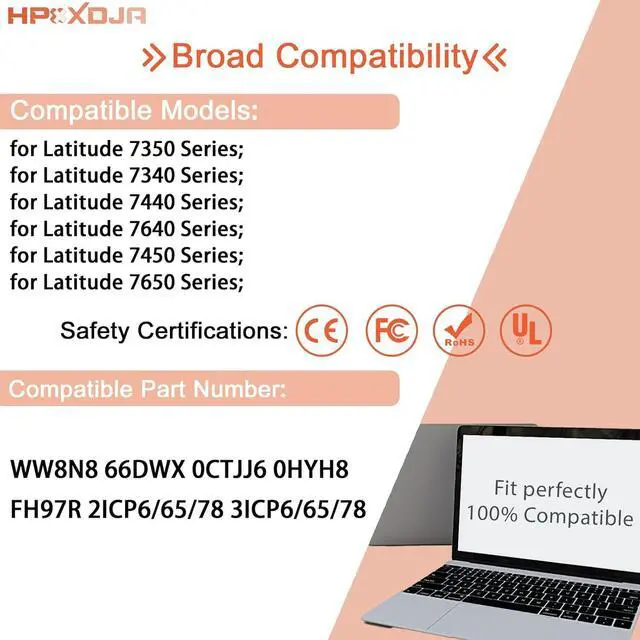
- COMPATIBLE WITH: WW8N8 battery. for Dell Latitude 7340 Series laptop; for Dell Latitude 7350 Series laptop; for Dell Latitude 7440 Series laptop; for Dell Latitude 7450 Series laptop; for Dell Latitude 7640 Series laptop; for Dell Latitude 7650 Series laptop
- PART NUMBER: WW8N8 66DWX 0HYH8 FH97R 0CTJJ6 2ICP6/65/78 3ICP6/65/78
- OUTSTANDING QUALITY: All HPXXDJA products have passed CE and UL safety certifications. Each battery has the capacity to provide enduring, continual use. Fully Safeguard your laptop and batteries
+
+
Overview
Specs
Reviews
Any questions? Our AI mode will help you find out quickly.
Try me now
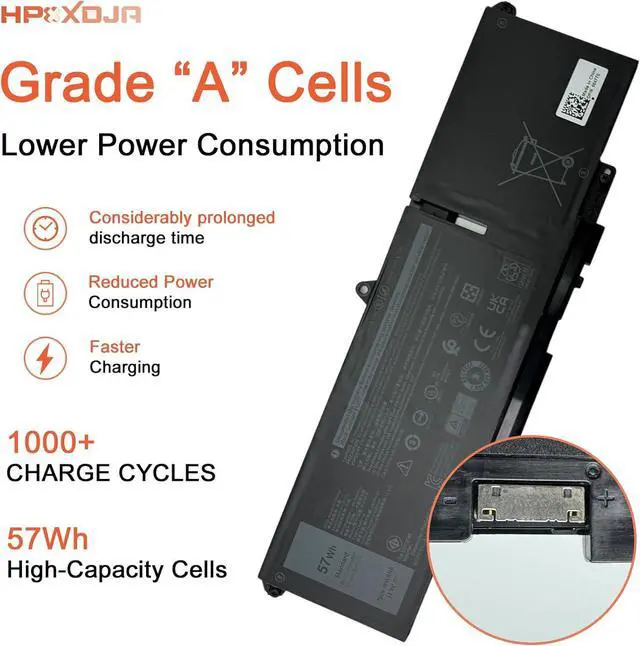
Grade A cells - Ensuring prolonged life and durability, supporting up to 1000 recharge cycles
100% compatible - Meeting OEM specifications for both safety and performance
Integrated multi-protection functions - guarding against short circuits, overheating, and overloads
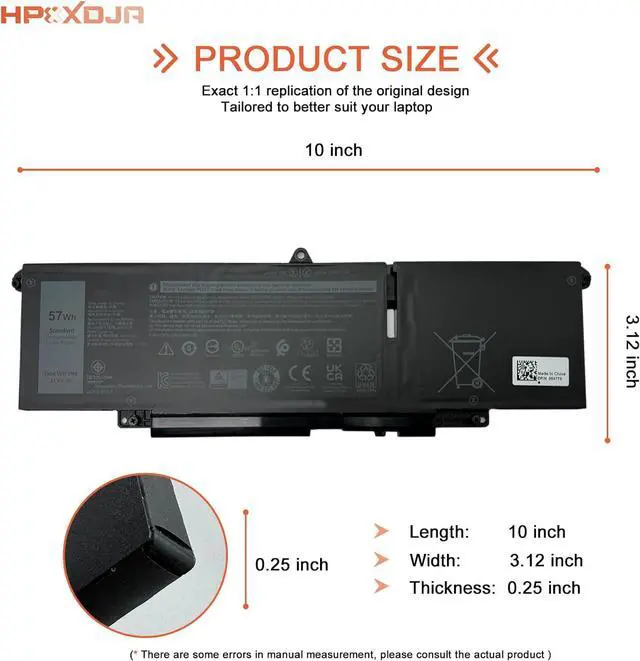
Easy & Quick Installation - Maintains the same size as the original battery, ensuring no worries about assembly and adaptation issues
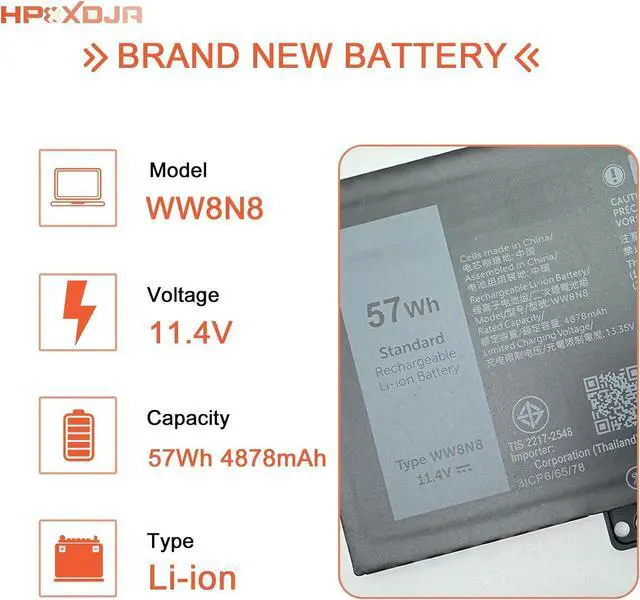
Battery Name: WW8N8
Battery Type: Li-ion
Battery Voltage: 11.4V
Battery Capacity: 57Wh 4878mAh
Packages included: 1pcs WW8N8 battery, wih 4+1 matching installation tools and manual
Replacement for Part Number:
WW8N8 66DWX FH97R 0CTJJ6 0HYH8 3ICP6/65/78 2ICP6/65/78
Compatible Models (use "Ctrl+F to find your model quickly")
for Dell Latitude 7350 7340 Series;
for Dell Latitude 7450 7440 Series;
for Dell Latitude 7650 7640 Series;
Q: Why does my computer fail to recognize the newly installed battery, or why does the battery not appear to function after installation?
A: The issue arises from residual power stored in the laptop components, hindering the proper functionality of the battery. To resolve this, kindly disconnect the old battery and press the power button for a duration of 20 seconds. Subsequently, connect the new battery. This process effectively drains the residual or flea power. Once the laptop is reassembled, the battery should operate as intended.
Main Benefits: Specifications: Installation of New Battery Frequently Asked Questions Solution:

Warranty & Returns
Warranty, Returns, And Additional Information
Warranty
- Please contact the Seller directly for warranty information. Warranty information may also be found on the Manufacturer's website.
- CONTACT
Return Policies
- Return for refund within: 30 days
- Return for replacement within: 30 days
- This item is covered by LionTech Direct Return Policy
Manufacturer Contact Info
- For a directory of all our manufacturers, please click below.
- Manufacturers Directory
LOADING...