

Your Browsing History

Meet Your Seller


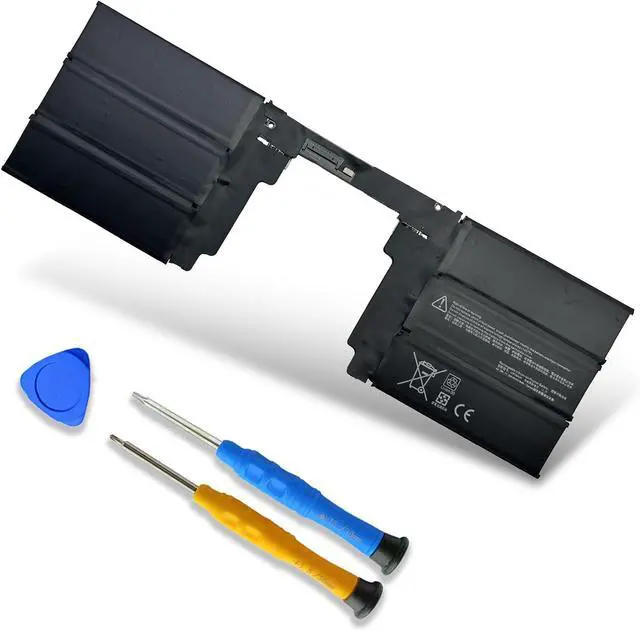


11.36V 62.2Wh/5473 G3HTA063H Rechargeable Battery for Microsoft Surface Book3 1907 1899 15 inches Keyboard Battery Surface Book2 1793 1795 1813 15 inches G3HTA041H G3HTA040H G3HTA062H
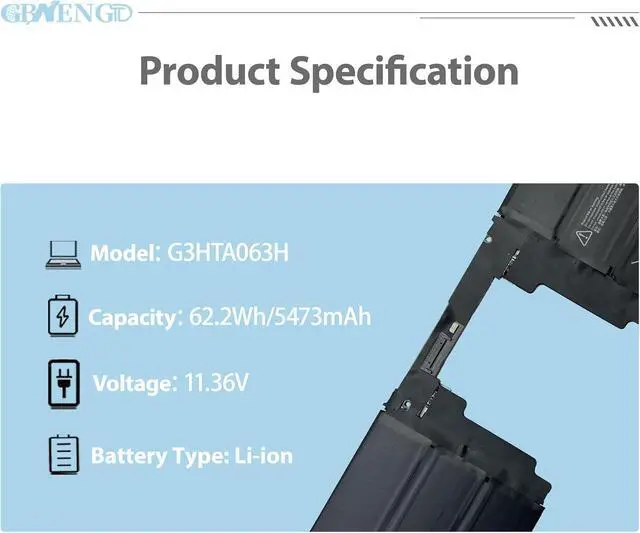
- Specifications Model: G3HTA063H Capatity: 62.2Wh/5473mAh Voltage:11.36V Color: Black Battery type: Rechargeable Li-ion Battery Condition: 100% brand New from Manufacturer.
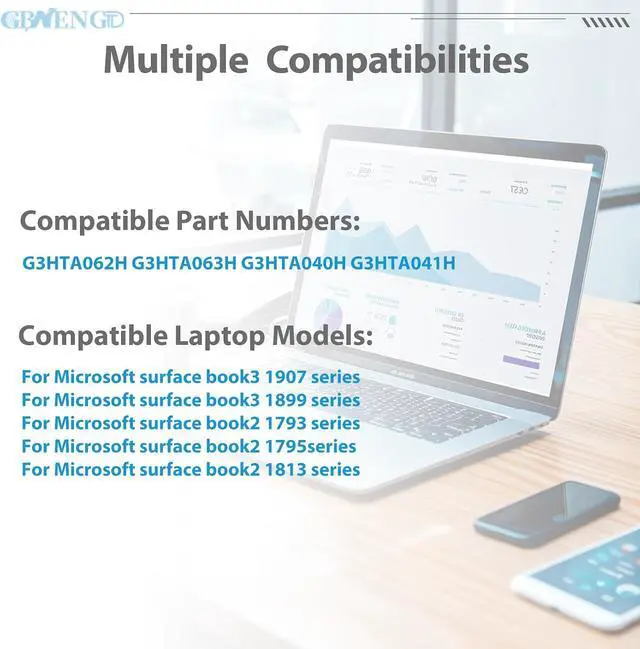
- Compatible ModelFor Microsoft surface book3 1907; 1899 series;For Microsoft surface book2 1793;1795;1813 series
- Compatible Part No#G3HTA062H G3HTA063H G3HTA040H G3HTA041H
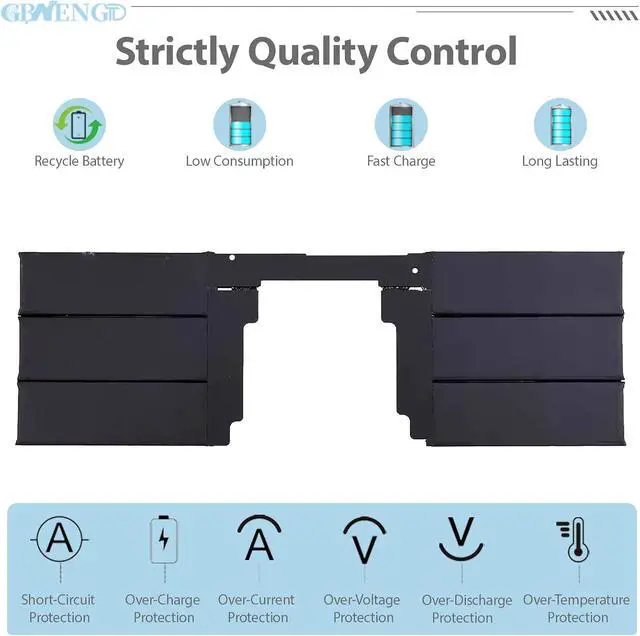
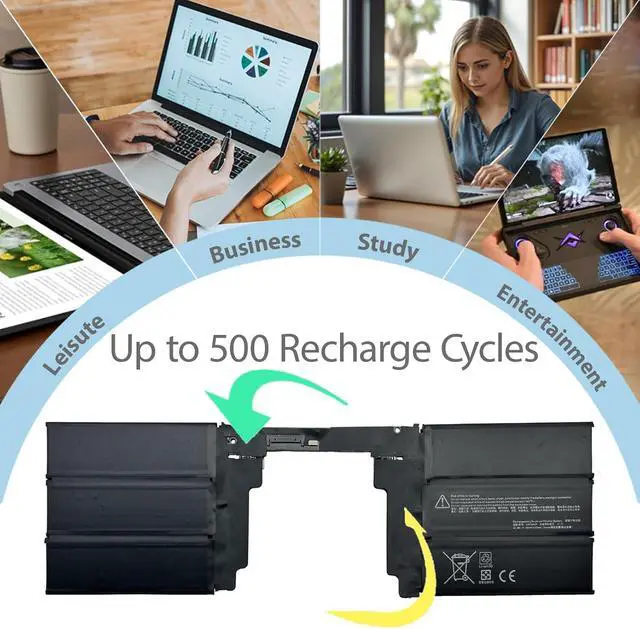
- Quality First We have passed a series tests of short circuit, overheating, and overload protection before shipments. The newest generation chips, grade A cell battery ,provide long cycle life, stable performance and broad compatibility.
- Service First-rate We promise 30-Day Refund & 1-Year Warranty. For any battery questions, just feel free to contact us for help via the order or click on"GBNENGTD", then you can see "Ask a question" on the page. We are here to serve for you for any battery problems within 24 hours.
+
+
Overview
Specs
Reviews

Any questions? Our AI mode will help you find out quickly.
Try me now
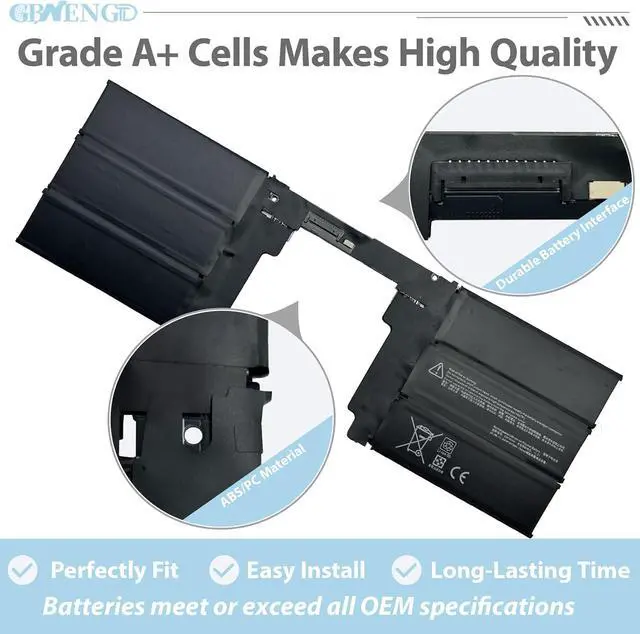
GBNENGTD is a professional manufacturer of laptop batteries, we focus on enhancing your laptop's performance with our cutting-edge replacement battery. Crafted with Grade A cells, we ensures superior quality and reliability, offering you a most perfect choice for purchasing batteries.
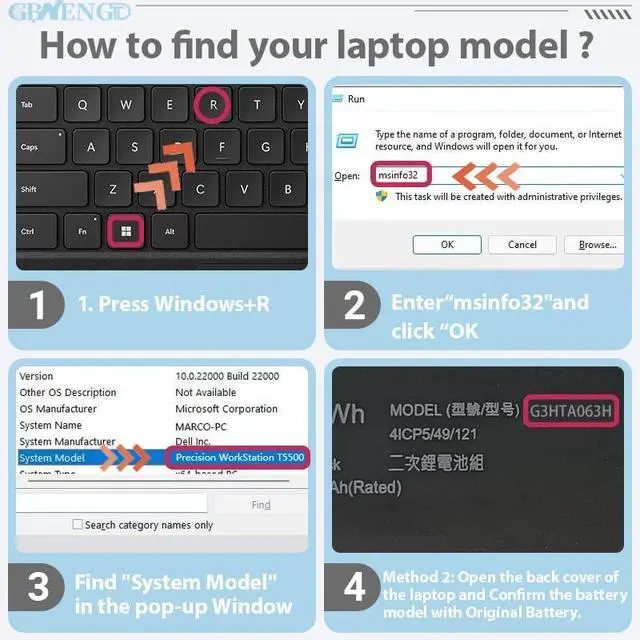
There are two methods that can help you find the correct model of the battery as above picture.
1* G3HTA063H battery
1* screwdriver kit
1* instruction manual
Voltage: 11.36V
Capacity: 62.2Wh/5473mAh
Battery Type: Rechargeable Lithium-ion Battery
Condition: 100% New from Manufacturer, Grade A Cell
Compatible Part Numbers
G3HTA062H G3HTA063H G3HTA040H G3HTA041H
For Microsoft surface book3 1907 series
For Microsoft surface book3 1899 series
For Microsoft surface book2 1793 series
For Microsoft surface book2 1795 series
For Microsoft surface book2 1813 series
Before replacing the new battery, you need to completely shut down the computer and remove the power and battery to avoid short-circuit during the replacement process.
Check and clean the battery slots first to make sure all connectors and screws are properly installed.
When removing and installing batteries, handle them with care to avoid damage caused by collision or falling.
Do Discharge the new battery use to 10% (not to 0%) and then charge to 95%, and cycle 3-4 times.
The important point is to perform a full discharge charge every other month to extend battery life.
Do not use the laptop in a high temperature environment and avoid fully charging or discharging the laptop battery for a long time, as this may damage the battery.
If you need to store your laptop for an extended period, it is recommended to charge the battery approximately once a month, maintaining a charge level of about 50% to keep it active.
Welcome to GBNENGTD ! How to purchase batteries correctly? Product Specification Model:G3HTA063H Compatible Models: (use "Ctrl+F to find your model quickly") Battery Mantainance Advice:
There are two methods that can help you find the correct model of the battery as above picture.
1* G3HTA063H battery
1* screwdriver kit
1* instruction manual
Voltage: 11.36V
Capacity: 62.2Wh/5473mAh
Battery Type: Rechargeable Lithium-ion Battery
Condition: 100% New from Manufacturer, Grade A Cell
Compatible Part Numbers
G3HTA062H G3HTA063H G3HTA040H G3HTA041H
For Microsoft surface book3 1907 series
For Microsoft surface book3 1899 series
For Microsoft surface book2 1793 series
For Microsoft surface book2 1795 series
For Microsoft surface book2 1813 series
Before replacing the new battery, you need to completely shut down the computer and remove the power and battery to avoid short-circuit during the replacement process.
Check and clean the battery slots first to make sure all connectors and screws are properly installed.
When removing and installing batteries, handle them with care to avoid damage caused by collision or falling.
Do Discharge the new battery use to 10% (not to 0%) and then charge to 95%, and cycle 3-4 times.
The important point is to perform a full discharge charge every other month to extend battery life.
Do not use the laptop in a high temperature environment and avoid fully charging or discharging the laptop battery for a long time, as this may damage the battery.
If you need to store your laptop for an extended period, it is recommended to charge the battery approximately once a month, maintaining a charge level of about 50% to keep it active.
Welcome to GBNENGTD ! How to purchase batteries correctly? Product Specification Model:G3HTA063H Compatible Models: (use "Ctrl+F to find your model quickly") Battery Mantainance Advice:
Warranty & Returns
Warranty, Returns, And Additional Information
Warranty
- Please contact the Seller directly for warranty information. Warranty information may also be found on the Manufacturer's website.
- CONTACT
Return Policies
- Return for refund within: 30 days
- Return for replacement within: 30 days
- This item is covered by LionTech Direct Return Policy
Manufacturer Contact Info
- For a directory of all our manufacturers, please click below.
- Manufacturers Directory
LOADING...