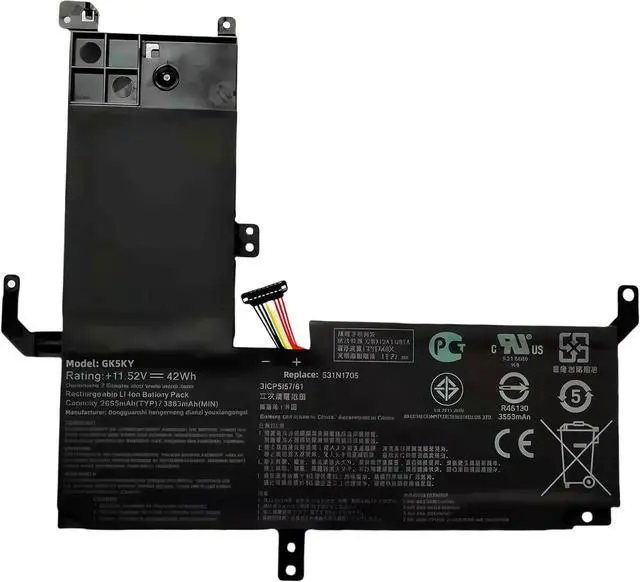
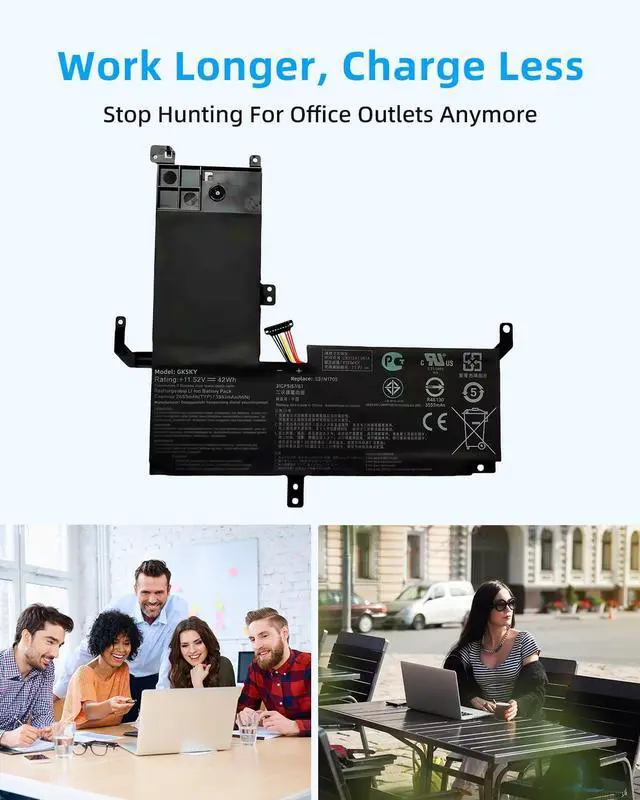
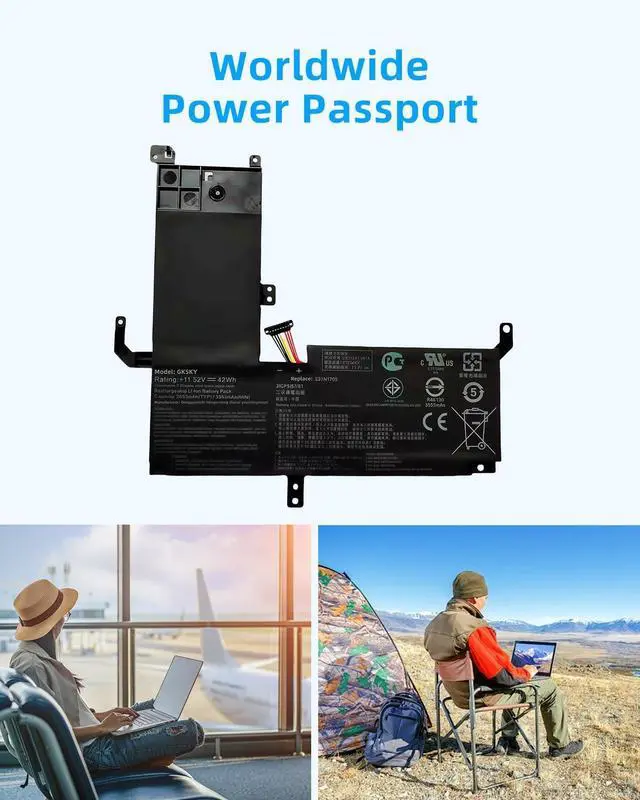
1Power Wilderness Office2Marathon Presentations3Airport Power4Productive Mobility Compatible Laptop Models For: C22N2107, 0B200-04160000. Compatible Laptop Models For: for ZenBook 14 UM3402 Series, including but not limited to: Compatible Laptop Models For: UM3402, UM3402Y, UM3402YA, UM3402YAR, UM3402DA, UM3402MA Compatible Laptop Models For: UM3402YA-AOG58031WS, UM3402YA-BS51-CB, UM3402YA-DB74T, UM3402YA-DS71, UM3402YA-KM061W, UM3402YA-KM063W, UM3402YA-KM067W, UM3402YA-KM069W, UM3402YA-KM074W, UM3402YA-KM091, UM3402YA-KM096W, UM3402YA-KM115W, UM3402YA-KM511WS, UM3402YA-KP095W, UM3402YA-KP101W, UM3402YA-OLED, UM3402YA-OLED063W, UM3402YA-716512B0W UM3402YAR-BS51T-CB, UM3402YAR-DS71T-CA Compatible Laptop Models For: for ZenBook 14 UX3402 / UX4302 Series, including but not limited to: Compatible Laptop Models For: UX3402, UX3402ZA, UX3402VA, UX3402QA, UX4302ZA Compatible Laptop Models For: UX3402ZA-DS71T, UX3402ZA-KM020W, UX3402ZA-KM022W, UX3402ZA-KM023W, UX3402ZA-KM064W, UX3402ZA-KM377W, UX3402ZA-KM382W, UX3402ZA-KM531WS, UX3402ZA-KM731WS UX3402VA-0082B1360P, UX3402VA-KM004W, UX3402VA-KM005W, UX3402VA-KM064W, UX3402VA-KM108W, UX3402VA-KM157W, UX3402VA-KM168W, UX3402VA-KM208W, UX3402VA-KM209W, UX3402VA-KN158W, UX3402VA-KP147W Compatible Laptop Models For: for ZenBook 14 Flip OLED UP3404 Series, including but not limited to: Compatible Laptop Models For: UP3404VA, UP3404VA-DS54T, UP3404VA-0033B1360P Compatible Laptop Models For: UP3404VA-KN026W, UP3404VA-KN055W, UP3404VA-KN058W, UP3404VA-KN060W, UP3404VA-KN089W, UP3404VA-KN117W, UP3404VA-KN139W UP3404VA-KN596WS, UP3404VA-OLED-B7002W Compatible Laptop Models For: for ZenBook 14 OLED Q409ZA Series, including but not limited to: Compatible Laptop Models For: Q409ZA, Q409ZA-EVO.I5256BL Is this battery compatible with my laptop?
1. Confirm your laptop model number (check the original battery or device label).
2. Match it with the compatible models listed in our product description
How long does the battery last on a full charge?
1. Battery life varies by usage, settings, and laptop model.
2. Typically offers several hours under normal use.
3. Reduce background applications and adjust power settings to extend lifespan.
Whats the best way to charge the laptop battery?
1. Recharge when the battery level drops to 5-10%.
2. Avoid completely draining the battery.
3. Charge in a dry, cool area away from extreme temperatures.
What should I do when using the battery for the first time?
1. Fully charge the battery before first use.Turn off the laptop and disconnect the power adapter during installation.
3. Calibrate the battery by discharging to 5-7% (do not fully drain) and charging to 95%. Repeat 3-4 times for optimal performance.
How to Check Your Laptop Model? 1. Press Windows/Command+R 2. Enter"msinfo32" & click OK 3. Find "system model" Compatible for Laptop models:Press [Ctrl + F] to search for your type Is this battery compatible with my laptop?
How long does the battery last on a full charge?
Whats the best way to charge the laptop battery?
What should I do when using the battery for the first time?





 here!
here!