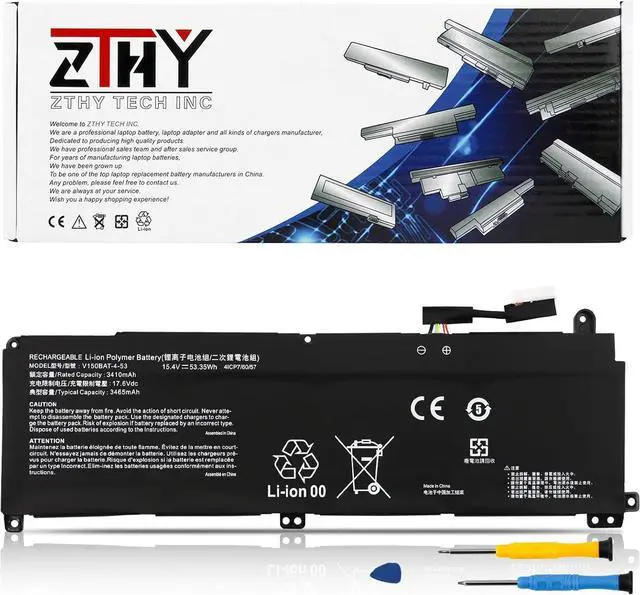
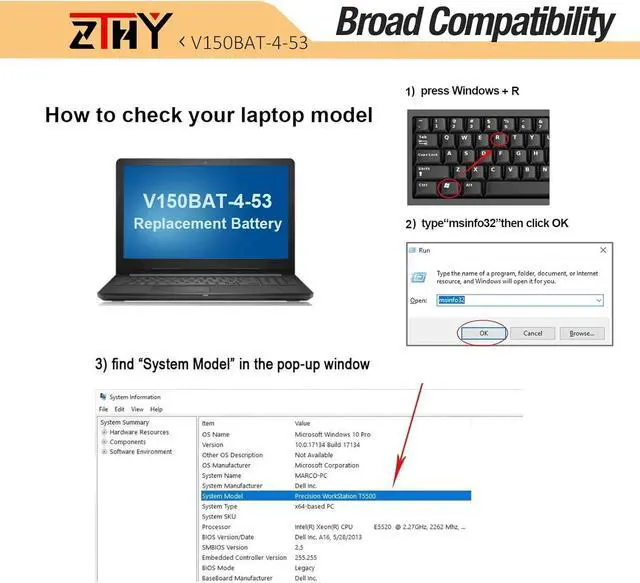
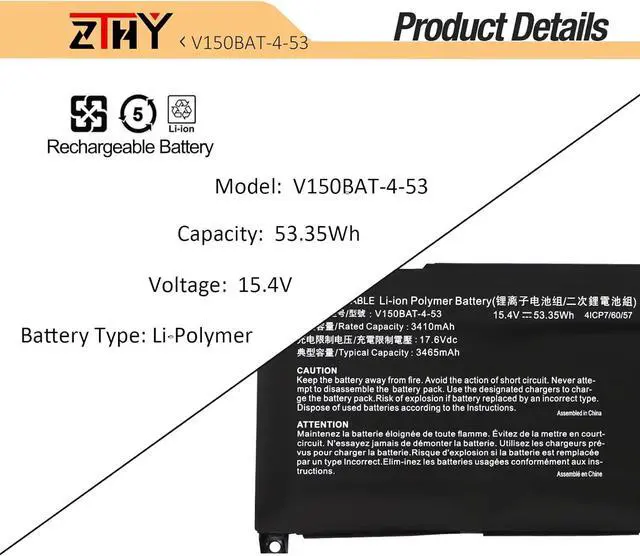
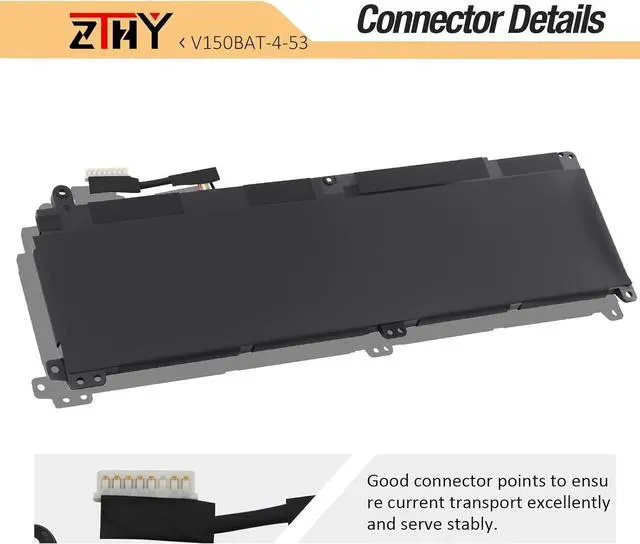
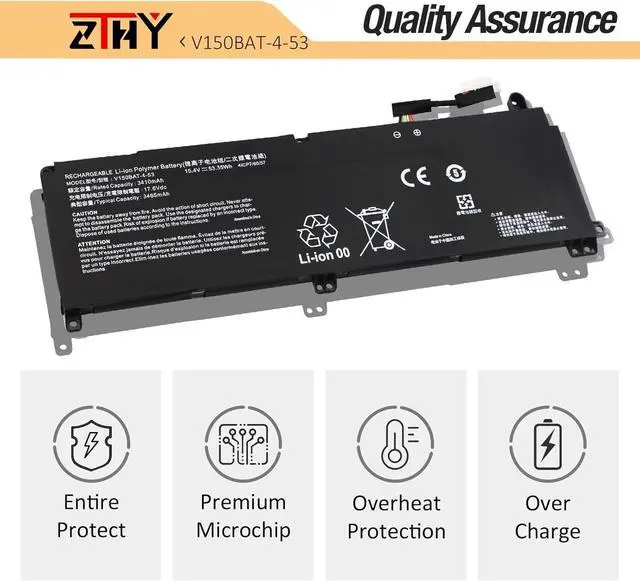
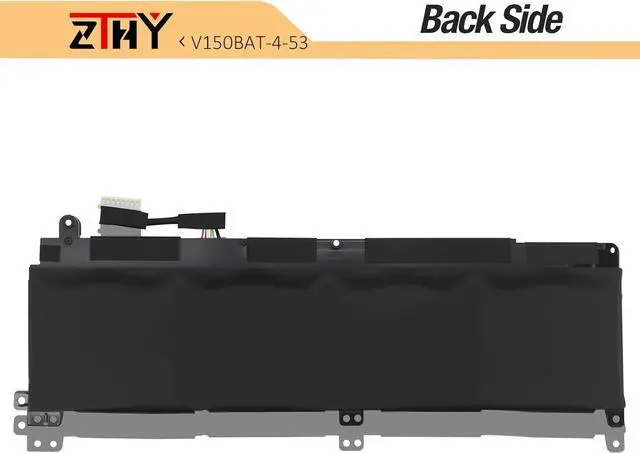
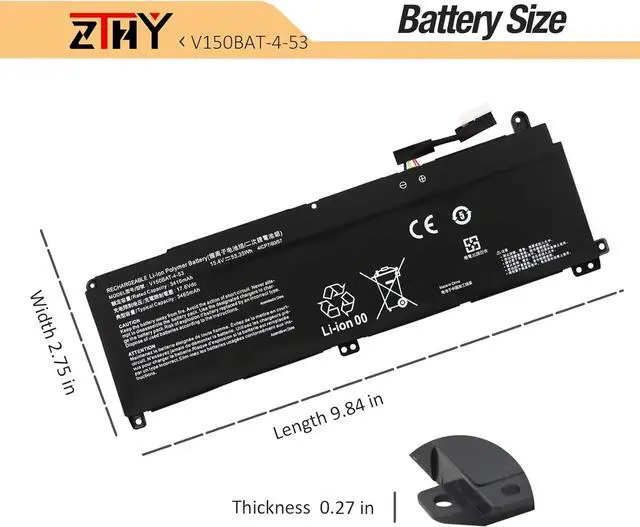
Compatible Part Number V150BAT-4 V150BAT-4-53 V150BAT-3-41 4IPC7/60/57 Compatible Model Replacement for Hasee Hasee Z7 Series: Z7T Z7-DA5NS Z7-DA7NS Z7-DA7NP Z7-DA7NT Z7-RA9 Z7T-DA7NT Compatible Model Replacement for Hasee Z8 Series: Z8-DA7NT Z8-DA7NP Compatible Model Replacement for Hasee G8 Series: G8-DA5 G8-DA7NP G8-DA7NT Compatible Model Replacement for Hasee CV15S02 Series; Compatible Model Replacement for Machenike s15c Series; Compatible Model Replacement for Colorful Meow R15 Series; Compatible Model Replacement for Colorful Evol P15 2024 Series; Compatible Model Replacement for Colorful P16 23 Series; Compatible Model Replacement for Colorful P16 TA 24 Series; Compatible Model Replacement for Medion Erazer Crawler E40 Series; Compatible Model Replacement for Medion Erazer Deputy P40 Series; Compatible Model Replacement for Medion Erazer Scout E20 Series; Compatible Model Replacement for Thunderobot 911 MT Pro D Series; Compatible Model Replacement for Thunderobot 911 Plus G2 Max Series; Compatible Model Replacement for Captiva Advanced Gaming I66-803 I68-170 I68-187 I68-197 I68-198 I68-200 I68-202 Series; Compatible Model Replacement for Captiva Advanced Gaming I68-203 I68-204 I68-205 I68-208 I68-519 I68-710CH I68-718CH Series; Compatible Model Replacement for Captiva Advanced Gaming I69-161 I69-162 I69-165 I69-166 I69-171 I69-172 I69-175 I69-176 I69-177 Series; Compatible Model Replacement for Captiva Advanced Gaming I69-184 I69-187 I69-206 I69-238 I69-611C I71-906CH I74-121 Series; Compatible Model Replacement for Clevo V150RND V150PNH V150PNJ V150PNK V150PNP Series; Compatible Model Replacement for Clevo V155PNHQ V155PNJQ V155PNKQ V155PNPQ Series; Compatible Model Replacement for Clevo V157PNHQ V157PNJQ V157PNKQ V157PNPQ Series; Compatible Model Replacement for Clevo V158PNHQ V158PNJQ V158PNKQ V158PNPQ Series; Compatible Model Replacement for Clevo V175PNHQ V175PNJQ V175PNPQ Series. Attention If you install the battery, you find that the laptop cannot detect the battery or the battery level cannot be displayed normally. Please check whether the battery cable is installed properly. Sometimes the battery cannot be charged because the cable is not fixed properly. What do I need to be aware of when I receive a battery?
You need to check its appearance, confirm the model, read the instruction manual. Cycle and charge it 5 to 6 times to activate the maximum usage space of the battery. When not in use temporarily, charge the battery to 50%-60%.
What should I do if laptop won't boot up after installing a new battery?
1.Check if the battery is properly seated and connections are clean. 2.Try charging it or use the adapter alone to start. 3.Examine hardware links, like RAM and adapters. 4.Reset BIOS settings if needed. 5.Enter Safe Mode to fix system issues.
How should I do if the battery is not recognised?
If it is not recognised, it is recommended to update the BIOS settings or please disconnecting the old battery, and holding down the power button for 20 seconds, then connect the new battery.
What should I do if the battery expands?
1.Power off your laptop and disconnect it from any power source. 2.Carefully remove the swollen battery from the laptop in a well-ventilated area, avoid pressing or squeezing the battery during removal.
What can you do if you are not satisfied with the battery?
Please Contact ZTHY, we'll help you. Our battery have 12 months replace a new one and 30 days moeny back guarrante.
Compatible with Laptop Models: (Ctrl + F for fast search your laptop model) What do I need to be aware of when I receive a battery?
What should I do if laptop won't boot up after installing a new battery?
How should I do if the battery is not recognised?
What should I do if the battery expands?
What can you do if you are not satisfied with the battery?





 here!
here!