Your Browsing History
Meet Your Seller
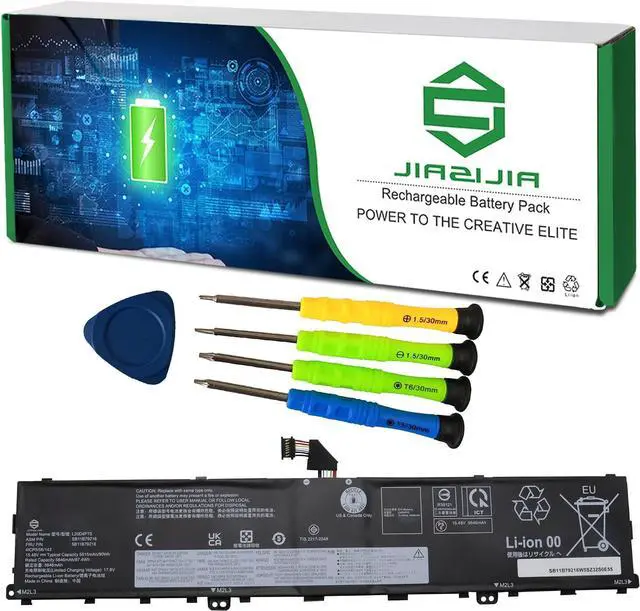
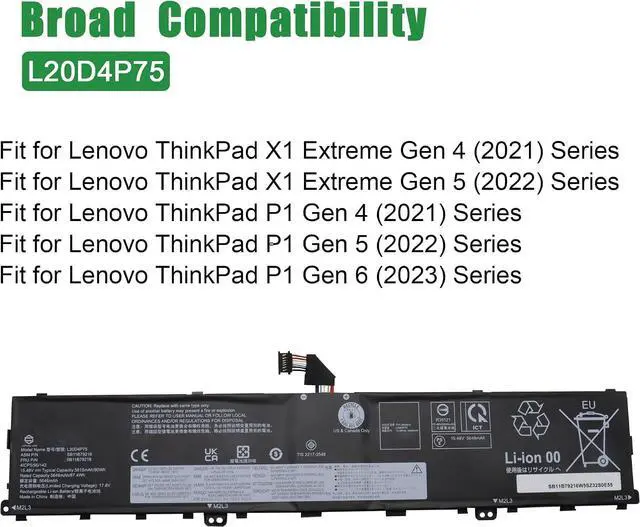
L20D4P75 Laptop Battery Replacement for Lenovo ThinkPad P1 Gen 4/5/6 Series SB11B79216 5B11B79218 5M11E25314 5M11L99164 L20M4P75 SB11B79215 5B11B79217 5M11E25313 SB11M89862 15.48V 90Wh
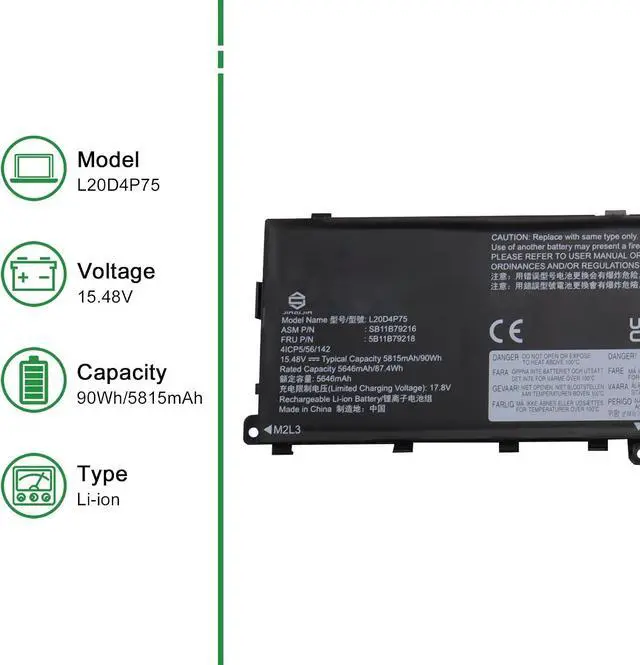
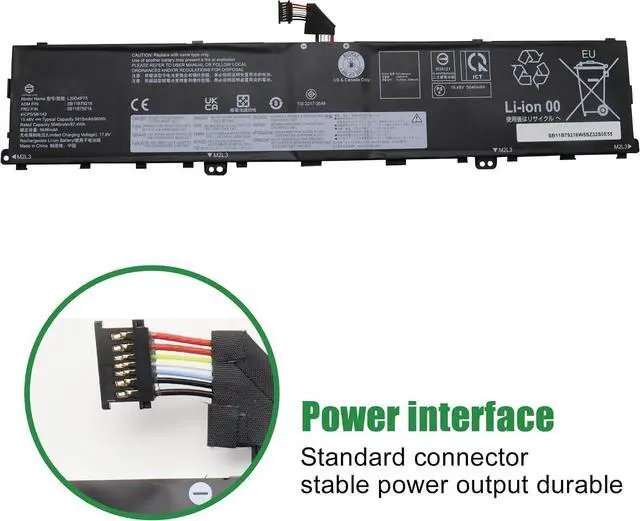
- Model: L20D4P75 // Voltage: 15.48V // Capacity: 90Wh 5815mAh // Color: Black // Type: Plug & Play Li-ion Battery.
- Replacement for Part Number: L20D4P75 SB11B79216 5B11B79218 5M11E25314 5M11L99164 L20M4P75 SB11B79215 5B11B79217 5M11E25313 SB11M89862 5B11M90061.
- Compatible Models: Fit for Lenovo ThinkPad X1 Extreme Gen 4 (2021) // ThinkPad X1 Extreme Gen 5 (2022) // ThinkPad P1 Gen 4 (2021) // ThinkPad P1 Gen 5 (2022) // ThinkPad P1 Gen 6 (2023) Series.
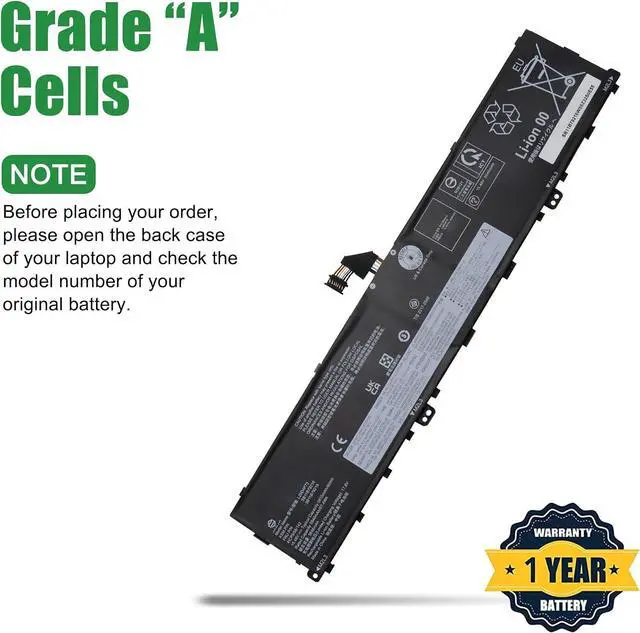
- Note 1: In order to find the right model, please open the back case of your laptop and check the model number of your original battery.
- Note 2: Before installing the replacement battery, please read the manual carefully.
+
+
Overview
Specs
Reviews
Any questions? Our AI mode will help you find out quickly.
Try me now
Model: L20D4P75 // Voltage: 15.48V // Capacity: 90Wh 5815mAh // Color: Black // Type: Plug & Play Li-ion Battery.
Replacement for Part Number: L20D4P75 SB11B79216 5B11B79218 5M11E25314 5M11L99164 L20M4P75 SB11B79215 5B11B79217 5M11E25313 SB11M89862 5B11M90061.
Compatible Models: Fit for Lenovo ThinkPad X1 Extreme Gen 4 (2021) // ThinkPad X1 Extreme Gen 5 (2022) // ThinkPad P1 Gen 4 (2021) // ThinkPad P1 Gen 5 (2022) // ThinkPad P1 Gen 6 (2023) Series.
Note 1: In order to find the right model, please open the back case of your laptop and check the model number of your original battery.
Note 2: Before installing the replacement battery, please read the manual carefully.

Replacement for Part Number: L20D4P75 SB11B79216 5B11B79218 5M11E25314 5M11L99164 L20M4P75 SB11B79215 5B11B79217 5M11E25313 SB11M89862 5B11M90061.
Compatible Models: Fit for Lenovo ThinkPad X1 Extreme Gen 4 (2021) // ThinkPad X1 Extreme Gen 5 (2022) // ThinkPad P1 Gen 4 (2021) // ThinkPad P1 Gen 5 (2022) // ThinkPad P1 Gen 6 (2023) Series.
Note 1: In order to find the right model, please open the back case of your laptop and check the model number of your original battery.
Note 2: Before installing the replacement battery, please read the manual carefully.
Warranty & Returns
Warranty, Returns, And Additional Information
Warranty
- Please contact the Seller directly for warranty information. Warranty information may also be found on the Manufacturer's website.
- CONTACT
Return Policies
- Return for refund within: 30 days
- Return for replacement within: 30 days
- This item is covered by LionTech Direct Return Policy
Manufacturer Contact Info
- For a directory of all our manufacturers, please click below.
- Manufacturers Directory
LOADING...