Your Browsing History
Meet Your Seller
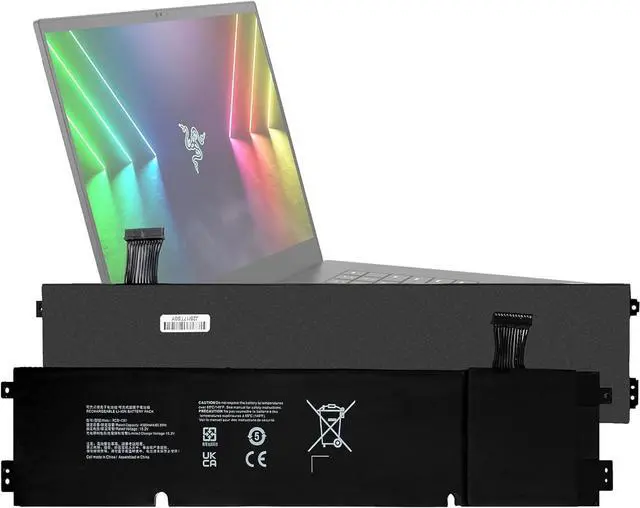
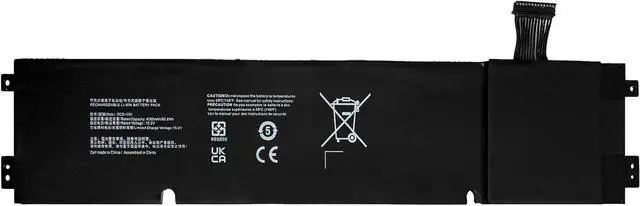
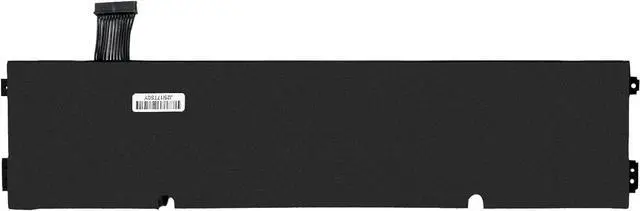
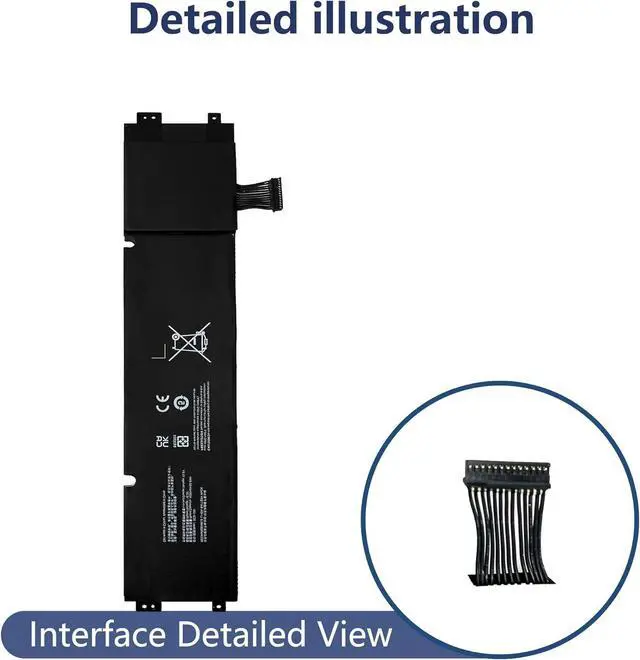
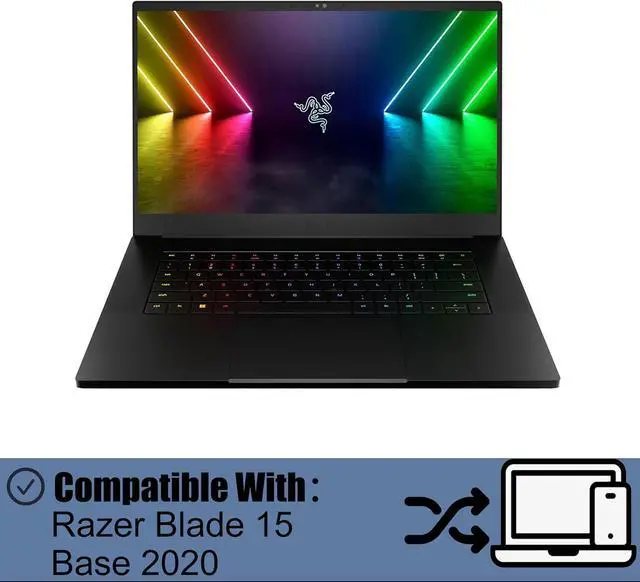
RC30-0351 Battery Compatible with Razer Blade 15 Base 2020 2021 Replacement Battery for RZ09-0351 RC30-0351 RZ09-03519E11
- 1. Applicable ModelsCompatible with Razer Blade 15 Base 2020 2021 RZ09-0351 RC30-0351 RZ09-03519E11,Please carefully check your mobile phone model before purchasing to avoid purchasing the wrong model and damaging your product
- 2. Product Parameters: Battery ModelRC30-0351Capacity parameter4000mAh/60.8Wh,15.2VPlease use a charger that is compatible with the battery or the original charger that came with the phone to extend the battery life
- 3.Excellent Performance Features A+ grade battery cells, ensuring more than 900 charging cycles. Multi-layer protection design ensures safe use for users and devices, with a built-in microchip that prevents overcharging, over-discharging, and overheating.
- 4. Maintenance Instructions: Before using the battery for the first time, please fully discharge it three times and then charge it once to achieve optimal performance. Please note that optimal performance and service life can only be achieved after completing 3 to 5 full charge and discharg
+
+
Overview
Specs
Reviews
Any questions? Our AI mode will help you find out quickly.
Try me now
Product Specifications:
1. Compatible Models: Compatible with Razer Blade 15 Base 2020 2021 RZ09-0351 RC30-0351 RZ09-03519E11
2. Battery Specifications: 4000mAh/60.8Wh,15.2V
3. Product List: Battery
Purchase Notes:
1. Please carefully check your product model to avoid purchasing an incompatible product that cannot be used
2. Please use a charger that is compatible with the battery or the original charger provided with the phone to extend the battery's lifespan
3. When using the battery for the first time, please fully discharge it. Charge it to 100%, then continue charging for at least 2 hours. Use the device until it automatically shuts down due to low battery. Finally, charge it to 100% again. A new lithium-polymer battery will achieve optimal performance and lifespan after completing 2 to 3 full charge-discharge cycles
Battery Q&A:
1. If the new battery cannot power the phone, clean the battery connector with sandpaper or a stiff brush to remove any oxidation; Check if other flexible cables on the motherboard are properly connected
2. Charge the battery using the original adapter charger for 30 minutes. If the phone shows no charging signs, try using another Android adapter charger
3. If the battery level remains low after installation, it is because some phones require a system reinstallation after battery replacement to allow the system to recognize the new battery cell and display the correct battery level
After-sales service:
1. If you have any questions upon receiving the product, please contact us immediately. We will provide you with a solution, which will help resolve your issue more efficiently. Thank you for reaching out
2. The product has a 3-month warranty period. During this time, you may contact us at any time for any warranty-related issues
3. You may watch installation tutorials on YouTube to familiarize yourself with the process and avoid damaging the product during installation

1. Compatible Models: Compatible with Razer Blade 15 Base 2020 2021 RZ09-0351 RC30-0351 RZ09-03519E11
2. Battery Specifications: 4000mAh/60.8Wh,15.2V
3. Product List: Battery
Purchase Notes:
1. Please carefully check your product model to avoid purchasing an incompatible product that cannot be used
2. Please use a charger that is compatible with the battery or the original charger provided with the phone to extend the battery's lifespan
3. When using the battery for the first time, please fully discharge it. Charge it to 100%, then continue charging for at least 2 hours. Use the device until it automatically shuts down due to low battery. Finally, charge it to 100% again. A new lithium-polymer battery will achieve optimal performance and lifespan after completing 2 to 3 full charge-discharge cycles
Battery Q&A:
1. If the new battery cannot power the phone, clean the battery connector with sandpaper or a stiff brush to remove any oxidation; Check if other flexible cables on the motherboard are properly connected
2. Charge the battery using the original adapter charger for 30 minutes. If the phone shows no charging signs, try using another Android adapter charger
3. If the battery level remains low after installation, it is because some phones require a system reinstallation after battery replacement to allow the system to recognize the new battery cell and display the correct battery level
After-sales service:
1. If you have any questions upon receiving the product, please contact us immediately. We will provide you with a solution, which will help resolve your issue more efficiently. Thank you for reaching out
2. The product has a 3-month warranty period. During this time, you may contact us at any time for any warranty-related issues
3. You may watch installation tutorials on YouTube to familiarize yourself with the process and avoid damaging the product during installation
Warranty & Returns
Warranty, Returns, And Additional Information
Warranty
- Please contact the Seller directly for warranty information. Warranty information may also be found on the Manufacturer's website.
- CONTACT
Return Policies
- Return for refund within: 30 days
- Return for replacement within: 30 days
- This item is covered by LionTech Direct Return Policy
Manufacturer Contact Info
- For a directory of all our manufacturers, please click below.
- Manufacturers Directory
LOADING...