Welcome to JIAZIJIA
JIAZIJIA is a professional laptop replacement battery and tablet battery manufacturer and vendor.
We focus on producing high-quality, safe and reliable laptop battery and tablet battery.
Customers satisfaction is our top priority.
Specification:
Type: Plug & Play Rechargeable Li-ion Battery
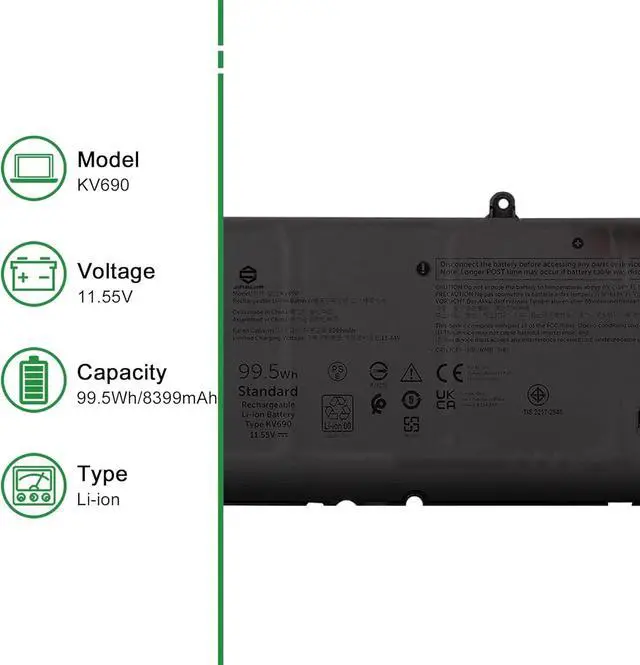
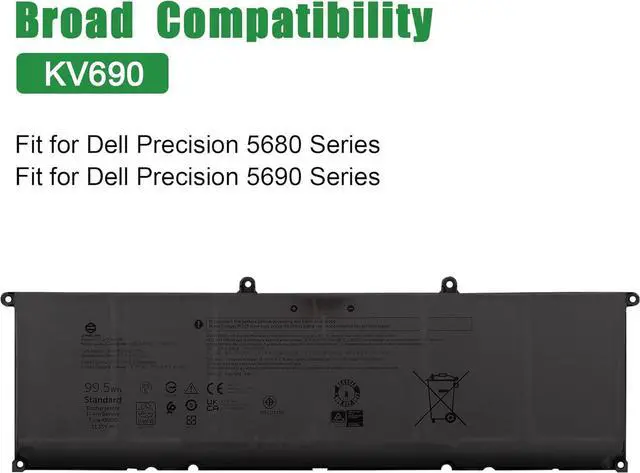
Model: KV690
Voltage: 11.55V
Capatity: 99.5Wh 8399mAh
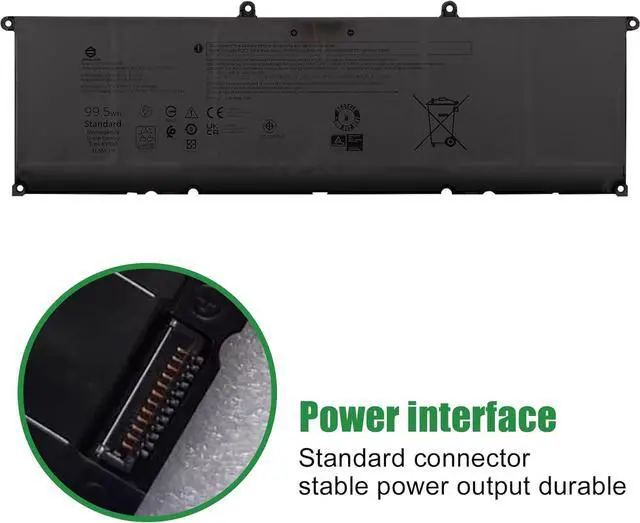
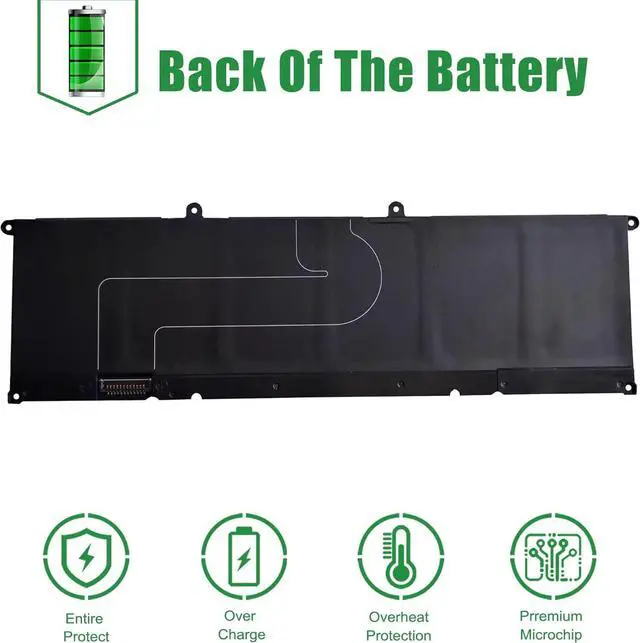
Interface: Refer to the picture! Please check it!
Color: Black
Replacement for Part Number:
KV690 6D2HW 06D2HW
Compatible Models (use "Ctrl+F" to find your model quickly)
Fit for Dell Precision 5680 Series
Fit for Dell Precision 5690 Series
Package included:
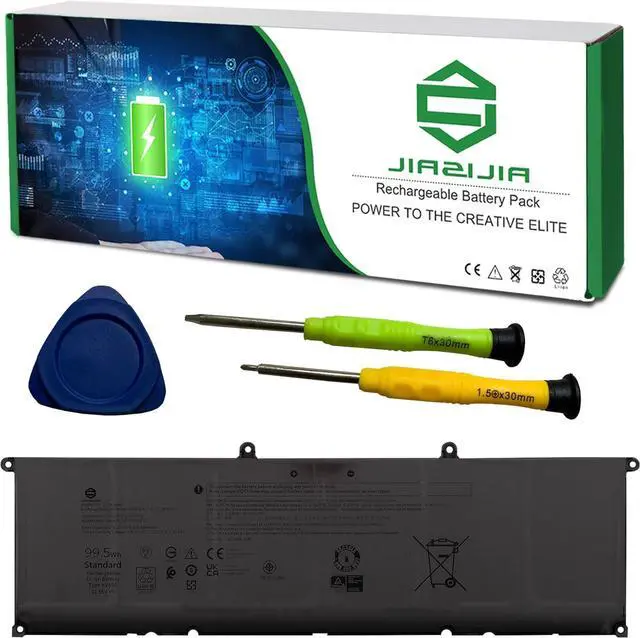
1X KV690 Battery
1X User Manual
1X Tool Kit
Important Note:
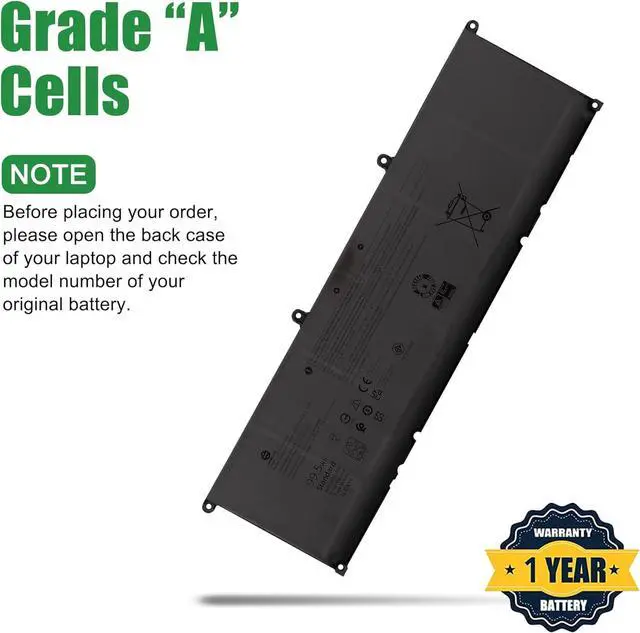
1. Check your original battery's part number and confirm the exact battery model you need.
2. Before installing the replacement battery, please read the maunal carefully.
3. If you are not sure you can replace the battery by yourself, please find a tutorial online or ask a professional staff to help you replace it.
4. When using the battery, care should be taken to prevent exposure and moisture.
Tips to use a new replacement battery:
1. Discharge the new battery use to 5%(not to 0%) and then charge to 95%, and cycle 3-4 times.
2. Do not disassemble, crush or puncture. Do not dispose of in fire or water.
3. If you remove battery for a long time, charge more than 80% at least one time within one months.
4. Don't connect adapter for a long time while using the battery. It may damage the battery.
FAQs
Why the new replacement battery can't be recognized by the laptop?
1. Check the packing and the battery to confirm it has not been harmed during the shipping.
2. Please make sure that the connector of the battery has been inserted into the system board correctly and tightly.
3. Update the battery drive to the newest edition. Charge the new battery for 4-6 hours.
KV690 replacement battery Important Note: please comfirm the exact battery model you need by checking your laptop's original battery before placing your order.





 here!
here!