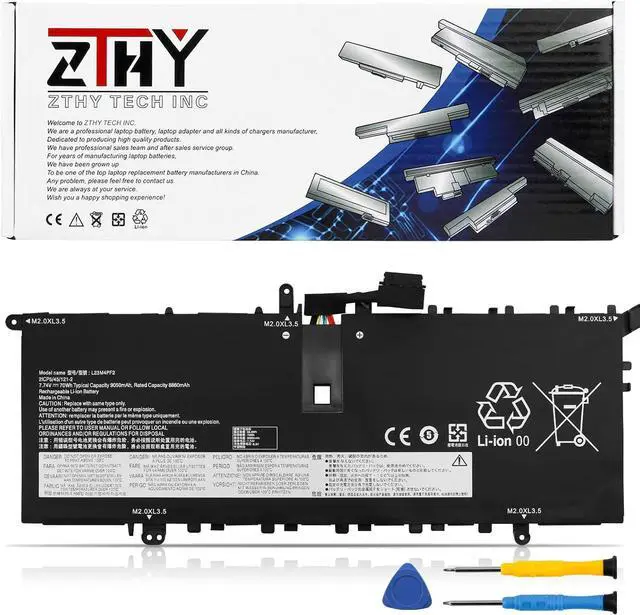
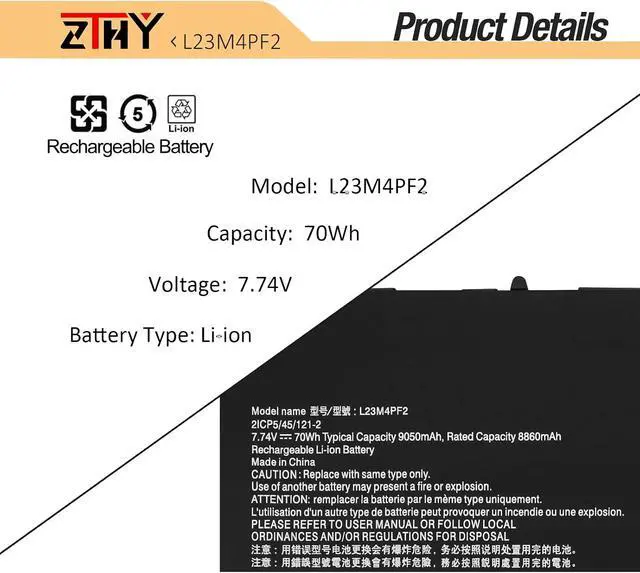
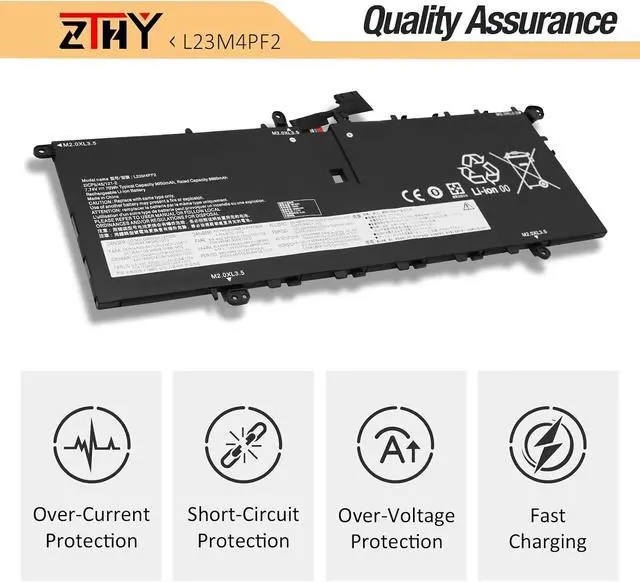
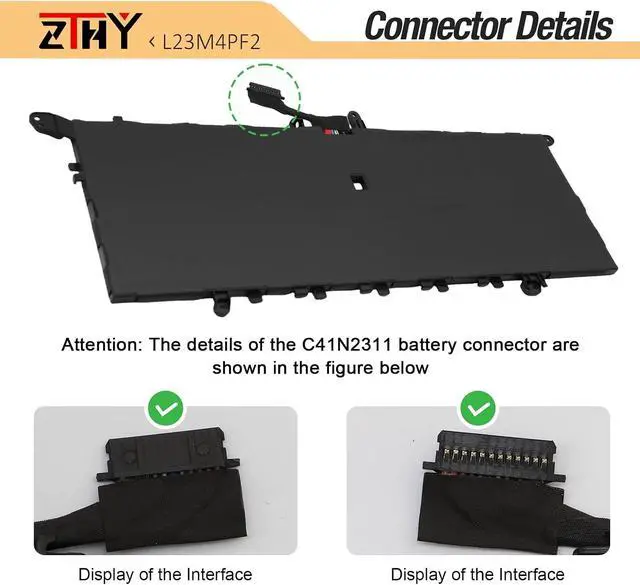
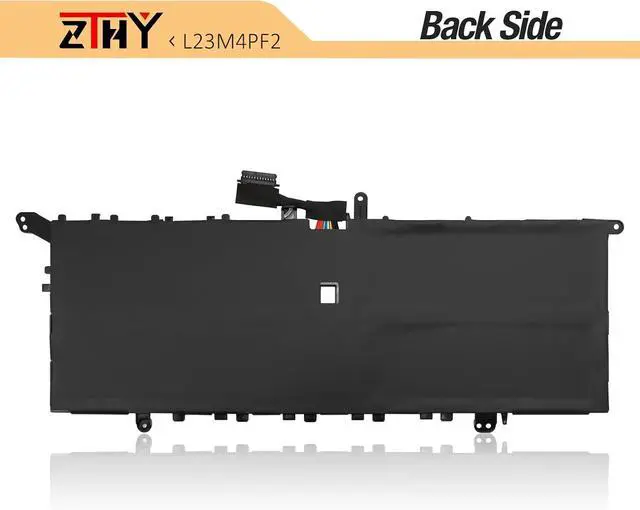
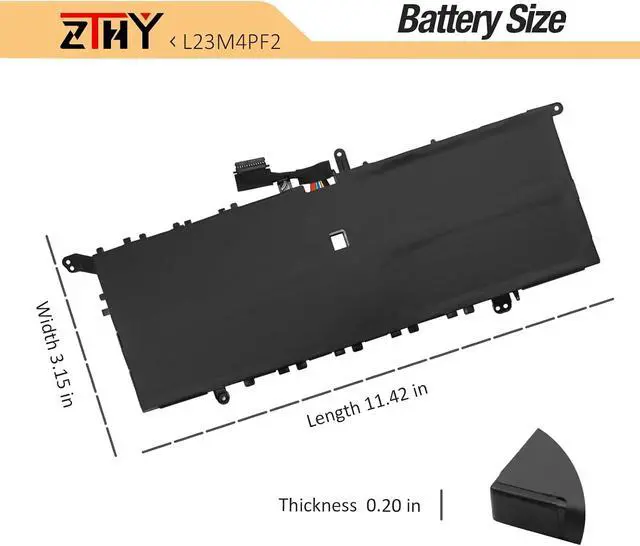
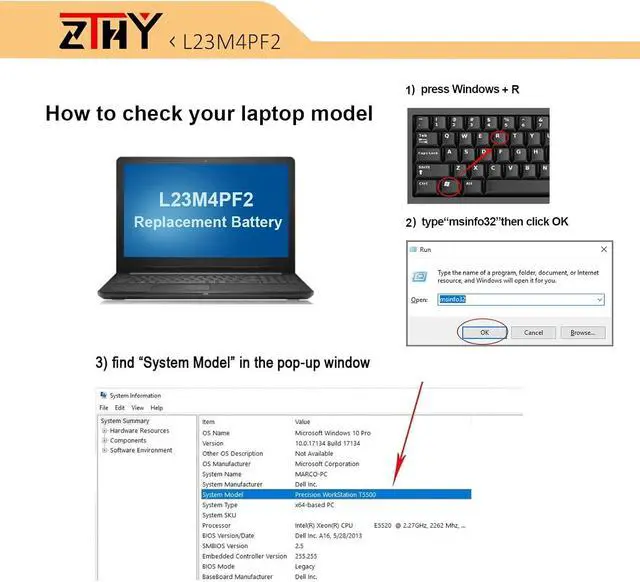
Compatible Part Number L23B4PF2 L23C4PF2 SB11N42052 5B11N42051 L23L4PF2 L23M4PF2 SB11N42050 5B11N42049 Compatible Model Replacement for Lenovo Yoga Air 14S 15 2024 Series; Compatible Model Replacement for Lenovo Yoga Slim 7 Gen 9th 2024 Series Compatible Model Replacement for Lenovo Yoga Slim 7X 14Q8X9 Series Compatible Model Replacement for Lenovo Yoga Slim 7 14Q8X9 ( Type: 83ED ) Series 83ED000AFR, 83ED000BAU, 83ED000CAU, 83ED000DIX, 83ED000EIX, 83ED000FIX, 83ED000GIX, 83ED000HIX, 83ED000JIX, 83ED000KUK, 83ED000MFR, 83ED000NRM, 83ED000PRM, 83ED000QJP, 83ED000RBM, 83ED000SBM, 83ED000TFR, 83ED000UHH, 83ED000VMZ, 83ED000WMZ, 83ED000XCK, 83ED000YCK, 83ED0000CF, 83ED0001US, 83ED0002CF, 83ED0003US, 83ED0004FR, 83ED0005FR, 83ED0006MX, 83ED0007MX, Compatible Model Replacement for Lenovo Yoga Slim 7 14Q8X9 ( Type: 83ED ) Series 83ED001RMH, 83ED001SMB, 83ED001TMB, 83ED001UGM, 83ED001VBR, 83ED001XBR, 83ED001YIX, 83ED0010ID, 83ED0011CK, 83ED0012SB, 83ED0013SB, 83ED0014GE, 83ED0015AX, 83ED0016AX, 83ED0017GE, 83ED0018MZ, 83ED0019MZ, 83ED002AFR, 83ED002BSP, 83ED002CSP, 83ED002DMZ, 83ED002ERM, 83ED002FGE, 83ED002GSP, 83ED002HMZ, 83ED002JHV, 83ED002KHV, 83ED002LIX, 83ED002MMZ, 83ED002NFR, Compatible Model Replacement for Lenovo Yoga Slim 7 14Q8X9 ( Type: 83ED ) Series 83ED002PJP, 83ED002QPB, 83ED002RPB, 83ED002SPB, 83ED002TPB, 83ED002UMH, 83ED002VHH, 83ED002WIX, 83ED002XMB, 83ED002YMH, 83ED0020IX, 83ED0021IX, 83ED0022IX, 83ED0023IX, 83ED0024IX, 83ED0025HH, 83ED0027MX, 83ED0028MX, 83ED0029MZ, 83ED003AIN, 83ED003BIN, 83ED003CAX, 83ED003DID, 83ED003EIV, 83ED003FIV, 83ED003GHH, 83ED003HPG, 83ED003JPG, 83ED003KSB, 83ED003MHH, Compatible Model Replacement for Lenovo Yoga Slim 7 14Q8X9 ( Type: 83ED ) Series 83ED003NHH, 83ED003PLM, 83ED003QGJ, 83ED003RAR, 83ED003TCL, 83ED003UGJ, 83ED003WLM, 83ED003XCL, 83ED003YCL, 83ED0030PG, 83ED0031PG, 83ED0032SB, 83ED0033TR, 83ED0034PB, 83ED0035ML, 83ED0036HH, 83ED0038AD, 83ED004ARK, 83ED004BMB, 83ED004CMH, 83ED004DAU, 83ED004HLK, 83ED004JFR, 83ED004MHH, 83ED004QMH, 83ED004RMB, 83ED004TRK, 83ED004UGM, 83ED0040HV, 83ED0045HH, 83ED0047RM, 83ED0048RM, 83ED0049RK, Attention To ensure proper fit, please check your laptops battery model before purchase by opening the back cover. Use the [CTRL + F] shortcut to quickly find your laptop model or battery part number. Detailed compatible models and part numbers are listed in the product details. What do I need to be aware of when I receive a new laptop battery?
Check appearance, model, manual. Do 5-6 full charge-discharge cycles to activate. Store long-term at 50%-60% in cool dry place; check every 2-3 months & recharge if needed. These steps extend battery life & reliability.
What should I do if laptop won't boot up after installing a new battery?
1. Check battery seated & contacts clean. 2. Run laptop on charger alone (battery out). 3. If charger works, charge new battery 30 mins then boot with battery. 4. Reset BIOS/EC (hold power 30s). 5. Reinstall old battery to verify laptop hardware.
How should I do if the battery is not recognised?
Update BIOS to latest version. Power off, disconnect battery (and adapter), hold power button 20s, reconnect battery and adapter, reboot. If still not recognised, reseat battery and clean contacts.
What should I do if the battery expands?
1. Power off & unplug laptop. 2. Do not charge or use. 3. In ventilated area, remove swollen battery carefully, avoid pressing or puncturing.
What can you do if you are not satisfied with the battery?
Please use Amazon's messaging system with your order details. We are committed to your satisfaction and will do our best to help resolve any issue.
Battery Installation Guidelines
1.Prepare Before Installation: While installing a battery is generally straightforward, it is recommended to watch online installation tutorials for your specific laptop model or seek assistance from a professional.
2.Follow





 here!
here!