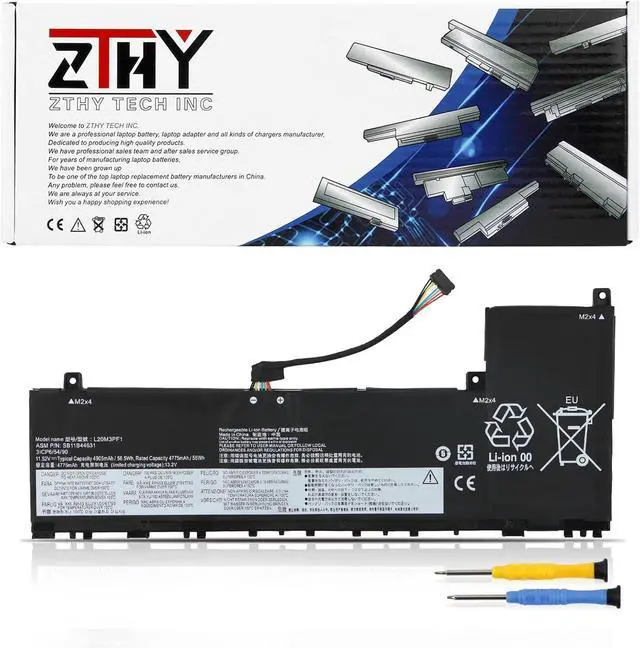
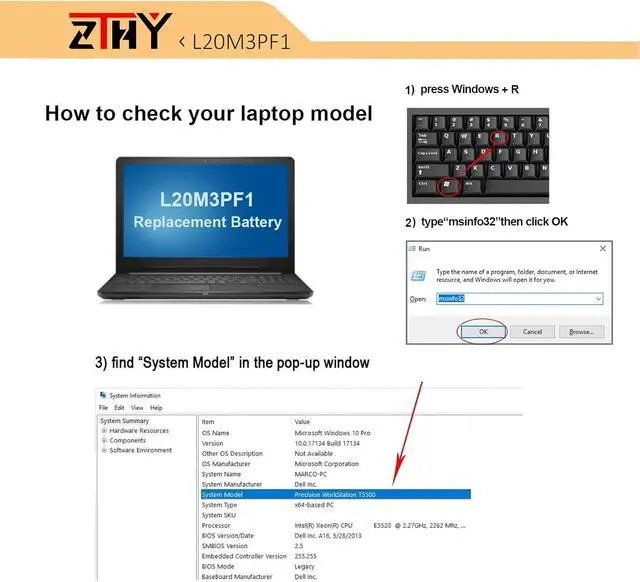
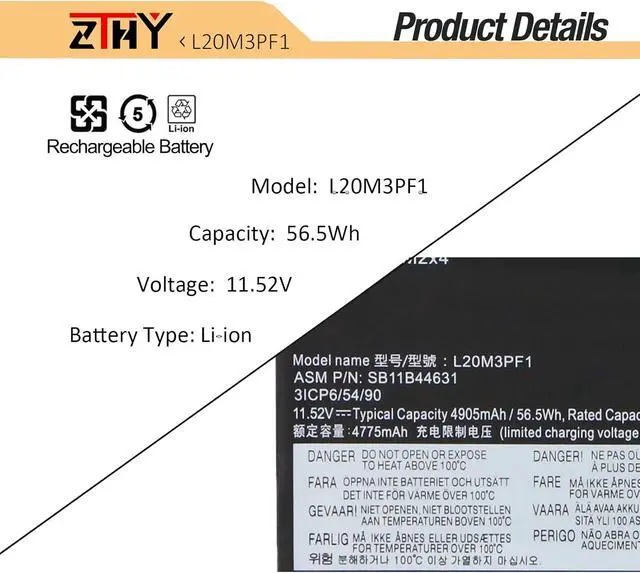
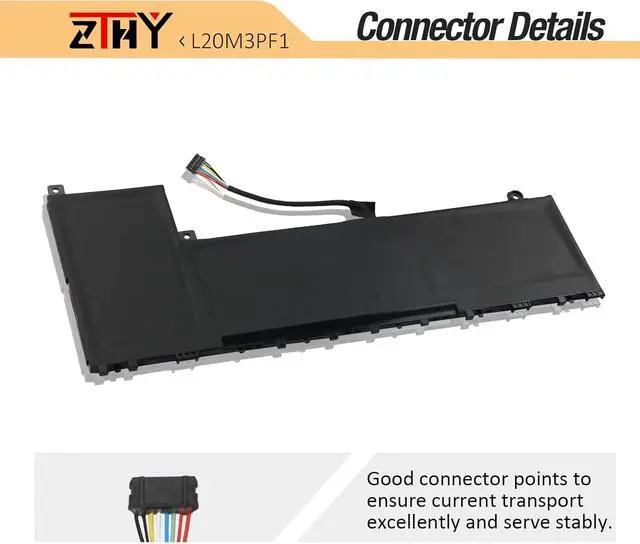
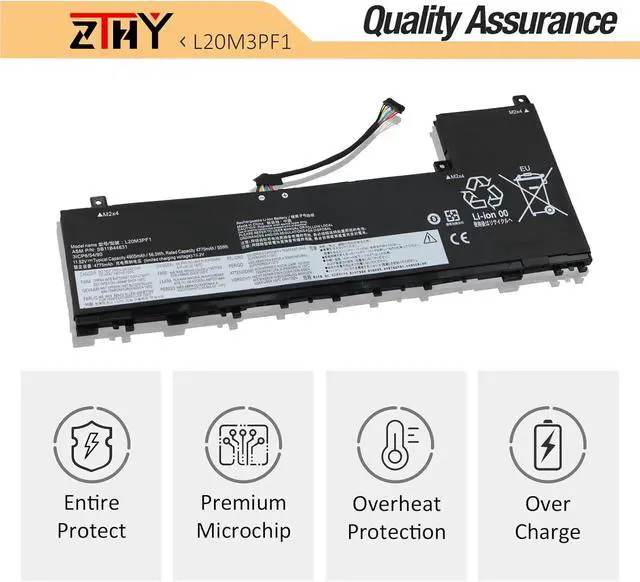
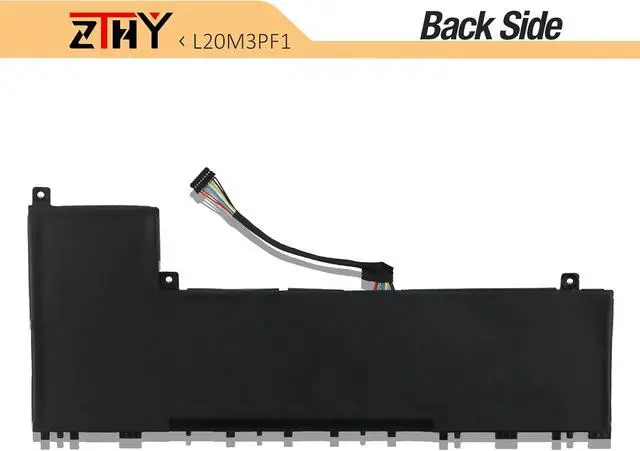
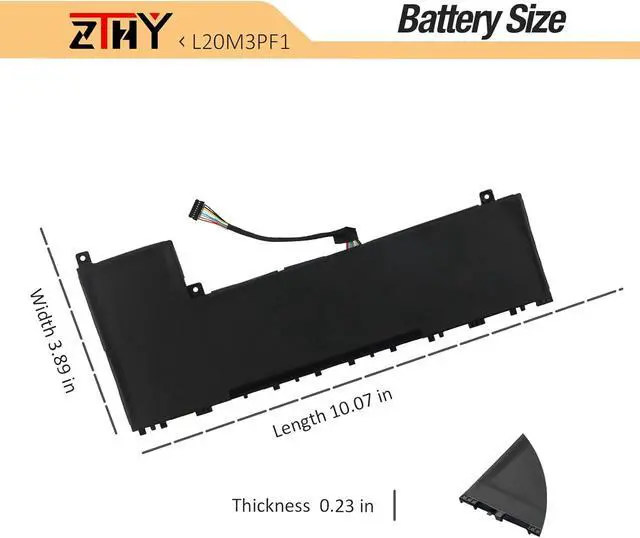
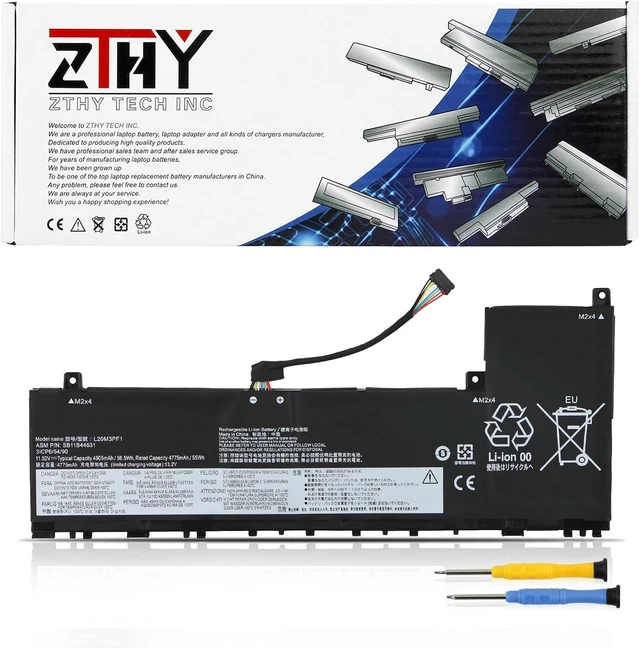
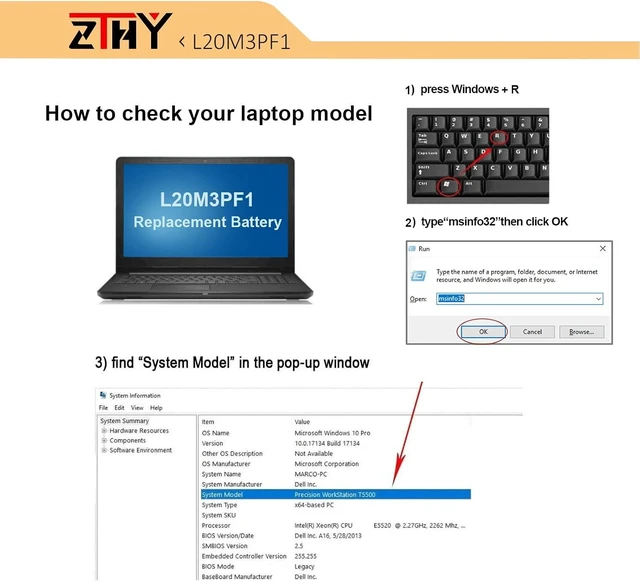
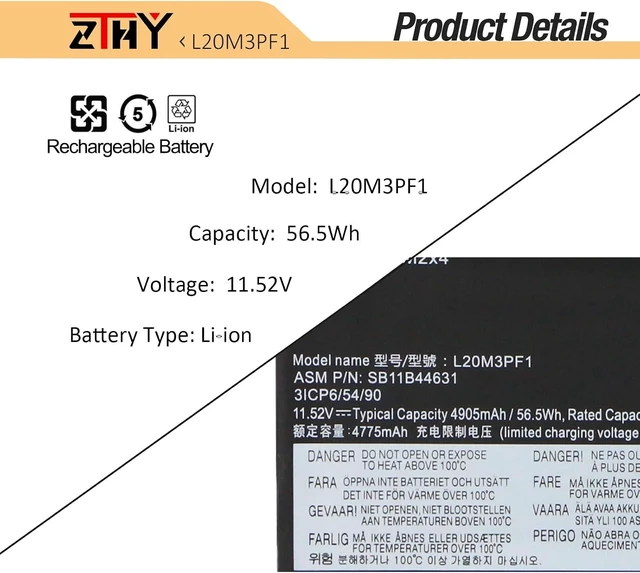
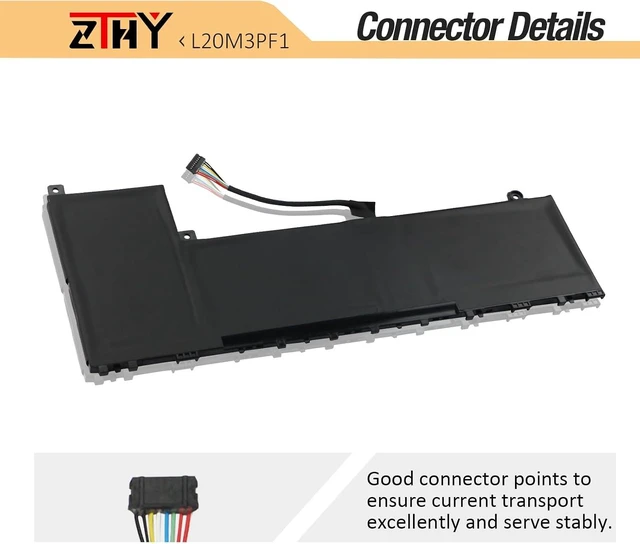
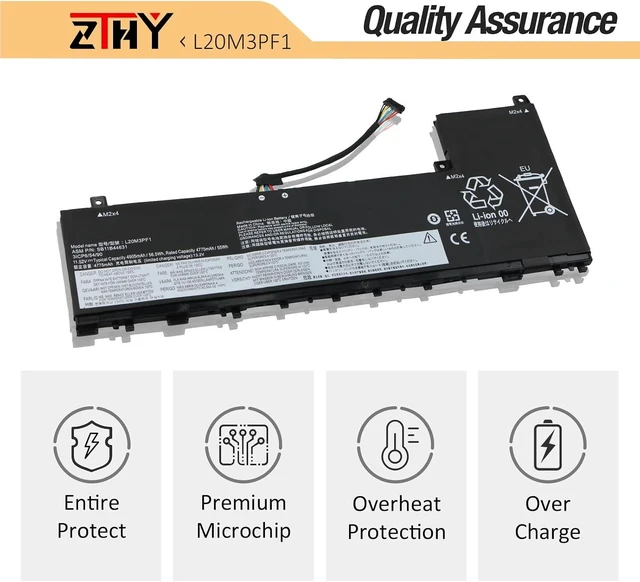
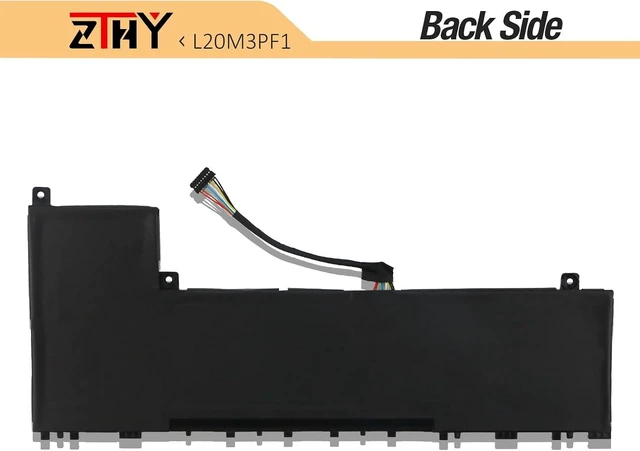
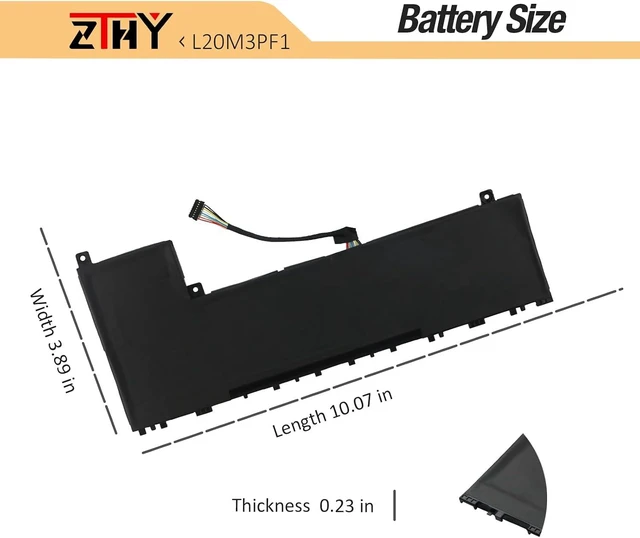
Compatible Part Number L20D3PF0 SB11B44634 5B11B44625 SB11N52001 5B11N52050 L20C3PF1 SB11B44632 5B11B44626 SB11N52026 5B11N52018 L20M3PF1 SB11B44631 5B11B44633 SB11N52006 5B11N52010 Compatible with Laptop Models Replacement for Lenovo XiaoXin Air 14+ ACH 2021 Series; Compatible with Laptop Models Replacement for Lenovo XiaoXin Air 14+ ITL 2021 Series; Compatible with Laptop Replacement for Lenovo XiaoXin Air 14+ ACN 2021 Series: 82L700CECD Compatible with Laptop Replacement for Lenovo XiaoXin Air 14+ IAP Series; Compatible with Laptop Replacement for Lenovo IdeaPad 5 Pro 14ARH7 Series; Compatible with Laptop Replacement for Lenovo Ideapad 5 Pro-14ITL6 Series; Compatible with Laptop Replacement for Lenovo Ideapad 5 Pro-14ACN6 Series; Compatible with Laptop Replacement for Lenovo IdeaPad 5 Pro 14IAP7 Series. Note If you install the battery, you find that the laptop cannot detect the battery or the battery level cannot be displayed normally. Please check whether the battery cable is installed properly. Sometimes the battery cannot be charged because the cable is not fixed properly. What do I need to be aware of when I receive a battery?
You need to check its appearance, confirm the model, read the instruction manual. Cycle and charge it 5 to 6 times to activate the maximum usage space of the battery. When not in use temporarily, charge the battery to 50%-60%.
What should I do if laptop won't boot up after installing a new battery?
1.Check if the battery is properly seated and connections are clean. 2.Try charging it or use the adapter alone to start. 3.Examine hardware links, like RAM and adapters. 4.Reset BIOS settings if needed. 5.Enter Safe Mode to fix system issues.
How should I do if the battery is not recognised?
If it is not recognised, it is recommended to update the BIOS settings or please disconnecting the old battery, and holding down the power button for 20 seconds, then connect the new battery.
What should I do if the battery expands?
1.Power off your laptop and disconnect it from any power source. 2.Carefully remove the swollen battery from the laptop in a well-ventilated area, avoid pressing or squeezing the battery during removal.
What can you do if you are not satisfied with the battery?
Please Contact ZTHY, we'll help you. Our battery have 12 months replace a new one and 30 days moeny back guarrante.
Battery Installation Guidelines
1.Prepare Before Installation: While installing a battery is generally straightforward, it is recommended to watch online installation tutorials for your specific laptop model or seek assistance from a professional.
2.Follow Installation Procedures: Handle all components with care during installation. Be particularly gentle with the battery connector on the laptop motherboard; do not use excessive force. Any damage caused by improper operation is the user's responsibility.
3.If the New Battery Doesn't Charge: If the battery isn't charging after installation, try a power reset: remove the battery, unplug the charger, hold the power button for 15 seconds, and then reinstall the battery. Repeat this process if necessary.
Battery Identification Troubleshooting Guide
1.Check the Connection: A loose battery is a common cause. Remove the battery and reinstall it, ensuring the connector is firmly seated in the motherboard interface.
2.Inspect Conductive Components: The conductive materials on the laptop's battery contact points can become damaged. Compare with an original battery to confirm (if the original battery works, the conductive components are likely the issue).
3.Update the Battery Driver: Check the device's driver status. If the battery driver is malfunctioning, download and install the latest driver for your specific laptop model.
4.Perform a Power Reset: Remove the battery and, with the power adapter unplugged, press and hold the power button for





 here!
here!