Your Browsing History
Meet Your Seller
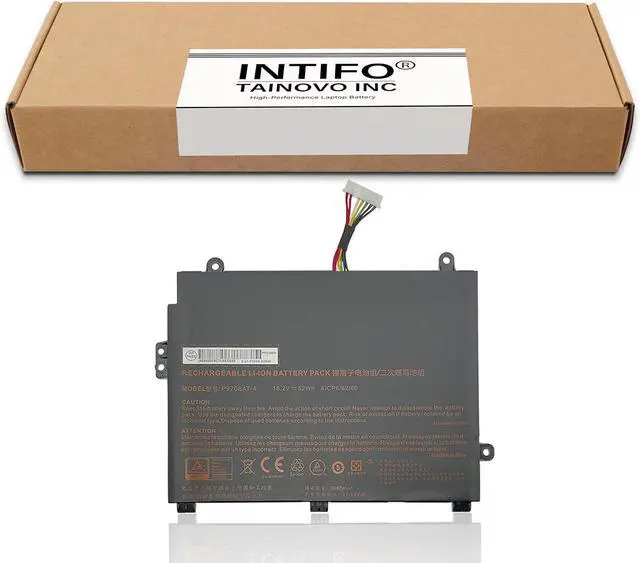
62Wh P970BAT-4 Laptop Battery Compatible with CLEVO P960 P960EN-K Schenker Key 16/17 MEDION Erazer X17801 Sager NP2950 NP2952 NP8954 NP8955 NP8961 NP8962 NP8966 NP8967 NP8968 NP8971 NP8978
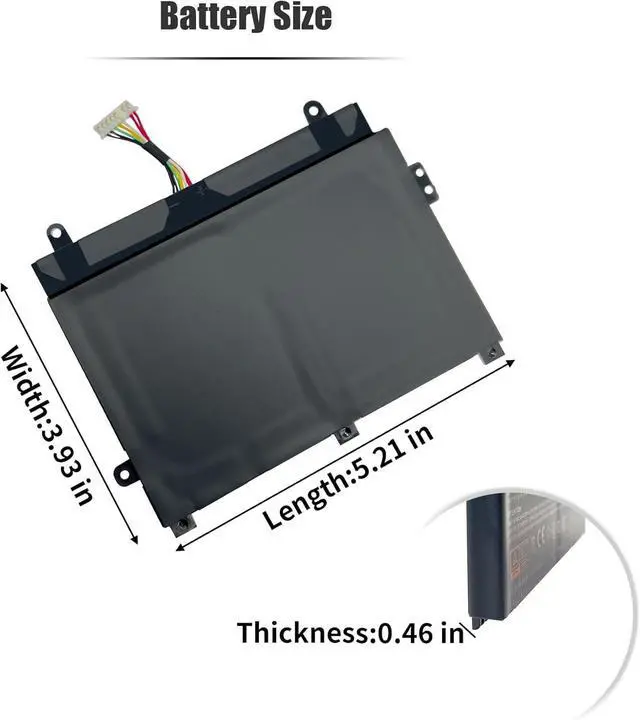
- Tech SpecsDevice Type:Notebook Battery, Battery Type:Lithium ion 4-Cell, Voltage:15.2V, Capacity:3680mAh/62Wh, Condition:Brand New, Manufacturer Warranty:One-year
- Replacement for Part NumberP970BAT-4 4IPC6/62/80
- Compatible with Laptop ModelsFor SCHENKER Key 16, KEY 16(ID SKE16E19), KEY 16(ID SKE16M19), Key 16(P960EN-K), Key 17, KEY 17 E19tbz(10505023), Key 17 M19bnr(10505144), KEY 17 M1ntd(10505118), KEY AI Laptop; For CLEVO P960, P960EN-K; For MEDION Erazer X17801, Erazer X17801(MD 61569 MSN 30027053); For SAGER NP2950(P955ET1), NP2952(P955ET3), NP8954(P955ER), NP8955(P955ER), NP8955-S(P955ER), NP8961(P960ED), NP8962(P960EF), NP8966(P960RD), NP8967(P960RF), NP8968(P960RN), NP8971(P970ED), NP8972(P970EF), NP8973(P970EN), NP8976(P970RD), NP8977(P070RF), NP8978(P970RN)
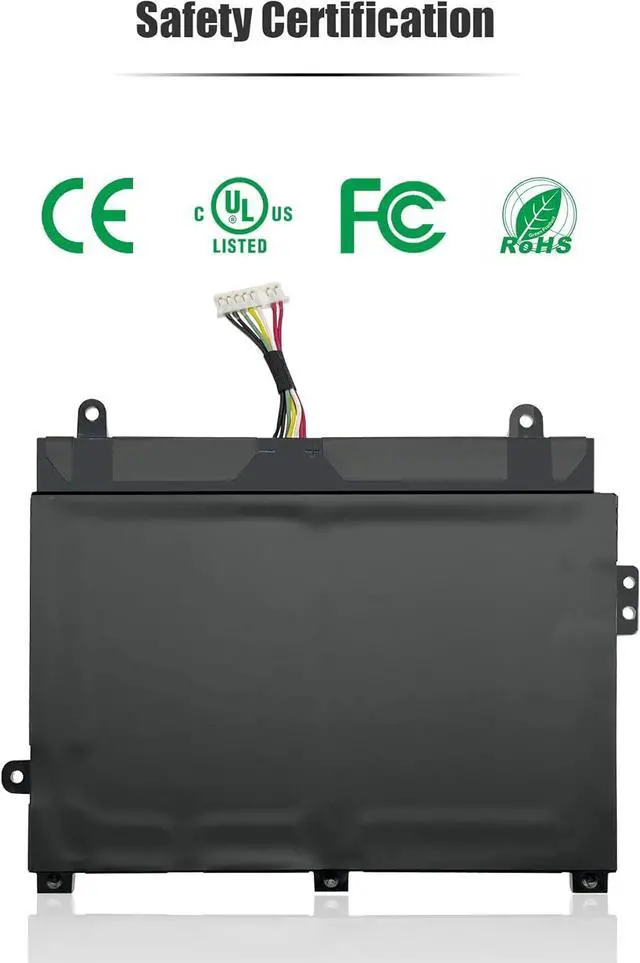
- Quality & SecurityINTIFO uses only OEM grade quality components. All products are certified by CE, FCC, UL, RoHS for safety.
- TipsBefore placing an order, we recommend that you open the back cover of your lap
+
+
Overview
Specs
Reviews
Any questions? Our AI mode will help you find out quickly.
Try me now
INTIFO-branded parts ensure compatibility, reliability, quality, security in your laptop system.
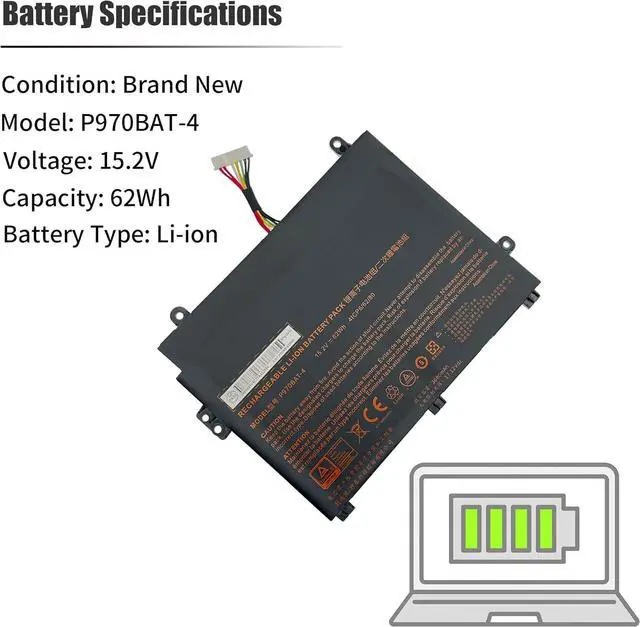
Condition: Brand New
Model: P970BAT-4
Voltage: 15.2V
Capacity: 62Wh
Cells: 4-Cell
Battery Type: Li-ion
Replacement for Part Number:
P970BAT-4 4IPC6/62/80
Compatible with Laptop Models:
For SCHENKER Key 16, KEY 16(ID SKE16E19), KEY 16(ID SKE16M19), Key 16(P960EN-K), Key 17, KEY 17 E19tbz(10505023), Key 17 M19bnr(10505144), KEY 17 M1ntd(10505118), KEY AI Laptop;
For CLEVO P960, P960EN-K;
For MEDION Erazer X17801, Erazer X17801(MD 61569 MSN 30027053);
For SAGER NP2950(P955ET1), NP2952(P955ET3), NP8954(P955ER), NP8955(P955ER), NP8955-S(P955ER), NP8961(P960ED), NP8962(P960EF), NP8966(P960RD), NP8967(P960RF), NP8968(P960RN), NP8971(P970ED), NP8972(P970EF), NP8973(P970EN), NP8976(P970RD), NP8977(P070RF), NP8978(P970RN)
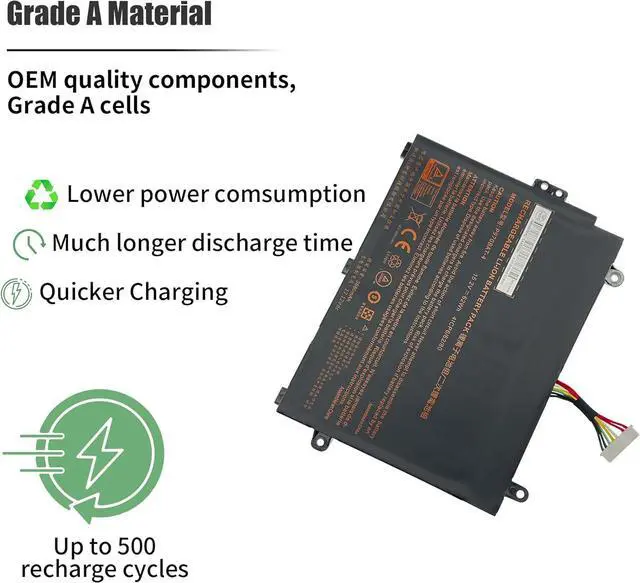
1.Better compound materials, high pressure resistance, high temperature resistance, high power, radiation resistance, stronger conductivity, faster working speed, lower working loss.
2.High energy density -- potential for higher capacity.
3.Does not require a long startup when new. Charge it regularly is enough.
4.Low maintenance -- no need for regular discharge, no memory.
5.Special batteries can provide very high current for power tools and other applications.
Always on the go?
No more worries about running out of battery power!
You can power your Laptop with Lithium-ion Battery from INTIFO, these High-Performance Lithium-ion Batteries let your Laptop work seamlessly when you are on the move.
Q:Why my notebook can't recognize this battery or it doesn't seem to work when installing?
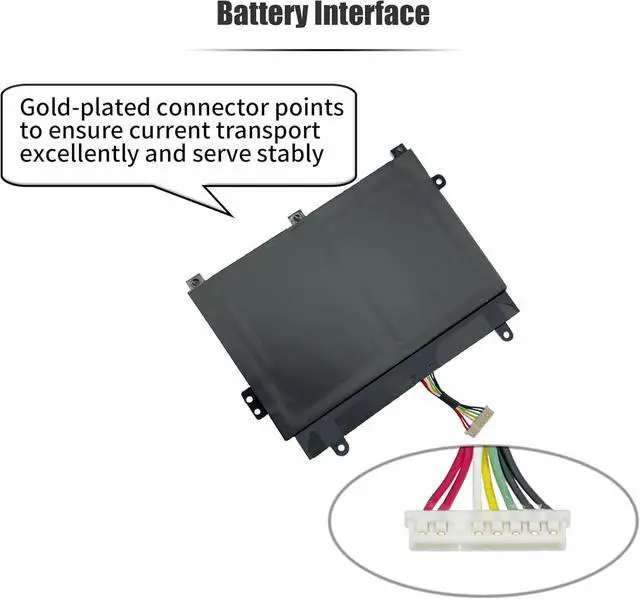
A:1.Please check if the interface is clean to make sure it is fully connected.
2.The residual power stored in the laptop components which was preventing the battery from working properly. Please disconnect the old battery, and hold down the power button for 20 seconds, then connect the new battery. This drains the residual or flea power and the battery will be functional properly once it's reassembled.
1.Turn off your laptop and disconnect the power.
2.Disconnect the connection between the old battery and the motherboard, then unscrew screws of the old battery one by one and save them carefully.
3.Remove the old battery, then install the new battery carefully to its position, reset and tighten the removed screws, and connect the cable of the new battery.
4.Tips:Please discharge the new battery to 5% (not 0%), then charge fully and cycle 3-4 times to wake up the new battery.
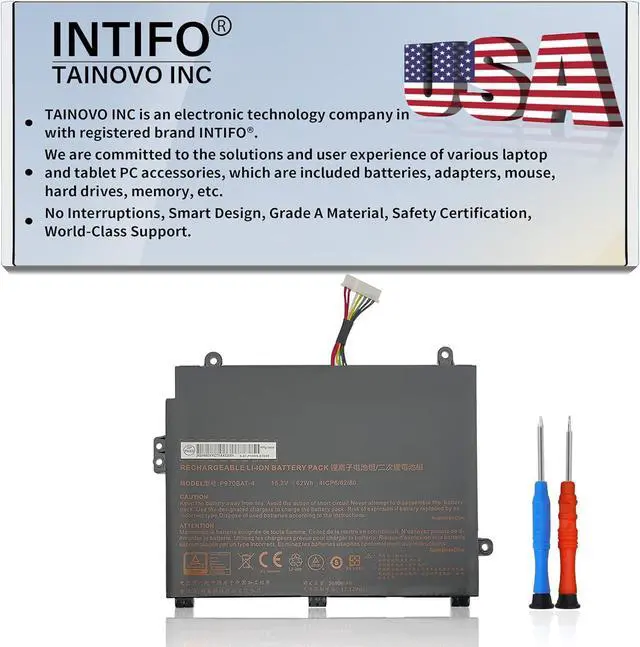
Welcome to TAINOVO INC from the USA with registered brand INTIFO Specifications Compatibility 3rd Generation Smart Chip for INTIFO-branded Parts INTIFO's goal is to exceed your expectations. Installing new battery frequently asked question solution: Correct ways to install a new battery:

Condition: Brand New
Model: P970BAT-4
Voltage: 15.2V
Capacity: 62Wh
Cells: 4-Cell
Battery Type: Li-ion
Replacement for Part Number:
P970BAT-4 4IPC6/62/80
Compatible with Laptop Models:
For SCHENKER Key 16, KEY 16(ID SKE16E19), KEY 16(ID SKE16M19), Key 16(P960EN-K), Key 17, KEY 17 E19tbz(10505023), Key 17 M19bnr(10505144), KEY 17 M1ntd(10505118), KEY AI Laptop;
For CLEVO P960, P960EN-K;
For MEDION Erazer X17801, Erazer X17801(MD 61569 MSN 30027053);
For SAGER NP2950(P955ET1), NP2952(P955ET3), NP8954(P955ER), NP8955(P955ER), NP8955-S(P955ER), NP8961(P960ED), NP8962(P960EF), NP8966(P960RD), NP8967(P960RF), NP8968(P960RN), NP8971(P970ED), NP8972(P970EF), NP8973(P970EN), NP8976(P970RD), NP8977(P070RF), NP8978(P970RN)
1.Better compound materials, high pressure resistance, high temperature resistance, high power, radiation resistance, stronger conductivity, faster working speed, lower working loss.
2.High energy density -- potential for higher capacity.
3.Does not require a long startup when new. Charge it regularly is enough.
4.Low maintenance -- no need for regular discharge, no memory.
5.Special batteries can provide very high current for power tools and other applications.
Always on the go?
No more worries about running out of battery power!
You can power your Laptop with Lithium-ion Battery from INTIFO, these High-Performance Lithium-ion Batteries let your Laptop work seamlessly when you are on the move.
Q:Why my notebook can't recognize this battery or it doesn't seem to work when installing?
A:1.Please check if the interface is clean to make sure it is fully connected.
2.The residual power stored in the laptop components which was preventing the battery from working properly. Please disconnect the old battery, and hold down the power button for 20 seconds, then connect the new battery. This drains the residual or flea power and the battery will be functional properly once it's reassembled.
1.Turn off your laptop and disconnect the power.
2.Disconnect the connection between the old battery and the motherboard, then unscrew screws of the old battery one by one and save them carefully.
3.Remove the old battery, then install the new battery carefully to its position, reset and tighten the removed screws, and connect the cable of the new battery.
4.Tips:Please discharge the new battery to 5% (not 0%), then charge fully and cycle 3-4 times to wake up the new battery.
Welcome to TAINOVO INC from the USA with registered brand INTIFO Specifications Compatibility 3rd Generation Smart Chip for INTIFO-branded Parts INTIFO's goal is to exceed your expectations. Installing new battery frequently asked question solution: Correct ways to install a new battery:
Warranty & Returns
Warranty, Returns, And Additional Information
Warranty
- Please contact the Seller directly for warranty information. Warranty information may also be found on the Manufacturer's website.
- CONTACT
Return Policies
- Return for refund within: 30 days
- Return for replacement within: 30 days
- This item is covered by LionTech Direct Return Policy
Manufacturer Contact Info
- For a directory of all our manufacturers, please click below.
- Manufacturers Directory
LOADING...