Your Browsing History
Meet Your Seller
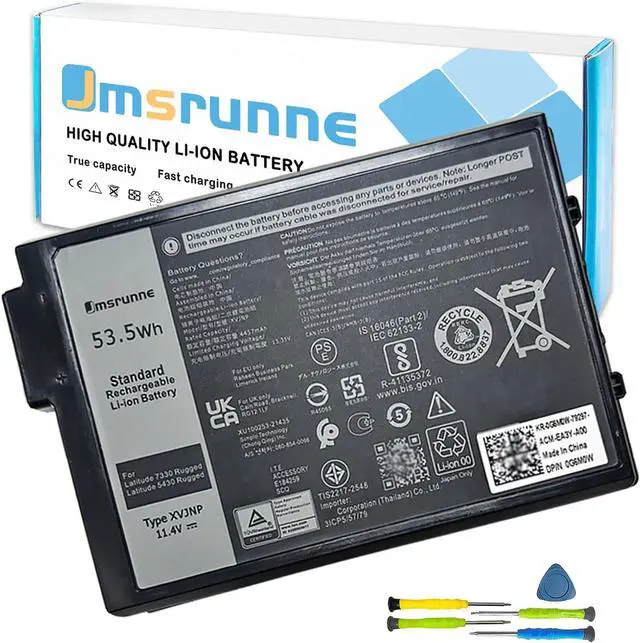
XVJNP Laptop Battery Replacement for Dell Latitude 7330 5430 Rugged Extreme P149G P149G001 P148G P148G001 06JRCP 6JRCP 06JRCP 0M0TN3 M0TN3 KD1CT 451-BCWQ 53.5Wh 11.4V
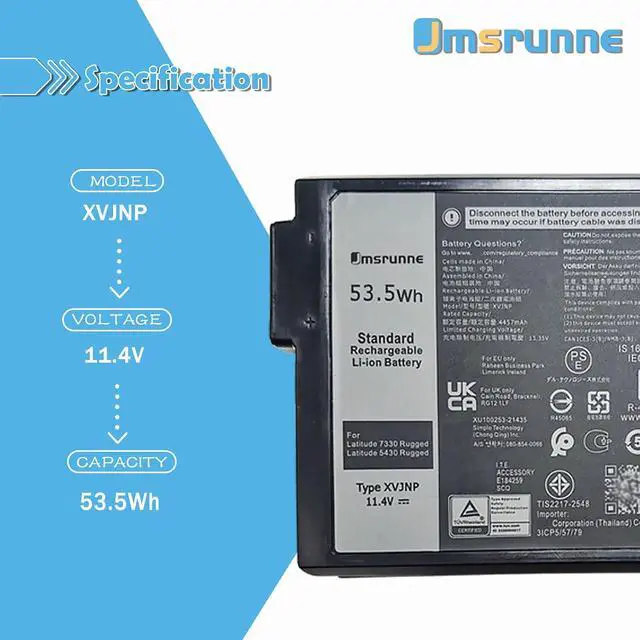
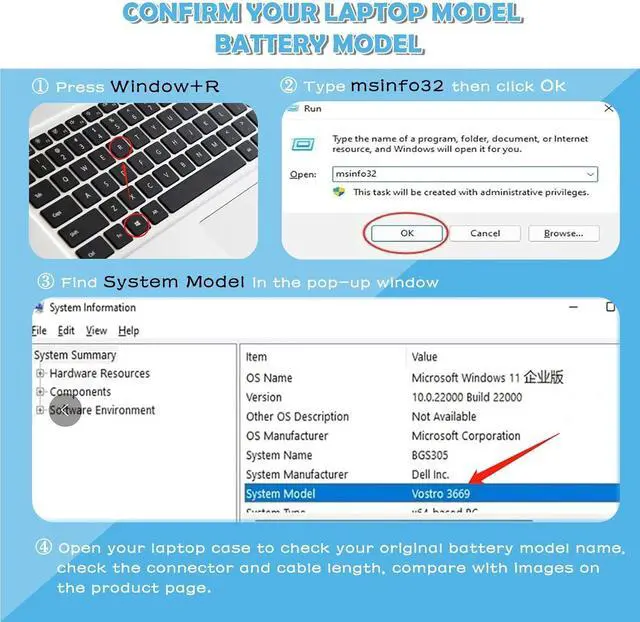
- DELL XVJNP Specifications Model: XVJNP / Voltage: 11.4V / Capacity: 53.5Wh /Battery type: Li-ion. /Battery life: Up to 1000 recharge cycles over the life of the battery. Also comes with installation tools.Purchasing Note: Due to the complexity of laptop battery models, you may not be able to accurately determine the model you need to purchase,Please open the back cover of the laptop to confirm the original battery model number
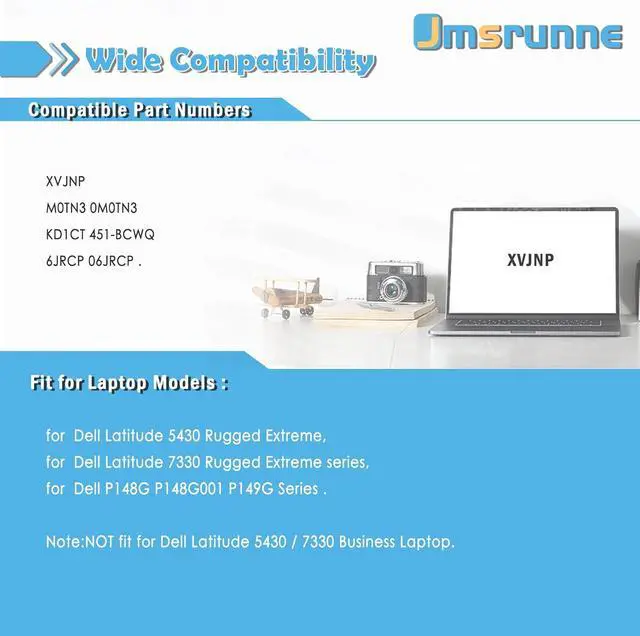
- XVJNP battery Compatible laptop Models for Dell Latitude 5430 Rugged Extreme, Dell Latitude 7330 Rugged Extreme series,Dell P148G P148G001 P149G Series (Note:NOT fit for Dell Latitude 5430 / 7330 Business Laptop)..
- Replacement Part NumberXVJNP M0TN3 0M0TN3 KD1CT 451-BCWQ 6JRCP 06JRCP .
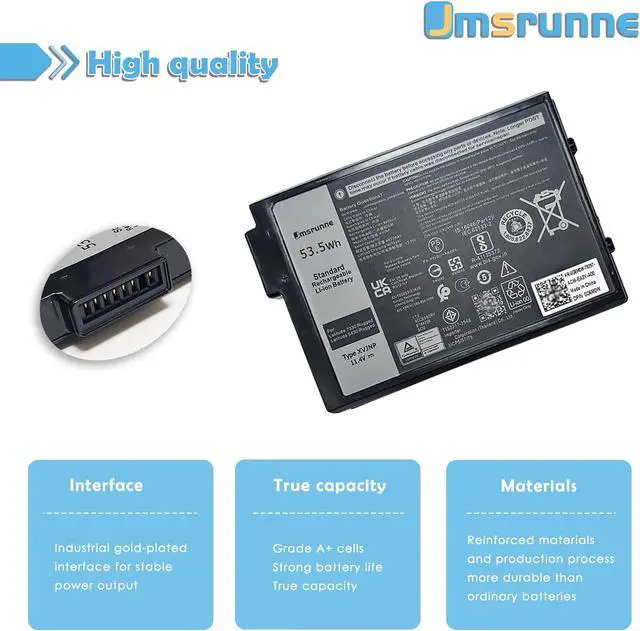
- High qualityEvery battery has passed factory testing, grade A cells ensure fast charges,built-in circuit protection ensures both safety and stability. All items must be tested and at good condition before shipped.TipsIf the new battery is not recognized during
+
+
Overview
Specs
Reviews
Any questions? Our AI mode will help you find out quickly.
Try me now
Battery Model: XVJNP
Battery Type: Li-ion
Voltage: 11.4V
Capacity: 53.5 Wh
ConditionhBrand new
Package Include: 1* XVJNP Battery + 1 * User Manual + One set of 5 IN 1 screwdrivers tool.
XVJNP battery Replacement Part Number: XVJNP 6JRCP 06JRCP 0M0TN3 M0TN3 KD1CT 451-BCWQ.
for Dell P148G P148G001,P149G P149G001 Series.
for Dell Latitude 5430 Rugged Extreme Series. (NOT fit for Dell Latitude 14 5430 Laptop)
for Dell Latitude 7330 Rugged Extreme Series. (NOT fit for Dell Latitude 13 7330 Laptop)
Before placing an order, please carefully review the product pictures and models to avoid making the wrong purchase .
If it's not a quality of issue, please do not damage the packaging before you decide to keep it.
Before replacing the new battery, you need to completely shut down the computer and remove the power and battery to avoid short-circuit during the replacement process.
If the new battery is not recognized during the initial installation, please reinstall and check if the interface is fully connected.
Do Discharge the new battery use to 5%(not to 0%) and then charge to 95%, and cycle 3-4 times.
4. The important point is to perform a full discharge charge every other month to extend battery life.
5. Do not use the laptop in a high temperature environment and avoid fully charging or discharging the laptop battery for a long time, as this may damage the battery.
DELL XVJNP Battery Specification: Compatible Models (use "Ctrl+F" to find your model quickly"): Tips for Optimal Use battery

Warranty & Returns
Warranty, Returns, And Additional Information
Warranty
- Please contact the Seller directly for warranty information. Warranty information may also be found on the Manufacturer's website.
- CONTACT
Return Policies
- Return for refund within: 30 days
- Return for replacement within: 30 days
- This item is covered by LionTech Direct Return Policy
Manufacturer Contact Info
- For a directory of all our manufacturers, please click below.
- Manufacturers Directory
LOADING...