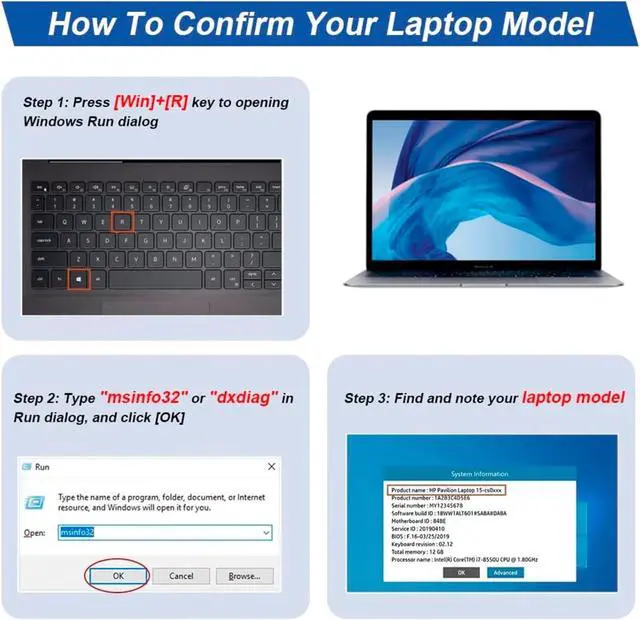
Find the Battery Model
Find the Laptop Model,press "Windows+R"
Type "msinfo32" then click "Ok"
Find "System Model" in the pop-up window
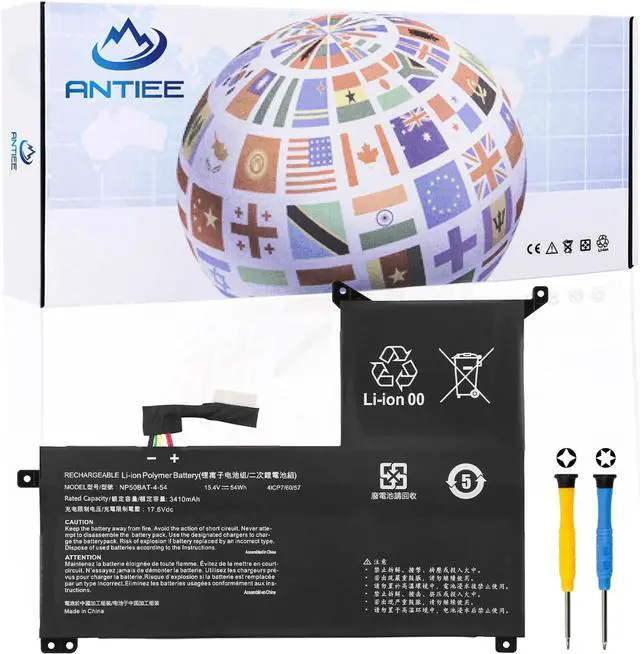
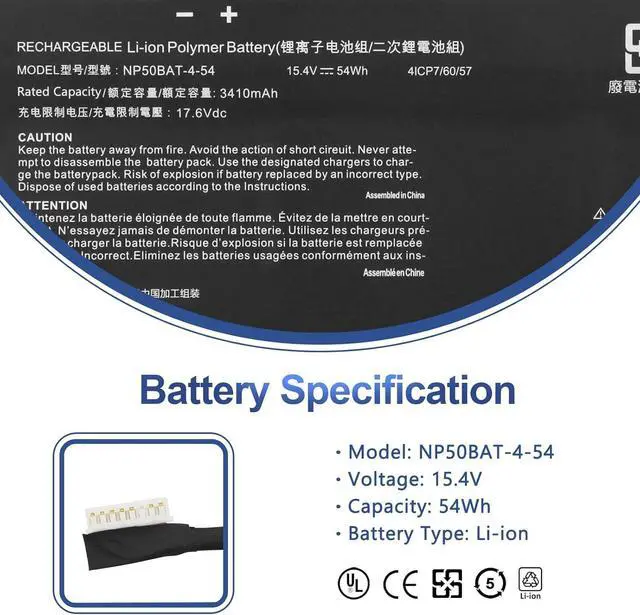
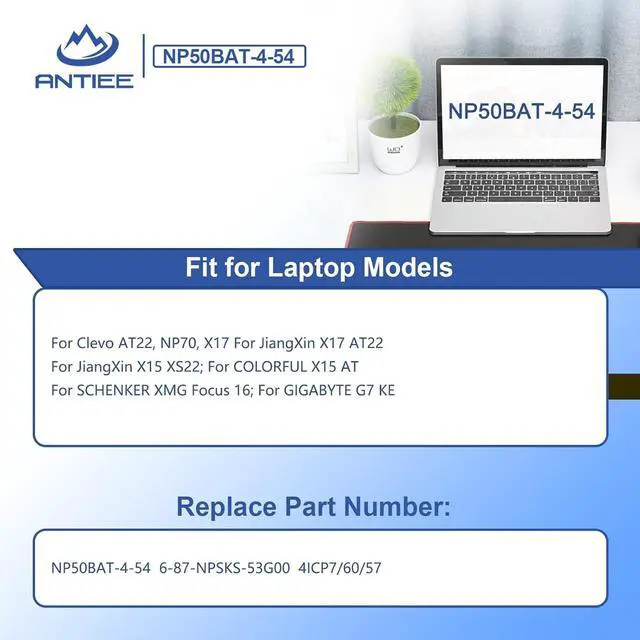
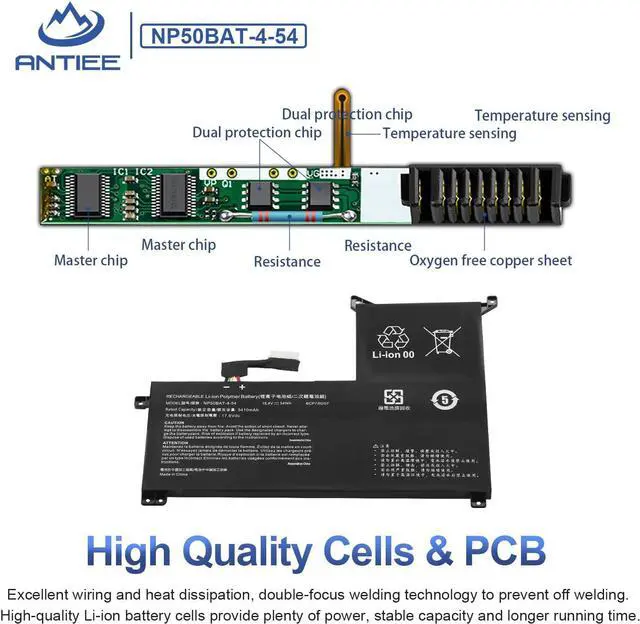
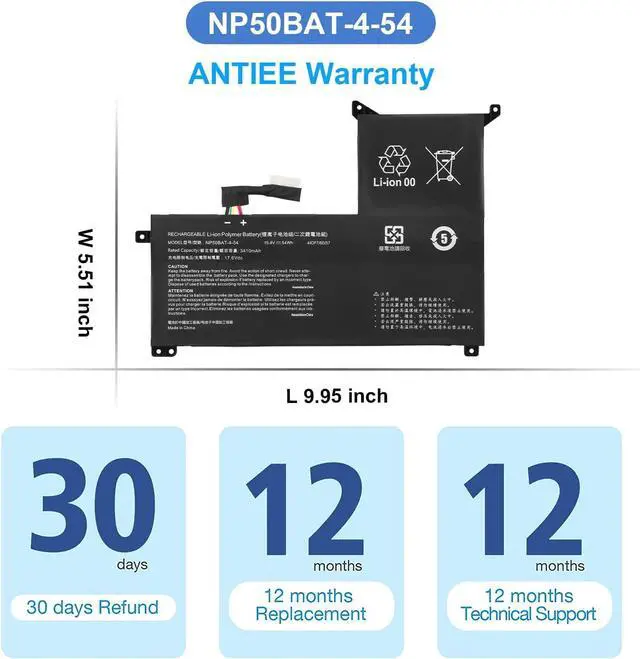
Compatible Part Numbers NP50BAT-4-54 6-87-NPSKS-53G00 4ICP7/60/57 Compatible Laptop Models For Clevo AT22, NP70, X17 For JiangXin X17 AT22 Compatible Laptop Models For JiangXin X15 XS22; For COLORFUL X15 AT Compatible Laptop Models For SCHENKER XMG Focus 16 For GIGABYTE G7 KE What do I need to be aware of when I receive a battery?
1.Check Model Numbers:Ensure the batterys model number (e.g. part number, serial number) matches your laptops specifications.2. Read Instructions:Follow the manufacturers guidelines for installing the battery.
How should I do if the battery is not recognised?
If it is not recognised, it is recommended to update the BIOS settings or please disconnecting the old battery, and holding down the power button for 20 seconds, then connect the new battery.
Battery Dies Suddenly at About 20%,How to Fix it?
1.Disconnect the power cord
2.Remove the battery
3.Hold down the power button for 30 seconds, then release for 30 sec and then hold down for another 30 sec
4.Plug in power, replace battery and power on laptop.
How to maintain my laptop battery if i dont use it for weeks or months?
1.Store at 4060% Charge.
2.Keep it in a cool, dry, dark place, away from moisture and metal objects.
3.If storing for over 3 months, charge the battery back to 4060% every 3 months to prevent deep discharge.
Compatible With Laptop Models (Use "Ctrl+F to find your model quickly) What do I need to be aware of when I receive a battery?
How should I do if the battery is not recognised?
Battery Dies Suddenly at About 20%,How to Fix it?
How to maintain my laptop battery if i dont use it for weeks or months?





 here!
here!