Welcome to ANTIEE
We are a manufacturer specializing in various laptop batteries and tablet batteries. We emphasizes the basic product concept of high-quality, safety and reliability. ANTIEE Laptop batteries are 100% DIRECT from Manufacturer with over 10 years' Laptop Battery Production and Research experience.
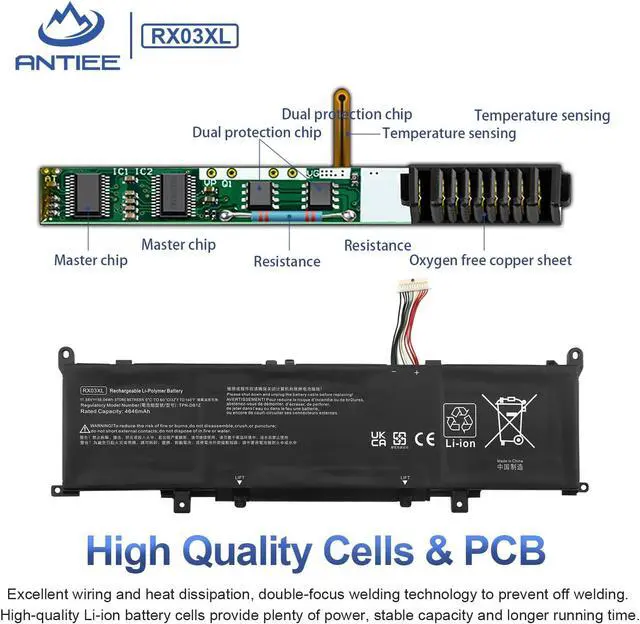
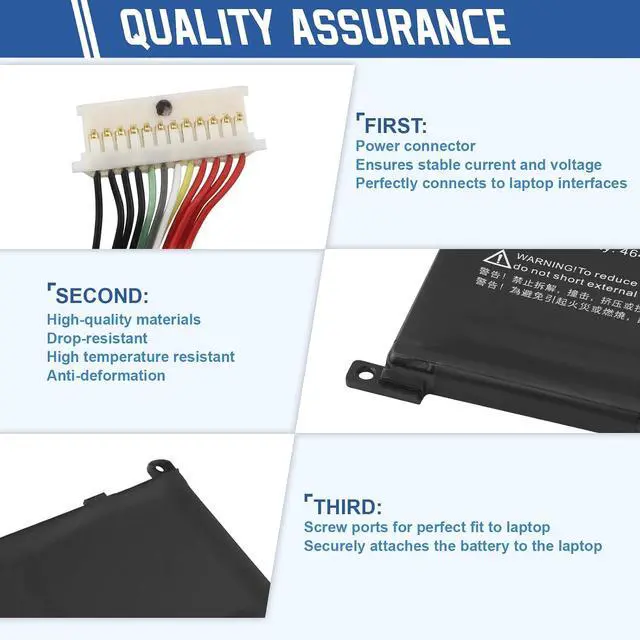
We are always working hard to ensure high quality laptop battery standards through multiple quality checks. Every one of our replacement notebook batteries are tested. With multi-protections such as short circuit, overheat, and overload. ANTIEE promises to deliver each customer to valuable, efficient and reliable battery. Let your notebook get more freedom.
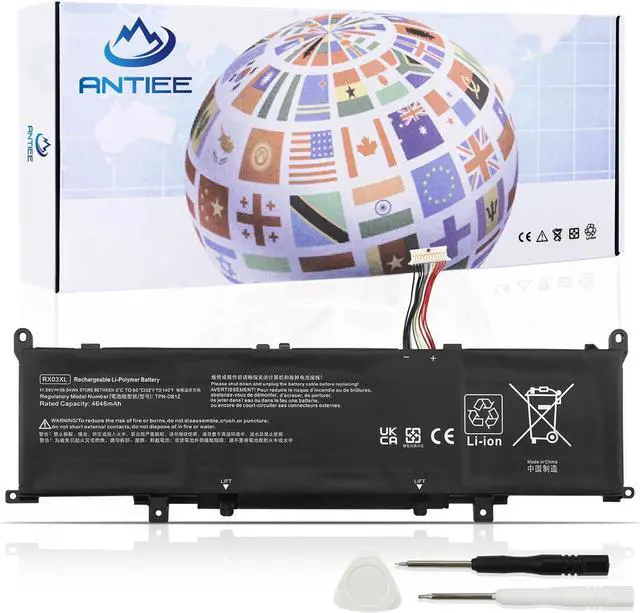
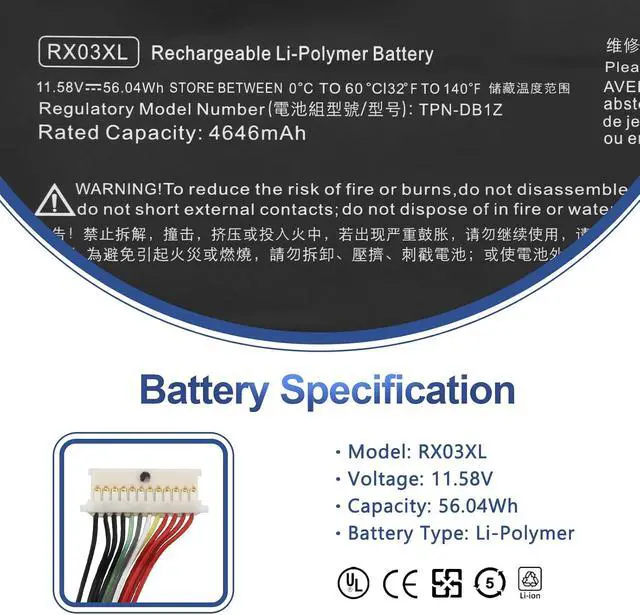
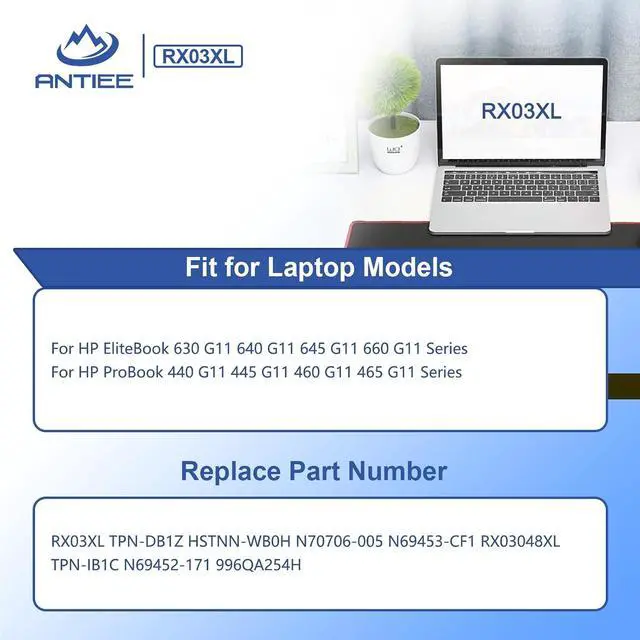
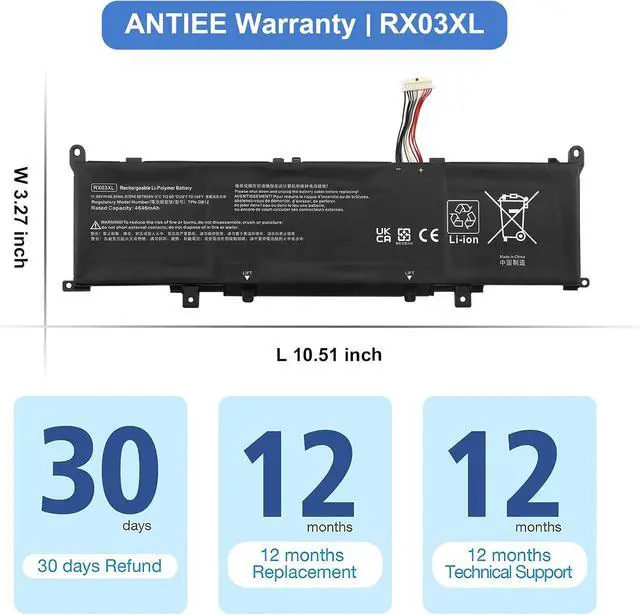
Battery Voltage 11.58V Battery Capacity 54Wh 4646mAh Condition: 100% New from Manufacturer Battery Type: Li-ion RX03XL TPN-DB1Z HSTNN-WB0H N70706-005 N69453-CF1
RX03048XL TPN-IB1C N69452-171 996QA254H
Package Includes:
1 X Battery
2 X Screwdriver
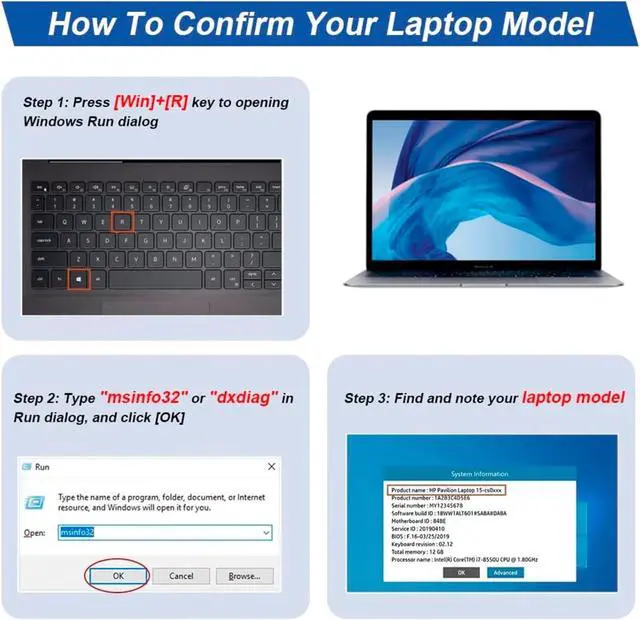
Compatible With Laptop Models (Use "Ctrl+F to find your model quickly)
For HP EliteBook 630 G11 640 G11 645 G11 660 G11 Series
For HP ProBook 440 G11 445 G11 460 G11 465 G11 Series
Item does not include instructions. You can search for tutorials from Google. It is best to check the tutorial before DIY, so as to avoid unnecessary losses during the disassembly process.
Before disassembling your laptop, put the old battery charge below 25%. If a fully charged lithium battery is accidentally punctured, it will have serious consequences.
Protect your screen and touchpad. Keep every screw you removed.
Do not reverse the positive and negative. Make sure the power connector is fully seated, the tabs needed to touch the metal.
New battery: Discharge the new battery to 10% (not 0%), then charge it to 100%. Cycle 3-5 times to activate its maximum capacity before use.
Overuse: Do not always run out of a battery to 0%, this would make it damaged or usage life shortened.
Charging sequence: When charging, plug in the power, then plug in the power plug; when fully charged, first cut off the power, then pull the power plug.
Long-term storage: Charge it to around 50% when you store it long term. (Charge it once a month) Do not store at low power to prevent reduce the lifespan of a battery.
Adapter: Use the adapter from a regular manufacturer. If the original adapter cannot be applied due to malfunction or damage, please replace it, so as not to reduce the service life of the battery due to incompatibility.
Why the laptop does not recognize the battery or the laptop does not display the battery?
Could be caused by battery loose. Please re-install the battery and make sure that the battery cable and the motherboard interface are tightly inserted.
May be due to conductive material damaged which the laptop motherboard and battery anode and cathode contact position, you can try to confirm it with your original battery.
Check whether the battery drive is in normal condition, if not, download the corresponding driver software to update.
Compatible Part Numbers Skills For Installing A New Battery: Laptop Battery Instructions: Common Troubleshooting Methods:





 here!
here!