We are a professional laptop battery provider,
We are always working hard to ensure high quality laptop battery standards.
Your satisfaction is our team goal, your support is our most precious wealth
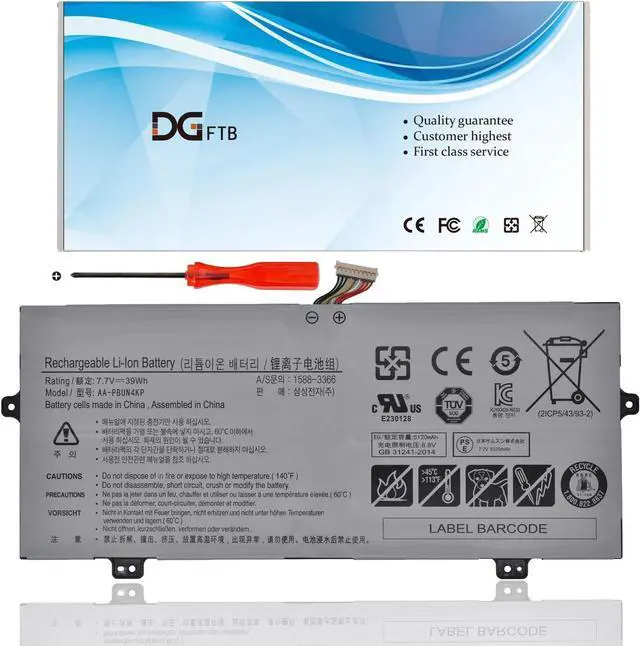
Voltage: 7.7V
Capacity: 39Wh/5120mAhl
Battery Condition: Brand New
Battery Type: Lithium Ion
Compatible Part Numbers:
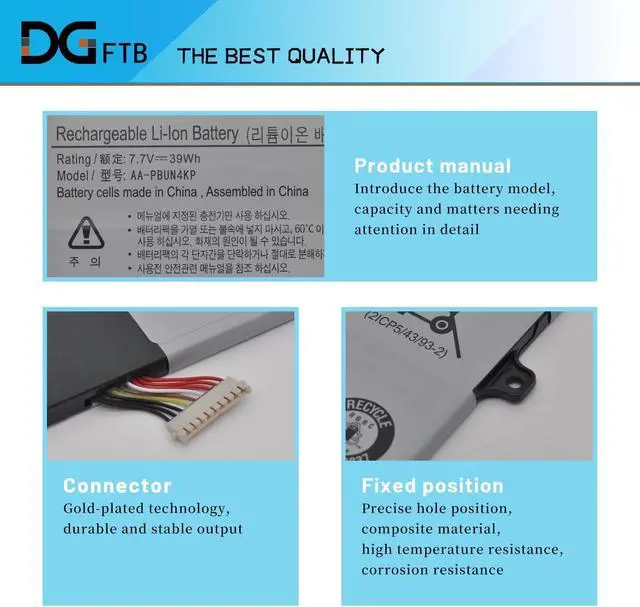
AA-PBUN4KP
Package included :
1* battery+1*tool
Samsung Notebook 9 Pen NP930QAA Series
NP930QAA-K01CN, NP930QAA-K01HK, NP930QAA-K01US
NP930QAA-K02HK, NP930QAA-K04, NP930QAA-K04HK
NP930QAA-U02HK, NT930QAA-K28, NT930QAA-K28A,
NT930QAA-K28WA, NT930QAA-K30A, NT930QAA-K310
NT930QAA-K310W, NT930QAA-K38A, NT930QAA-K38M,
NT930QAA-K38W, NT930QAA-K38WA, NT930QAA-K39
NT930QAA-K39W, NT930QAA-K501B, NT930QAA-K501K,
NT930QAA-K58, NT930QAA-K58A, NT930QAA-K58W
NT930QAA-K58WA, NT930QAA-K716, NT930QAA-K716A,
NT930QAA-KIBK, NT930QAA-X58, NT930QAA-X716
Samsung Notebook 9 Pen NT930QBE Series
NT930QBE-K28, NT930QBE-K38, NT930QBE-K38W, NT930QBE-K58M, NT930QBE-K78,
Samsung Notebook 9 Pen NT930QBV Series:
NT930QBV-A28A, NT930QBV-A38A, NT930QBV-A58A, NT930QBV-A58M, NT930QBV-A716A
1, Disconnect the connection between the old battery and the motherboard to avoid unnecessary damage caused by disassembling the battery. Then unscrew the old battery screws one by one and carefully save each.
2, Remove the old battery, carefully install the new battery on the battery case, and connect the wiring of the new battery.
3, If you don't understand the above steps, you can search for the video about laptop battery installation on YouTube. Maybe it will help you
Remove all battery drivers
Remove battery
Connect laptop using AC charger, double check no battery drivers installed
Connect battery
Drivers will install automatically
Full charge the battery by ac adapter
Leave charger and let the battery drain to shut off
Weve been doing this for the many years.
We know how to get the most out of our batteries for you.
The safety and longevity of battery is our goal for the buyer.
Before placing an order, please open the back cover of your laptop,
check and confirm your original battery model and appearance,
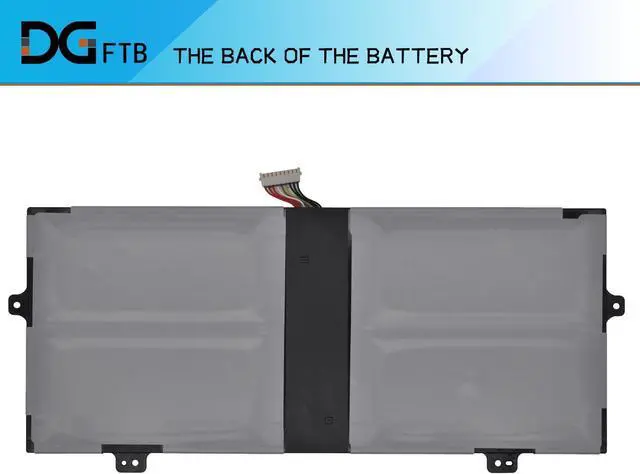
and compare with our battery pictures to ensure that this is what you need.
It helps you to buy the correct battery which you really want.
Welcome to DGTFB Specification: Compatible Machine Models: Compatible Machine Models: Install A New Battery: Battery can't be recognized by my laptop: Unparalleled Expertise:





 here!
here!