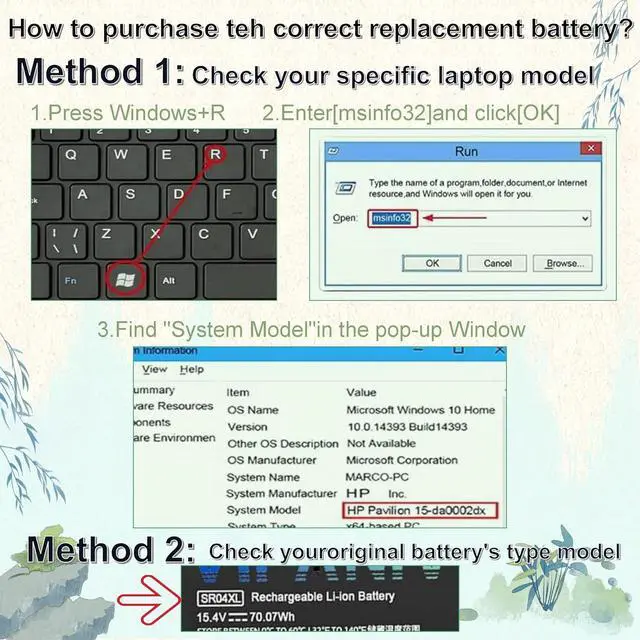
Press the "Win" and "R" keys simultaneously, type in [msinfo32], and then press Enter or click OK. This will allow you to check your notebook computer's exact model name. The "System Model" will be displayed. Use this model name to find the appropriate replacement battery for your notebook.
Remove the rear cover of your notebook computer and check the model number and physical specifications of the genuine battery. Use this information to search for a replacement battery.
Main Causes and Solutions for a Laptop Not Recognizing the Battery
1. Check if the battery driver is functioning properly. If it is not, download and update the corresponding driver software.
2. A possible cause is a loose battery connection. Reinstall the battery and ensure the battery cable is firmly plugged into the interface on the motherboard.
3. Another potential cause is damage to the conductive materials at the positive/negative terminal contacts between the laptop motherboard and the battery. You can verify this by testing with an original/OEM battery (the one that originally came with the device).
Main Features
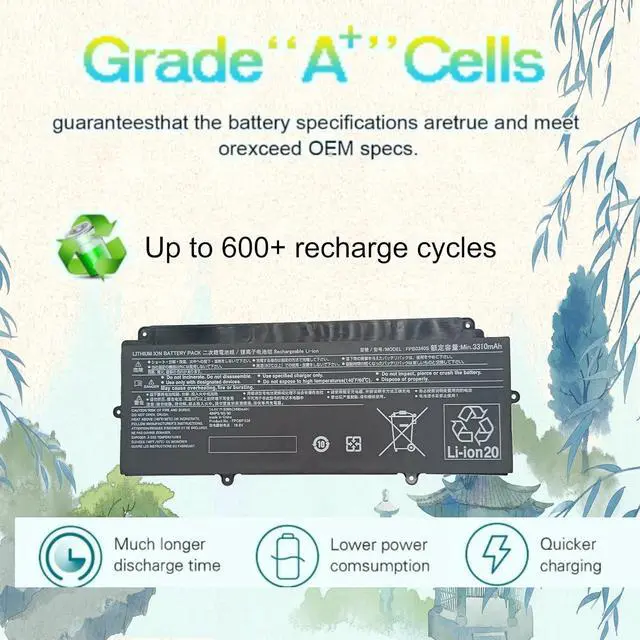
600+ charging cycles for long-term use
A+ Grade Cells ensuring extended lifespan and durability
Built-in multi-protection against short circuits, overheating, and overloading
Smart control chip enabling fast charging, low power consumption, and prolonged discharge time
High-Quality Materials: Utilizes premium materials and circuit boards to deliver exceptional durability and performance.
Cost-Effective Alternative: Offers a budget-friendly replacement without compromising quality, compared to expensive original batteries.
Full OEM Compatibility: Ensures 100% compatibility with OEM specifications, meeting original protection and performance standards.
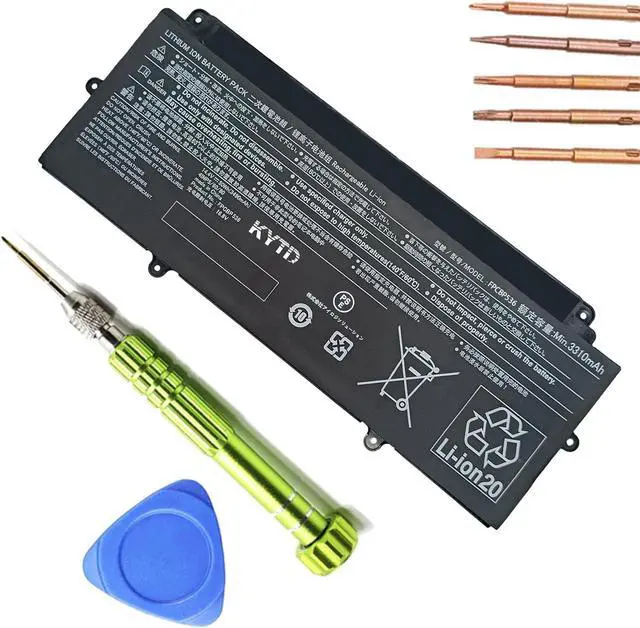
BrandKYTD
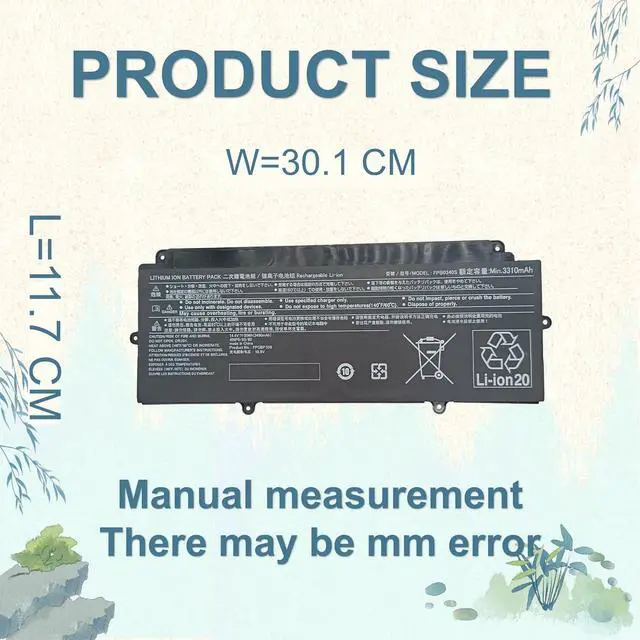
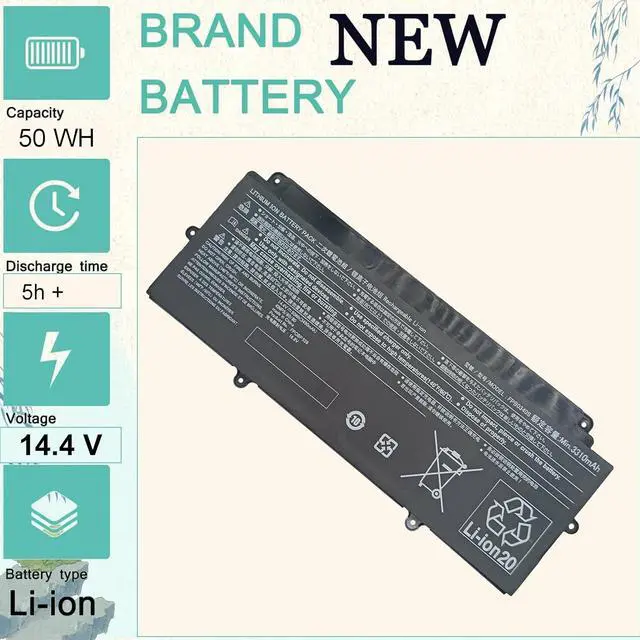
Product Name:FPCBP536
Capacity: 50wh
Voltage:14.4V
Condition: 100% New, A+ Grade Battery Cells
Installation: Tool-free / Comes with a screwdriver for easy installation
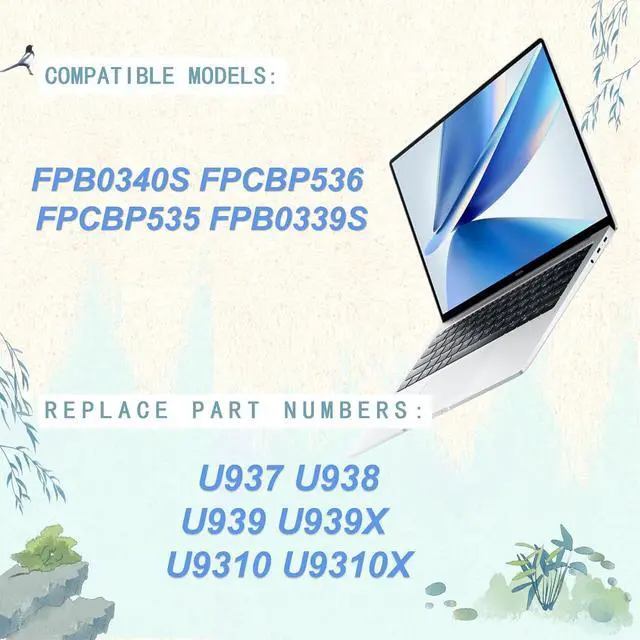
FPB0340S FPCBP536 FPCBP535 FPB0339S
Compatible Laptop Models: (Press Ctrl + F to search for your specific laptop model)
compatiable with for Fujitsu LifeBook U937 series
compatiable with for Fujitsu LifeBook U938 series
compatiable with for Fujitsu LifeBook U939 series
compatiable with for Fujitsu LifeBook E548 series
compatiable with for Fujitsu LifeBook U939X U9310 U9310X U9311X Series
For a new battery, please discharge it to approximately 5-8% (not 0%), then charge it to about 90%. Repeat this process 3-4 times to fully activate the battery.
Do not disassemble, crush, or puncture the battery. Strictly avoid using it near fire or water.
If storing the battery for an extended period, charge it at least once a month and maintain the charge level above 80%.
Avoid keeping the adapter plugged in for extended periods during use, as this may accelerate battery degradation.
Keep the battery away from direct sunlight and moisture.
Open the rear cover and rotate the head (tool bit).
Select the required drill/driver bit.
Loosen and remove the fixed head.
Insert the drill bit into the card slot (insertion groove).
Tighten the head and begin use.
Each battery has built-in multiple protection functions to ensure protection beyond limits, including short circuit, overheating, and overload protection.
The stability and long service life of a battery are supported by its internal battery cells. KYTD batteries are manufactured using "A+" grade cells made from high-quality ion battery materials, providing customers with a more stable and reliable battery.
All our batteries are 100% brand new and offer full compatibility, meeting OEM specifications in terms of protection and efficiency. As they are identical in size to the original batteries, you need not worry about assembly or fitment.
1 × Battery unit
1 × 5-in-1 mul





 here!
here!