Specifications:
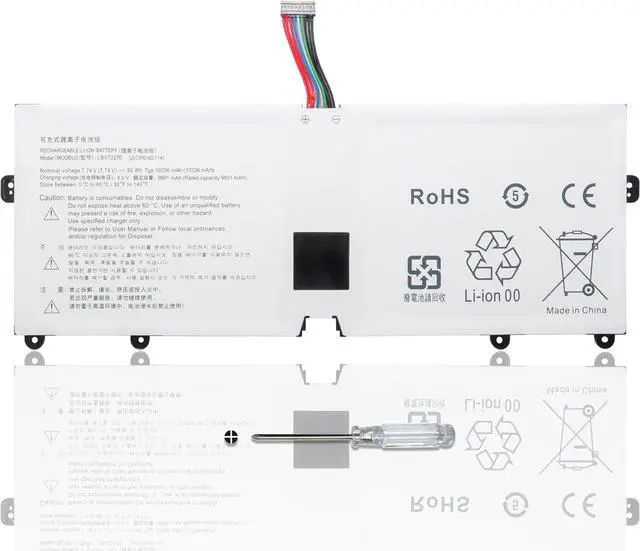
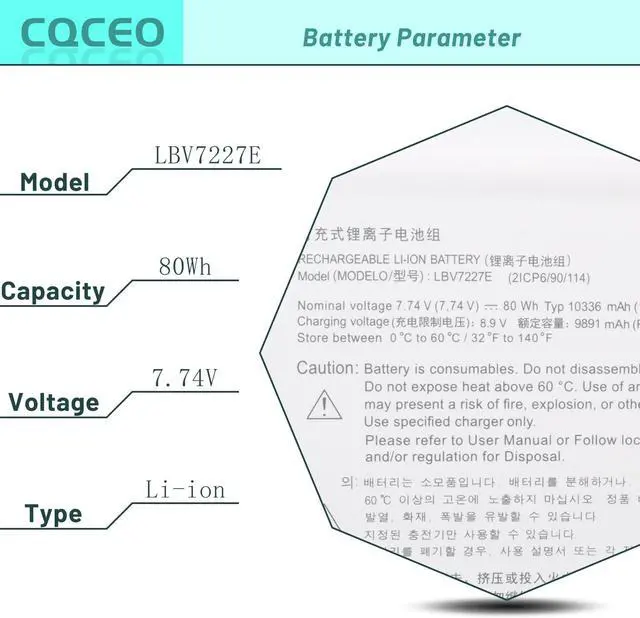
Voltage: 7.74V
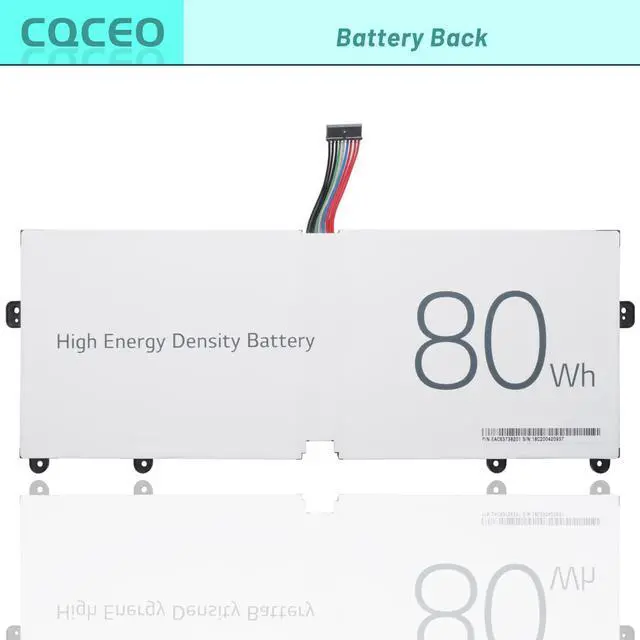
Capacity: 80Wh/10336mAh/4-Cell
Battery Type: Lithium ion
Battery Condition: Brand New
Color: black
Condition: 100% New from Manufacturer, Grade A Cell
Compatible Part Numbers:
LBV7227E 2IC96/90/114
Compatible Machine Models:
for LG Gram 14Z980 14Z90N 15Z980 17Z990 series
for LG Gram 15 2020 15Z90N series
15Z90N-R.AAS8U1 15Z90N-U.ARS5U1
for LG Gram 17 2020 17Z90N series
17Z90N-VA76K 17Z90N-V.AA77G 17Z90N-R.AAS9U1
for LG Gram 16 2021 16ZD90P 16Z90P 16Z90PC 16Z90PG series
for LG Gram 17 2021 17Z90P series
How to use the battery correctly :
1. To prevent safety issues from transportation, all battery out off factory are charged 40-50%,(you can check from laptop Battery indicator icon). For initial using of the battery, please discharge it to 5%(not to 0%) and then charge to 100%, and cycle 3-4 times to activate the batterys maximum capacity.
2. Please recharge immediately when battery reduced to 15% level,when you use the battery. Or it will shorten the battery life and cause damages to the battery.
3. If the battery do not use for a long time, please keep the battery to charge to a minimum 50% electricity. Or, it will maybe cause unable to charge again.To maintain the best battery state,replacement battery needs to be fully discharge to 15% and recharge to 100% each 2 month.
4.Do not unplug the battery during charging , better to turn off the laptop when recharge the it.
5.If your laptop cant be charged or cannot be fully charged,there may be possibilities that the adapter does not compatible with the laptop or theres some damage with the adapter. Please switch off your laptop and try again or change to a correct adapter.
6.The battery usage time is related to factors such as the CPU processor speed, application, program, screen brightness, wireless device external ports, and battery life of the laptop, so the actual usage time of the battery may differ from that of the same model of battery.





 here!
here!