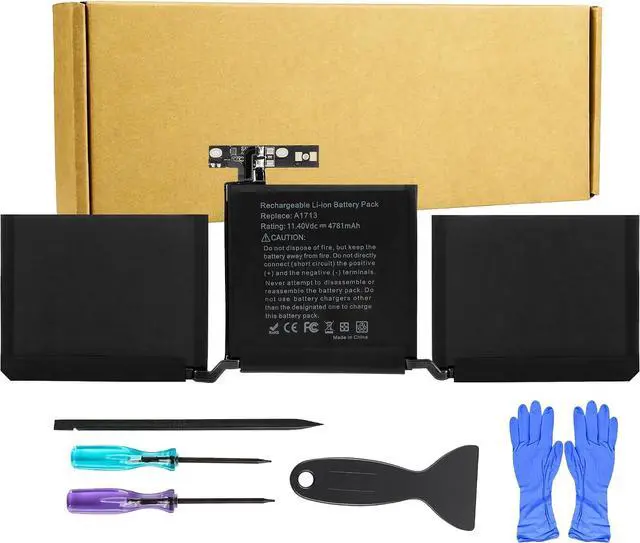
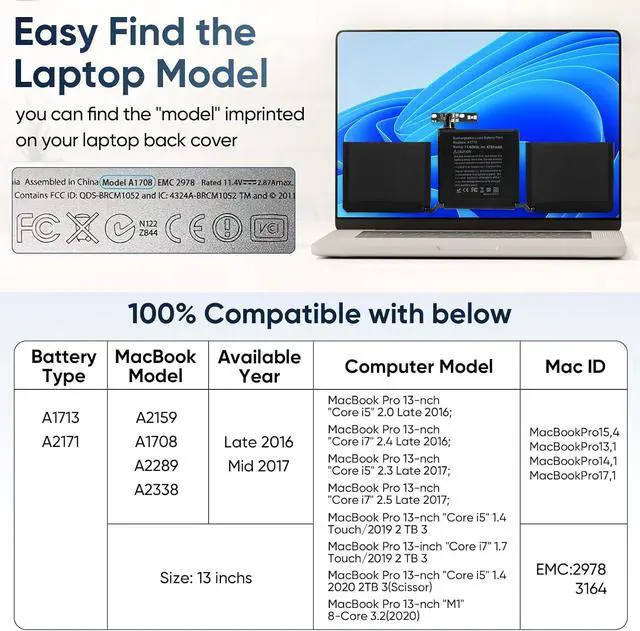
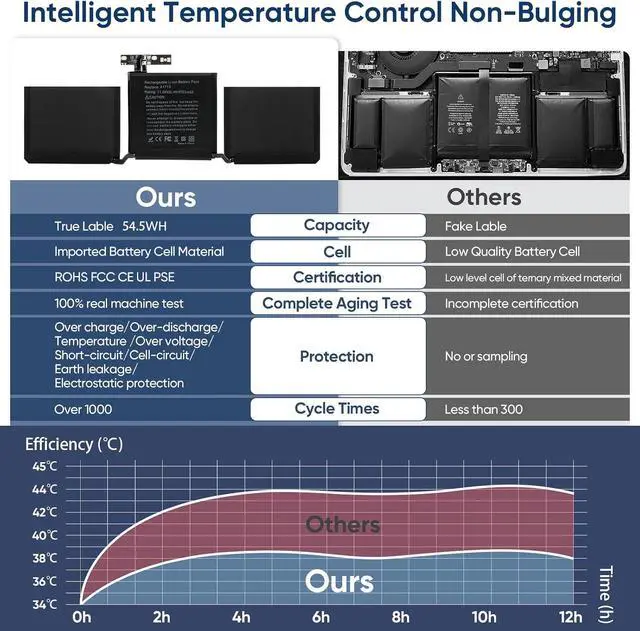
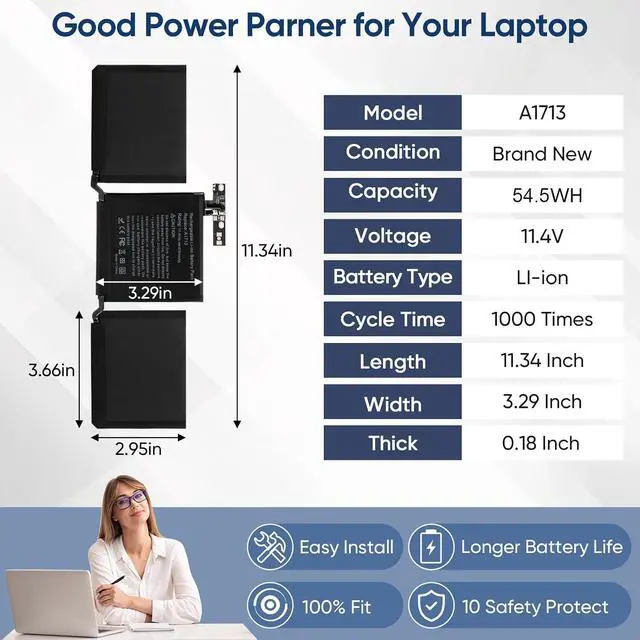
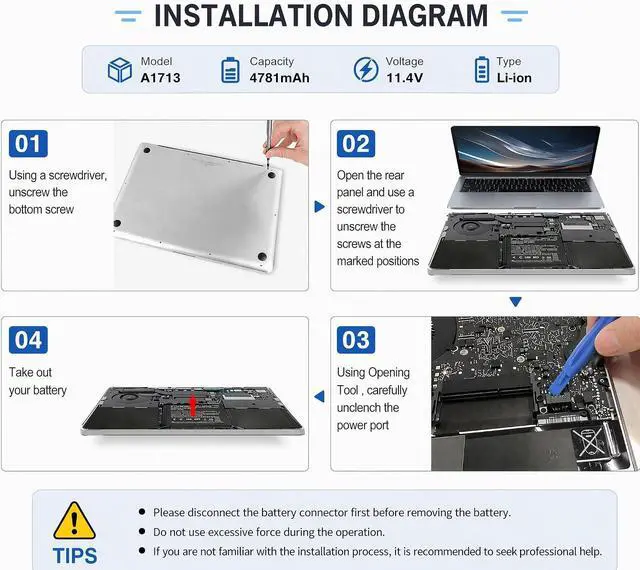
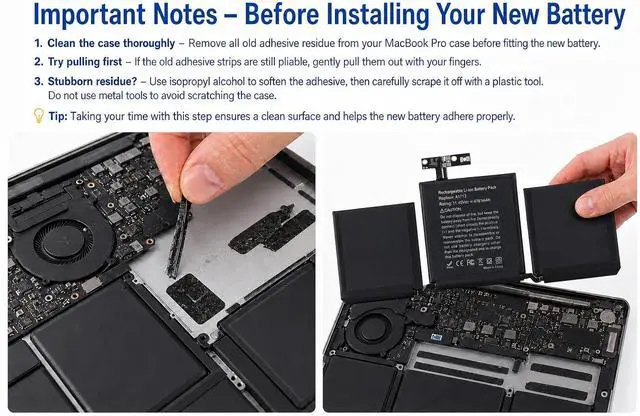
Battery Model A1713/A2171 Capacity 4781mAh 54.5Wh Voltage 11.4V Compatible MacBook Pro 13-inch 2016/2017/2019/2020/2022 MacBook Model No. A1708/A2159/A2289/A2338 Model Identifier MacBookPro13,1/MacBookPro14,1/MacBookPro15,4/MacBookPro16,3/MacBookPro17,1/Mac14,7 EMC 2978/3164/3301/3456/3578/8162 Part No.(2016) MLL42xx/A, MLUQ2xx/A Part No.(2017) MPXQ2xx/A, MPXR2xx/A, MPXT2xx/A, MPXU2xx/A Part No.(2019) MUHN2xx/A, MUHP2xx/A, MUHQ2xx/A, MUHR2xx/A, MUHR2xx/B Part No.(2020) MXK32xx/A, MXK52xx/A, MXK62xx/A, MXK72xx/A, MYD83xx/A, MYD92xx/A, MYDA2xx/A, MYDC2xx/A Part No.(2020,M1) MYD83xx/A, MYD92xx/A, MYDA2xx/A, MYDC2xx/A Part No.(2022,M2) MNEH3xx/A, MNEJ3xx/A, MNEP3xx/A, MNEQ3xx/A
How should I charge and use the new battery for the first time to ensure best performance?
For a new battery, we recommend performing a few full cycles: discharge it to about 5%, then charge it back to 95% (not necessarily 100%). This helps activate the battery completely. Avoid draining to 0% regularly, as that may shorten its lifespan.
How should I do if the battery is not recognised?
When the computer is turned on, if it is not recognised, it is recommended to update the BIOS settings or please disconnecting the old battery, and holding down the power button for 20 seconds, then connect the new battery
Whats the correct way to charge my laptop with this battery?
1. First, install the battery into your laptop.
2. Then connect the power adapter to the laptop and turn on the power.
3. Once fully charged, first disconnect the power from the laptop, then unplug the adapter.
How should I store this battery if I dont use my laptop for a long time?
The ideal preservation method is to charge the battery to about 40% the battery should be used once a month, which can not only good preservation of the battery but also prevent the battery from being damaged by the complete loss of power
Can I use a different charger if my original laptop adapter is broken?
Its best to use the original or a manufacturer-recommended adapter. If the original is damaged, please replace it with an identical model (same voltage and current rating). Using an incompatible charger may reduce battery life or cause safety issues
Replacement Battery for Macbook Pro 13 Inch How should I charge and use the new battery for the first time to ensure best performance?
How should I do if the battery is not recognised?
Whats the correct way to charge my laptop with this battery?
How should I store this battery if I dont use my laptop for a long time?
Can I use a different charger if my original laptop adapter is broken?





 here!
here!