• $72.99
  • Free 30-day Returns
  • Shipped by LionTech Direct

    Price alert
    Shop it at NeweggBusiness.

    Meet Your Seller

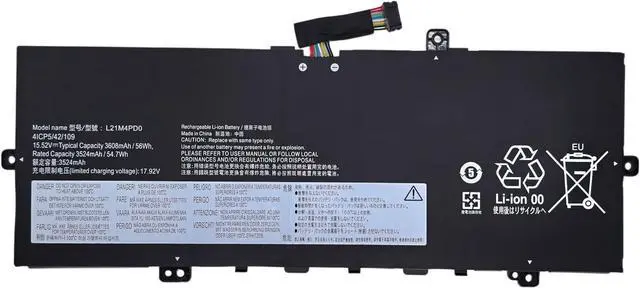
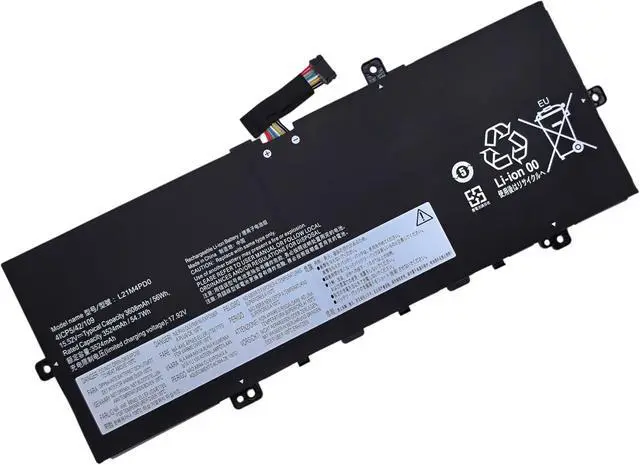
    L21M4PD0 L21B4PD0 L21C4PD0 Replacement Battery Compatible with Lenovo ThinkBook 13S G4 ARB IAP, ThinkBook 13X G2 IAP, ThinkBook Plus G4 IRU Series 5B11D96862 5B11D96865 SB11D96863-15.52V 56Wh

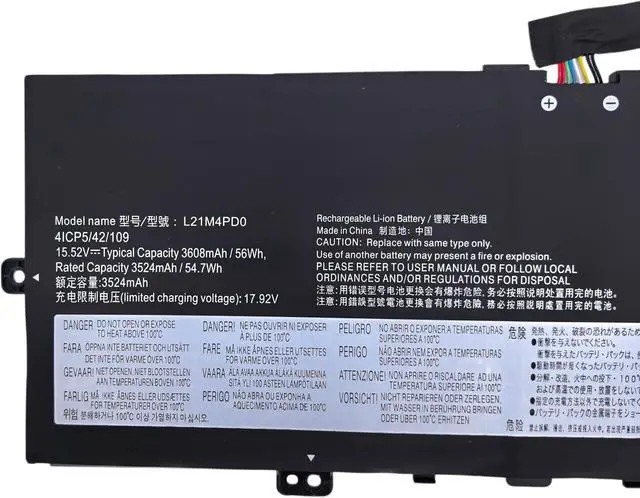
    • Battery Type: Li-ion; Voltage: 15.52V; Capacity: 56Wh / 4-Cell.
    • Compatible Part Number:L21M4PD0 SB11D96866 5B11D96864 SB11N51761 5B11N51729 L21B4PD0 SB11D96867 5B11D96865 SB11N51747 5B11N51750 L21C4PD0 SB11D96863 5B11D96862 SB11N51752 5B11N51725 4ICP5/42/109
    • Compatible with Machines Model:For Lenovo ThinkBook 13S G4 ARB Series; Replacement for Lenovo ThinkBook 13S G4 IAP Series; Replacement for Lenovo ThinkBook 13X G2 IAP Series; Replacement for Lenovo ThinkBook Plus G4 IRU Series
    • Our batteries are assembled from top quality material and circuit boards to ensure fast charges and low power consumption, 100% New from Manufacturer, Overcharge and Overdischarge Circuit Protection, Over-temperature and Short-circuit Protection, up to 500 recharge cycles over the life of the battery, meet OEM standard.
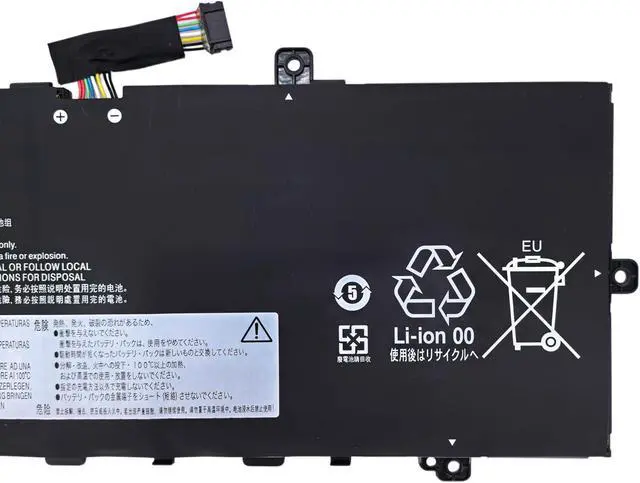
    • CE-/FCC-/RoHS-Certified for safety. 24 x 7 email support
    +
    +
    Overview
    Reviews
    avatar

    Any questions? Our AI mode will help you find out quickly.

    Model Name: L21M4PD0

    Condition: Brand New

    Battery Type: Li-ion

    Battery Voltage: 15.52V

    Battery Capacity: 56Wh / 3608mAh


    Compatible Paer Number:

    L21M4PD0 SB11D96866 5B11D96864 SB11N51761 5B11N51729 L21B4PD0 SB11D96867 5B11D96865 SB11N51747 5B11N51750 L21C4PD0 SB11D96863 5B11D96862 SB11N51752 5B11N51725 4ICP5/42/109


    Compatible Models: (use "Ctrl+F" to find your model quickly)

    Replacement for Lenovo ThinkBook 13S G4 ARB Series;
    Replacement for Lenovo ThinkBook 13S G4 IAP Series;
    Replacement for Lenovo ThinkBook 13X G2 IAP Series;
    Replacement for Lenovo ThinkBook Plus G4 IRU Series;


    Not all the compatible laptop models have been listed, please remove the back case of your laptop and choose the right battery model according to your latpop's origibal battery.

    Instructions for use:
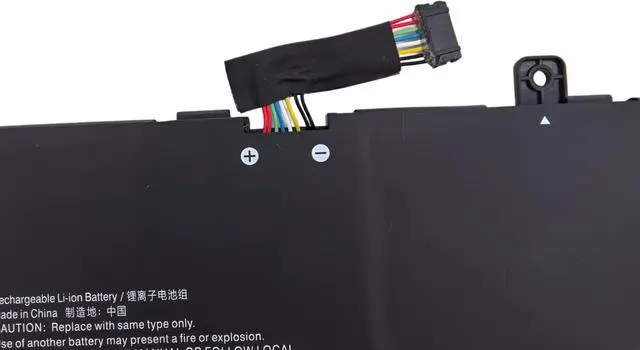
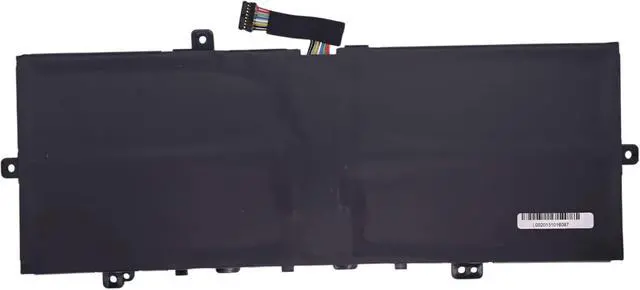
    Please install the battery correctly and ensure that the battery interface and the motherboard are firmly connected. Please use the original charger to charge the laptop. Please open the back cover of the laptop before purchasing to confirm the original battery type is the same as the picture.

    Warranty & Returns

    Warranty, Returns, And Additional Information

    Warranty

    • Please contact the Seller directly for warranty information. Warranty information may also be found on the Manufacturer's website.
    • CONTACT

    Return Policies

    Manufacturer Contact Info

    LOADING...