Your Browsing History
Meet Your Seller
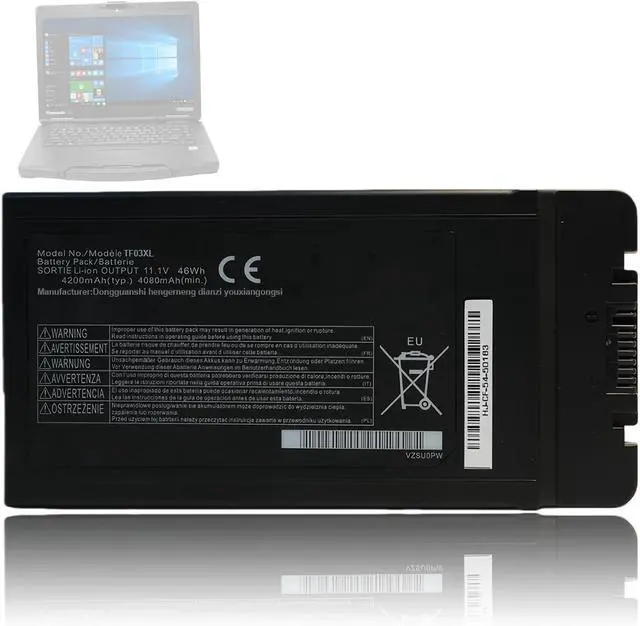
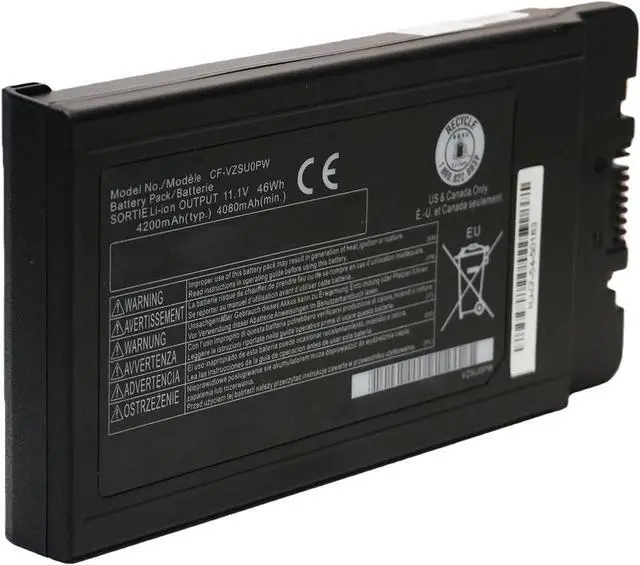
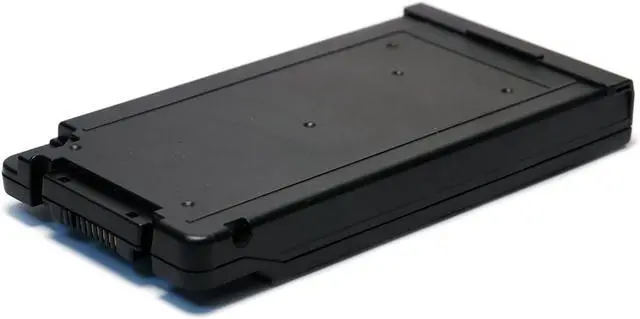
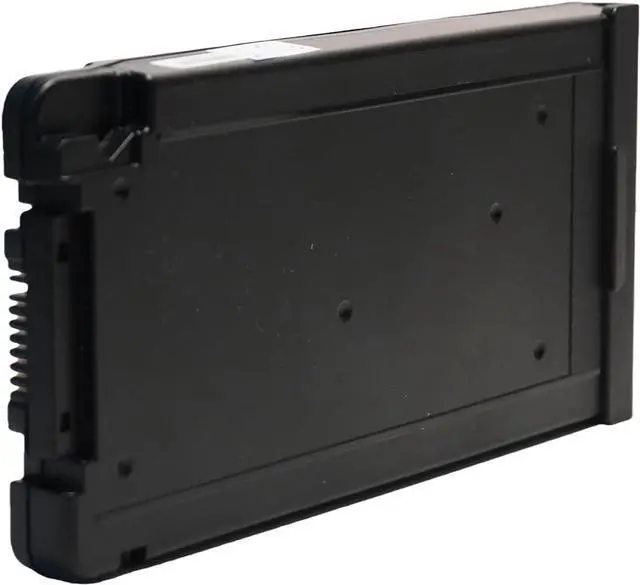
46Wh CF-VZSU0PW Battery Compatible with Panasonic Toughbook CF54 CF-54 Mk1 Mk2 Mk3 CF-VZSU0GJS CF-VZSUOPW CF-VZSU0PJS CF-VZSU0PR CF-VZSU0LW CF-VZSU0KJS CF-VZSU0KW CF-VZSU0KR CF-VZSU0PK CF-VZSU0GW
- WIDE COMPATIBILITY: The CF-VZSU0PW replacement battery is compatible with Panasonic Toughbook CF54 CF-54 Mk1 Mk2 Mk3 Series; compatible with Panasonic Toughbook 54 Gloved Multi Touch, 54 Lite, 54 Performance, 54 Prime Series, CF-54F9001KM CF-54G2999VM CF-54F0961NE CF-54F0961VM CF-54A0005CM CF-54D2912VM CF-54D0005KM Laptop.
- COMPATIBLE PART NUMBER: CF-VZSU0GJS, CF-VZSUOPW, CF-VZSU0PJS, CF-VZSUOLW, CF-VZSU0PW, CF-VZSU0PR, CF-VZSUOGW, CF-VZSU0LW, CF-VZSU0KJS, CF-VZSU0KW, CF-VZSU0KR, CF-VZSU0PK, CF-VZSU0GW. Please confirm your original battery model before purchasing.
- SPECIFICATION: Battery type: Li-ion; Voltage:11.1V; Capacity: 4200mAh/46Wh.
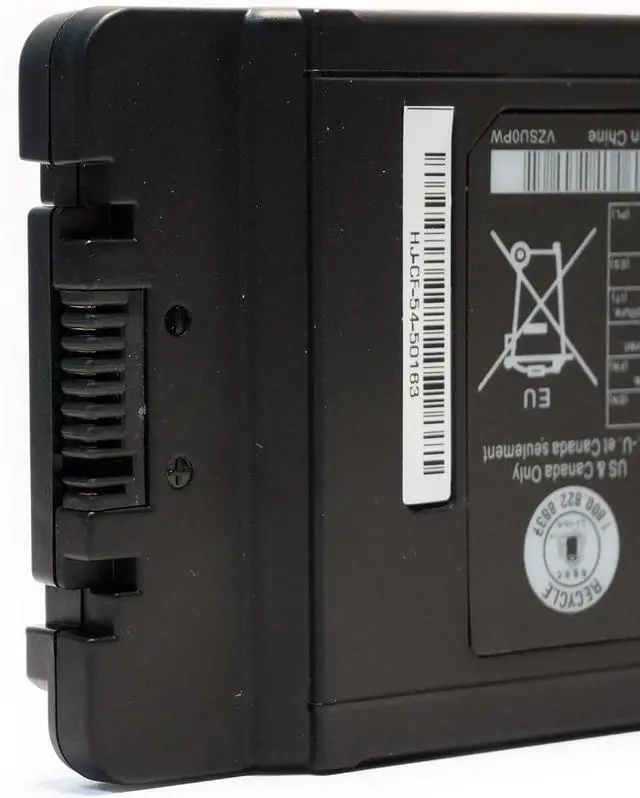
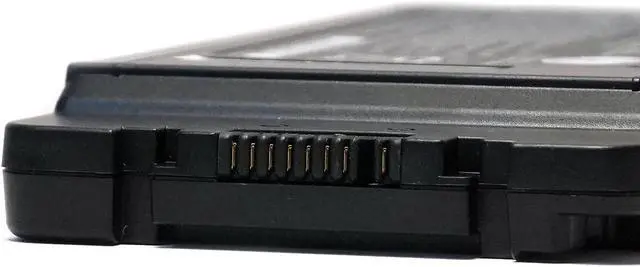
- NOTE: If the new battery is not recognized during the initial installation, please reinstall and check if the interface is fully connected. Discharge the new battery to 10-20% (not 0%), then charge and cycle 3-4 times to wake up the new battery.
- PRODUCT LIST: 1* Battery. All LIXIEKE products are Certified by CE, FCC for safety. Strict gu
+
+
Overview
Reviews
Any questions? Our AI mode will help you find out quickly.
Try me now
Specification:
Battery Type: Li-ion;
Voltage: 11.1V;
Capacity: 4200mAh/46Wh;
Package Included:1X Battery.
Wide Compatibility:
The CF-VZSU0PW replacement battery is compatible with Panasonic Toughbook CF54 CF-54 Mk1 Mk2 Mk3 Series; compatible with Panasonic Toughbook 54 Gloved Multi Touch, 54 Lite, 54 Performance, 54 Prime Series, CF-54F9001KM CF-54G2999VM CF-54F0961NE CF-54F0961VM CF-54A0005CM CF-54D2912VM CF-54D0005KM Laptop.
Compatible Part Number:
CF-VZSU0GJS, CF-VZSUOPW, CF-VZSU0PJS, CF-VZSUOLW, CF-VZSU0PW, CF-VZSU0PR, CF-VZSUOGW, CF-VZSU0LW, CF-VZSU0KJS, CF-VZSU0KW, CF-VZSU0KR, CF-VZSU0PK, CF-VZSU0GW..
Notes:
-It is recommended to fully charge and discharge the battery 3 times after receiving it.
-If the battery will not be used for an extended period, please charge it every three months to extend its lifespan.
-Store the battery in a dry environment.
-Do not charge the battery for more than 24 hours.
-If the battery is not used for a long time, we recommend using it at least once every two to three weeks.

Warranty & Returns
Warranty, Returns, And Additional Information
Warranty
- Please contact the Seller directly for warranty information. Warranty information may also be found on the Manufacturer's website.
- CONTACT
Return Policies
- Return for refund within: 30 days
- Return for replacement within: 30 days
- This item is covered by LionTech Direct Return Policy
Manufacturer Contact Info
- For a directory of all our manufacturers, please click below.
- Manufacturers Directory
LOADING...