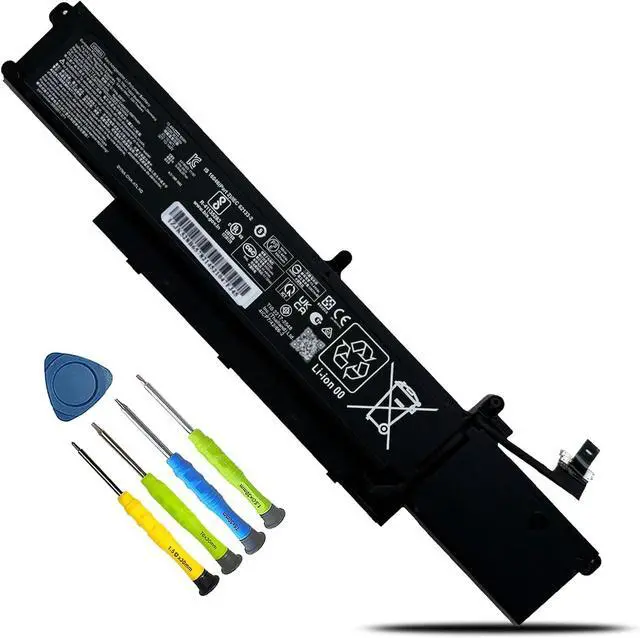
We are a professional laptop/tablet battery provider, dedicated to providing different types of high-quality batteries for our customers to bring their laptops back to life again.
The main outstanding features include.
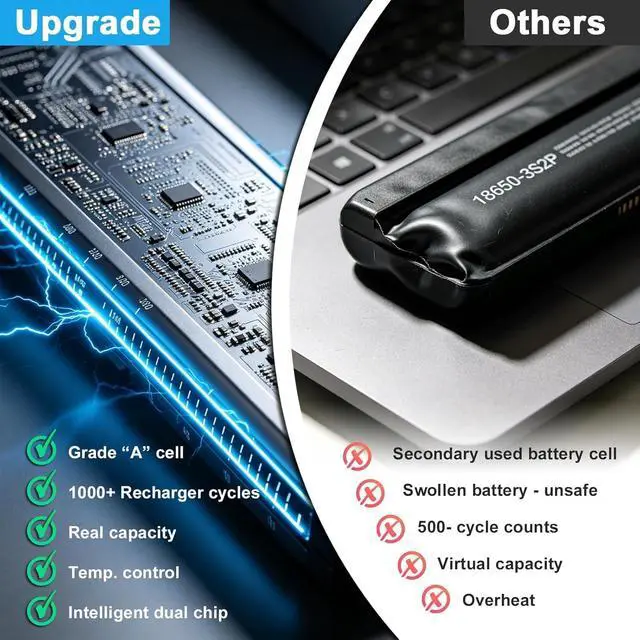
Batteries are 100% new from the manufacturer
Grade A batteries ensure fast charging and low power consumption
High efficiency and high conversion rate.
Up to 100+ charging cycles
Our goal is to solve all your Battery problems. Thanks for your choice and trust, Enjoy your shopping!
Method 1: Use System Information to find your laptop model
Step 1: Press "Windows + R" to open the Run window.
Step 2: Type "msinfo32" in the empty box and click OK to open System Information.
Step 3: Keep in the "System Summary" section and you will find the "System Model " item in the right pane.
Method 2: Open the back cover of the laptop and confirm the battery type and capacity, as well as the model of the laptop.
Step 1: Turn off the laptop and unplug the power cord (to prevent electric shock)
Step 2: Remove the back panel with a screwdriver. (Please proceed with care to avoid damage to the laptop's components.)
Step 3: Disconnect the cable connected to the battery and remove it. After that, you can check the specifications of your battery.
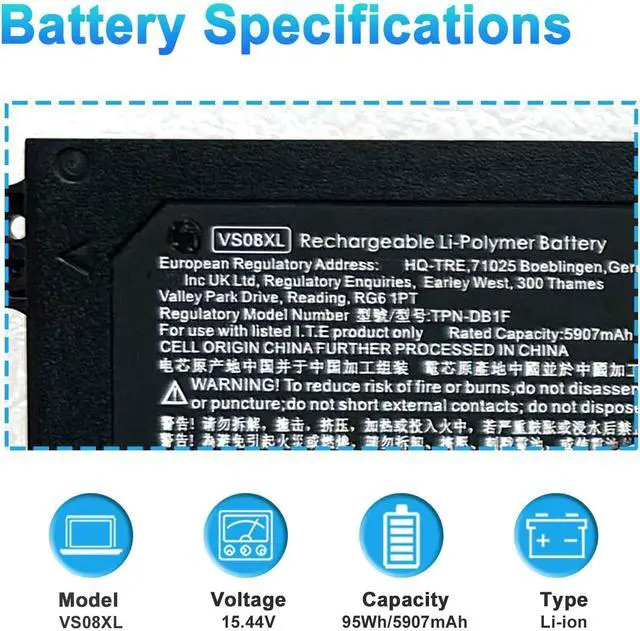
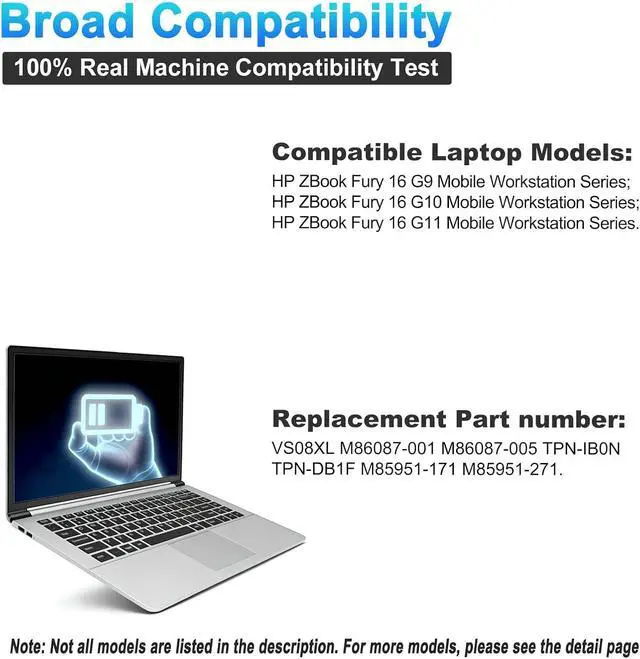
Model Name: VS08XL
Battery Type: Li-ion
Battery Voltage: 15.44V
Battery Capacity: 95Wh 5907mAh
Battery Cell : 4-Cells
Condition: 100% New from Manufacturer, Grade A Cell
VS08XL
M86087-001
M86087-005
TPN-IB0N
TPN-DB1F
M85951-171
M85951-271
for HP ZBook Fury 16 G9 Mobile Workstation Series
16 G9 609M3AV, 16 G9 62U60EA, 16 G9 62U61EA, 16 G9 62U62EA, 16 G9 6X1F8PA, 16 G9 6X1G1PA, 16 G9 6X3K9UT, 16 G9 6Z3F5PA
for HP ZBook Fury 16 G10 Mobile Workstation Series
16 G9 6Z3F6PA, 16 G10 62V58EA, 16 G10 62V59EA, 16 G10 62V60EA, 16 G10 62V61EA, 16 G10 62V62EA, 16 G10 62V63EA, 16 G10 62V64EA, 16 G10 62V71EA, 16 G10 62V72EA, 16 G10 62V75EA 16 G10 62V76EA, 16 G10 62V79EA, 16 G10 62V80EA, 16 G10 62V81EA, 16 G10 62V82EA,16 G10 62V83EA, 16 G10 62V84EA, 16 G10 62V92EA, 16 G10 62V93EA, 16 G10 62V94EA, 16 G10 62V95EA, 16 G10 62V96EA, 16 G10 62V97EA,16 G10 62V98EA, 16 G10 878K0UT, 16 G10 878K1UT, 16 G10 878K2UT, 16 G10 878K3UT, 16 G10 878K4UT, 16 G10 878K5UT, 16 G10 878K6UT, 16 G10 878K7UT, 16 G10 878K8UT, 16 G10 878K9UT, 16 G10 878L0UT, 16 G10 8C277PA, 16 G10 8C279PA, 16 G10 8C2D2PA
for HP ZBook Fury 16 G11 Mobile Workstation Series
When you get the new battery, discharge the battery to 5% (not 0%), then charge it to 95%, and cycle 3-4 times to wake up the new battery.
The important point is to perform a full discharge and charge every other month to extend the battery life.
Do not connect the adapter for a long time while using the battery. It may damage the battery.
Avoid artificial shocks, disassembly, crush or puncture. Do not dispose of it in fire or water.
Could be caused by a battery loss. Please remove the battery and try to install it more than once.
This may be due to conductive material damage which the laptop motherboard and battery anode and cathode contact position, you can try to confirm it with your original battery.
Check whether the battery drive is in normal condition, if not, download the corresponding driver software to update.
Take out the battery and press the power button for about 15 seconds to consume the internal residual power (Do not connect the power cord), and then reinstall the battery. You can try several times.
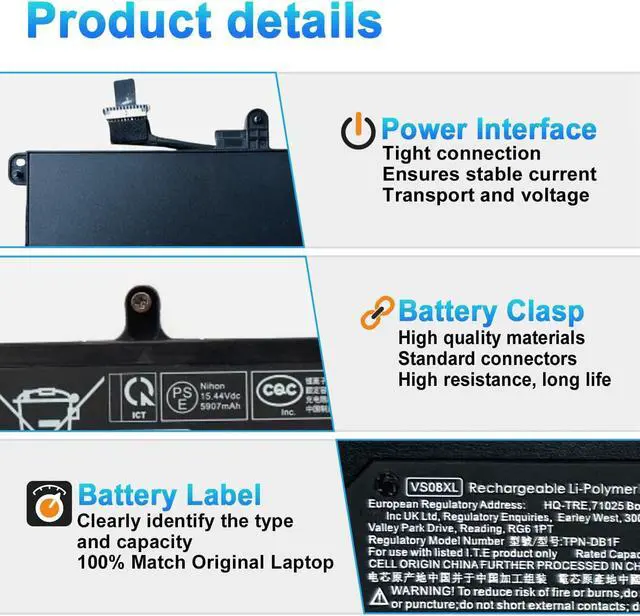
The battery capacity is designed to meet the OEMs specifications, is stable and last longer, and provides stronger power for your laptop, not falsely labeled battery capacity.
Problems you may encounter when installing a new battery
Q: Battery cannot be identified by your laptop or it doesnt seem to work. That may be caused by different situations.
ATTENTION
<





 here!
here!