

Your Browsing History

Meet Your Seller

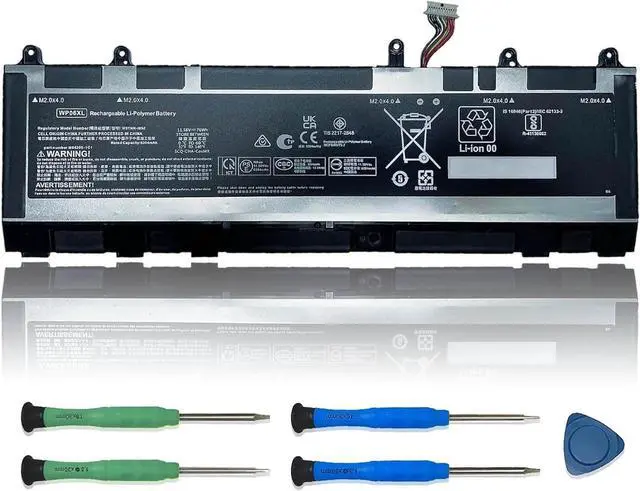
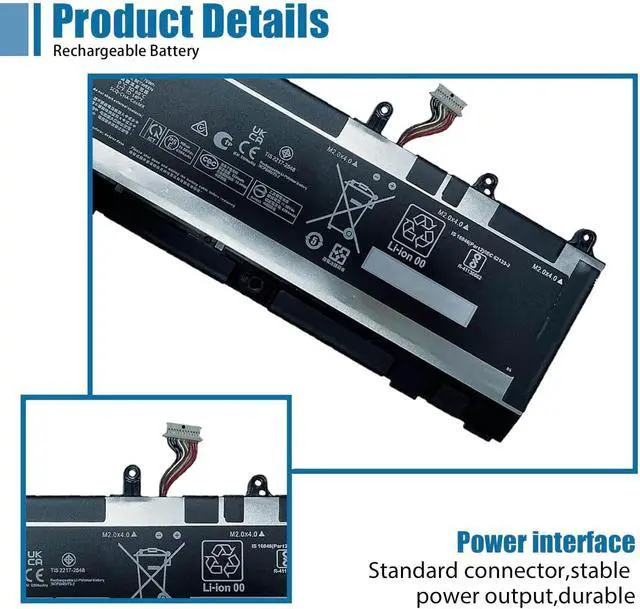
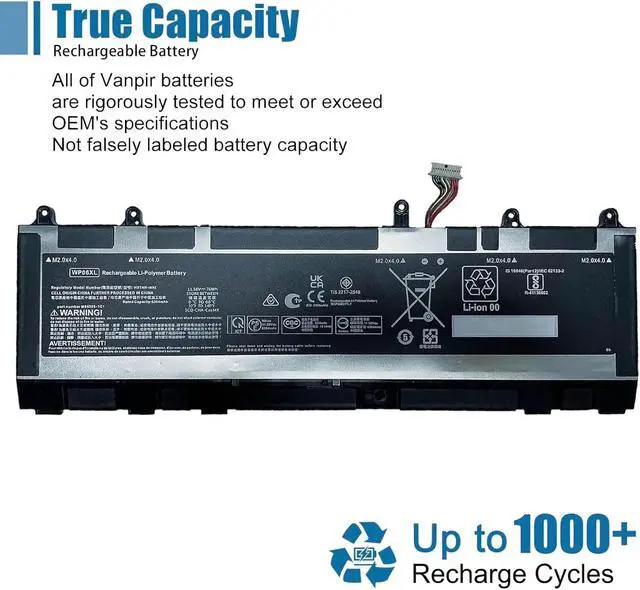


WP06XL Laptop Battery Replacement for HP EliteBook 860 865 G9 860 865 G10 ZBook Firefly 16 G9 G10 EliteBook 865 G11 Series M73470-005 HSTNN-IB9Z M64306-1C1 11.58V 76Wh 6304mAh
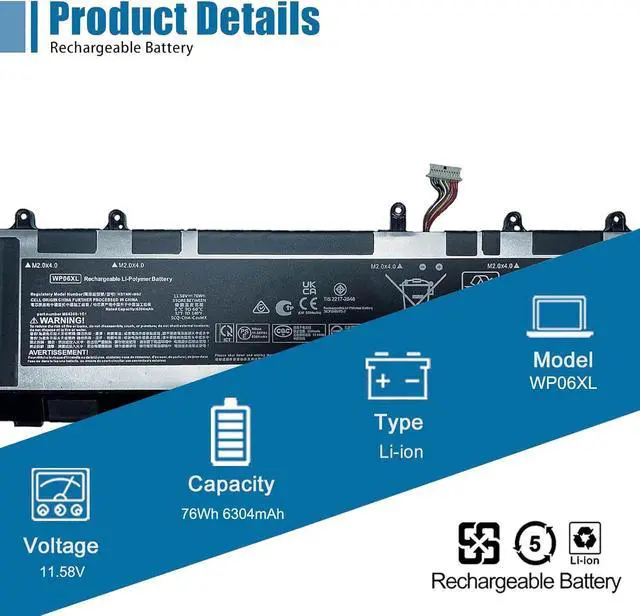
- SpecificationsModel:WP06XL / Type: Li-ion / Voltage:11.58V /Capacity: 76Wh
- Compatible Laptop Models Replacements for HP EliteBook 860 G9 Series, for HP EliteBook 860 G10 Series, for HP Elitebook 865 G9 Series, for HP EliteBook 865 G10 Series, for HP ZBook Firefly 16 G9 Series, for HP ZBook Firefly 16 G10 Series, fpr HP EliteBook 865 G11 2024 Series
- Replace Part NumberWP06XL, M73470-005, HSTNN-IB9Z, M64306-1C1 M64308-171
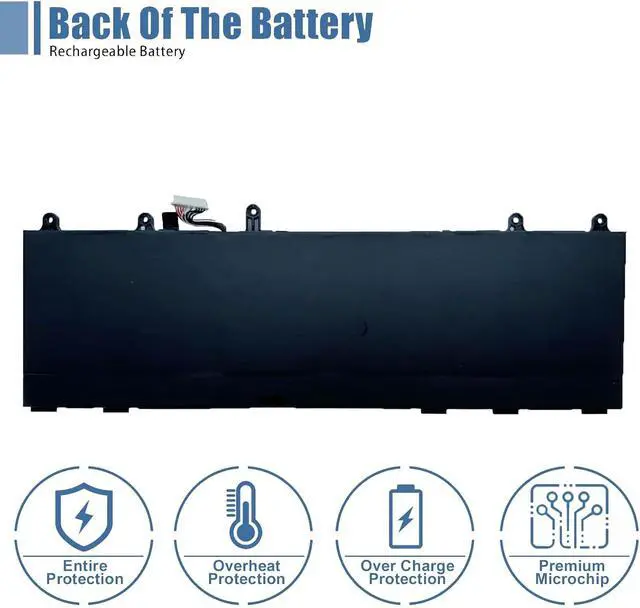
- Advantage for batteryBrand New battery, Certified by CE for safety and Strict guidelines for compatibility. Now, this battery is powered by Lithium-Ion technology and has a safeguard chip that authenticates. System Battery Extended Life System Battery.
- Quality AssuranceSupport 30 days return or exchange and 12 months replacement. Factory Sealed, Retail Packaged. Any questions will be answered within 24 hours, Serve you wholeheartedly.
+
+
Overview
Reviews

Any questions? Our AI mode will help you find out quickly.
Try me now
We are a professional laptop battery manufacturer, dedicated to manufacture and provide high-quality different types laptop batteries for our customers and dedicated to serving customers wholeheartedly.
Lithium-ion batteries, rechargeable batteries for portable electronics,100% new from Manufacturer. Adopt strict quality control standards, reliable and high-quality batteries. Meet the OEMs specifications, be stable and last long, Lower Power Consumption, provide stronger power for your laptop.
ModelWP06XL Battery
TypeLi-ion
Voltage11.58V
Capacity76Wh 6304mAh
Condition : 100% New from Manufacturer, Grade A Cell
Packing Included:
1* WP06XL battery
1* Instruction manual
Meet the OEM. CE / FCC / RoHS certified.
Easy to install.
Up to 1000+ recharge cycles over the life of the battery.
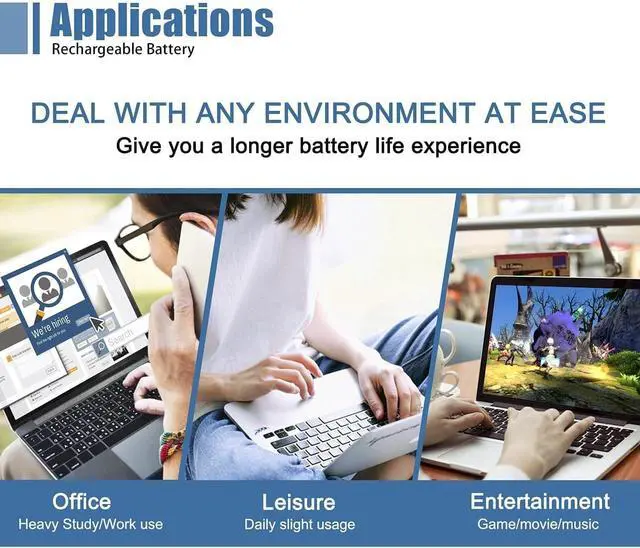
Easily deal with various practical environments and bring you a stronger battery life experience.
Method 1: Use System Information to find your laptop model
Step 1: Press " Windows + R " to open the Run window.
Step 2: Type " msinfo32 " in the empty box and click " OK " to open System Information.
Step 3: Keep in the " System Summary " section and you will find the " System Model " item in the right pane.
Method 2: Open the back cover of the laptop and confirm the battery type and capacity, as well as the model of the laptop.
Step 1: Turn off the laptop and unplug the power cord (to prevent electric shock)
Step 2: Remove the back panel with a screwdriver. (Please proceed with care to avoid damage to the laptop's components.)
Step 3: Disconnect the cable connected to the battery and remove it. After that, you can check the specifications of your battery.
Replacement Part Number:
WP06XL
M73470-005, HSTNN-IB9Z, M64306-1C1 M64308-171
Compatible Models: (use "Ctrl+F" to find your model quickly)
Replacement for HP EliteBook 865 G10 Series
Replacement for HP EliteBook 860 G10 Series: 8F104PA
Replacement for HP ZBook Firefly 16 G10 Series: 89J50UC 879A9PA
Replacement for HP Elitebook 865 G9 Series: 5P675EA 5P723EA 5P724EA 5P725EA 6F6F6EA 6F6F9EA 6F6G8EA 6F6H3EA 6F6H4EA 6F6H5EA 6F6F7EA 6F6F8EA 6F6Q9EA 6F6R7EA 6F6R8EA 6G9K7PA 6G9K9PA 6G9L0PA 6G9P8PA 6H5F6UT 6H5F8UT 6H5G6UT 6H5U6UT 6Q2V1PA 6Q2Z3PA 6H724UT 6J177UT 6G9P9PA 6G9S5PA 6Q2Z9PA 6Q300PA 6Q301PA 6Y602EC 6Y604EC 75V88PA
Replacement for HP EliteBook 860 G9 Series: 5Z6B1EA 5Z6B5EA 5Z6B6EA 6C188UT 5Z6D1EA 6C189UT 6C190UT 6C1Z7UT 6F614EA 6F6K4EA 6F6K5EA 6F6K6EA 6G8T3PA 6F6K7EA 6F6K8EA 6G9H1PA 6G9H2PA 6G9H3PA 6G9H4PA 6G9H8PA 6G9H9PA 6G9H7PA 6G9J0PA 6G9J1PA 6G9J8PA 6K661PA 6K662PA 6K670PA 6K672PA 6K669PA 6K684PA 6K685PA 6K686PA 6K687PA 6K688PA 6K695PA 6T125EA 6Q1E0PA 6T123EA 6T1R1EA 6Y520PA 6K668PA 6G9J2PA
Replacement for HP ZBook Firefly 16 G9 Series: 525B8EA 6B886EA 6B896EA 6H2N9PA 6B8D7EA 6H803PA 6K345PA 6K3F4PA 6N2G4UT 6N2H0UT 6Q412UT 6Q411UT 6Q413UT 6X1F1PA 6Q4X4UT 6V1U5PA 6V2U8PA 6X1F0PA 6X1F2PA 6X1F3PA 6B897EA
Note: For more accrate, please check the part number of your original battery.
Manual calibration, The steps are:
1) Shut down, plug in the power adapter to fully charge the battery. If the battery is full, you can proceed directly to the next step.
2) Unplug the power adapter, turn on the battery, and let the battery automatically discharge until the computer automatically shuts down. During this period, it is best not to do any computer operations.
3) Plug in the battery adapter and fully charge the battery. This process is OK if it is turned on or not.
To borrow software, such as batteryMon :
1) Install the battery, plug in the power adapter, and power on. Run Batterymon and click the start button. After charging, shut down and unplug the adapter.
2) Restart and run Batterymon. Close all applications, adjust the power plan to turn off the screen for 1 minute and never go to sleep, and then slowly wai
Warranty & Returns
Warranty, Returns, And Additional Information
Warranty
- Please contact the Seller directly for warranty information. Warranty information may also be found on the Manufacturer's website.
- CONTACT
Return Policies
- Return for refund within: 30 days
- Return for replacement within: 30 days
- This item is covered by LionTech Direct Return Policy
Manufacturer Contact Info
- For a directory of all our manufacturers, please click below.
- Manufacturers Directory
LOADING...