• $81.99
  • Free 30-day Returns
  • Shipped by LionTech Direct

    Price alert
    Shop it at NeweggBusiness.

    Meet Your Seller

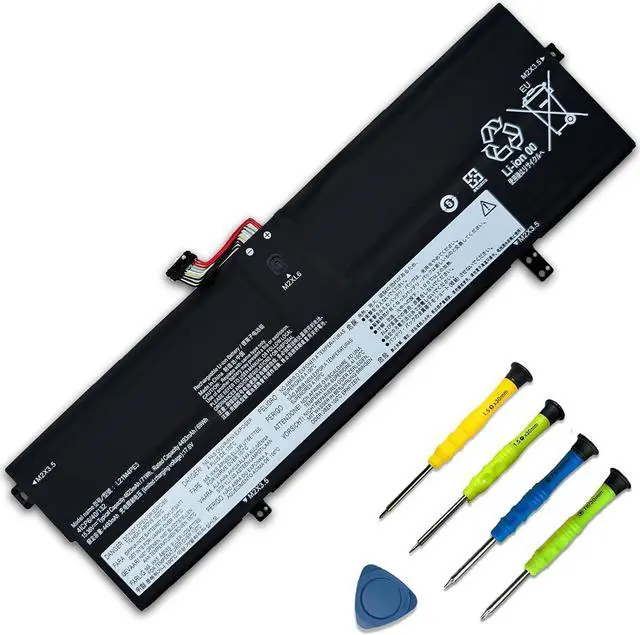
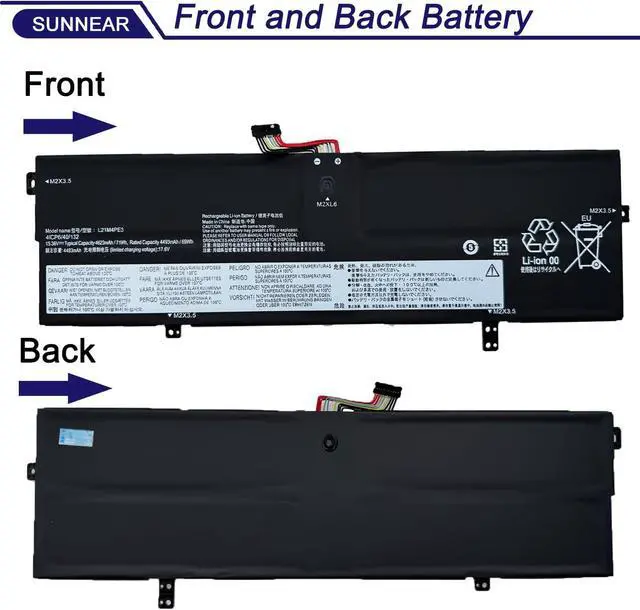
    71Wh L21M4PE3 L21B4PE2 Laptop Battery for Lenovo IdeaPad Yoga 7 16IAP7 14IAL7 14ARB7 82QG 82QF Series Notebook L21L4PE0 SB11F38368 5B11F38372 4623mAh

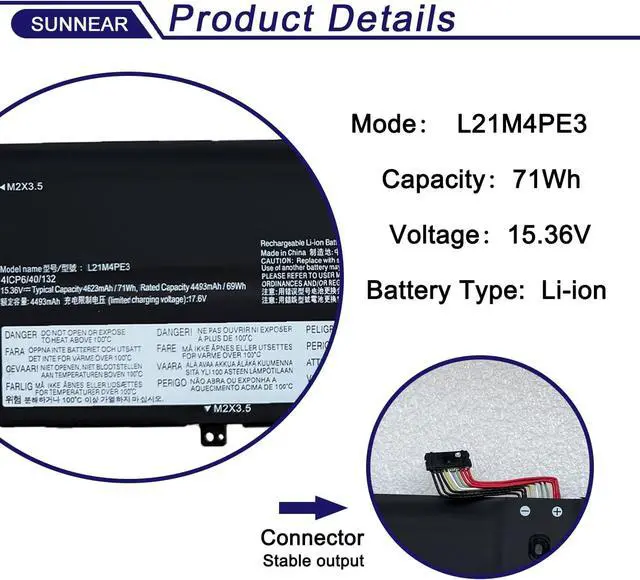
    • SpecificationsModel: L21M4PE3; Voltage: 15.36V; Capacity: 71Wh / 4623mAh; Battery type: Li-ion. (We only use grade A battery cells that provide up to 500 power cycles over the life of the battery. Come with screwdrivers.)
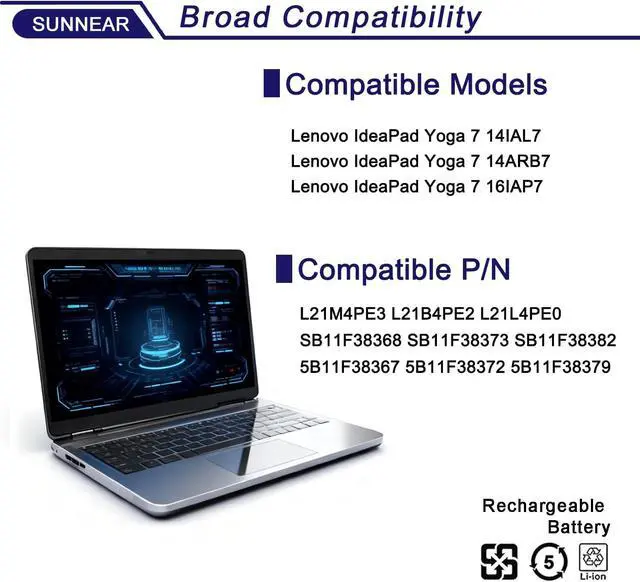
    • Compatible Laptop/Notebook Models Lenovo IdeaPad Yoga 7 14IAL7 Lenovo IdeaPad Yoga 7 14ARB7 Lenovo IdeaPad Yoga 7 16IAP7
    • Compatible Part Number L21M4PE3 L21B4PE2 L21L4PE0 SB11F38368 SB11F38373 SB11F38382 5B11F38367 5B11F38372 5B11F38379
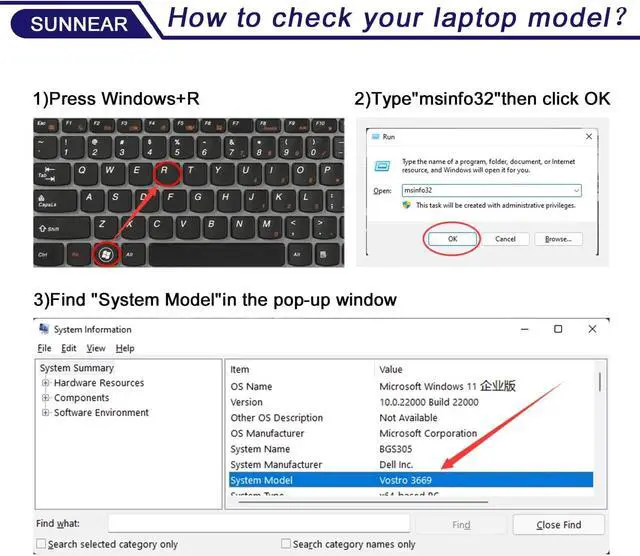
    • Purchasing NoteDue to the complexity of laptop battery models, you may not be able to accurately determine the model you need to purchase,Please open the back cover of the laptop to confirm the original battery model number
    • TipsIf the new battery is not recognized during the initial installation, please reinstall and check if the interface is fully connected. Allow the new battery's power level to drop to 5% (not 0%), then restore to full capacity and cycle 3-4 times to activate the new battery

    +
    +
    Overview
    Reviews
    avatar

    Any questions? Our AI mode will help you find out quickly.

    SpecificationsModel: L21M4PE3; Voltage: 15.36V; Capacity: 71Wh / 4623mAh; Battery type: Li-ion. (We only use grade A battery cells that provide up to 500 power cycles over the life of the battery. Come with screwdrivers.)
    Compatible Laptop/Notebook Models Lenovo IdeaPad Yoga 7 14IAL7 Lenovo IdeaPad Yoga 7 14ARB7 Lenovo IdeaPad Yoga 7 16IAP7
    Compatible Part Number L21M4PE3 L21B4PE2 L21L4PE0 SB11F38368 SB11F38373 SB11F38382 5B11F38367 5B11F38372 5B11F38379
    Purchasing NoteDue to the complexity of laptop battery models, you may not be able to accurately determine the model you need to purchase,Please open the back cover of the laptop to confirm the original battery model number
    TipsIf the new battery is not recognized during the initial installation, please reinstall and check if the interface is fully connected. Allow the new battery's power level to drop to 5% (not 0%), then restore to full capacity and cycle 3-4 times to activate the new battery

    Warranty & Returns

    Warranty, Returns, And Additional Information

    Warranty

    • Please contact the Seller directly for warranty information. Warranty information may also be found on the Manufacturer's website.
    • CONTACT

    Return Policies

    Manufacturer Contact Info

    LOADING...