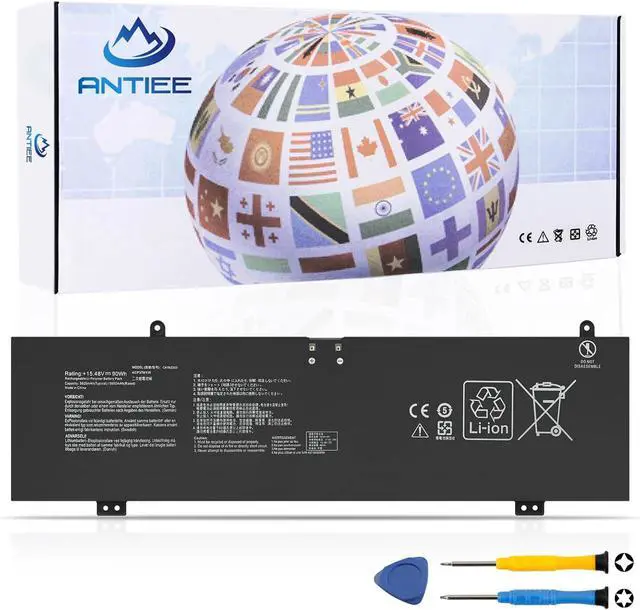
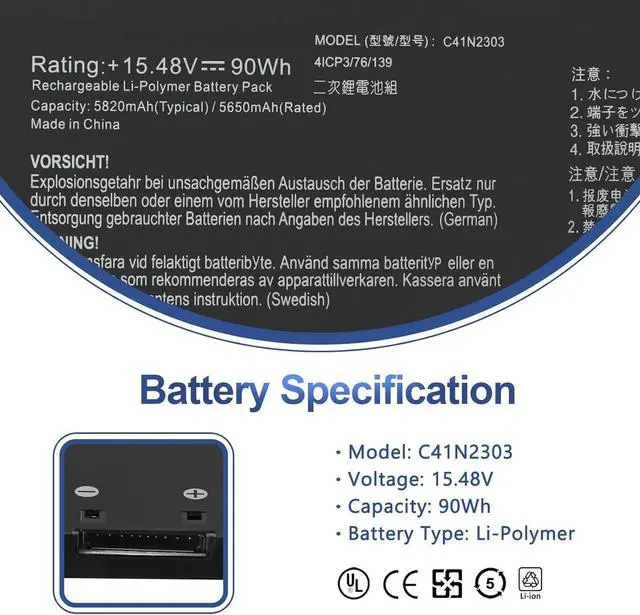
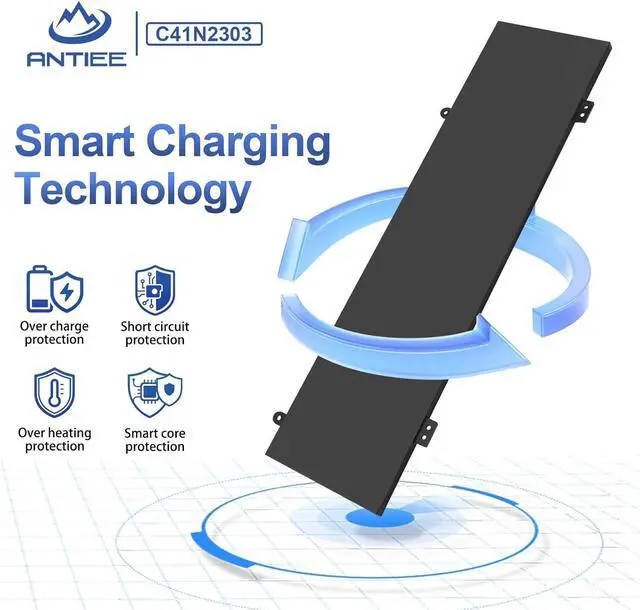
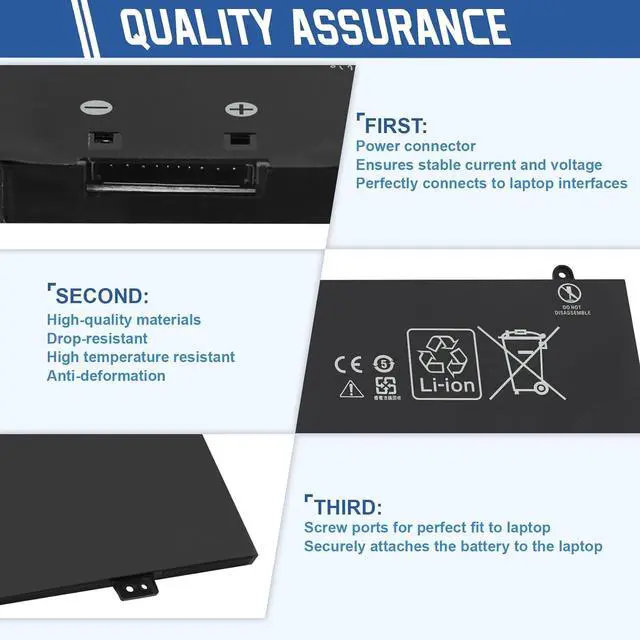
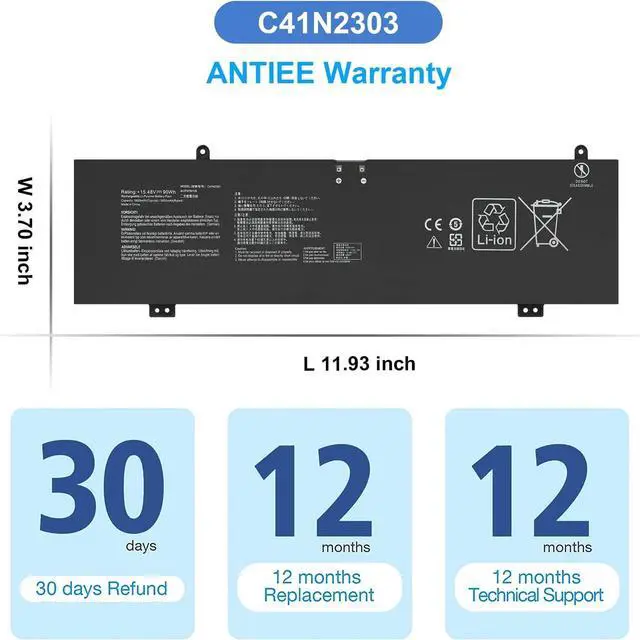
C41N2303 Battery
Professional Manufacturer - Specializing in various laptop batteries and all kinds of chargers.
Reliable for Users - Our products undergo strict quality control inspections before being sold.
Reliable for Users - If battery is defective within 1 year, we offer a free replacement.
Find the Battery Model
Find the Laptop Model,press "Windows+R"
Type "msinfo32" then click "Ok"
Find "System Model" in the pop-up window
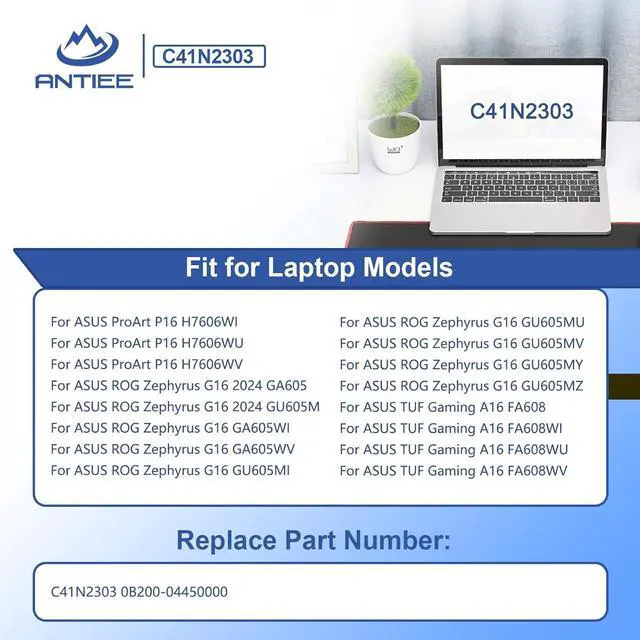
Compatible Part Numbers C41N2303 0B200-04450000 Compatible Laptop Models For ASUS ProArt P16 H7606WI Compatible Laptop Models For ASUS ProArt P16 H7606WU Compatible Laptop Models For ASUS ProArt P16 H7606WV Compatible Laptop Models For ASUS ROG Zephyrus G16 2024 GA605 GU605M Compatible Laptop Models For ASUS ROG Zephyrus G16 GA605WI Compatible Laptop Models For ASUS ROG Zephyrus G16 GA605WV Compatible Laptop Models For ASUS ROG Zephyrus G16 GU605MI Compatible Laptop Models For ASUS ROG Zephyrus G16 GU605MU Compatible Laptop Models For ASUS ROG Zephyrus G16 GU605MV Compatible Laptop Models For ASUS ROG Zephyrus G16 GU605MY Compatible Laptop Models For ASUS ROG Zephyrus G16 GU605MZ Compatible Laptop Models For ASUS TUF Gaming A16 FA608 Compatible Laptop Models For ASUS TUF Gaming A16 FA608WI Compatible Laptop Models For ASUS TUF Gaming A16 FA608WU Compatible Laptop Models For ASUS TUF Gaming A16 FA608WV What do I need to be aware of when I receive a battery?
1.Check Model Numbers:Ensure the batterys model number (e.g. part number, serial number) matches your laptops specifications.2. Read Instructions:Follow the manufacturers guidelines for installing the battery.
How should I do if the battery is not recognised?
If it is not recognised, it is recommended to update the BIOS settings or please disconnecting the old battery, and holding down the power button for 20 seconds, then connect the new battery.
Battery Dies Suddenly at About 20%,How to Fix it?
1.Disconnect the power cord
2.Remove the battery
3.Hold down the power button for 30 seconds, then release for 30 sec and then hold down for another 30 sec
4.Plug in power, replace battery and power on laptop.
How to maintain my laptop battery if i dont use it for weeks or months?
1.Store at 4060% Charge.
2.Keep it in a cool, dry, dark place, away from moisture and metal objects.
3.If storing for over 3 months, charge the battery back to 4060% every 3 months to prevent deep discharge.
Why doesn't your laptop detect the battery or display the battery level properly after installing the battery?
1. Please check whether the battery cable is installed properly.
2. Conductive material damaged which the laptop board and battery anode and cathode contact position.
3.Check whether the battery drive is in normal condition.
ANTIEE is your best choice! Compatible Models (Use "Ctrl+F to find your model quickly) What do I need to be aware of when I receive a battery?
How should I do if the battery is not recognised?
Battery Dies Suddenly at About 20%,How to Fix it?
How to maintain my laptop battery if i dont use it for weeks or months?
Why doesn't your laptop detect the battery or display the battery level properly after installing the battery?





 here!
here!