Efficient and Reliable
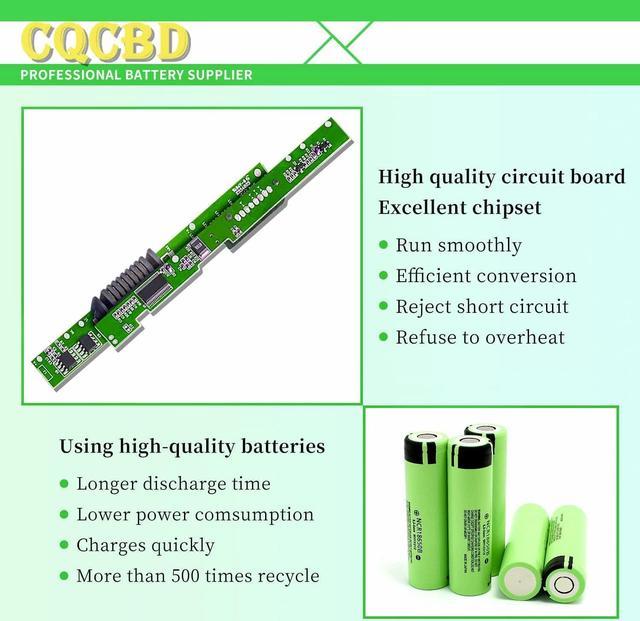
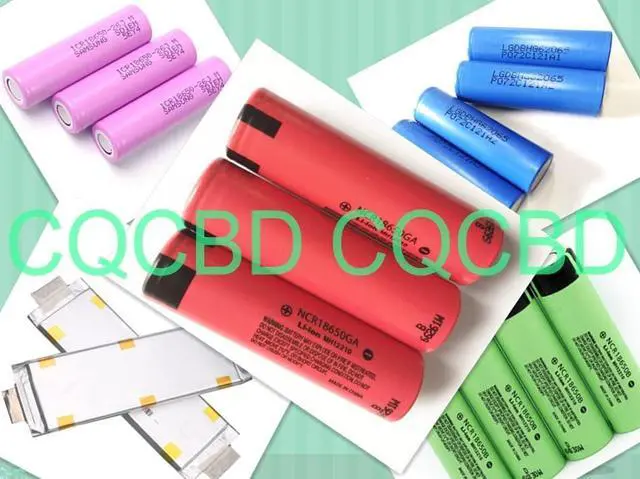
Grade A Cells
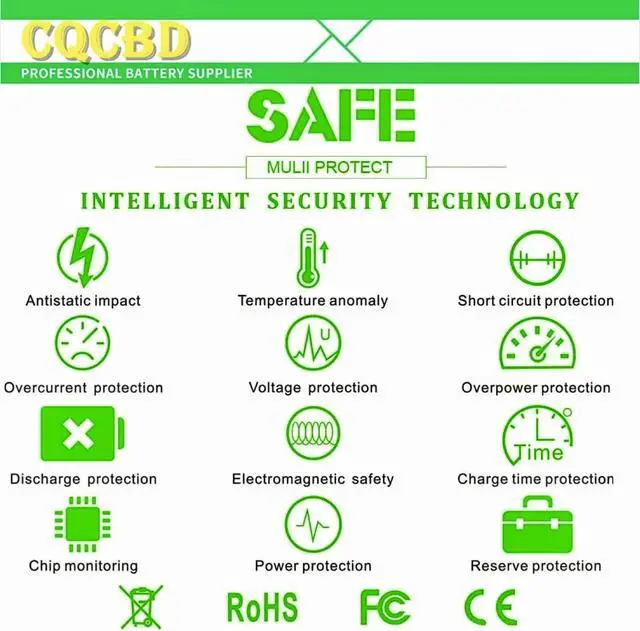
FCC / CE / RoHS Certified
More Charging Cycles
Long Lasting Performance
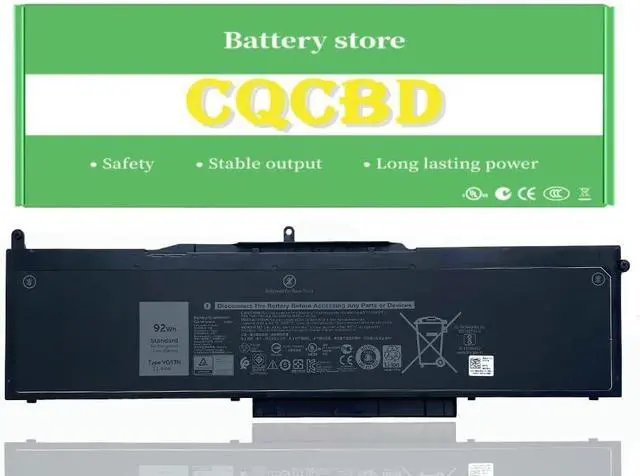
Battery Type: Li-Ion
Voltage: 11.4V
Capacity: 92Wh
Battery Condition:100% Brand New
Compatible Part Numbers:
VG93N
WFWKK
0WFWKK
Compatible Laptop/Notebook Models:
Fit for Dell Precision 15 3520 Series
Fit for Dell Precision 15 3530 Series
Fit for Dell Precision M3520 Series
Fit for Dell Precision M3530 Series
Fit for Dell Latitude 15 5580 Series
Fit for Dell Latitude 15 5590 Series
Fit for Dell Latitude 15 5591 Series
Fit for Dell Latitude E5580 Series
Fit for Dell Latitude E5590 Series
Fit for Dell Latitude E5591 Series
1.Please do not squeeze or stab battery. Keep battery away from dropping. Otherwise it will lead to leakage or fire
2.Please store battery between 0-45. The standard storage temperature is 20-30.
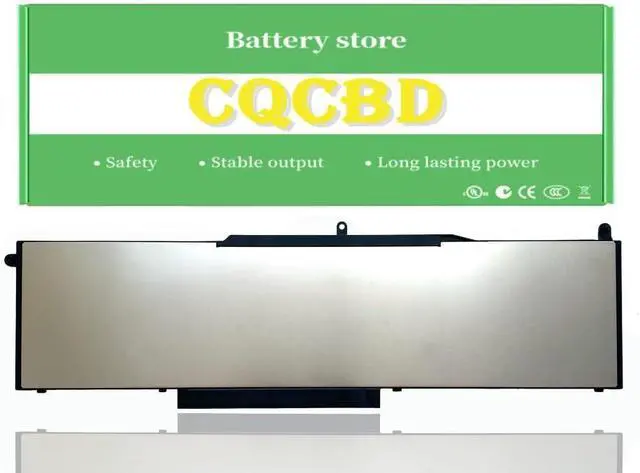
3. First check if the battery is the same size as your original battery after receiving it. When installing the battery, pay attention to whether the battery cable is fixed. If the battery cable is not installed correctly, the battery may not be charged.
4.After the battery is installed in the laptop,
please insert the adapter to activate the battery first, and then start the laptop, otherwise thelaptop will not start normally. and then charge the battery, and cycle charging 5-6 times to activate the maximum use of the battery space.
5. We recommend that you search for battery removal tutorials on the Internet in advance, or seek help from a professional technician. We won't responsible for any damage due to improper operation.
Within 2years, if the battery has any fault, please feel free to contactUs to replace it laptop battery instruction:





 here!
here!