### Product Overview
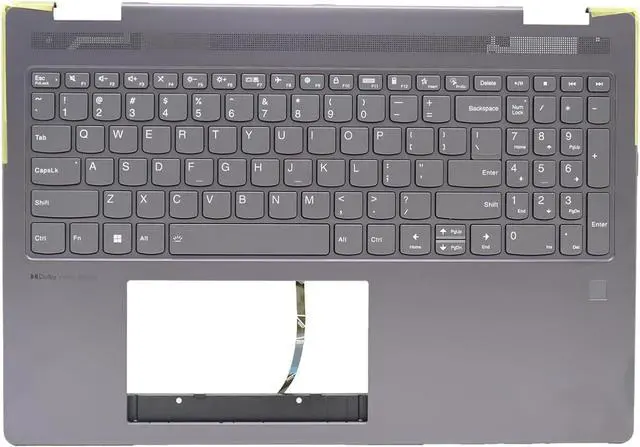
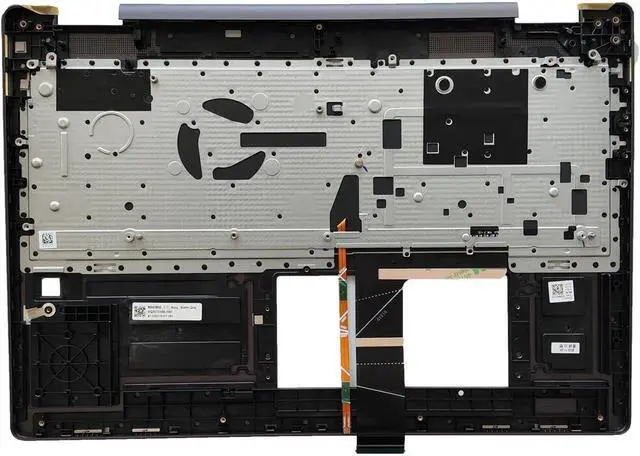
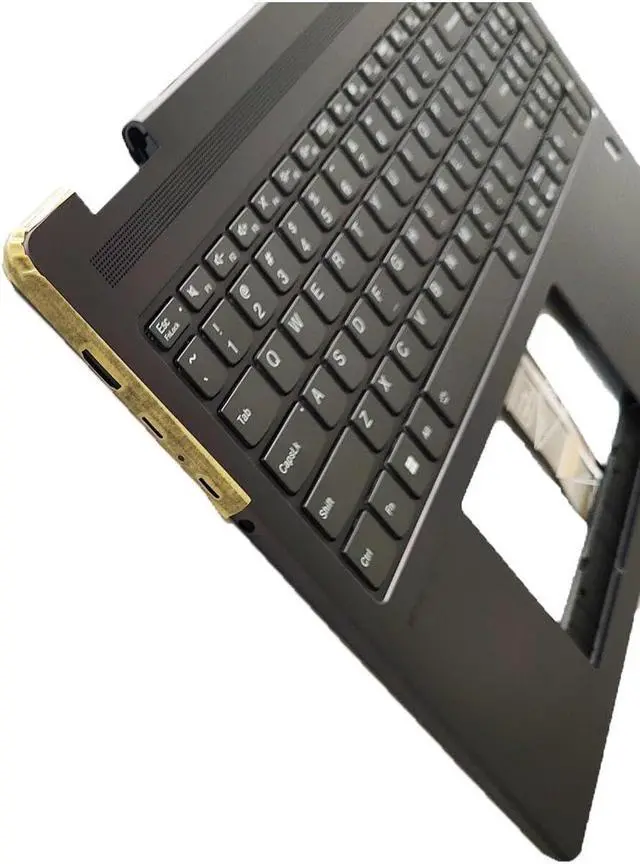
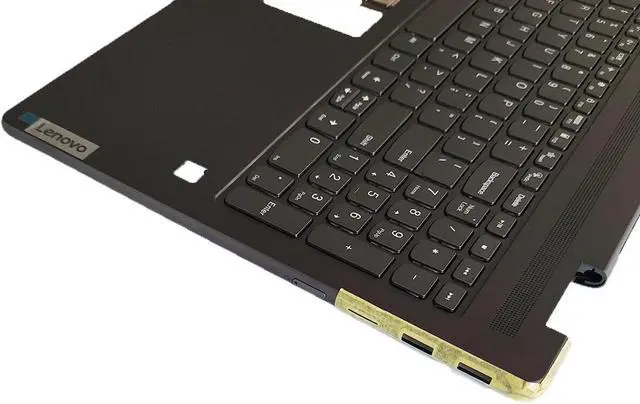
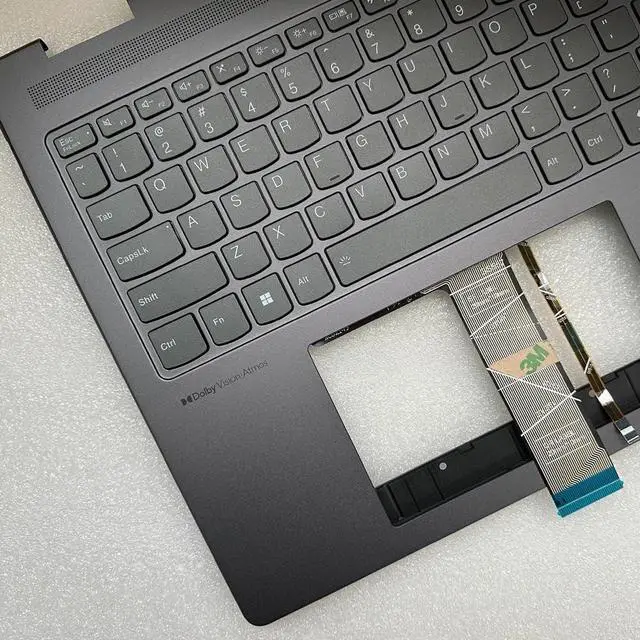
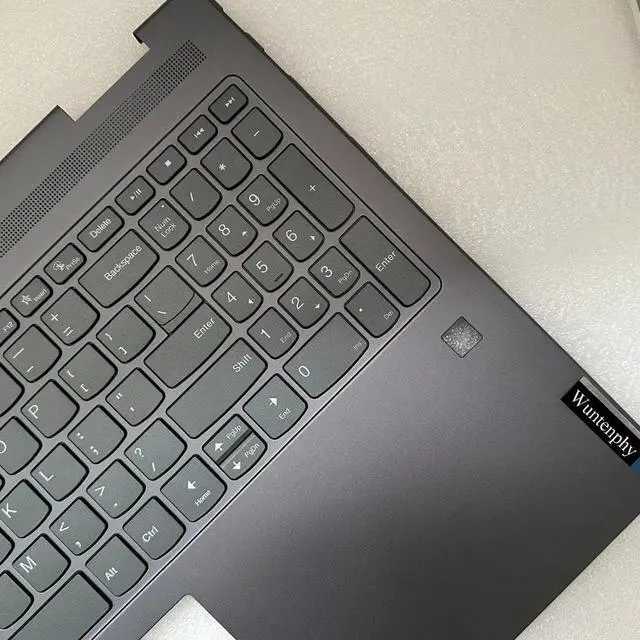
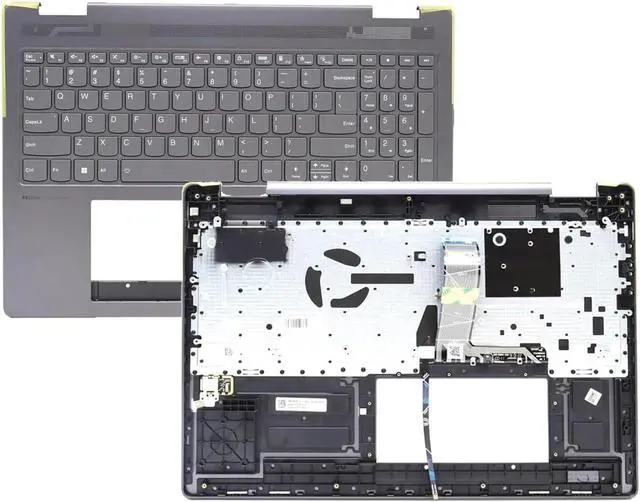
Upgrade or repair your laptop for Lenovo Yoga 7 with this brand-new gray palmrest upper case backlit keyboard assembly, designed to match the exact specifications of your 16ARP8, 16IRL8, 16IAH7, or 16IAP7 model. This all-in-one assembly combines a durable palmrest, backlit keyboard, and precise fingerprint reader hole, restoring your laptops functionality, aesthetic, and convenienceperfect for replacing a worn, or non-functional palmrest/keyboard while retaining all original features.
### Compatibility Details
This palmrest keyboard assembly is 100% compatible with the following for Lenovo Yoga 7 laptops and OEM part numbers:
- Laptops: for Lenovo Yoga 7 16ARP8, for Lenovo Yoga 7 16IRL8, for Lenovo Yoga 7 16IAH7, for Lenovo Yoga 7 16IAP7 (all sub-models)
- Replacement Part Numbers: 5CB1L50401, 5CB1L31865, 5CB1J01825
Note: Not compatible with other Yoga 7 models (such as 14-inch variants) or non-Yoga series laptops. Please confirm your laptops model number (located on the bottom of the device) and original part number to ensure a perfect fit.
### Installation Guide
1. Power off your laptop for Lenovo Yoga 7 and disconnect the AC adapter and battery to ensure safety during installation.
2. Use a plastic pry bar to gently pry off the old palmrest assembly (avoid using metal tools to prevent scratches) and remove the screws securing the keyboard and palmrest.
3. Disconnect the keyboard cable from the motherboard, then remove the old palmrest/keyboard assembly completely.
4. Align the new assembly with the laptops mounting points, reconnect the keyboard cable, and secure it with the original screws.
5. Reconnect the battery and AC adapter, power on the laptop, and test the keyboard, backlight, and fingerprint sensor to ensure everything works properly.
### Package Includes
1 x Gray Palmrest Upper Case Backlit Keyboard Assembly with Fingerprint Reader Hole for Lenovo Yoga 7 16ARP8/16IRL8/16IAH7/16IAP7 (Replacement Part: 5CB1L50401 / 5CB1L31865 / 5CB1J01825)





 here!
here!