Your Browsing History
Meet Your Seller
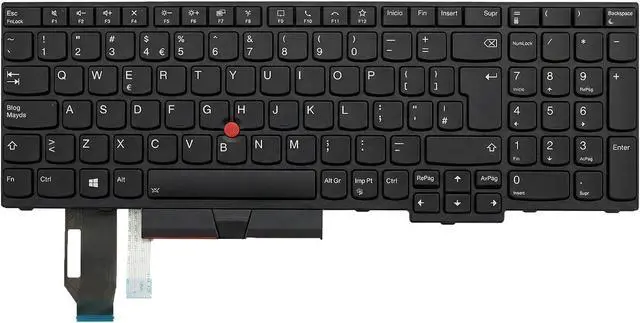
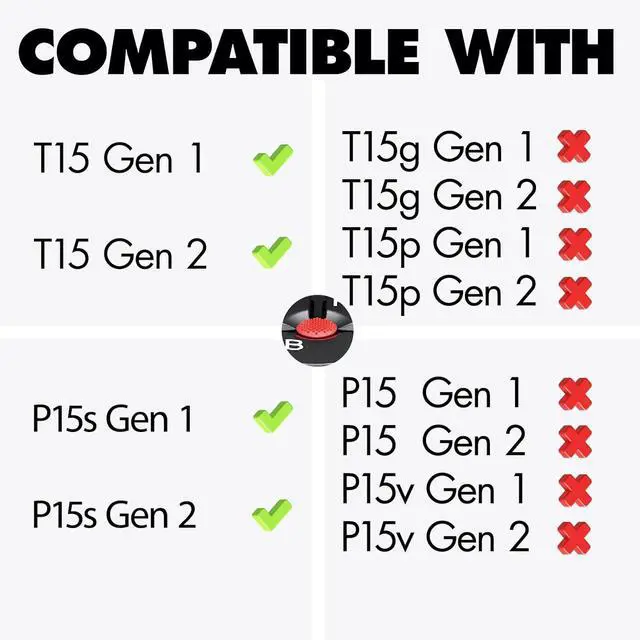
LeFix Laptop Keyboard Spanish SP teclado, Replacement Keyboard Compatible with Lenovo Thinkpad T15 Gen 1 Gen 2(NOT FIT for T15g T15p)P15s Gen1 Gen2(NOT FIT for P15 P15v)
- Keyboard Compatibility:Only fit for T15 G1 G2.Not fit for T15g and T15p.Only fit for P15s Gen 1 Gen 2.Not fit for P15 and P15v
- Keyboard Type:Backlit,or LED Backlighting Keyboard
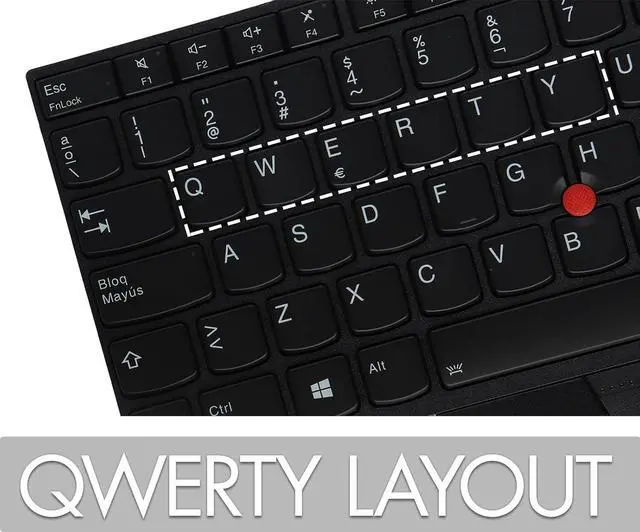
- Keyboard Language:Spanish SP
- Keyboard Layout:QWERTY
- Keyboard Color:Black keys and white prints
+
+
Overview
Specs
Reviews
Any questions? Our AI mode will help you find out quickly.
Try me now
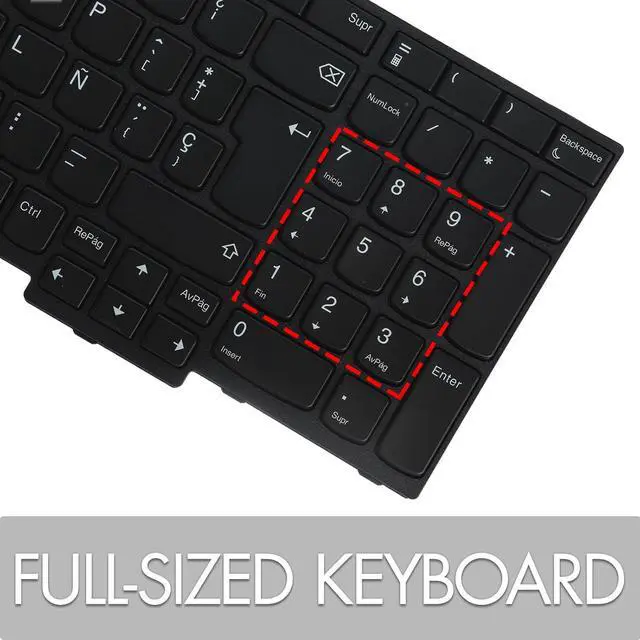
Keyboard Letters Spanish Keyboard Keyboard Layout Standard QWERTY with Standard Enter Key Keyboard Color Black Keyboard Type Backlit,or LED Backlighting Ribbon Cable It's Included on the Keyboard Please check the compatibility before you place an order. It's a easy job to follow the two steps we provide you with the information below.
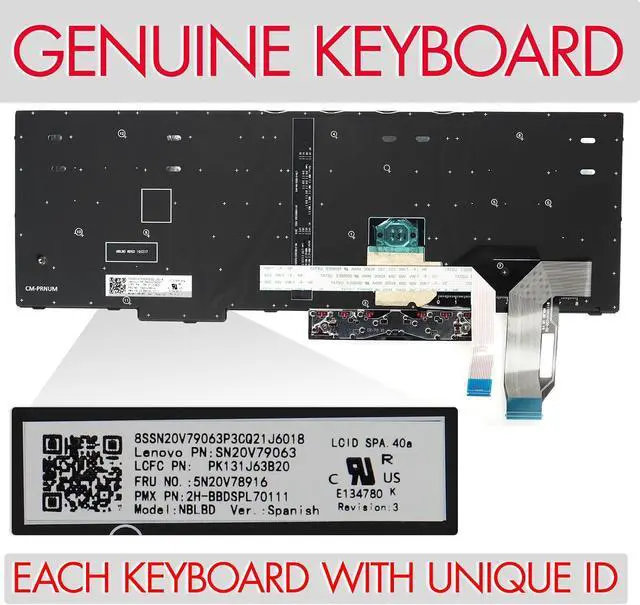
1.Find the machine type and model information according to the 1st Image.
2.Check the compatibility on 2 Images below to compare with.
Make sure the laptop model and keyboard is the right one you need. If you are still not sure after a comparison, please let us know.
When you check the compatibility,or contact technicians for help, the machine type and model information helps the technicians to identify your computer and provide faster service.
This illustration shows where to find the label that contains the machine type and model information of your computer
For T15 Gen1(Type 20S6, 20S7)
For T15 Gen2 (Type 20W4, 20W5)
For P15s Gen1 (Type 20T4 20T5)
For P15s Gen2 (Type 20W6, 20W7
1st Tap:Low Brightness
2nd Tap:Higher Brightness
3rd Tap:Turn the Light Off
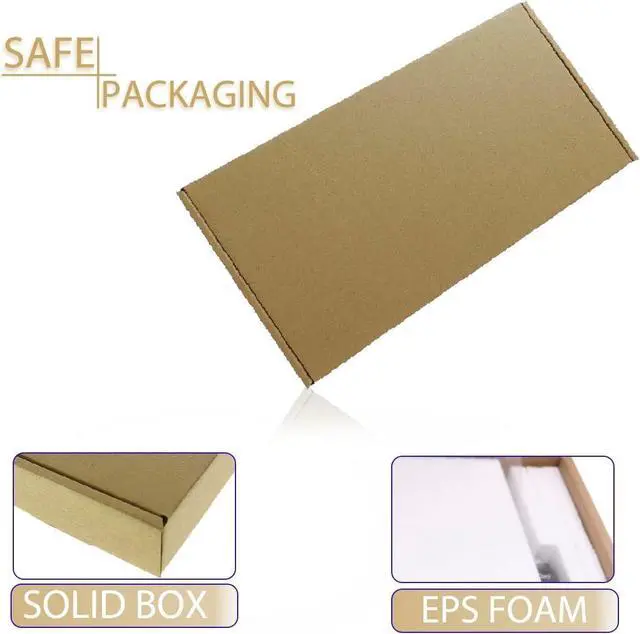
Keyboard Specifications Identify the Correct Keyboard for Your Replacement or Repair The Compatible Machine Types of This Keyboard Located the machine type and model information T Series P Series The Professional and Solid Packaging Provides Each Keyboard with Sufficient Protections HOW TO ADJUST BRIGHTNESS

1.Find the machine type and model information according to the 1st Image.
2.Check the compatibility on 2 Images below to compare with.
Make sure the laptop model and keyboard is the right one you need. If you are still not sure after a comparison, please let us know.
When you check the compatibility,or contact technicians for help, the machine type and model information helps the technicians to identify your computer and provide faster service.
This illustration shows where to find the label that contains the machine type and model information of your computer
For T15 Gen1(Type 20S6, 20S7)
For T15 Gen2 (Type 20W4, 20W5)
For P15s Gen1 (Type 20T4 20T5)
For P15s Gen2 (Type 20W6, 20W7
1st Tap:Low Brightness
2nd Tap:Higher Brightness
3rd Tap:Turn the Light Off
Keyboard Specifications Identify the Correct Keyboard for Your Replacement or Repair The Compatible Machine Types of This Keyboard Located the machine type and model information T Series P Series The Professional and Solid Packaging Provides Each Keyboard with Sufficient Protections HOW TO ADJUST BRIGHTNESS
Warranty & Returns
Warranty, Returns, And Additional Information
Warranty
- Please contact the Seller directly for warranty information. Warranty information may also be found on the Manufacturer's website.
- CONTACT
Return Policies
- Return for refund within: 30 days
- Return for replacement within: 30 days
- This item is covered by LionTech Direct Return Policy
Manufacturer Contact Info
- For a directory of all our manufacturers, please click below.
- Manufacturers Directory
LOADING...