Your Browsing History
Meet Your Seller
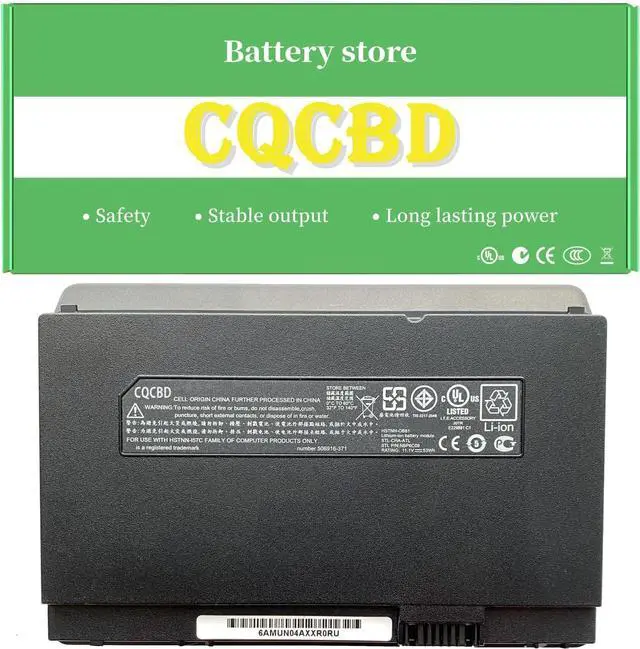
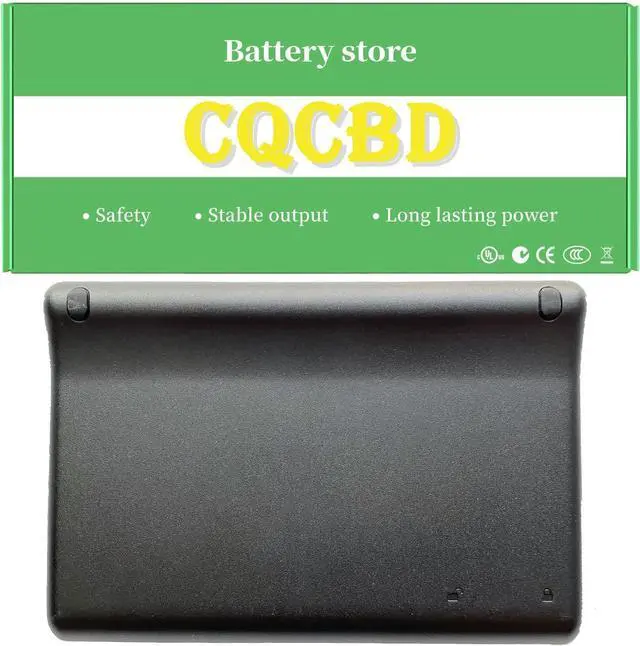
HSTNN-OB80 HSTNN-OB81 Battery for HP Mini 1000 1002XX Mini 1001TU Mi Mini 1001XX Mini 1008TU Mini 1001 493529-371 504610-001 FZ441AA FZ441AA UUF HSTNN-XB80 (11.1V 53Wh) High Capacity
- #13,710 in Laptop Computer Replacement Parts
- 5 star4 star3 star2 star1 star5 star100%0%0%0%0%100%
- 5 star4 star3 star2 star1 star4 star100%0%0%0%0%0%
- 5 star4 star3 star2 star1 star3 star100%0%0%0%0%0%
- 5 star4 star3 star2 star1 star2 star100%0%0%0%0%0%
- 5 star4 star3 star2 star1 star1 star100%0%0%0%0%0%
- Frank5 out of 5 starsworked without concernsReviewed in the United States on October 10, 2024Verified PurchaseBrief content visible, double tap to read full content.Full content visible, double tap to read brief content.a bump was added to bottom of battery case which lifted top of laptop up making it more comfortable to useRead moreRead lessHelpfulSending feedback...Thank you for your feedback.Sorry, we failed to record your vote. Please try againReportSending feedback...Thanks, we'll investigate in the next few days.Sorry, We failed to report this review. Please try again
- Daniel Owens5 out of 5 starsWorksReviewed in the United States on February 7, 2024Verified PurchaseBrief cont
+
+
Overview
Specs
Reviews
Any questions? Our AI mode will help you find out quickly.
Try me now
Efficient and Reliable
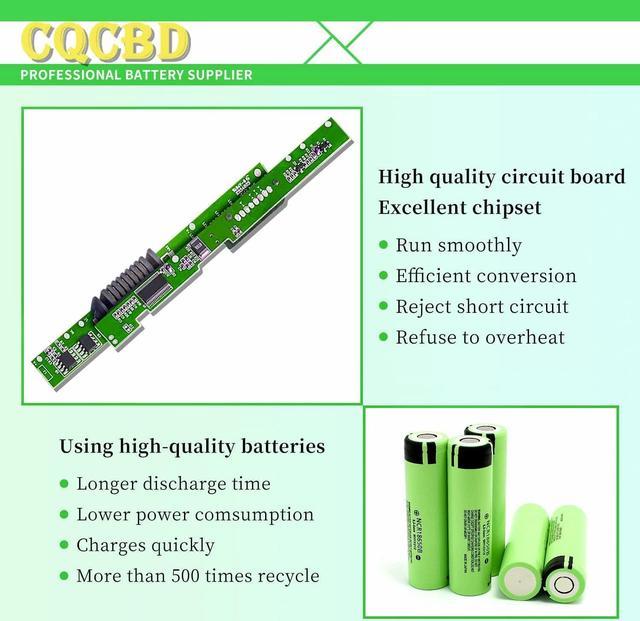
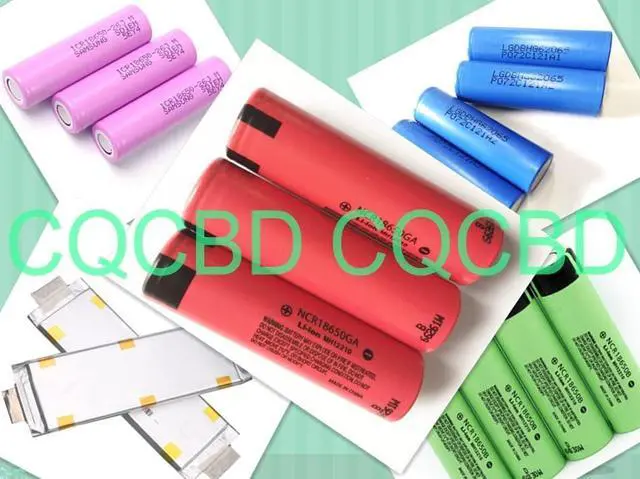
Grade A Cells
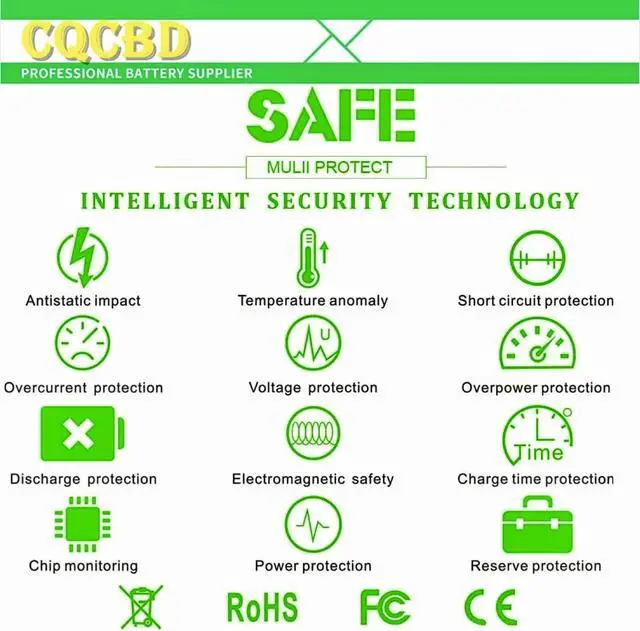
FCC / CE / RoHS Certified
More Charging Cycles
Long Lasting Performance
Battery Type: Li-ion
Voltage: 11.1V
Capacity: 53Wh High capacity
Compatible Part Numbers:
493529-371 504610-001 C31N1821
FZ441AA FZ441AA#UUF
HSTNN-OB80 HSTNN-XB80 HSTNN-OB81
NBP3C08 STL-CHA-ATL
Compatible Laptop/Notebook Models:
For HP Mini 1000
For HP Mini 1002XX
For HP Mini 1001TU
For HP Mini 1000 Mi
For HP Mini 1001XX
For HP Mini 1008TU
For HP Mini 1001.
1.Please do not squeeze or stab battery. Keep battery away from dropping. Otherwise it will lead to leakage or fire
2.Please store battery between 0-45. The standard storage temperature is 20-30.
3. First check if the battery is the same size as your original battery after receiving it. When installing the battery, pay attention to whether the battery cable is fixed. If the battery cable is not installed correctly, the battery may not be charged.
4.After the battery is installed in the laptop,
please insert the adapter to activate the battery first, and then start the laptop, otherwise thelaptop will not start normally. and then charge the battery, and cycle charging 5-6 times to activate the maximum use of the battery space.
5. We recommend that you search for battery removal tutorials on the Internet in advance, or seek help from a professional technician. We won't responsible for any damage due to improper operation.
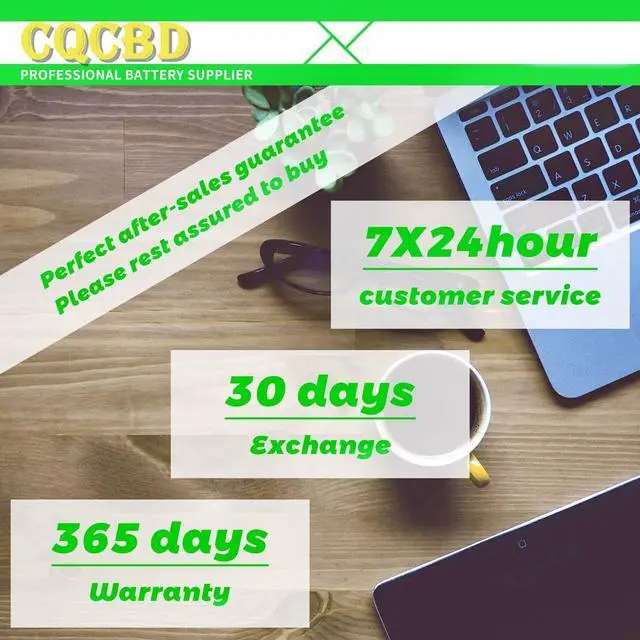
Within one year, if the battery has any fault, please feel free to contactUs to replace it laptop battery instruction:

Grade A Cells
FCC / CE / RoHS Certified
More Charging Cycles
Long Lasting Performance
Battery Type: Li-ion
Voltage: 11.1V
Capacity: 53Wh High capacity
Compatible Part Numbers:
493529-371 504610-001 C31N1821
FZ441AA FZ441AA#UUF
HSTNN-OB80 HSTNN-XB80 HSTNN-OB81
NBP3C08 STL-CHA-ATL
Compatible Laptop/Notebook Models:
For HP Mini 1000
For HP Mini 1002XX
For HP Mini 1001TU
For HP Mini 1000 Mi
For HP Mini 1001XX
For HP Mini 1008TU
For HP Mini 1001.
1.Please do not squeeze or stab battery. Keep battery away from dropping. Otherwise it will lead to leakage or fire
2.Please store battery between 0-45. The standard storage temperature is 20-30.
3. First check if the battery is the same size as your original battery after receiving it. When installing the battery, pay attention to whether the battery cable is fixed. If the battery cable is not installed correctly, the battery may not be charged.
4.After the battery is installed in the laptop,
please insert the adapter to activate the battery first, and then start the laptop, otherwise thelaptop will not start normally. and then charge the battery, and cycle charging 5-6 times to activate the maximum use of the battery space.
5. We recommend that you search for battery removal tutorials on the Internet in advance, or seek help from a professional technician. We won't responsible for any damage due to improper operation.
Within one year, if the battery has any fault, please feel free to contactUs to replace it laptop battery instruction:
Warranty & Returns
Warranty, Returns, And Additional Information
Warranty
- Please contact the Seller directly for warranty information. Warranty information may also be found on the Manufacturer's website.
- CONTACT
Return Policies
- Return for refund within: 30 days
- Return for replacement within: 30 days
- This item is covered by LionTech Direct Return Policy
Manufacturer Contact Info
- For a directory of all our manufacturers, please click below.
- Manufacturers Directory
LOADING...