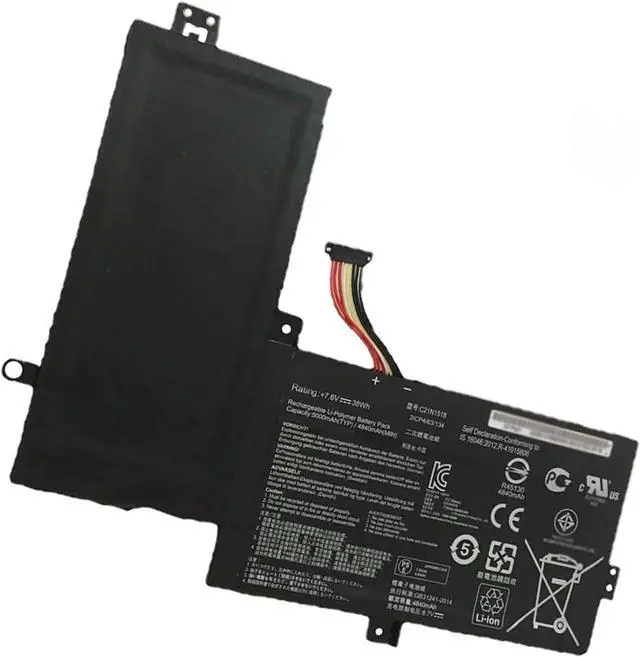
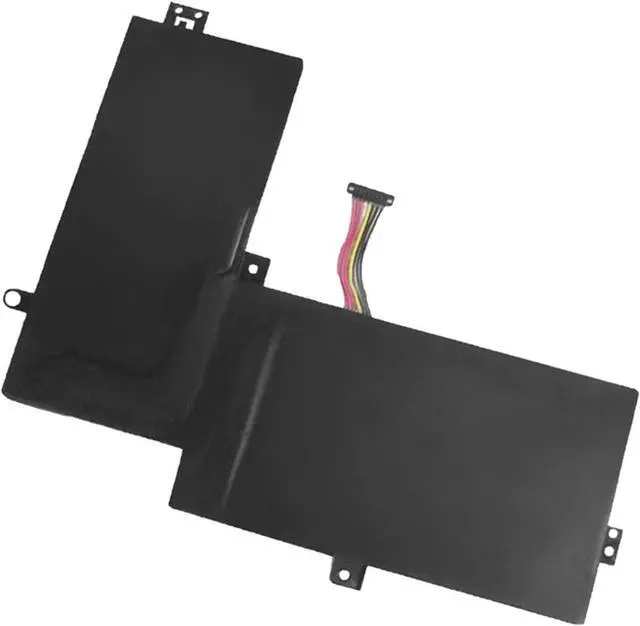
Condition: New
Voltage: 7.6V
Capacity: 38Wh 5000mAh
Replace Part Number:
C21N1518 C21PQ91 0B200-01850000M
Fit For:
Fit for Asus VivoBook Flip TP501UB TP501UA TP501UQ Series
Raise the battery life:
1:After receiving the battery,Please charge it fully, then discharge it to around 10% ,and do it as three times.
2:If you don't use the battery for a long time, please charge and discharge it once a month
1.For use a new battery, try to fill the electricity and use up to 5%-10% ,charge and discharge it cycle about 3-4 times.
2.Ifyour computer is not used for a long time, it is recommended thatyouremove the battery 3.Before the battery is stored separately,pleaseensure that the battery power is greater than 80%
1. Unplug all external devices from the laptop.
2. Remove the old battery.
3. Insert the battery and restart the computer.
4. Connect the AC adapter and check if your machine can detect the battery again.
5. If you don't understand the above steps, you can search for the video about laptop battery installation on YouTube. Maybe it will help you.
Batteries come with safety features designed to protect you from the common risks involved when using electronic gadgets UL/CE-/FCC-/RoHS certification for safety, and safeguards against short circuiting, overheating, and overloading.
The stability of a battery and the length of its battery life -it all boils down to the battery cells inside. we will strive to provide customers with a more stable and safer battery.
C21N1518 Laptop Battery C21N1518 Laptop Battery C21N1518 Laptop Battery How to use the new battery : How to install a new battery? Laptop Battery Security