• $113.99
  • Free 30-day Returns
  • Price alert
    Shop it at NeweggBusiness.

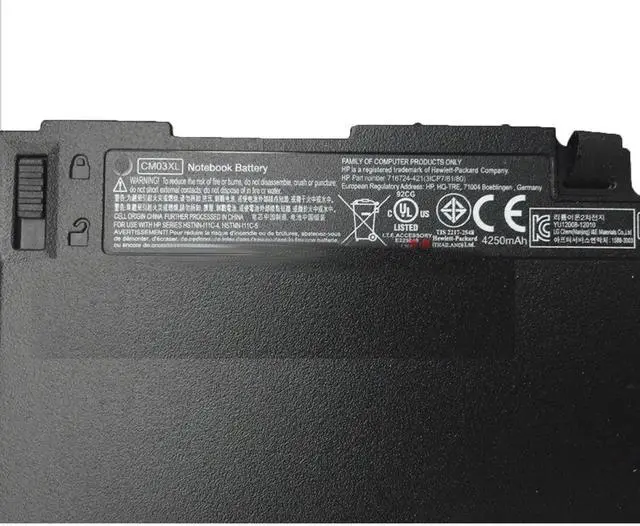
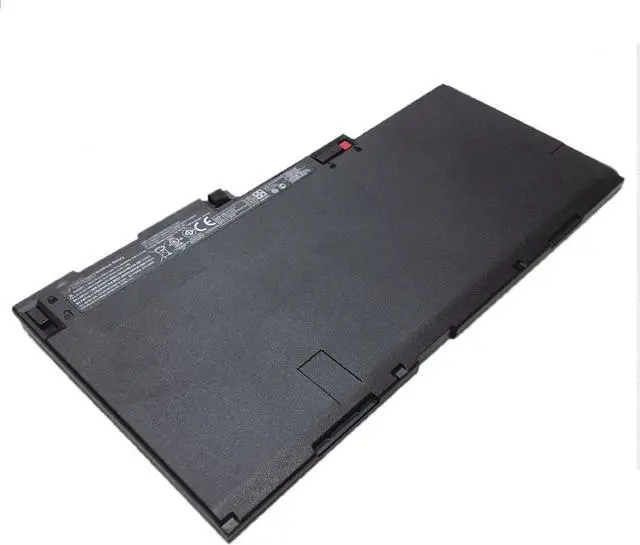
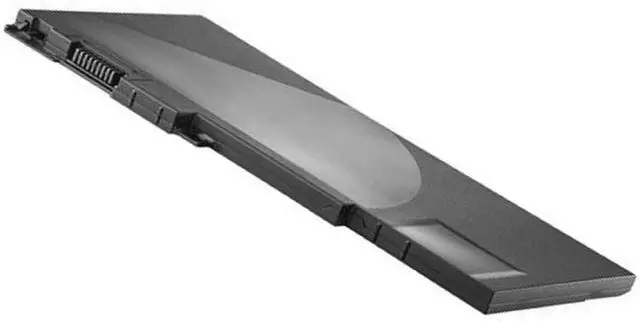
    11.1V 50Wh CM03XL HSTNN-DB4Q HSTNN-DB4R Laptop Battery Compatible with HP EliteBook 840 845 850 855 740 745 750 755 G1 G2 Notebook PC Battery.HP ZBook 14 G2 15u G2 Mobile Workstation Series

    • Condition:New Battery type: Li-ion Voltage: 11.1V Capacity: 50WH
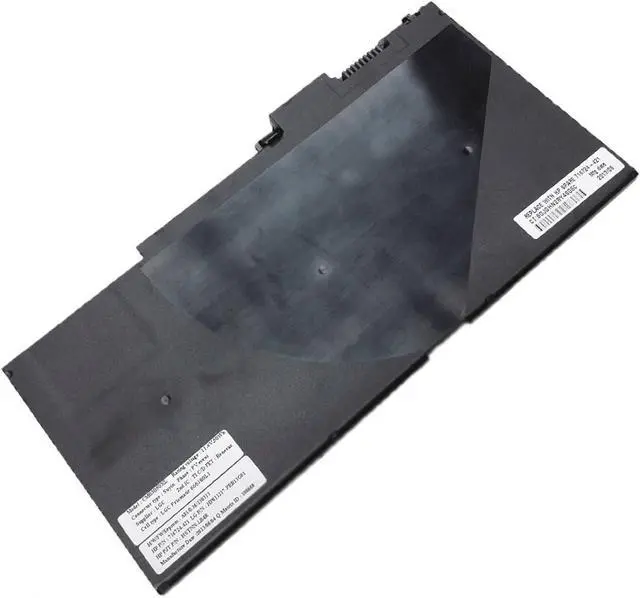
    • Replace Part Number: CM03XL CO06 CO06XL CM03024XL-PL CM03050XL HSTNN-DB4Q HSTNN-DB4R HSTNN-IB4R HSTNN-I11C HSTNN-I11C-4 HSTNN-I11C-5 HSTNN-LB4R HSTNN-UB4R 996TA048H D8R80AV D8R82AV E2P27AV E3W16UT E3W17UT E3W19UT E3W20UT E3W24UT E3W28UT E7M95PA E7N00PA E7U24AA E7U24UT F2P20UT F2P22UT F2Q24UT F2Q28UT F6B35PA F6B36PA F6B37PA L3J31PT L5J27PA L9S80PA
    • Fit for: HP EliteBook 840 845 850 855 740 745 750 755 G1 G2 Notebook PC Battery.HP ZBook 14 G2 15u G2 Mobile Workstation Series Battery
    • The Package Includes: 1X CM03XL battery. Before purchasing, please open the back cover of the laptop to confirm the battery model and capacity.
    • How to use the battery : 1.For use a new battery, try to fill the electricity and use up to 5%-10% ,charge and discharge it cycle about 3-4 times. 2.If your computer is not used for a long time, it is recommended that you remove the battery 3.Before the battery is stored separately, please ensure tha
    +
    +
    Overview
    Specs
    Reviews
    avatar

    Any questions? Our AI beta will help you find out quickly.

    Condition:New Battery
    type: Li-ion
    Voltage: 11.1V
    Capacity: 50Wh/4250mAh
    Replace Part Number: CM03XL CO06 CO06XL CM03024XL-PL CM03050XL HSTNN-DB4Q HSTNN-DB4R HSTNN-IB4R HSTNN-I11C HSTNN-I11C-4 HSTNN-I11C-5 HSTNN-LB4R HSTNN-UB4R 996TA048H D8R80AV D8R82AV E2P27AV E3W16UT E3W17UT E3W19UT E3W20UT E3W24UT E3W28UT E7M95PA E7N00PA E7U24AA E7U24UT F2P20UT F2P22UT F2Q24UT F2Q28UT F6B35PA F6B36PA F6B37PA L3J31PT L5J27PA L9S80PA
    Fit for: HP EliteBook 840 845 850 855 740 745 750 755 G1 G2 Notebook PC Battery.HP ZBook 14 G2 15u G2 Mobile Workstation Series Battery The Package Includes:
    1X CM03XL; battery.
    Before purchasing, please open the back cover of the laptop to confirm the battery model and capacity.

    How to use the battery :
    1.For use a new battery, try to fill the electricity and use up to 5%-10% ,charge and discharge it cycle about 3-4 times.
    2.If your computer is not used for a long time, it is recommended that you remove the battery
    3.Before the battery is stored separately, please ensure that the battery power is greater than 80%

    Warranty & Returns

    Warranty, Returns, And Additional Information

    Warranty

    • Please contact the Seller directly for warranty information. Warranty information may also be found on the Manufacturer's website.
    • CONTACT

    Return Policies

    Manufacturer Contact Info

    LOADING...