Your Browsing History
Meet Your Seller
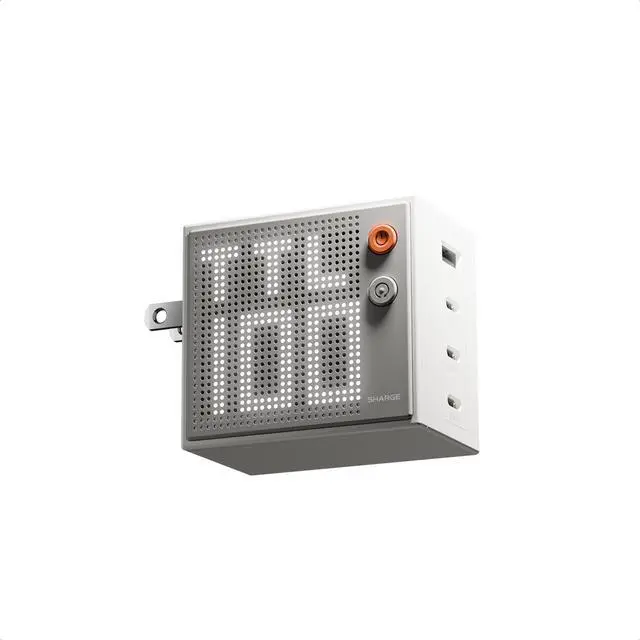
SHARGE 100W 4-Port GaN Charger, USB C Laptop Charger Block with Display
- Pixel 100 PD3.0 Fast Charger USB C Power Adapter for MacBook Air, iPad, iPhone 18 Pro/17 and More
- 100W Max Fast Charging: Charge your MacBook Pro 14'' from 0 to 50% and iPhone 18 Pro from 0 to 55% in just 30 minutes
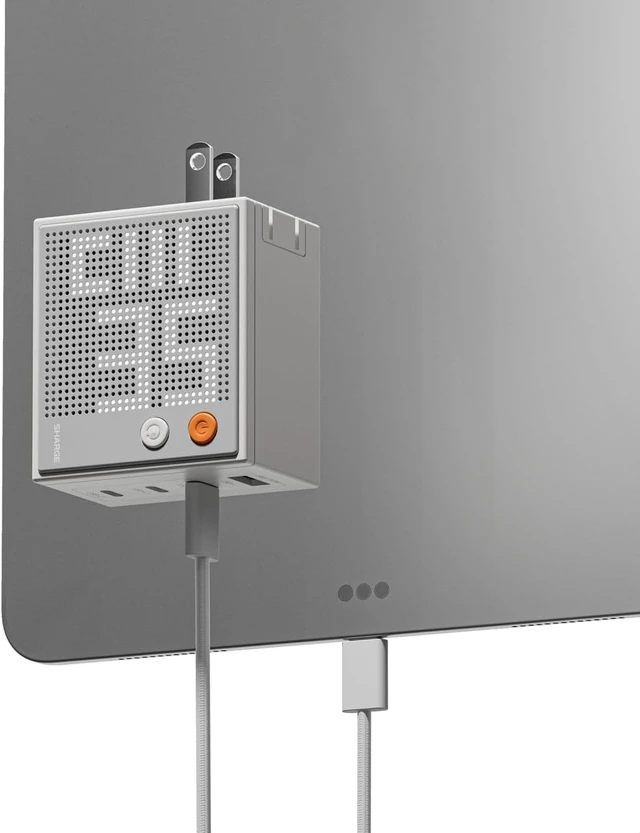
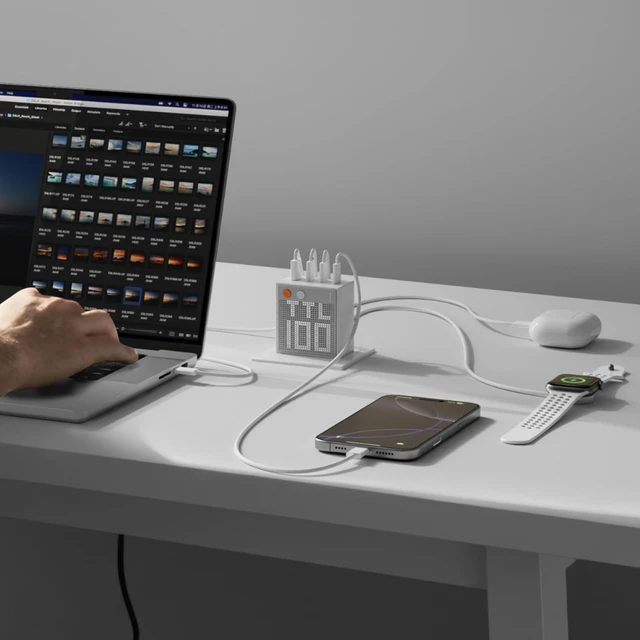
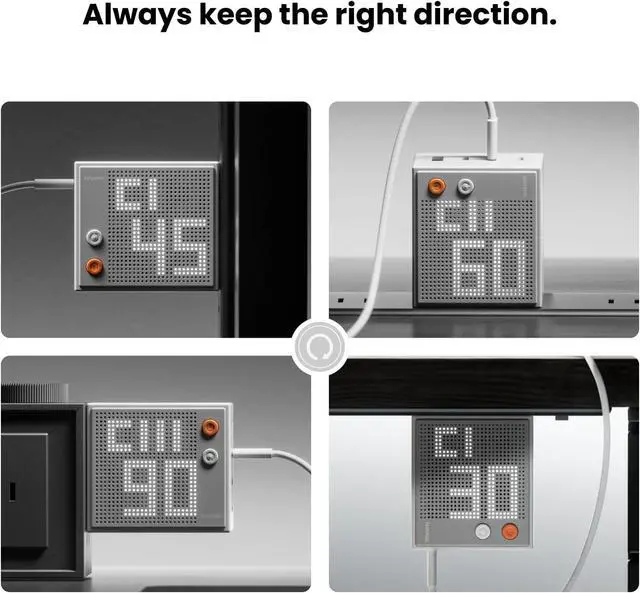
- Smart Interactive Display: Equipped with a unique adjustable dot-matrix screen. It displays real-time wattage for each port, and you can customize both the brightness and orientation to suit your needs. Whether you're using it on your desktop or taking it on the go, monitor the charging status of your devices at a glance. Stay informed and in control of your charging setup effortlessly
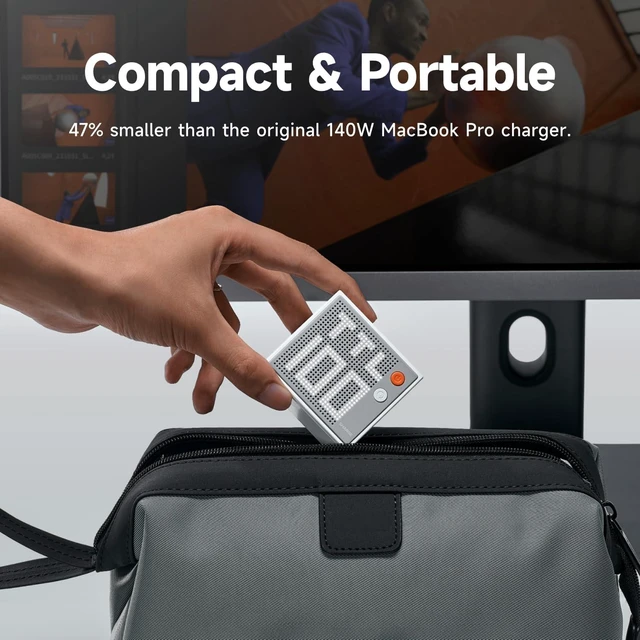
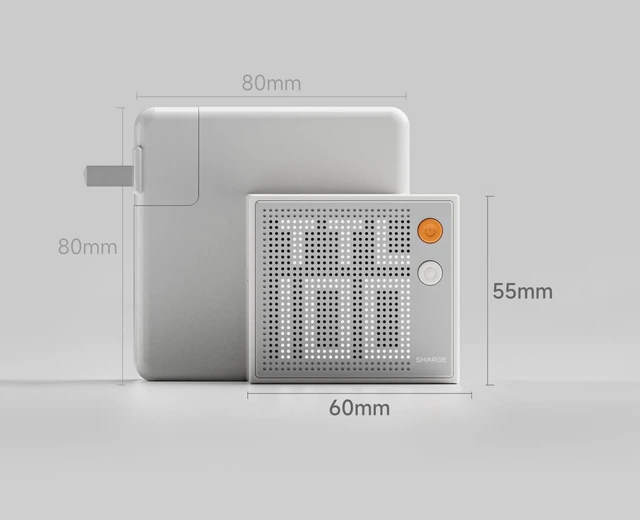
- Powered by 5th-gen GAN Technology: Provides powerful charging capabilities in a compact and lightweight design. It not only offers higher efficiency and faster charging speeds but also reduces heat generation, ensuring safer operation
- Charge 4 Devices at Once: Perfect for home, travel, and business, it solves all charging needs with ultimate convenience. The 4 ports setup fits various de
+
+
Overview
Specs
Reviews
Any questions? Ask CelesteSM will help you find out quickly.
Try me now
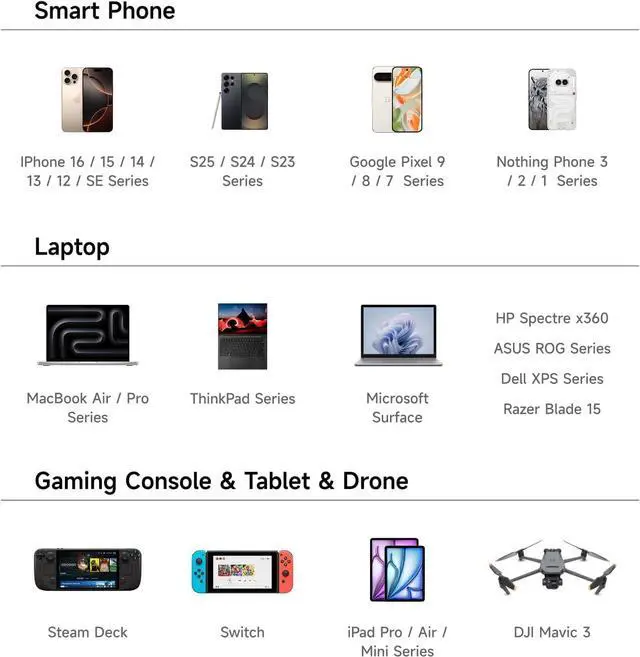
1Charge 4 Devices at Once2GaN Technology3Active Protection System1Farewell to Clutter2Your Travel Buddy3 Inspired by the Classic4Dot-Matrix Display5Adjustable Screen1Wide Compatibility2Single Port Charging3Two Ports Charging4Three Ports Charging5Four Ports Charging Ports USB-C port×3, USB-A port×1 Protocols PD3.1, PD3.0, APPLE, BC1.2, QC2.0, QC3.0, QC4.0+, AFC, FCP, SCP, SFCP, SFC2.0, UFCS, PPS:5A Input 100-240V~50/60Hz 2.5A Max Screen Brightness Settings There are 3 levels: high/low/off. FAQ1 Q: What's the meaning of CI/CII/CIII/A1/TTL on the screen? A: The first line of the screen displays the current port, the Roman numbers represent the USB C1/C2/C3/A1 port.The next line displays the charging power of the current port. TTL represents the total output power of all ports. FAQ2 Q: What do the 2 buttons on the charger mean? A: Orange button is for screen on/off and brightness adjustment; gray button is for screen direction adjustment. FAQ3 Q: Does it include charging cable? A: No FAQ4 How to achieve 100W fast charging? A: First of all your device needs to support 100W input, and cables that support 100W and above are required. Tip 1 Due to the specific charging protocol limitations of Dell laptops, third-party chargers cannot meet its full -speed charging. For Dell laptops that require more than 100W of power, a slow charging indication may display. Tip 2 The charger features overheating protection, which will automatically lower the power output according to the temperature of the charger to protect safe charging. Retractable 65W Black
Warranty & Returns
Warranty, Returns, And Additional Information
Warranty
- Please contact the Seller directly for warranty information. Warranty information may also be found on the Manufacturer's website.
- CONTACT
Return Policies
- Return for refund within: 30 days
- Return for replacement within: 30 days
- This item is covered by Forestgrand Return Policy
Manufacturer Contact Info
- For a directory of all our manufacturers, please click below.
- Manufacturers Directory
LOADING...