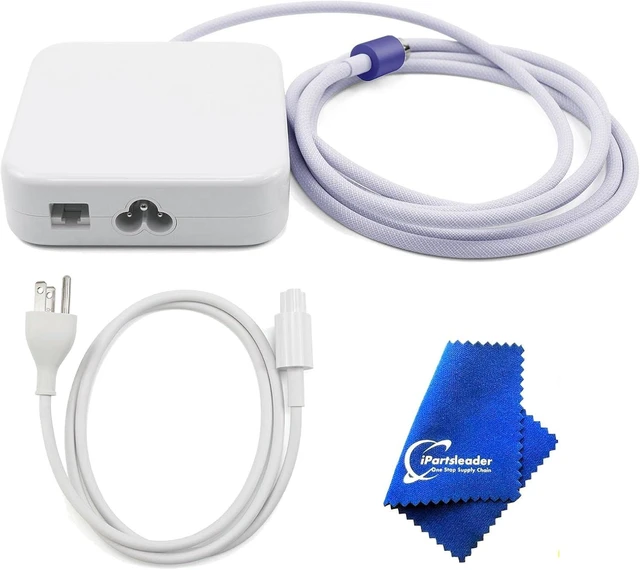
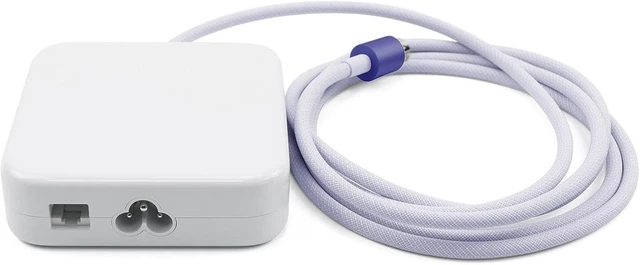
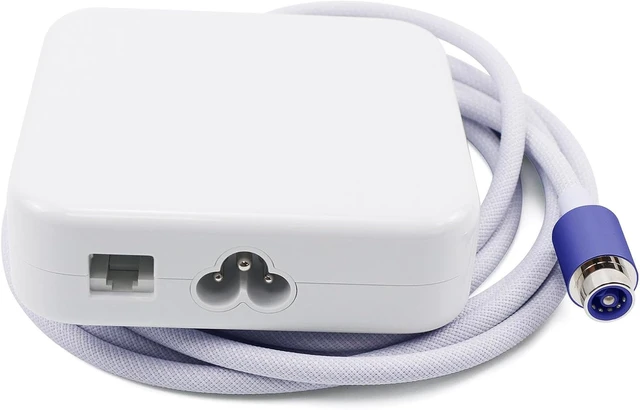
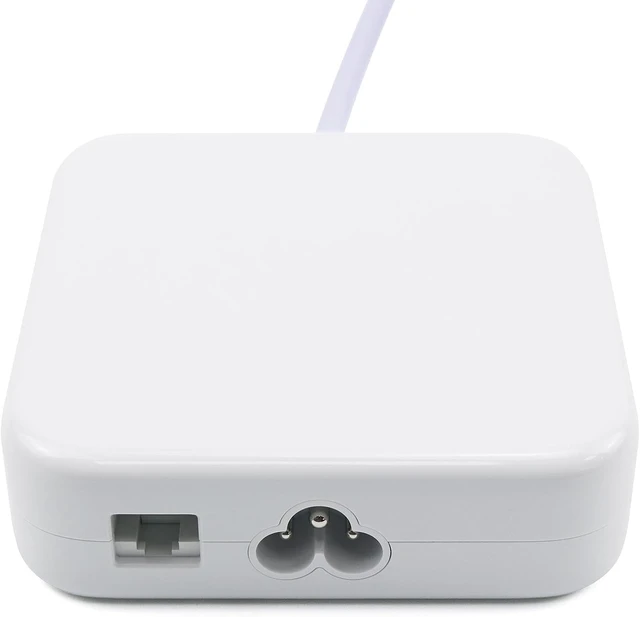
Adatper Model 143W Power Adapter with Ethernet Port Mac Model Number M1 A2439(2-ports)A2438(4-ports) ; M3 A2874(2-ports)A2873(4-ports) ; M4 A3247(2-ports)A3137(4-ports) APN 661-46765 661-18536 silver ;661-46766 661-18537 yellow ;661-46767 661-18538 green ;661-46768 661-18539 blue ;661-46769 661-18540 pink ;661-46770 661-18541 purple ;661-46771 661-18542 orange Mac Model identifier M1 Mac21,2(2-ports) Mac21,1(4-ports); M3 Mac15,4(2-ports) Mac15,5 (4-ports) ; M4 Mac16,2 (2-ports)Mac16,3 (4-ports) Input & Output Input:100-240V~2.0A 50-60Hz,Output:15.9V-9.0A Adatper EMC EMC 3954 Adatper Model A2290 Mac EMC M1 3664(2-ports)3663(4-ports) ; M3 8207(2-ports)8206(4-ports) ; M4 8531(2-ports)8532(4-ports) Quick Troubleshooting Steps:
Reseat the power cord: The wall-plug cable separates from the white 143W power brick. Pull it out entirely and push it back in firmly to ensure it is flush.
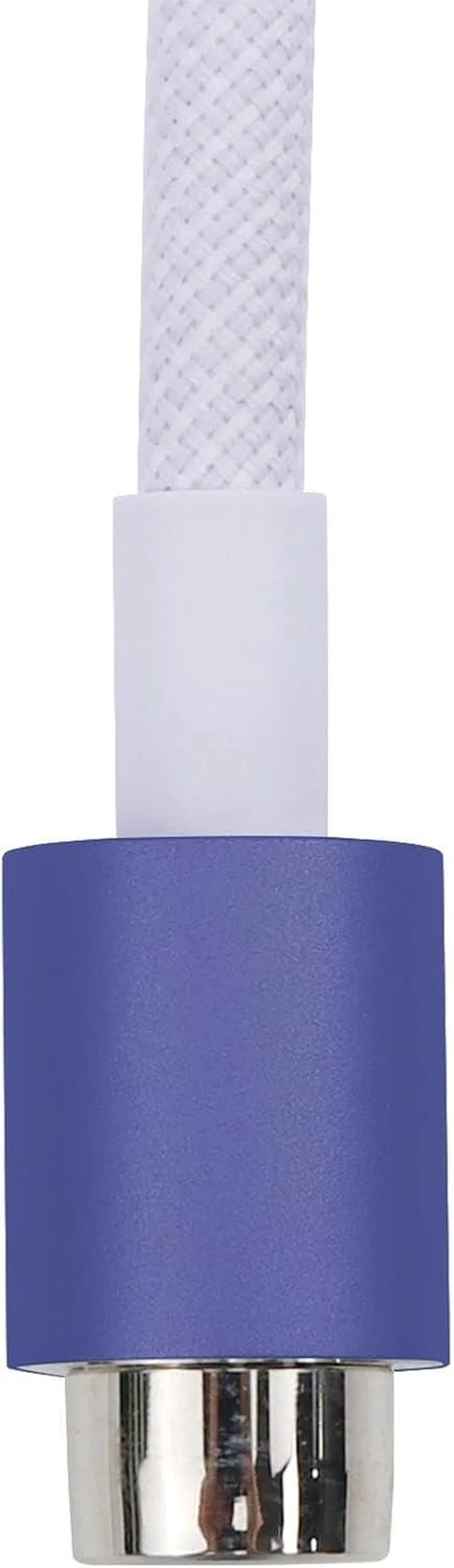
Check the magnetic connector: Disconnect the round magnetic cable from the back of your iMac. Check for dirt, debris, or bent pins. Re-insert it straight into the port.
Perform a power cycle: Unplug the adapter from the wall for 60 seconds. This resets the internal safety cut-off switch inside the brick. Plug it directly into a known-working wall outlet, bypassing power strips.
Test the outlet: Plug a lamp or charger into the same wall outlet to verify the socket is actually providing power
Common Causes & Diagnosis:
Faulty Adapter vs. Internal Failure: If the adapter output drops (e.g., failing to deliver the standard voltage), the iMac will not turn on at all. If you reset the power and it still fails, the internal hardware of the brick is likely defective.
Ethernet Drops: The 143W adapter houses the Gigabit Ethernet port for many iMac models. If your internet drops constantly but the iMac stays on, the networking chip inside the brick may be failing.
Loose Interlocking Prongs: The external power cord prongs that plug into the power brick can occasionally slip loose or become dislodged after a fall, causing intermittent power.
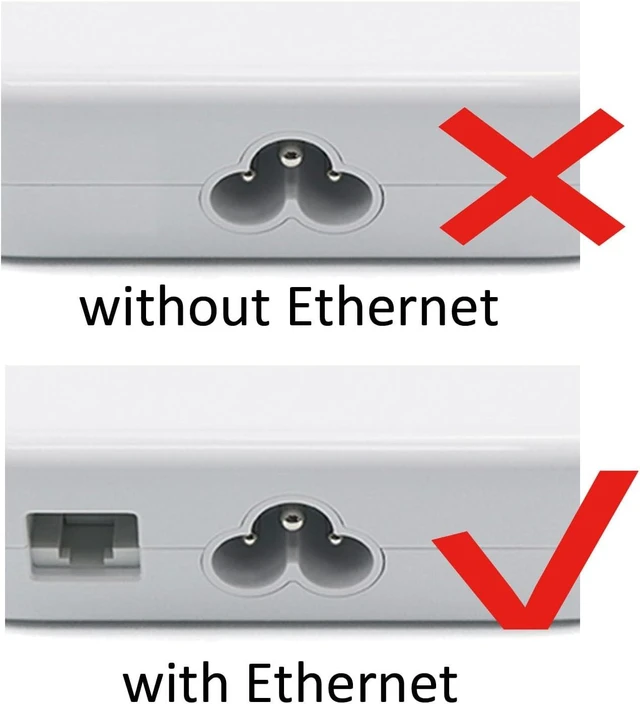
What is the difference between adapters with and without Ethernet ports?
The 24-inch iMac can be configured with a 143W power adapter with or without built-in Ethernet only at the time of purchase and cannot be added later. you need use a USB-C to Ethernet adapter to add Ethernet capabilities if without built-in Ethernet
How to Connect the Power Adapter?
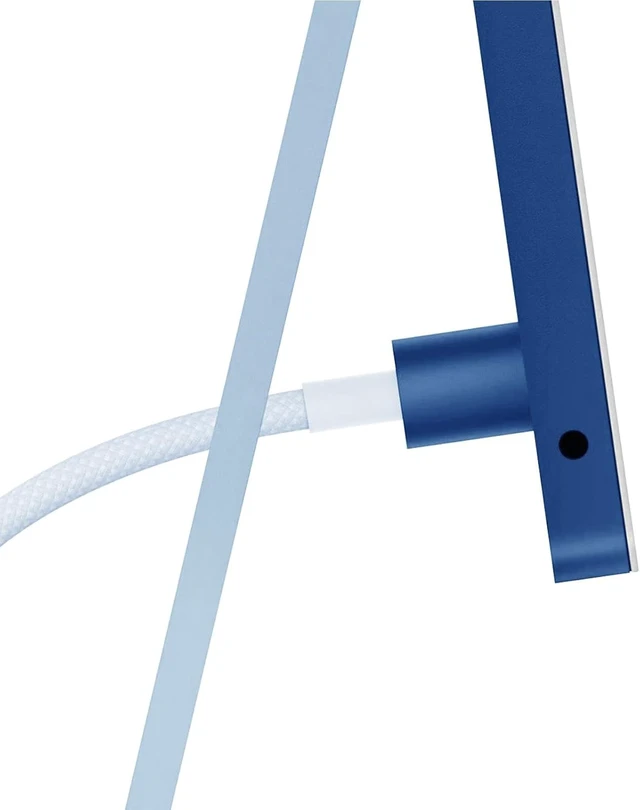
Pass the power cable through the hole in the stand and connect it to the power connector on the back of your iMac. Plug the separate power cord into the power adapter, then connect it to an electrical outlet.
See More Technical Specifications iMac 143w Power Adapter Troubleshooting What is the difference between adapters with and without Ethernet ports?
How to Connect the Power Adapter?




 here!