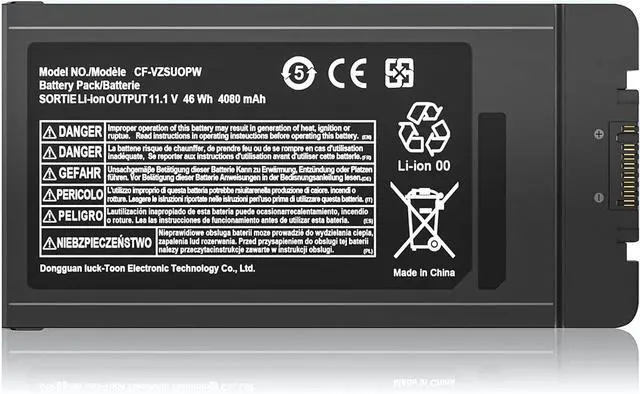
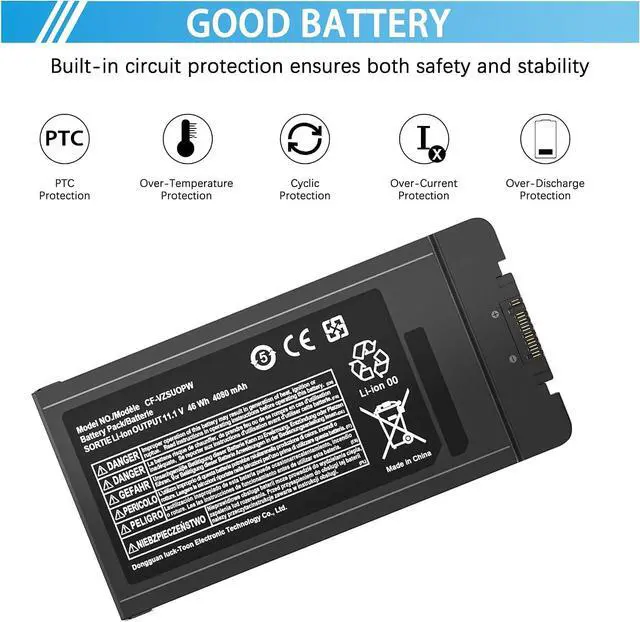
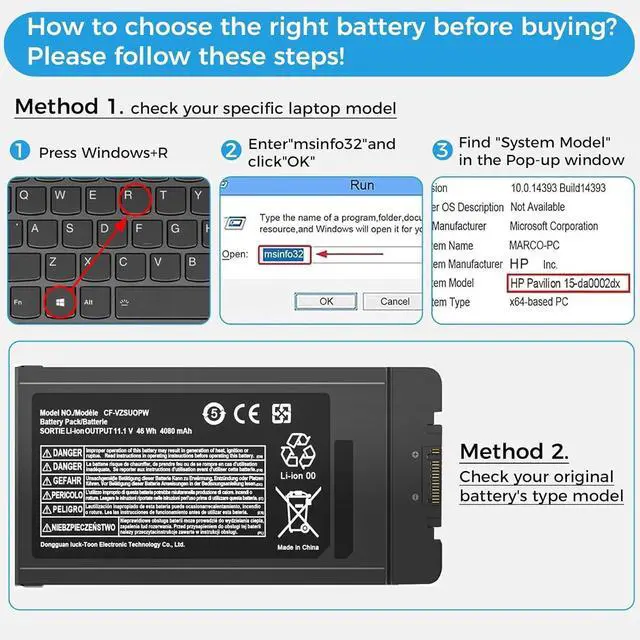
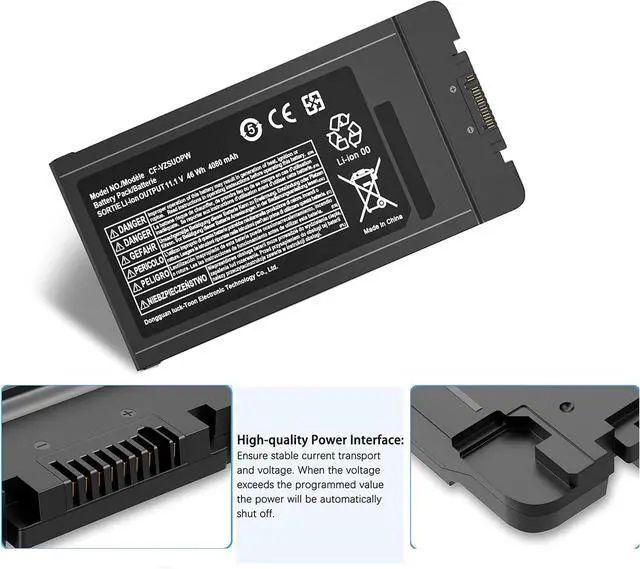
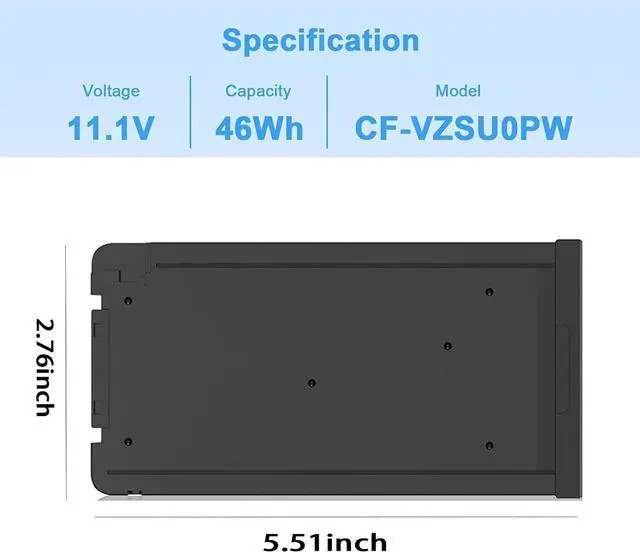
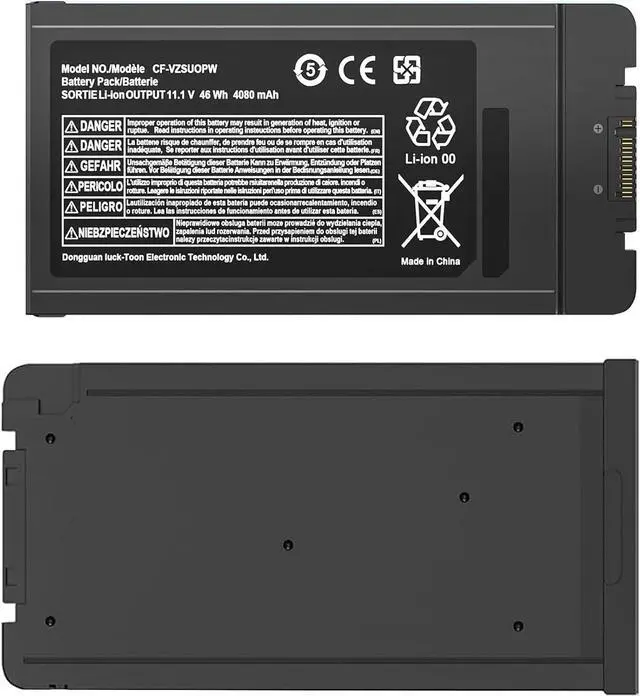
Compatible Part Numbers CF-VZSUOPW CF-VZSU0PR CF-VZSU0GJS CF-VZSU0PJS Compatible Part Numbers CF-VZSUOGW CF-VZSU0LW CF-VZSU0KJS CF-VZSU0KW Compatible Part Numbers CF-VZSU0PK CF-VZSU0KR Compatible Part Numbers Panasonic Toughbook CF-54 Series Compatible Part Numbers Panasonic Toughbook 54 Gloved Multi Touch, 54 Lite, 54 Performance, 54 Prime Series Compatible Part Numbers Panasonic Toughbook CF-54 MK1 Compatible Part Numbers Panasonic Toughbook CF-54 MK2 Compatible Part Numbers Panasonic Toughbook CF-54 MK3 Compatible Part Numbers CF-54F9001KM CF-54G2999VM CF-54F0961NE Compatible Part Numbers 54F0961VM 54A0005CM 54D2912VM 54D0005KM What do we need to pay attention to using batteries for the first time?
1.The battery must be full charged before first use.
2.You need to turn off your laptop and disconnect the power when you install a new battery.
3.Do Discharge the new battery use to 5%/7%(not to 0%) and then charge to 95%, and cycle 3-4 times.
How should I do if the battery is not recognised?
When the computer is tumed on, if it s not recognised, it is recommended to update the BIOS settings or please disconnecting the old battery, and holding down the power button for 20 seconds, then connect the new battery.
How should I do if we received the item doesn't work?
Our itme have 12 months replace a new one and 60 days moeny back guarrante. please Contact JIONR INC.wve wil replace it with a new one for free.
How should I charge my laptop battery?
It is suggested to charge the battery before the power runs out completely, It is best to charge when the remaining power is about 5-10%, and the battery should be charged in a relatively dry place.
How should I preserve my laptop battery when I dont use it?
The ideal preservation method is to charge the battery to about 40%, the battery should be used once a month, which can not onlygood preservation of the battery but also prevent the battery from being damaged by the complete loss of power.
65W DELL USB C Charger




 here!