Your Browsing History
Meet Your Seller
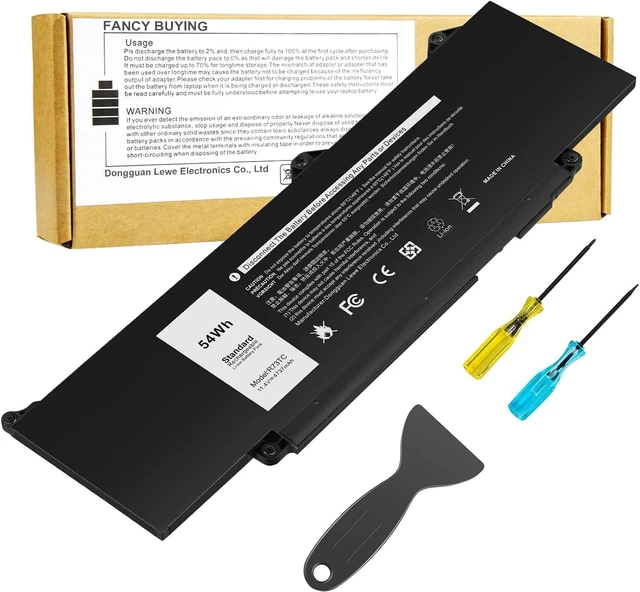
R73TC DR02P 2X1V9 02X1V9 GTG7N GRWKG KDM9P 803W6 0803W6 Laptop Battery Compatible with Dell Precision 3480 3490 3580 3590 Latitude 3340 3440 3540 5340 5440 5450 5540 5550 Series
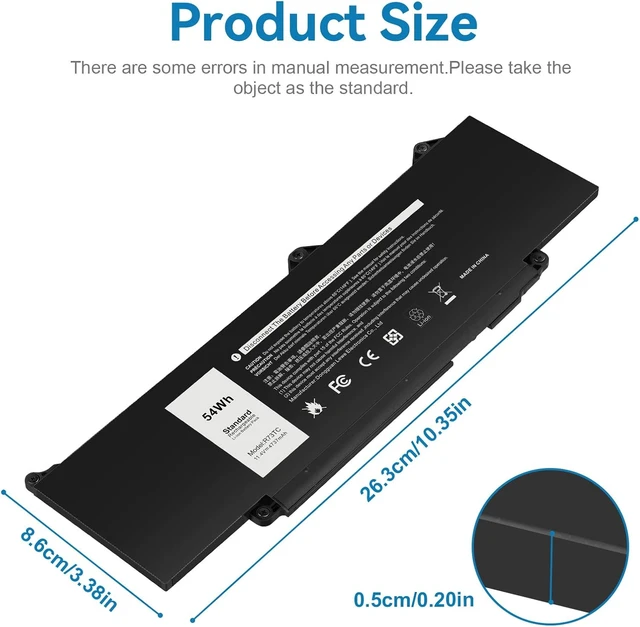
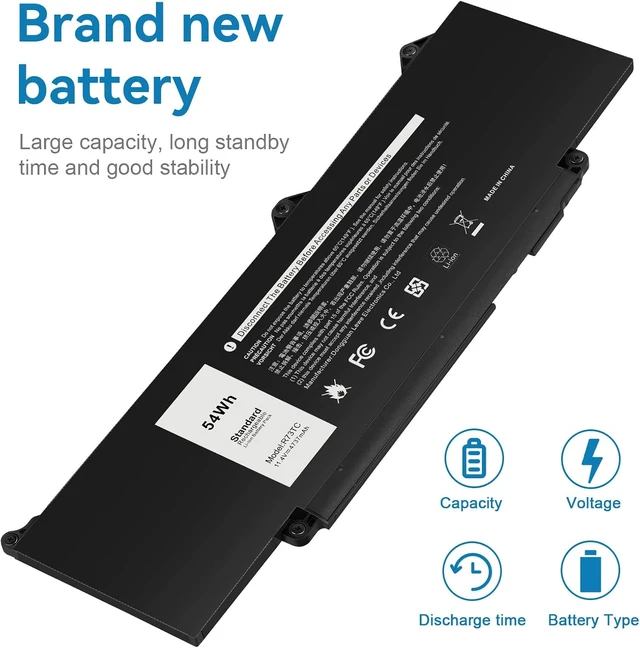
- Specifications: Dell Latitude laptop R73TC battery replacement; Our R73TC battery is a replacement for Dell's 54Wh standard R73TC rechargeable battery; Voltage: 11.4V; Capacity: 54Wh 4623mAh; Color: Black; Status: Brand new;
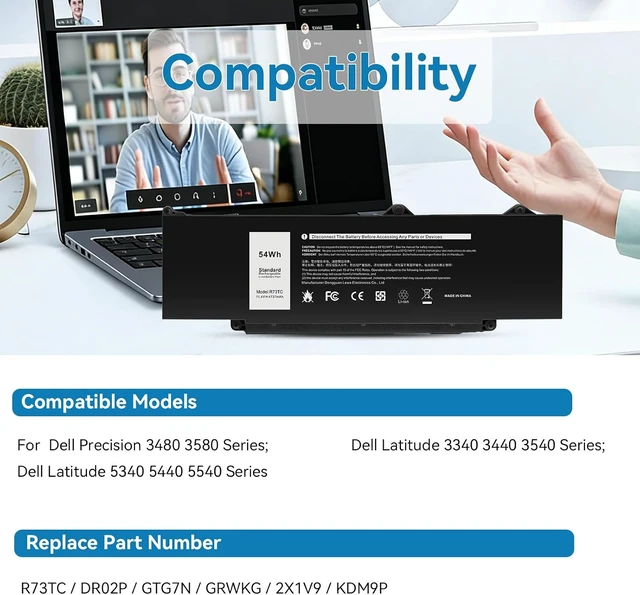
- Fully compatible, high stability: Suitable for Dell Latitude 3480/3580 series; Suitable for Dell Latitude 3340/3440/3540 series; Suitable for Dell Latitude 5340/5440/5540 series [battery replacement model] Suitable for R73TC/DR02P/GTG7N/GRWKG/2X1V9/KDM9P [usage recommendation] If the new battery cannot be recognized during initial installation, please reinstall and check if the interface is fully connected. Then, discharge the new battery to 5% (do not discharge to 0%). Afterwards, charge the battery and perform 3-4 cycles of charging and discharging to 'wake up' the new battery.
- WIDE COMPATIBILITY: Replacement battery fits Dell Precision 3480, 3490, 3580, 3590 and Latitude 3340, 3440, 3540, 5340, 5440, 5450, 5540, 5550 series laptops.
- PART NU
+
+
Overview
Reviews
Any questions? Ask CelesteSM will help you find out quickly.
Try me now
Keep your Dell laptop running at full power with this compatible replacement battery designed to work seamlessly with a wide range of Dell Precision and Latitude series laptops.
This battery is compatible with Dell Precision 3480, 3490, 3580, and 3590 models, as well as Dell Latitude 3340, 3440, 3540, 5340, 5440, 5450, 5540, and 5550 series.
Compatible part numbers include R73TC, DR02P, GTG7N, GRWKG, KDM9P, 2X1V9, 02X1V9, 803W6, and 0803W6, making it easy to verify fitment before purchasing.
Whether you are a professional on the go or a student who needs reliable power throughout the day, this replacement battery is built to deliver consistent and dependable performance. Be sure to confirm your laptop model and original battery part number before ordering to ensure full compatibility.
Install A New Battery:
1. You need to turn off your laptop and disconnect the power.
2. Remove the old battery, carefully install the new battery on the battery case, and connect the wiring of the new battery.
3. If you don't understand the above steps, you can search for the video about laptop battery installation on YouTube. Maybe it will help you.
Laptop Maintenance Tips:
1. New battery: For use a new battery, youd better try a few cycles of discharging to 5%. then charging up to 95%. So that it can be activated completely
2. Overuse: Do not always run out of a battery to 0%, this would make it damaged or usage life shortened
3. Charging sequence: when charging, first install the battery, then turn on the power, when fully charged, first cut off the power, then pull the power plug.
4. Long-term storage:Please store the unused battery fully charged.(Charge it once a month) Do not store at low power to prevent reduce the lifespan of a battery
5. Charger: Do not replace the laptop adapter casually. If the original adapter cannot be applied due to malfunction or damage, please replace the models, so as not to reduce the service life of the battery due to incompatibility.
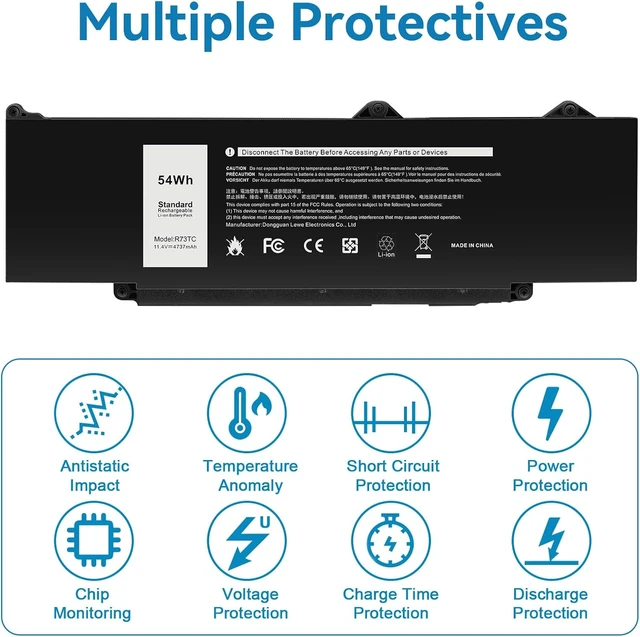
Overload protection
Over-current protection
Over-voltage protection
High voltage protection
Short circuit protection
Over-temperature protection
Easy & Quick Installation
All of our batteries are brand new and are 100% compatible to meet OEM specifications for safety and efficiency. Same size as original battery, Don't worry about assembly and adaptation issues
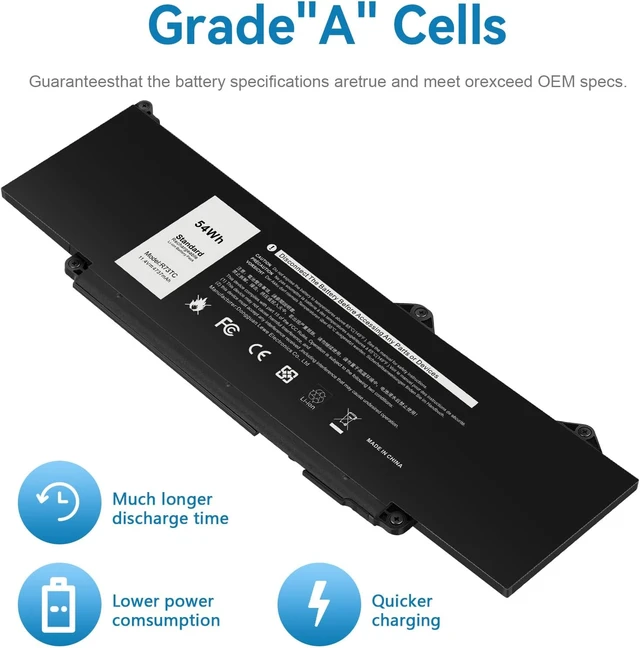
Grade "A" cells Top Quality Battery
Reliable performance
Extended battery life
Each battery contains built in multi-protection functions such as short circuit, overheat & overload for maximum safety.
Warranty & Returns
Warranty, Returns, And Additional Information
Warranty
- Please contact the Seller directly for warranty information. Warranty information may also be found on the Manufacturer's website.
- CONTACT
Return Policies
- Return for refund within: 30 days
- Return for replacement within: 30 days
- This item is covered by Forestgrand Return Policy
Manufacturer Contact Info
- For a directory of all our manufacturers, please click below.
- Manufacturers Directory
LOADING...