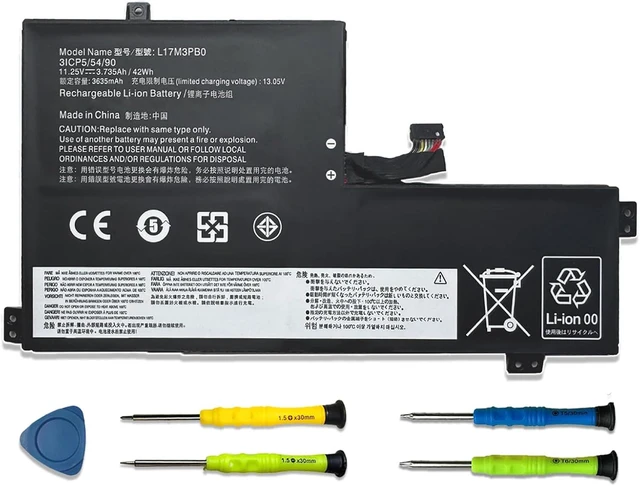
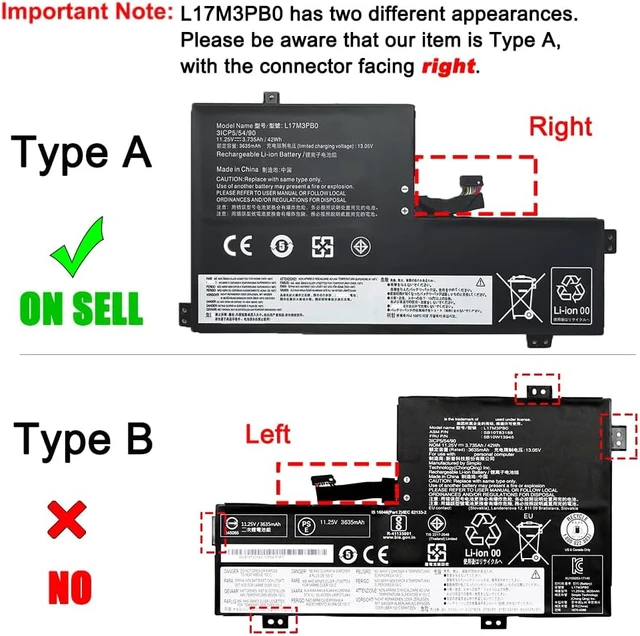
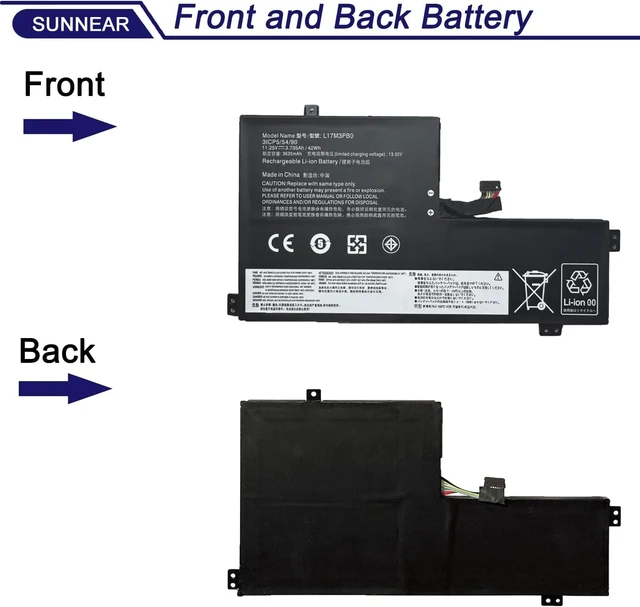
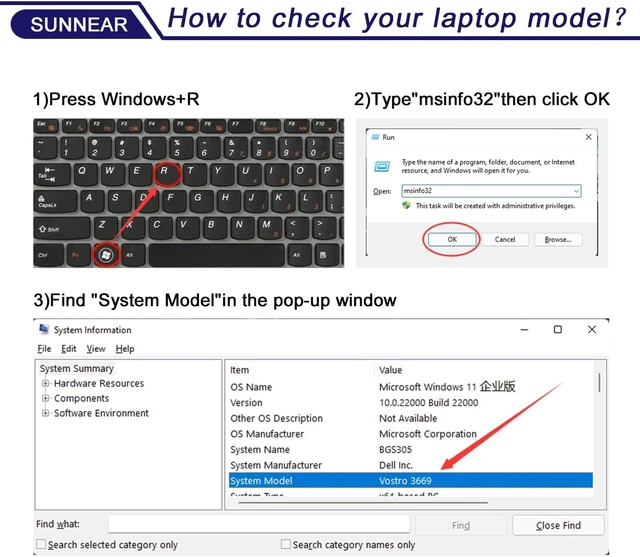
Please open your laptop case, check and confirm your original battery model and appearance, compared with our battery image, make sure that's what you need. Especially the location of the connector and the cable length (long or short).
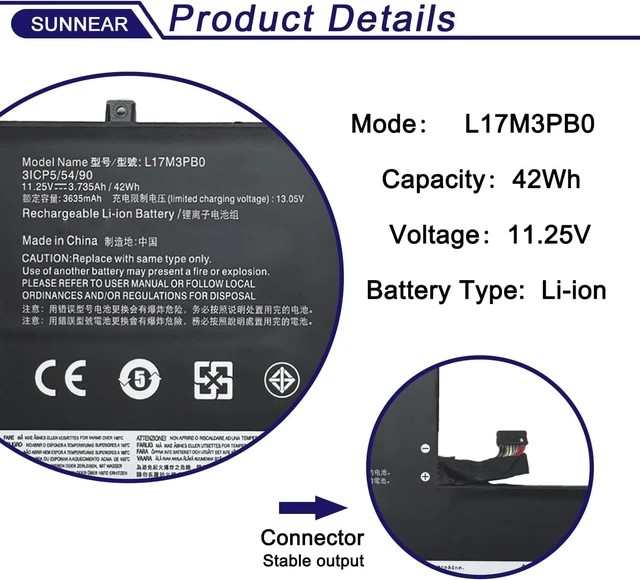
Models: L17M3PB0
Voltage: 11.25V
Capacity: 42Wh/ 3735mAh
Battery Condition: Brand New
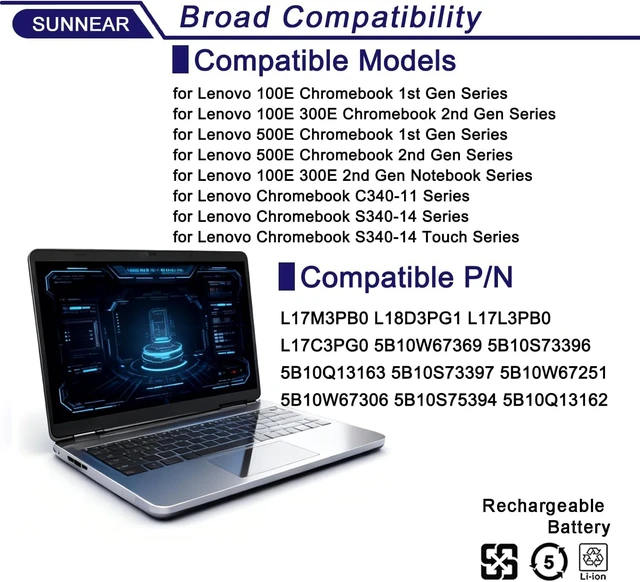
Compatible Part Number: L17M3PB0 L18D3PG1 L17L3PB0 L17C3PG0 5B10W67369 5B10S73396 5B10Q13163 5B10S73397 5B10W67251 5B10W67306 5B10S75394 5B10Q13162
Lenovo 100E Chromebook 1st Gen Series
Lenovo 100E 300E Chromebook 2nd Gen Series
Lenovo 500E Chromebook 1st Gen Series
Lenovo 500E Chromebook 2nd Gen Series
Lenovo 100E 300E 2nd Gen Notebook Series
Lenovo Chromebook C340-11 Series
Lenovo Chromebook S340-14 Series
Lenovo Chromebook S340-14 Touch Series
Lenovo Ideapad Flex 3 CB-11IGL05 Series
10.Lenovo Chromebook 100e-81ER 100e-81MA Series
11.Lenovo Chromebook 100e-81M8 300e-81M9 Series
12.Lenovo Chromebook 300e-81MB 500e-81ES Series
13.Lenovo 500e Chromebook 2nd Gen 81MC Series
14.Lenovo Ideapad 3 CB-14IGL05 Series
1. When you get the new battery, run it down to 5% (not 0%), then power it up to 95%, and repeat this cycle 3-4 times to wake up the new battery.
2. The important point is to carry out a full run-down and power-up cycle every other month to extend the battery life.
3. When using the battery, do not keep it connected to the adapter for a long time, as this may damage the battery.
4. Avoid subjecting the battery to manual impact, disassembly, crushing, or puncturing. Do not dispose of the battery in fire or water.
Brand new from manufacturer. Tested with strict quality control standards
up to 600 reusable power cycles
Grade A cells ensure High capacity and smart chip ensure low power consumption
CE / FCC / RoHS certified for safety and stability
Could be caused by battery loose. Please remove the battery and try to install more than once.
May be due to conductive material damaged which the laptop motherboard and battery anode and cathode contact position, you can try to confirm it with your original battery.
Check whether the battery drive is in normal condition, if not, download the corresponding driver software to update.
Take out the battery and press the power button for about 15 seconds to consume the internal residual power (Do not connect the power cord), and then reinstall the battery. You can try several times.
Please read before purchasing Battery Specification: Please choose the right one for your laptop! Replacement for Battery Maintenance Methods for Optimal Use Why should l choose SUNNEAR battery? Troubleshooting Methods




 here!