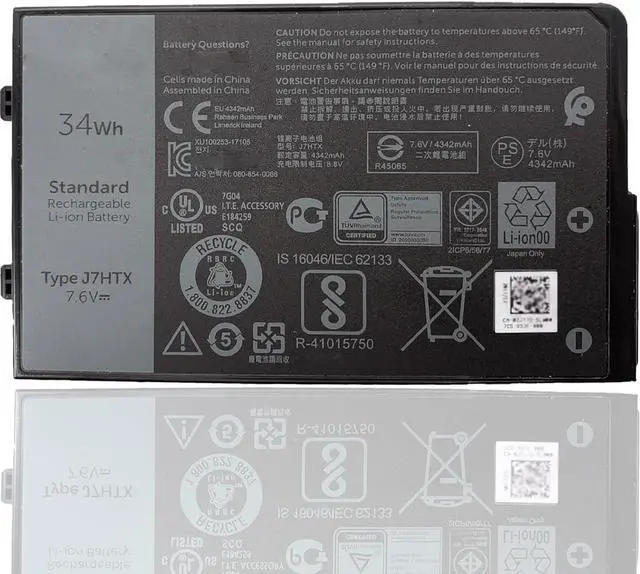
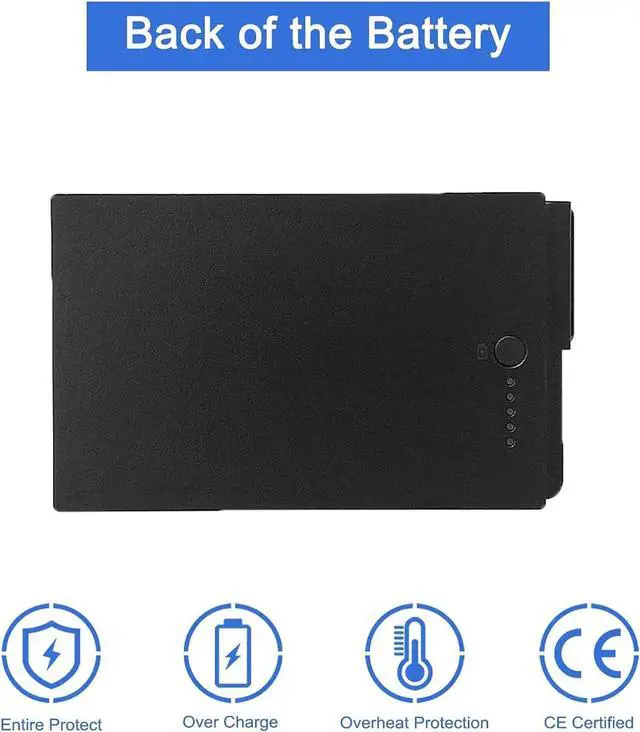
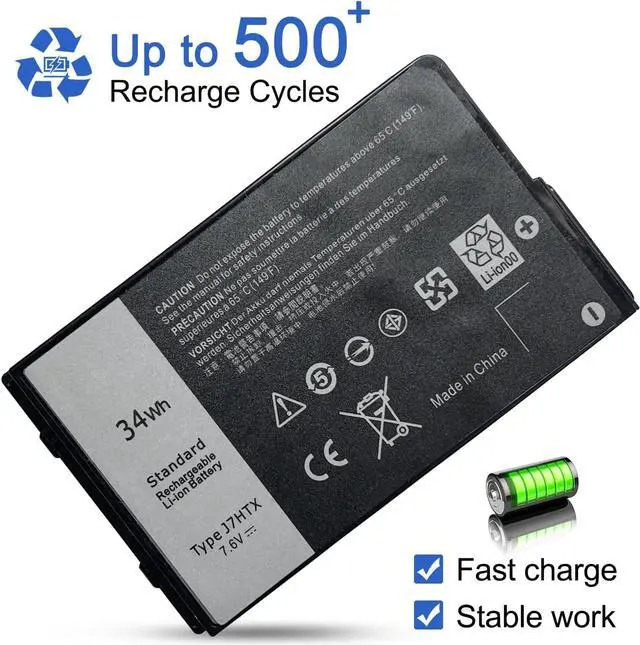
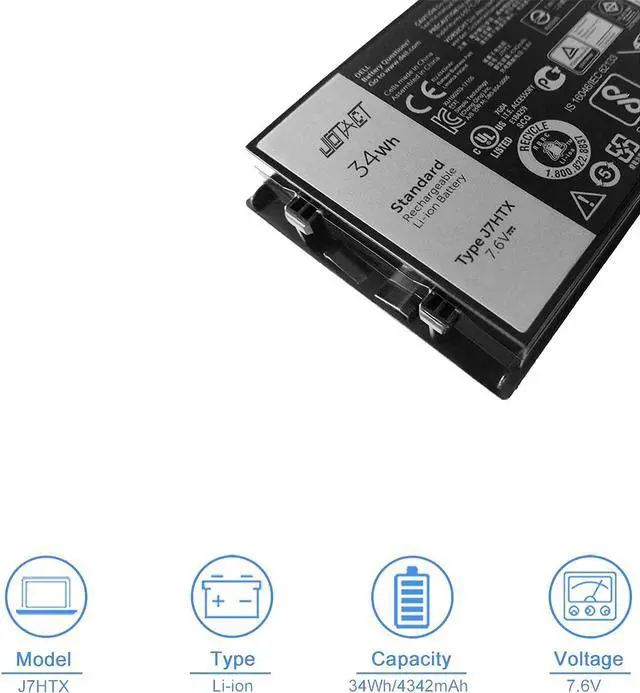
Replacement Part Numbers J7HTX / 02JT7D / 2JT7D / J82G5 / 451-BCDH / 7XNTR / 07XNTR / FH8RW / 0FH8RW / DRPTJ / VW5Y4 / 451-BBOR / 451-BCCO Compatible with Dell Latitude 7202 Rugged Tablet: T03H / T03H001 Compatible with Dell Latitude 7212 Rugged Extreme Tablet: T03H / T03H002 Compatible with Dell Latitude 7220 Rugged Extreme Tablet: T03H / T03H003 Compatible with Dell Latitude 7220EX Rugged Extreme Tablet: T03H / T03H004 Q: How do I confirm this battery fits my laptop?
A: Please check your original battery's exact part number and compare it with our product images before ordering.
Q: Do I need to activate the new battery before first use?
A: Yes. Cycle it 3-4 times (discharge to 5%, then charge to 95%) to activate its maximum capacity.
Q: How can I extend the battery's lifespan in daily use?
A: Recharge when it drops to 5% and avoid letting it drain completely to 0%.
Q: Should I remove the battery if I use external power continuously?
A: Yes, we recommend removing the battery if you plan to keep your laptop plugged in for extended periods.
Q: Is the installation process complicated?
A: No. Simply turn off the laptop, unplug the power, and replace the old battery. A video guide is highly recommended if you are unsure.
Compatible Laptop Models(use "Ctrl+F to find your model quickly") Q: How do I confirm this battery fits my laptop?
Q: Do I need to activate the new battery before first use?
Q: How can I extend the battery's lifespan in daily use?
Q: Should I remove the battery if I use external power continuously?
Q: Is the installation process complicated?




 here!