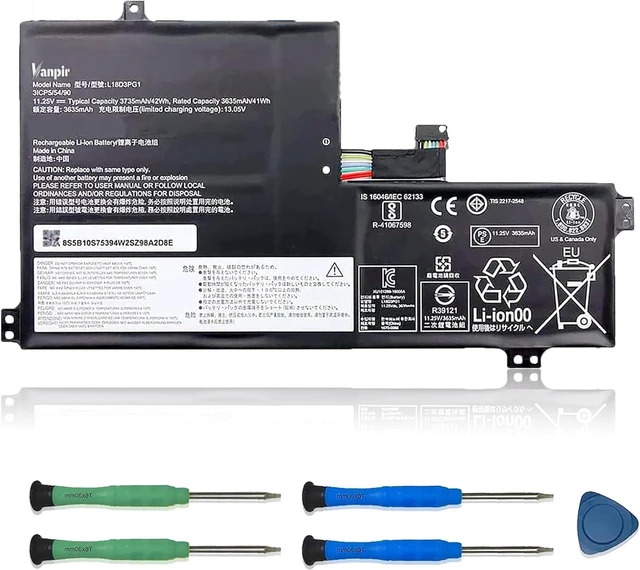
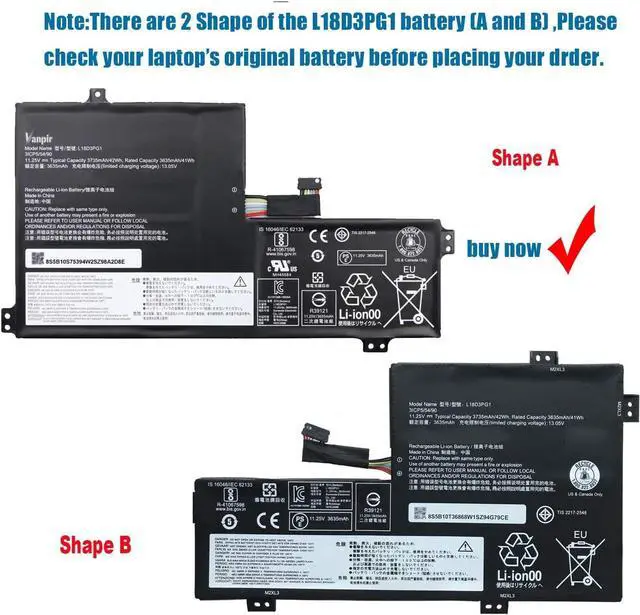
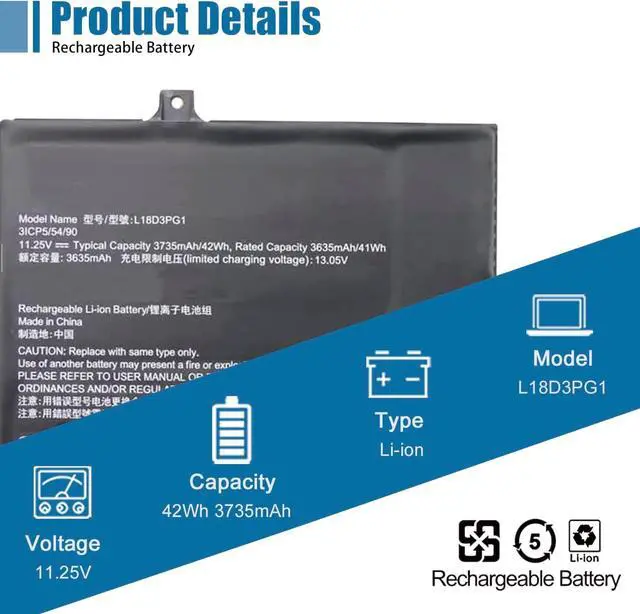
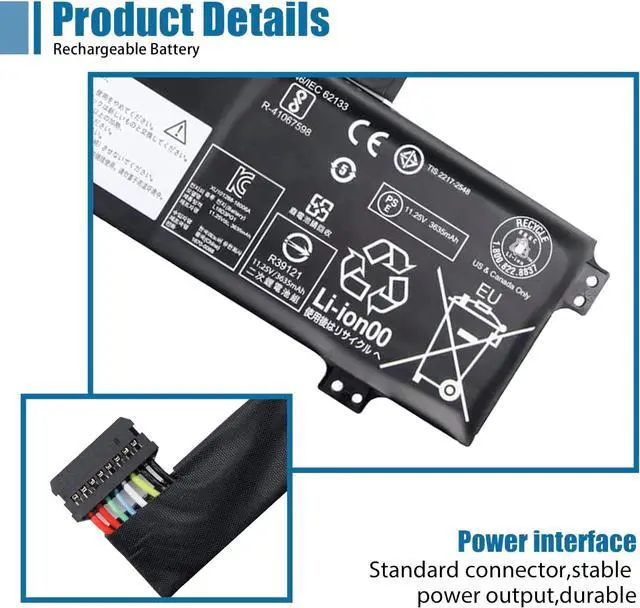
L21M4P72
We are a professional laptop battery manufacturer, dedicated to manufacture and provide high-quality different types laptop batteries for our customers and dedicated to serving customers wholeheartedly.
Lithium-ion batteries, rechargeable batteries for portable electronics,100% new from Manufacturer. Adopt strict quality control standards, reliable and high-quality batteries. Meet the OEMs specifications, be stable and last long, Lower Power Consumption, provide stronger power for your laptop.
ModelL21M4P72 Battery
TypeLi-ion
Voltage15.48V
Capacity52.5Wh 3304mAh
Condition : 100% New from Manufacturer, Grade A Cell
Packing Included:
1* L21M4P72 battery
1* Instruction manual
Meet the OEM. CE / FCC / RoHS certified.
Easy to install.
Up to 1000+ recharge cycles over the life of the battery.
Easily deal with various practical environments and bring you a stronger battery life experience.
Method 1: Use System Information to find your laptop model
Step 1: Press " Windows + R " to open the Run window.
Step 2: Type " msinfo32 " in the empty box and click " OK " to open System Information.
Step 3: Keep in the " System Summary " section and you will find the " System Model " item in the right pane.
Method 2: Open the back cover of the laptop and confirm the battery type and capacity, as well as the model of the laptop.
Step 1: Turn off the laptop and unplug the power cord (to prevent electric shock)
Step 2: Remove the back panel with a screwdriver. (Please proceed with care to avoid damage to the laptop's components.)
Step 3: Disconnect the cable connected to the battery and remove it. After that, you can check the specifications of your battery.
Replacement Part Number:
L21C3P71 SB10W51963 5B10W51862 SB11M89825 5B11M90024
L21L3P71 SB10W51961 5B10W51860 SB11M89823 5B11M90022
L21M3P71 SB10W51962 5B10W51861 SB11M89824 5B11M90023
L21C4P71 SB10W51967 5B10W51866 SB11M89829 5B11M90028 SB10W52003 5B10W51902
L21D4P71 SB10W51968 5B10W51867 SB11M89830 5B11M90029 SB10W52006 5B10W51905
L21L4P71 SB10W51964 5B10W51863 SB11M89826 5B11M90025 SB10W52000 5B10W51899
L21M4P72 SB10W51966 5B10W51865 SB11M89828 5B11M90027 SB10W52002 5B10W51901
L21M4P71 SB10W51965 5B10W51864 SB11M89827 5B11M90026 SB10W52001 5B10W51900
Compatible Models: (use "Ctrl+F" to find your model quickly)
Replacement for Lenovo ThinkPad P14s Gen 3 (Type 21AK 21AL 21J5 21J6)
Replacement for Lenovo ThinkPad P14s Gen 3 (Type 21AK 21AL 21J5 21J6)
Replacement for Lenovo ThinkPad T14 Gen 4 (Type 21HD 21HE 21K3 21K4)
Replacement for Lenovo ThinkPad T14 Gen 4 (Type 21HD 21HE 21K3 21K4)
Manual calibration, The steps are:
1) Shut down, plug in the power adapter to fully charge the battery. If the battery is full, you can proceed directly to the next step.
2) Unplug the power adapter, turn on the battery, and let the battery automatically discharge until the computer automatically shuts down. During this period, it is best not to do any computer operations.
3) Plug in the battery adapter and fully charge the battery. This process is OK if it is turned on or not.
To borrow software, such as batteryMon :
1) Install the battery, plug in the power adapter, and power on. Run Batterymon and click the start button. After charging, shut down and unplug the adapter.
2) Restart and run Batterymon. Close all applications, adjust the power plan to turn off the screen for 1 minute and never go to sleep, and then slowly wait for the battery to discharge until it automatically shuts down. Repeat the operation 3 times.
3. The software is still used, but the battery manager on the official website is used, just follow the instructions.
Besides, The software is still used, but the battery manager on the official website is used, just follow the instructions.
Use the battery that comes with BIOS to calibrate:
(1) Aft




 here!