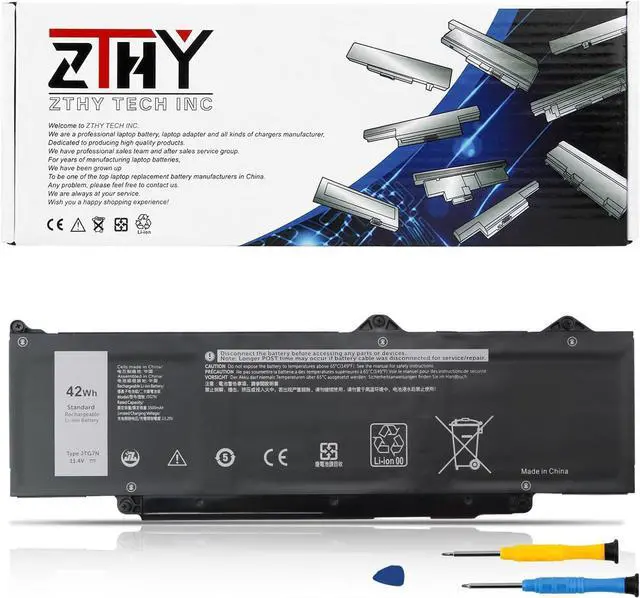
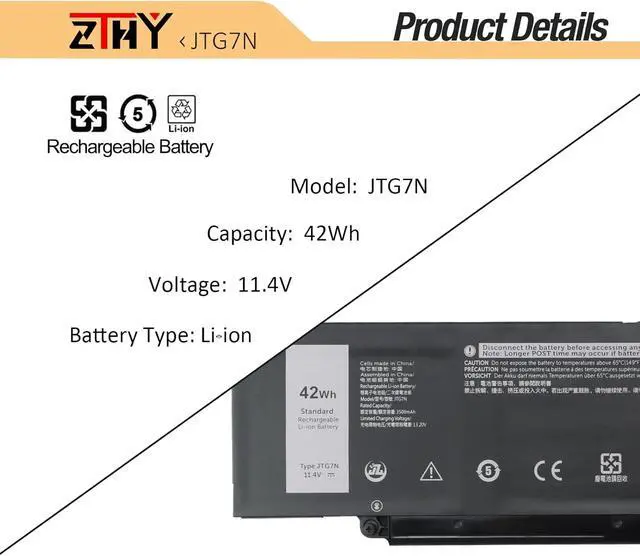
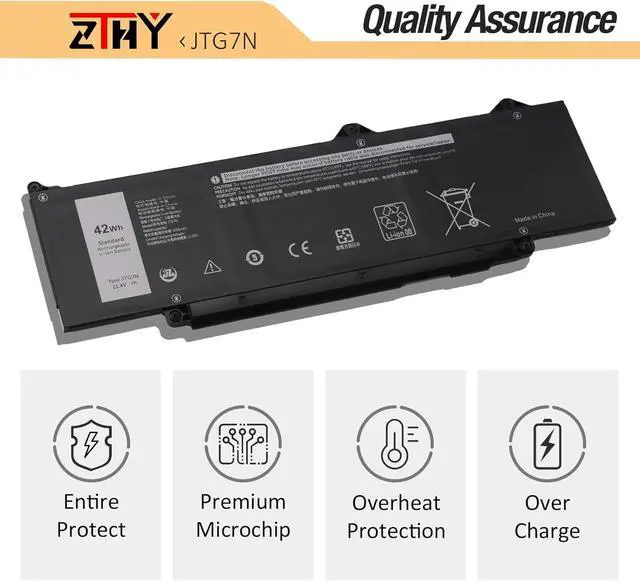
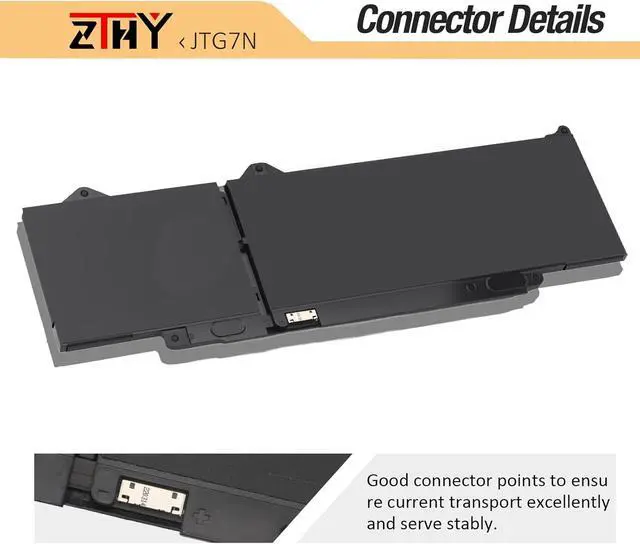
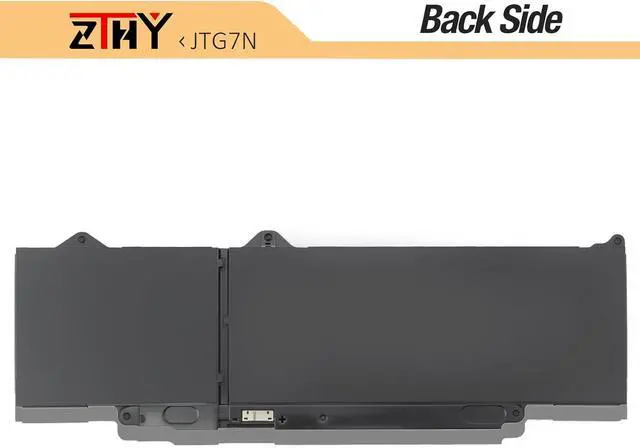
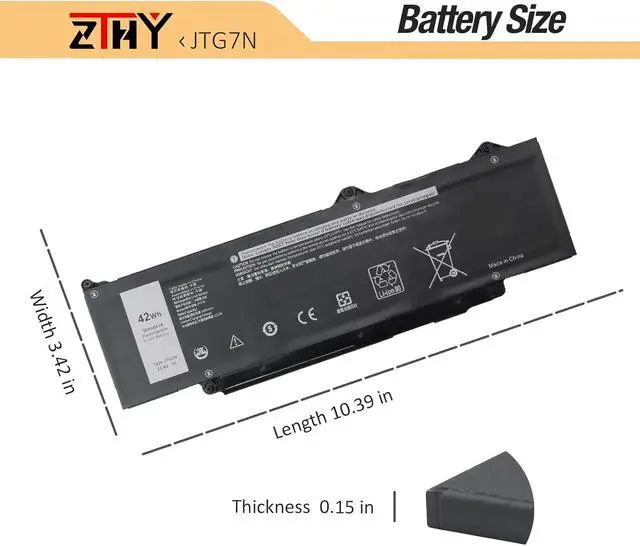
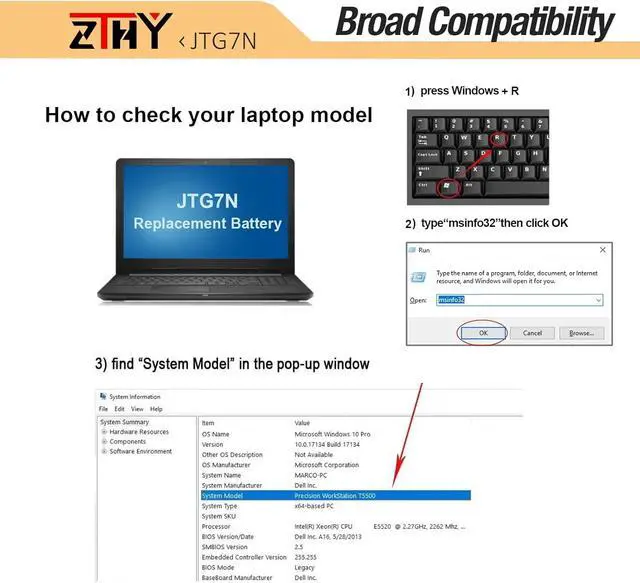
Compatible Part Number JTG7N 542WP 0542WP 7RDGP 803W6 GTG7N KDM9P GRWKG 2X1V9 Compatible Model Replacement for Dell Latitude 3340 3440 3450 3540 3550 Series; Compatible Model Replacement for Dell Precision 3480 3490 3580 3590 Series; Compatible Model Replacement for Dell Latitude 5340 5350 5440 5450 5540 5550 Series; Compatible Model Replacement for Dell Latitude 5340 2-in-1 Series; Compatible Model Replacement for Dell inspiron 14 Plus 7441 Series; Compatible Model Replacement for Dell P127F P127F001 P127F003 Series. Attention If you install the battery, you find that the laptop cannot detect the battery or the battery level cannot be displayed normally. Please check whether the battery cable is installed properly. Sometimes the battery cannot be charged because the cable is not fixed properly. What do I need to be aware of when I receive a battery?
You need to check its appearance, confirm the model, read the instruction manual. Cycle and charge it 5 to 6 times to activate the maximum usage space of the battery. When not in use temporarily, charge the battery to 50%-60%.
What should I do if laptop won't boot up after installing a new battery?
1.Check if the battery is properly seated and connections are clean. 2.Try charging it or use the adapter alone to start. 3.Examine hardware links, like RAM and adapters. 4.Reset BIOS settings if needed. 5.Enter Safe Mode to fix system issues.
How should I do if the battery is not recognised?
If it is not recognised, it is recommended to update the BIOS settings or please disconnecting the old battery, and holding down the power button for 20 seconds, then connect the new battery.
What should I do if the battery expands?
1.Power off your laptop and disconnect it from any power source. 2.Carefully remove the swollen battery from the laptop in a well-ventilated area, avoid pressing or squeezing the battery during removal.
What can you do if you are not satisfied with the battery?
Please Contact ZTHY, we'll help you. Our battery have 12 months replace a new one and 30 days moeny back guarrante.
DR02P Battery(click)




 here!