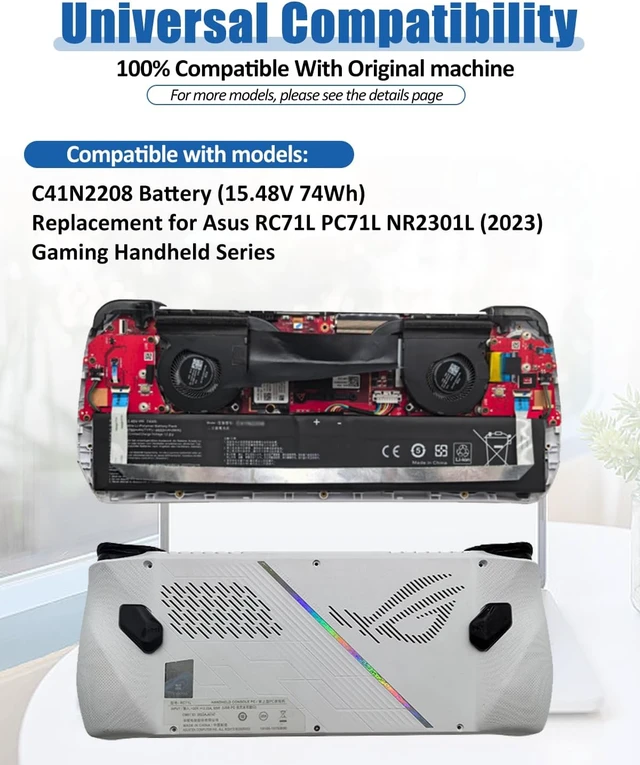
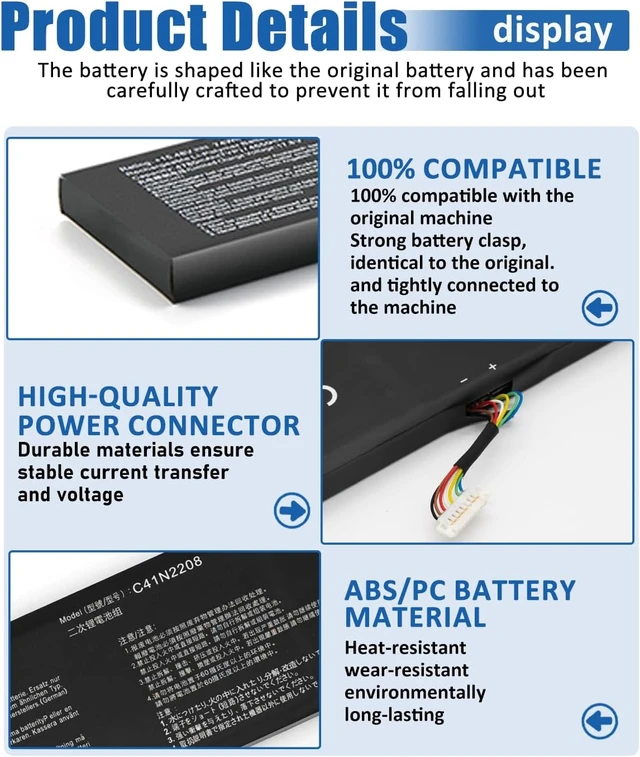
C41N2208 battery
Bossfulton is a professional battery manufacturer, dedicated to producing high quality batteries, we strictly control the quality of our products, putting high quality, simplicity and durability in the first place, our batteries meet or exceed OEM standards. The batteries are suitable for all brands of computers and machine models with stable, safe and reliable performance.
Easy & Quick Installation
Easy & Quick Installation
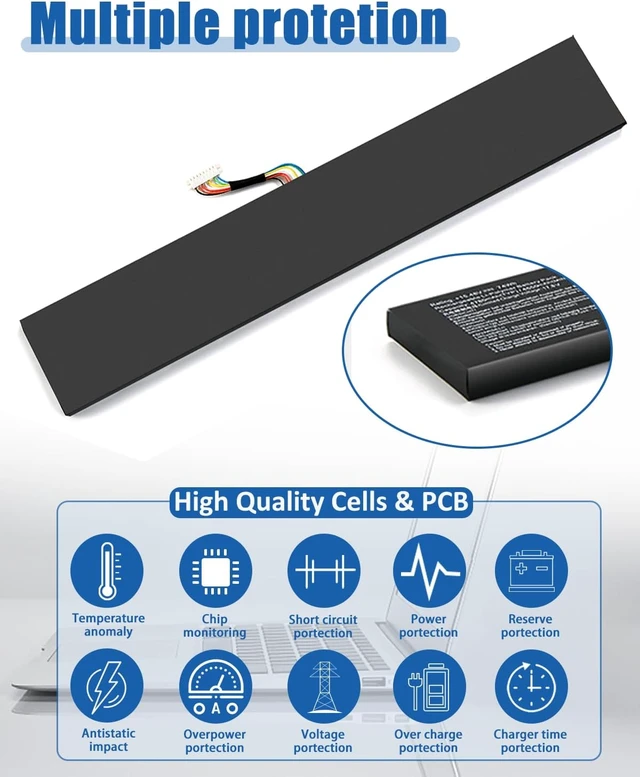
Overload protection
Longer Discharge Time & Quicker Charging
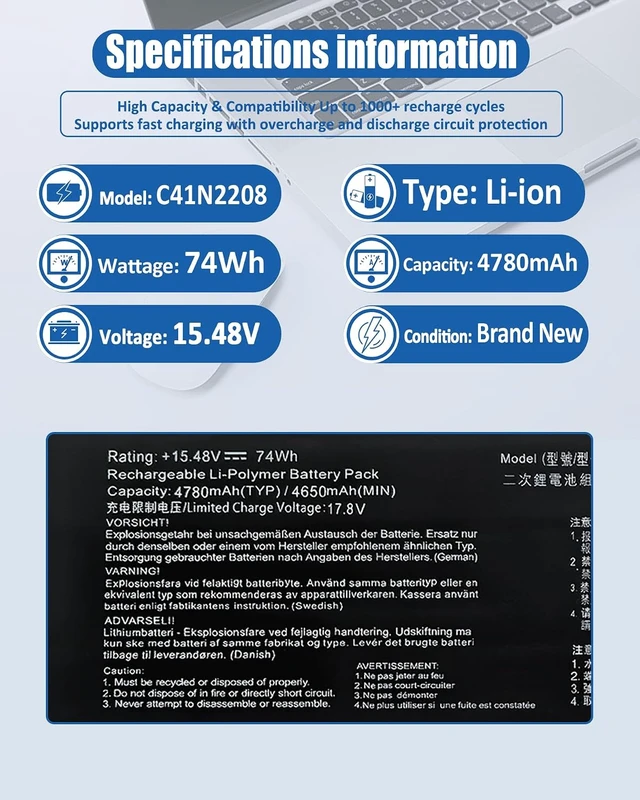
Battery Mod C41N2208
Battery Voltage: 15.48V
Battery Capacity: 74Wh 4780mAh
Battery Type: Rechargeable Lithium-ion Battery
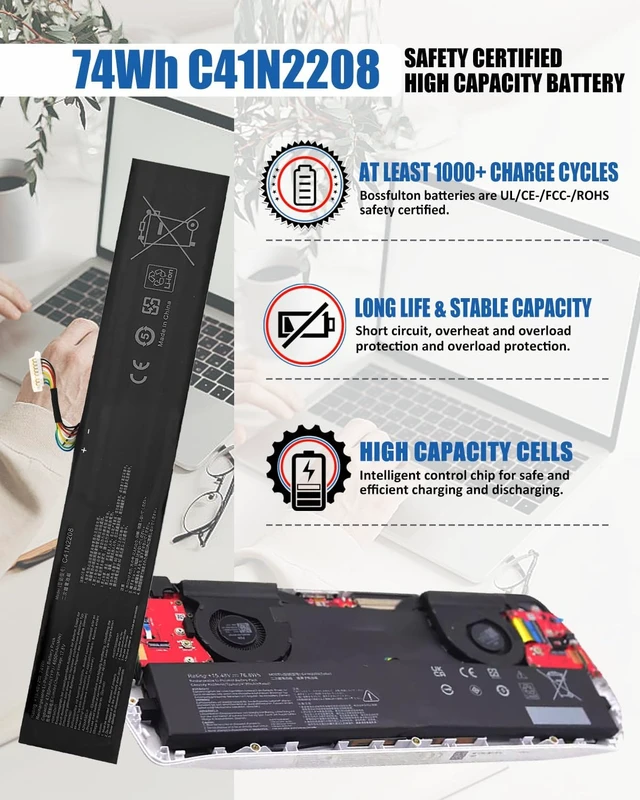
Battery life: With a cycle at least 1000+ cycles
Condition: Grade "A" cells,100% brand New from Manufacturer
What's in the box:
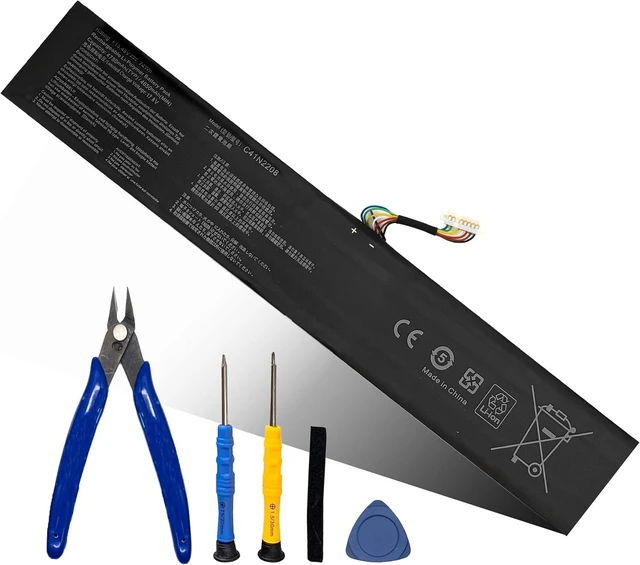
1* C41N2208 battery + 1* instruction manual + 1* screwdriver kit
Compatible with Models:
Replacement for ASUS ROG Ally RC71L PC71L NR2301L(2023) Gaming Handheld PC Series
RC71L-NH001W RC71L-NH002W
RC71L-NH019W RC71L-NH005W
RC71L-NH008W RC71L-NH012W
1.A free removal kit is included in the package, you need to turn off your laptop and disconnect the power.
2. Remove the old battery, carefully install the new battery on the battery compartment and connect the wires of the new battery.
3. If you still don't understand the above steps, you can go to YouTube/official website to search for videos about laptop battery installation, which may help you.
It may be caused by a missing battery. Please reinstall the battery and make sure the battery connection cable is plugged tightly with the motherboard connector.
It may be due to damage to the conductive material at the positive and negative contacts between the laptop motherboard and the battery, you can try to confirm with the original battery.
Check whether the battery driver is normal, if not, please download the appropriate driver software to update.
Upon receipt of the battery, first check if the battery size is the same as the original battery. When installing the battery, please pay attention to whether the battery connecting cable is fixed firmly. If the battery connecting cable is not installed correctly, the battery may not be charged.I
If you use the battery for the first time after installing the battery, please do not charge the battery immediately, first use the battery to 10-20%, then charge the battery and cycle charging 5-6 times to activate the battery's maximum usage space.I
It is recommended that you search for battery disassembly tutorials on the Internet or seek the help of professional technicians in advance. We are not responsible for any damage caused by improper operation.
See More C41N2208 74Wh battery Specifications ROG Ally Handheld Console Battery Upgrade Guide: Replacing the 40Wh Battery with a High-Capacity 74Wh / 67Wh Battery Tips for installing a new battery: Why does my laptop not recognize this battery? Laptop Battery Instructions:




 here!