Your Browsing History
Meet Your Seller
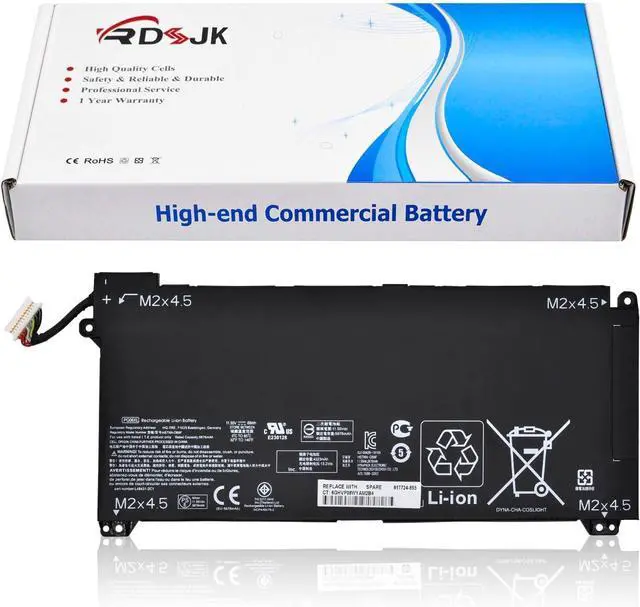
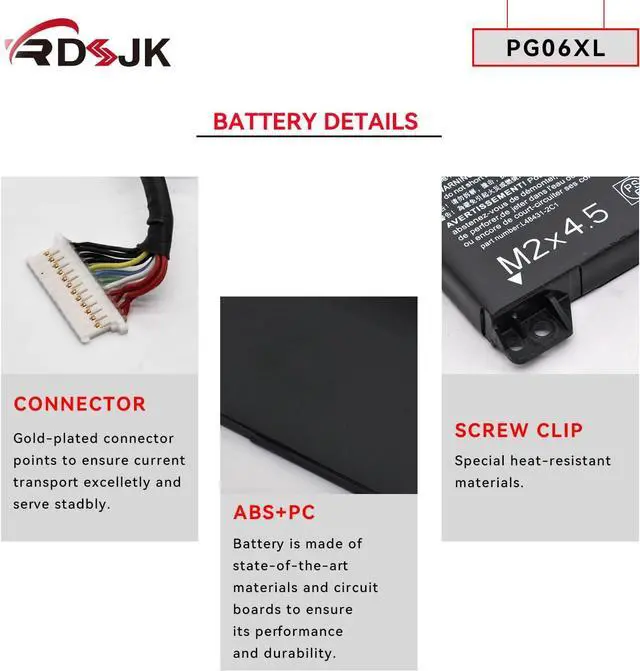
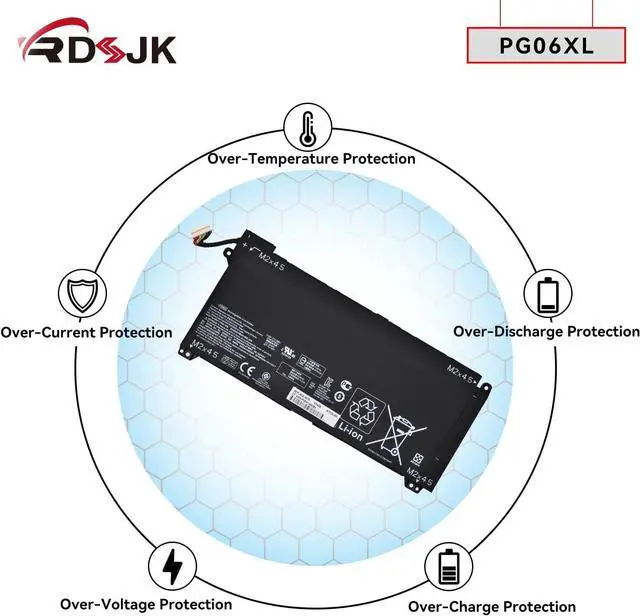
PG06XL PG06 Laptop Battery for HP Omen 15-DH 15-DH000 15T-DH000 15T-DH100 15-DH0XXX 15-DH0000NA 15-DH0003LA 15-DH1010CA 15-DH1088NR 15-DH0010TX 15-DH1070WM HSTNN-DB9F L48431-2C1 L48497-005 11.55V 69Wh
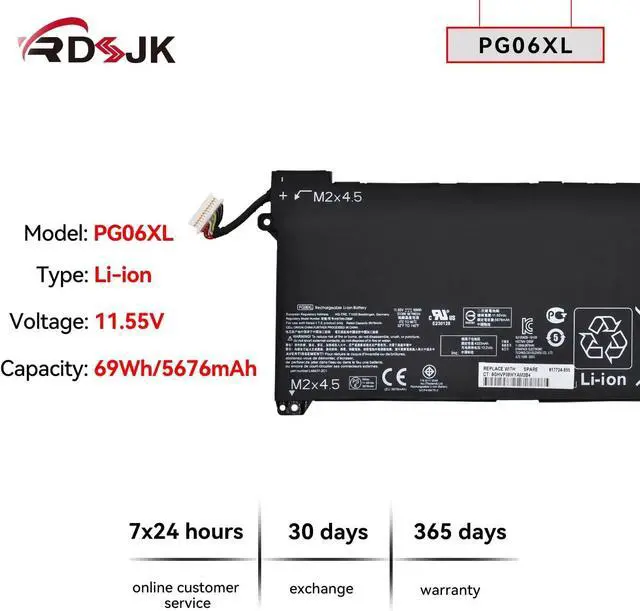
- Battery type: Li-ion; Voltage: 11.55V; Capacity: 69Wh/5676mAh; Cells: 6-cell
- Compatible Models: HP Omen 15-DH000 15T-DH000 Series, HP Omen 15-DH0000NA 15-DH0000NX 15-DH0001NS 15-DH0002NG 15-DH0002NL 15-DH0002NS 15-DH0009NJ 15-DH0010NG 15-DH0011NG 15-DH0012NH 15-DH001NR 15-DH002NR 15-DH0001LA 15-DH0003LA 15-DH0004LA 15-DH0002TX 15-DH0003TX 15-DH0001TX 15-DH0005LA 15-DH0006TX 15-DH1010CA 15-DH1019NR 15-DH1020CA 15-DH1020NR 15-DH1050NR 15-DH1053NR 15-DH1054NR 15-DH1059NR 15-DH1060NR 15-DH1065CL 15-DH1070WM 15-DH1087NR 15-DH1088NR 15-DH1099NR 15-DH0015NR 15-DH0006LA 15-DH0007TX 15-DH0008TX 15-DH0009TX 15-DH0010TX
- Compatible Models: HP Omen 15T-DH100 15-DH0XXX PC Series, HP Omen 15-DH0138TX 15-DH0004UR 15-DH0025NL 15-DH0103TX 15-DH0009NJ 15-DH0008TX 15-DH0010NG 15-DH0030NF 15-DH0161TX 15-DH0136TX 15-DH0028TX 15-DH0020NG 15-DH0153TX 15-DH0001NS 15-DH0134TX 15-DH0111TX 15-DH0000NA 15-DH0137TX 15-DH0002NS 15-DH0007TX 15-DH0012NH 15-DH0105TX 15-DH0011NG 15-DH0009TX 15-DH0002NG 15-DH0144TX 15
+
+
Overview
Reviews
Any questions? Ask CelesteSM will help you find out quickly.
Try me now
Specifications:
Battery Type: Li-ion
Voltage: 11.55V
Capacity: 69Wh/5676mAh
Condition: Brand New
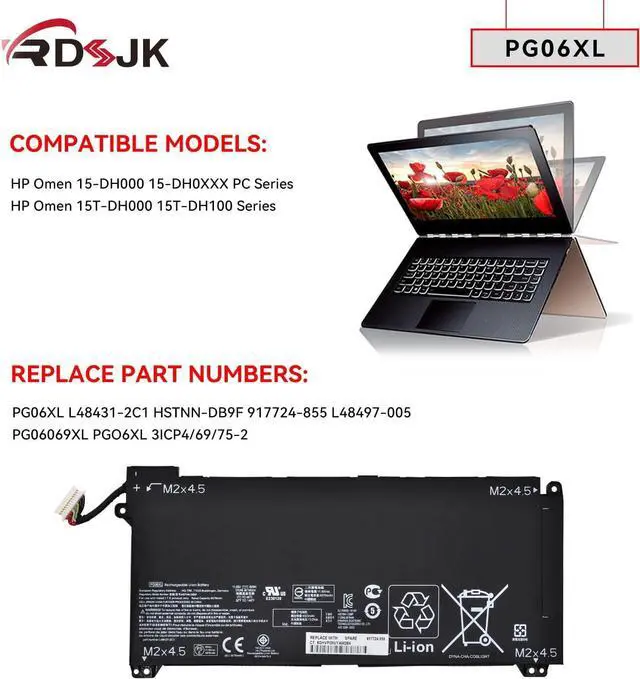
Replace Part Numbers:
PG06XL L48431-2C1 HSTNN-DB9F 917724-855 L48497-005 PG06069XL PGO6XL 3ICP4/69/75-2
How to find your laptop model?
1. Press Windows + R;
2. Type "msinfo32", then click "OK";
3. Find "System Model" in the pop-up window.
Compatible Models: (use "Ctrl+F" to find your model quickly)
HP Omen 15-DH000 15T-DH000 Series
HP Omen 15T-DH100 15-DH0XXX PC Series
HP Omen 15-DH0000NA 15-DH0000NX 15-DH0001NS 15-DH0002NG 15-DH0002NL 15-DH0002NS 15-DH0009NJ 15-DH0010NG 15-DH0011NG 15-DH0012NH 15-DH001NR 15-DH002NR 15-DH0001LA 15-DH0003LA 15-DH0004LA 15-DH0002TX 15-DH0003TX 15-DH0001TX 15-DH0005LA 15-DH0006TX 15-DH1010CA 15-DH1019NR 15-DH1020CA 15-DH1020NR 15-DH1050NR 15-DH1053NR 15-DH1054NR 15-DH1059NR 15-DH1060NR 15-DH1065CL 15-DH1070WM 15-DH1087NR 15-DH1088NR 15-DH1099NR 15-DH0015NR 15-DH0006LA 15-DH0007TX 15-DH0008TX 15-DH0009TX 15-DH0010TX 15-DH0138TX 15-DH0004UR 15-DH0025NL 15-DH0103TX 15-DH0009NJ 15-DH0008TX 15-DH0010NG 15-DH0030NF 15-DH0161TX 15-DH0136TX 15-DH0028TX 15-DH0020NG 15-DH0153TX 15-DH0001NS 15-DH0134TX 15-DH0111TX 15-DH0000NA 15-DH0137TX 15-DH0002NS 15-DH0007TX 15-DH0012NH 15-DH0105TX 15-DH0011NG 15-DH0009TX 15-DH0002NG 15-DH0144TX 15-DH0002NL 15-DH0154TX 15-DH0000NX 15-DH0135TX 15-DH0201NG 15-DH0017NH 15-DH1040NIA 15-DH1025TX 15-DH0204NG 15-DH0004NG 15-DH0010NO 15-DH0013NM 15-DH0016NQ 15-DH0100TX
HP Omen 5 Air 15-DH0006TX PRC Series
HP Omen 5 Air 15-DH0007TX PRC Series
HP Omen 5 Air 15-DH0008TX PRC Series
HP Omen 5 Air 15-DH0009TX PRC Series
HP Omen 5 Air 15-DH0153TX Series
HP Omen 5 Air 15-DH0154TX Series
HP Omen 5 Air 15-DH0161TX Series
1. Discharge the new battery use to 5%(not to 0%) and then charge to 95%, and cycle 3-5 times.
2. Do not disassemble, crush or puncture. Do not dispose of in fire or water.
3. If you remove battery for a long time, charge more than 80% at least one time within one months.
4. When using the battery, care should be taken to prevent exposure and moisture.
1. Before disassembling your laptop, put the old battery charge below 25%. If a fully charged lithium battery is accidentally punctured, it will have serious consequences.
2. Please keep every screw you removed.
3. Make sure that interface is correctly connected to its socket.
4. Please protect your screen and touchpad.
1. Remove all battery drivers.
2. Remove battery.
3. Connect laptop using AC charger, double check no battery drivers installed
Connect battery.
4. Drivers will install automatically.
5. Full charge the battery by ac adapter.
6. Leave charger and let the battery drain to shut off.
Warranty & Returns
Warranty, Returns, And Additional Information
Warranty
- Please contact the Seller directly for warranty information. Warranty information may also be found on the Manufacturer's website.
- CONTACT
Return Policies
- Return for refund within: 30 days
- Return for replacement within: 30 days
- This item is covered by Forestgrand Return Policy
Manufacturer Contact Info
- For a directory of all our manufacturers, please click below.
- Manufacturers Directory
LOADING...