Your Browsing History
Meet Your Seller
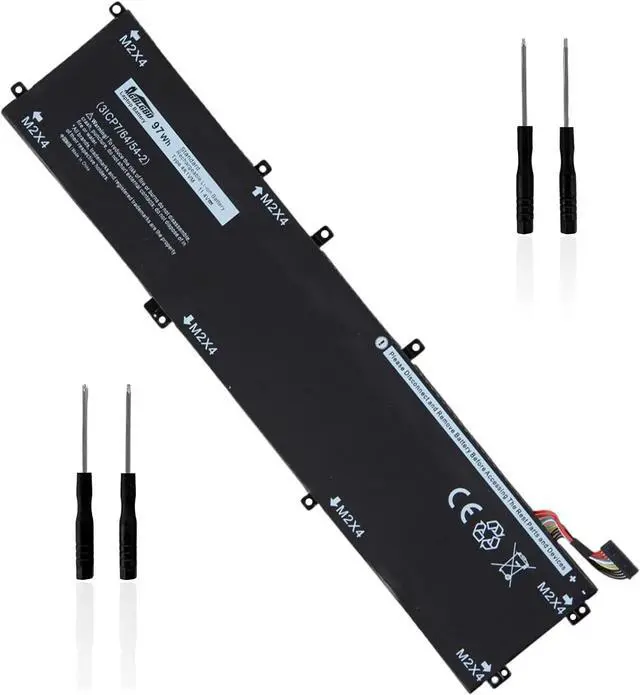
4K1VM Laptop Battery Replacement for Dell G7 17 7700 Gaming Series Precision 5530 5520 5540 Series, 8509mAh 6-Cell Li-ion Battery Compatible with Part Numbers NYD3W9TM7D, 09TM7D
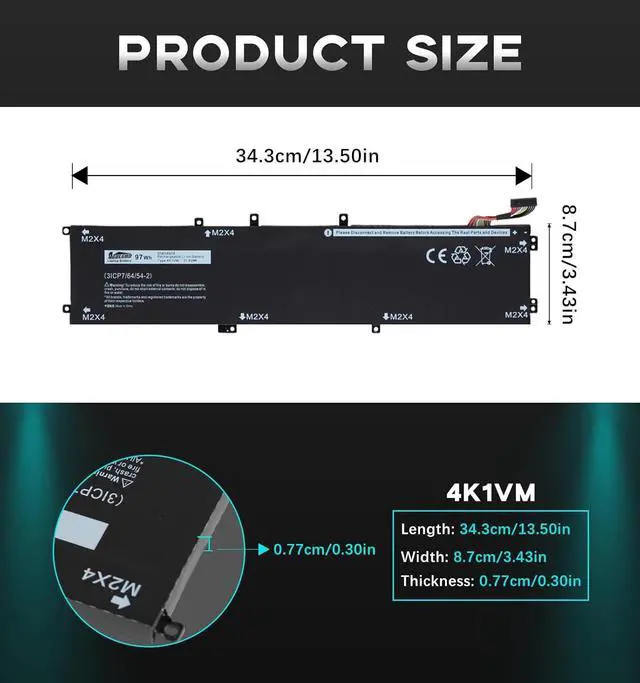
- Specifications: Replacement Battery 4K1VM for Dell, Voltage: 11.4V, Capacity: 97Wh, 8509mAh, 6-Cell. Type: rechargeable Li-ion battery, Package includes: 1 x 4K1VM battery, 1 x 5-IN-1 Screwdriver toolkit, 1 x User Manual. All our brand replacement laptop batteries are 100% brand-new from manufacturer owned by ourselves GBLGBD.
- Compatible with Laptop Models: Dell Precision 5530 5520 5540 Mobile Workstation Series, Inspiro 15 7591 7590 7501 Series, G7 17 7700 Gaming Series, Vostro 15 7500 Series, XPS 15 9570 9560 7590 Series.
- Replacement for Original Battery Part Numbers: 4K1VMNYD3W9TM7D09TM7DV0GMT0NYD3WNCC3DXYCW00XYCW00NCC3DW62W60W62W6.
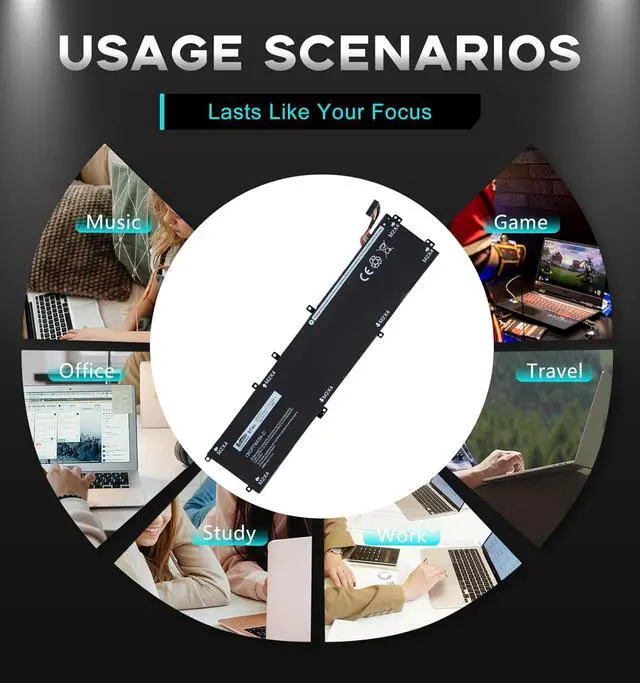
- All-Weather Battery Life: 97Wh high-density lithium-ion battery supports 4-6 hours of office work, fast charging up to 80% in 1 hour.
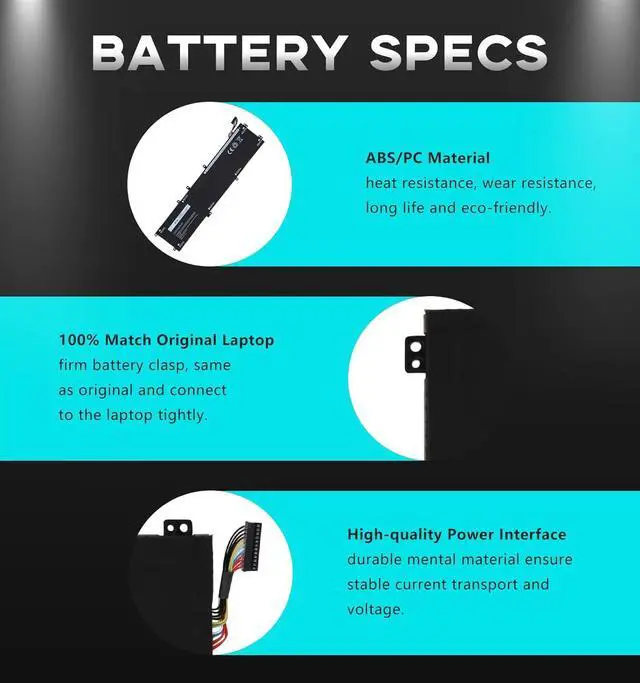
- Multiple Safety Protection: Built-in over-charging/over-discharging/overheating/short-circuit/over-current/over-voltage protection, CE/FCC/RoHS quadruple certification.
- Purchase Tips: Before purchasing, pl
+
+
Overview
Reviews
Any questions? Ask CelesteSM will help you find out quickly.
Try me now
Compatible W/ Laptop Models:
Dell Vostro 15 7500 Series
Dell G7 17 7700 Gaming Series
Dell XPS 15 9570 9560 7590Series
Dell Precision 5530 Mobile Workstation Series
Dell Precision 5520 Mobile Workstation Series
Dell Precision 5540 Mobile Workstation Series Dell Inspiro 15 7591 Series. (NOT fit for Inspiro 7591 2-in-1 Series)
Dell Inspiro 15 7590 Series. (NOT fit for Inspiro 7590 2-in-1 Series)
Dell Inspiro 15 7501 Series
Compatible / Original Battery Part Numbers:
4K1VMNYD3W9TM7D09TM7DV0GMT0NYD3WNCC3DXYCW00XYCW00NCC3DW62W60W62W6
NOTE:
Please check your battery part number, shape, size, connector type and laptop model before buy, thanks.
4K1VM Laptop Battery Replacement
Voltage Protection
Reserve Protection
Anti-static Protection
Over-power Protection
Over-charge Protection
Electromagnetic Safety
Over-current Protection
Short-circuit Protection
Over-discharge Protection
Over-temperature Protection
WHAT CAN YOU GET:
1 x 4K1VM battery
User Manual
5-IN-1 Screwdrivers Toolkit
GBLGBD is a registered US brand in the laptop battery market.
Compatible with laptop, safety and stability.
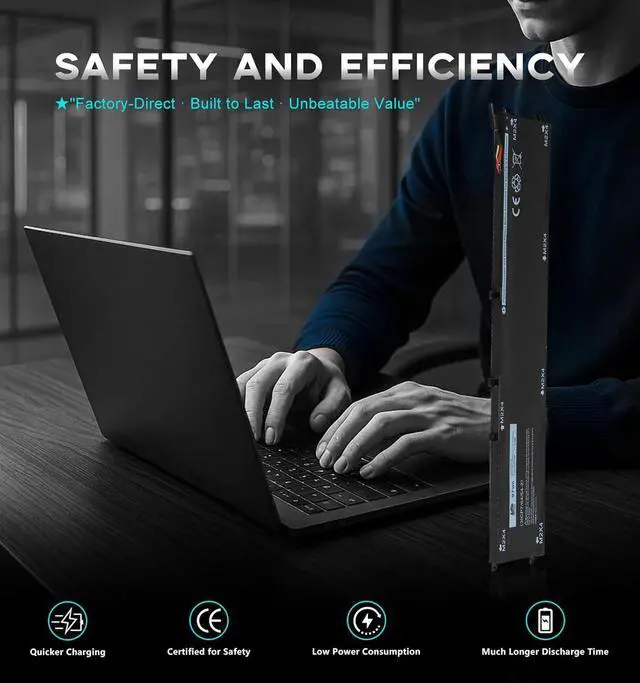
Quicker charging, true capacity to ensure efficiecy and much longer discharge.
Economical replacement for costly OEM batteries.
100% compatible to meet OEM specifications for safety and efficiency
Made of high quality materials and circuit board to ensure durability and performance.
7x24 message support, 30 days for return or exchange.
GBLGBD 4K1VM Battery KEY FEATURES:
Quicker Charge
Perfect Fit for Replacement
Super Safe with CE / FCC / RoHS
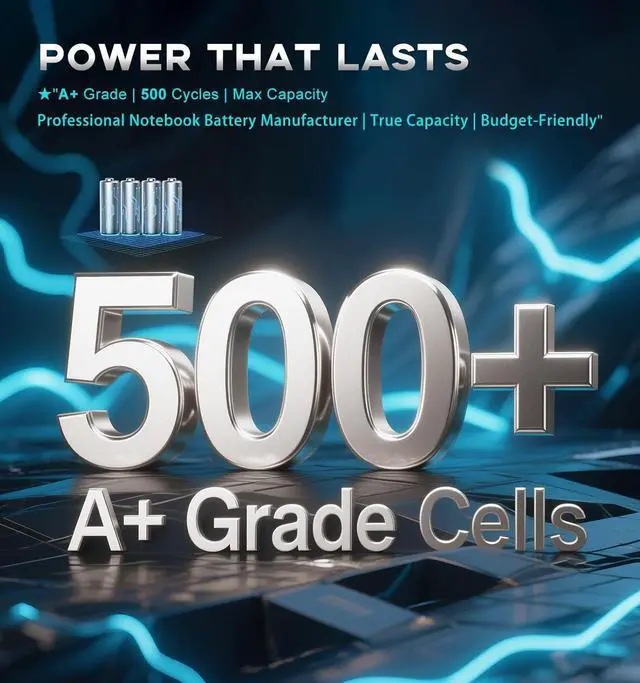
Extended Battery Life for 500+ Cycles
Easy & Fast Installation with Toolkit & User Guide
Efficient with Stable Output Base on A+ Grade Cells
Longer Discharge for Use Rely on 100% True Capacity
For rst time use you must activate the battery rst, 3 steps:
1. Install the battery into the laptop.
2. Connect the laptop to the adapter and turn on the power.
3. Start the boot. After that the battery can be used normally.
Charge your laptop in a cool, well-ventilated environment (ideally between 10°C and 30°C). High temperatures (e.g., leaving it in a hot car) can damage the battery even while charging.
For daily use, try to keep the battery level between 20% and 80%. This range minimizes stress on Li-ion cells and prolongs their lifespan.
If you need to store the laptop for a long time (e.g., months), charge it to 50% before storing it in a cool, dry place.
You can try the following methods to solve the problem:
Check the connections
Restart the laptop
Update device drivers and firmware
Check the power management settings
Run a battery diagnostic test
Reset the BIOS settings
Contact the manufacturer
Sometimes, a simple restart can fix minor software glitches.
Do not replace the laptop adapter casually. If the original adapter cannot be applied due to malfunction or damage, please replace the models, so as not to reduce the service life of the battery due to incompatibility.
Closing the laptop lid (sleep mode) saves more battery than shutting down is not right, Sleep mode uses small amounts of power to keep apps running. For storage or long periods of inactivity, shut down the laptop.
Please charge to 4050% Store in a cool, dry place, power off the laptop to prevent reduce the lifespan of a battery.
Warranty & Returns
Warranty, Returns, And Additional Information
Warranty
- Please contact the Seller directly for warranty information. Warranty information may also be found on the Manufacturer's website.
- CONTACT
Return Policies
- Return for refund within: 30 days
- Return for replacement within: 30 days
- This item is covered by Forestgrand Return Policy
Manufacturer Contact Info
- For a directory of all our manufacturers, please click below.
- Manufacturers Directory
LOADING...