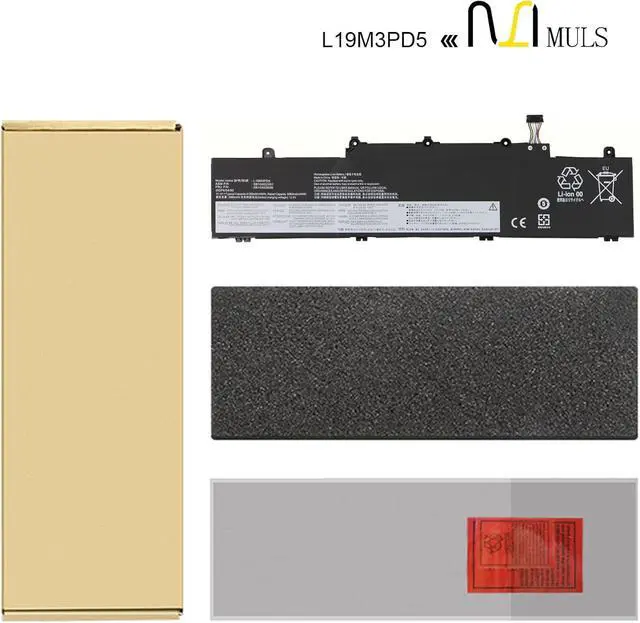
With the launch of its dedicated laptop battery line, MULS has established itself as a professional brand committed to meeting the global demand for reliable, high-performance replacement laptop batteries.Over the years, we have expanded our product portfolio to include premium batteries for robotic vacuums and extended our global presenceall while staying focused on our core strengths: precise compatibility, strict quality control, and long-lasting power.
The worldwide growing demand for durable replacement batteries has driven MULSs steady growth and earned us a trusted reputation among users across key global markets.
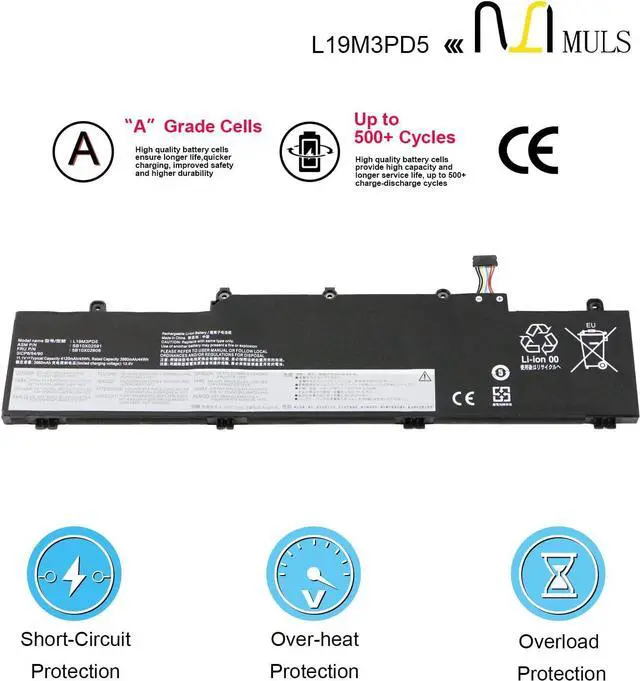
MULS specializes in high-grade replacement batteries compatible with a wide range of laptop models and robotic vacuums.Each battery is made with premium materials and built-in multiple safety protections, effectively solving common issues such as short battery life, sudden shutdowns, and degraded cells.Every MULS battery is precisely calibrated to match the power requirements of the original device, delivering a smooth and hassle-free user experience.
Power your laptop, keep your robotic vacuum running strongchoose MULS!
Specification:
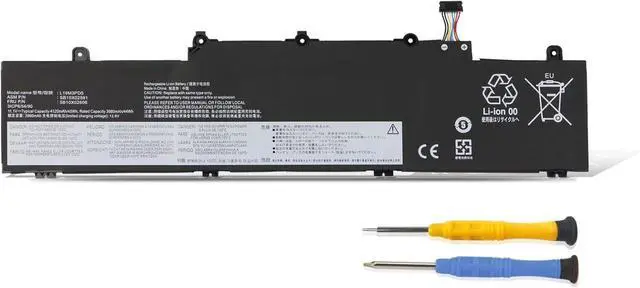
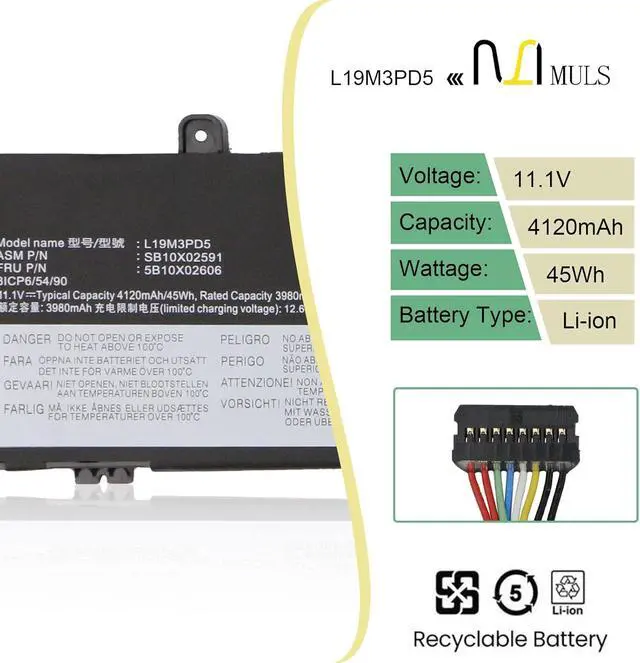
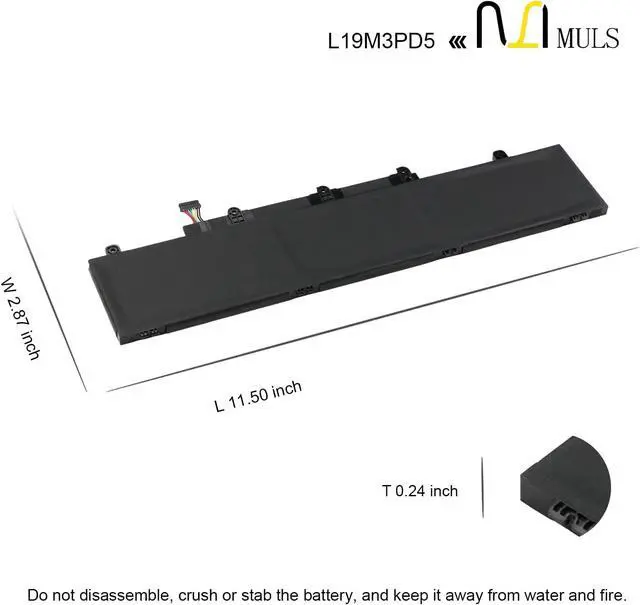
Battery Model: L19M3PD5
Voltage:11.34V
Capatity:45Wh 4000mAh
Replacement for Part Number
L19L3PD5 5B10X02603 SB10X02608
L19C3PD5 5B10X02600 SB10X02597
L19D3PD5 5B10X02594 SB10X02605
L19M3PD5 5B10X02606 SB10X02591
Compatible Laptop Models:
for Lenovo ThinkPad E14 Gen 2 (2020) Series
for Lenovo ThinkPad E14 Gen 3 (2021) Series
for Lenovo ThinkPad E14 Gen 4 (2022) Series
for Lenovo ThinkPad E15 Gen 2 (2020) Series
for Lenovo ThinkPad E15 Gen 3 (2021) Series
for Lenovo ThinkPad E15 Gen 4 (2022) Series
For Lenovo ThinkPad E14 Gen 2 (20T6, 20T7, 20TA, 20TB) series.
For Lenovo ThinkPad E14 Gen 3 (20Y7, 20YD, 20YE, 20YF) series.
For Lenovo ThinkPad E15 Gen 2 (20T8, 20T9, 20TD, 20TE) series.
For Lenovo ThinkPad E15 Gen 2 (20YG, 20YH,20YJ, 20YK) series.
Please open the back cover of your laptop to check the original battery size and capacity before placing an order. Please scroll down to the list to purchase.
1. Turn off your laptop and disconnect the power.
2. Disconnect the connection between the old battery and the motherboard to avoid unnecessary damage caused by disassembling the battery. Then unscrew the old battery screws one by one and carefully save each screw.
3. Remove the old battery, carefully connect the new battery to the mainboard, reinstall all the parts that have been removed earlier, and connect the wiring of the new battery.
4. If you don't understand the above steps, you can search the relevant installation tutorial video on YouTube for help.
1. New battery: Discharge the new battery to 10% (not 0%), then charging up to 95% and repeat 3-4 times to activate the maximum capacity.
2. Overuse: Do not always run out of a battery to 0%, that would damage the battery or shorten the usage life.
3. Charging sequence: when charging, first install the battery, then turn on the power, when fully charged, first cut off the power, then pull the power plug.
4. Fully charge the battery before long-term storage, and keep charging once a month.
Do not store the battery at low power circumstances.
Could be caused by battery loss. Please re-install the battery and make sure that the battery cable and the motherboard interface are tightly inserted.
Maybe due to conductive material damage which the laptop motherboard and battery anode and cathode contact position, you can try to confirm it with your original battery.
Check whether the battery drive is in normal condition, if not, download the corresponding driver software to update.
MULS L19M3PD5 Replacement Battery How to Install A New Battery: Tips for Battery Maintenance: Why the laptop does not recognize the battery




 here!